An audit ready receipt workflow is not about being perfect. It is about being able, on short notice, to pull a clean, dated, categorized trail of every business expense for the year, the quarter, or the month an auditor wants to see. The good news is that a small business owner or freelancer can build this workflow in an afternoon and maintain it with a few seconds of effort per receipt.
The four phases below take you from a stack of paper receipts and a phone full of photos to a tidy spreadsheet your accountant can hand to the IRS without follow-up questions.
Capture every receipt as soon as it arrives
The first phase is the easiest to skip and the hardest to fix later: getting the receipt into a system before it fades, gets coffee on it, or vanishes into a wallet you forget about for three months.
A reliable capture habit looks like this:
- Email and digital receipts forward them to a dedicated inbox the moment they arrive. Most receipt apps, including SlipSheet, watch that inbox and pull receipts in automatically.
- Paper receipts at the register snap a photo before you leave the store. The receipt is in focus, the total is readable, and you still have the paper if you want it.
- Paper receipts from the glove box or desk drawer batch them once a week. A short Sunday morning ritual is enough; a quarterly scramble is not.
The single rule that keeps this phase working: do not let a receipt sit overnight. Anything older than a day is already a small liability, because it is the kind of record that gets lost in a move, a laundry cycle, or a tax-prep panic.
Review and verify the extracted fields
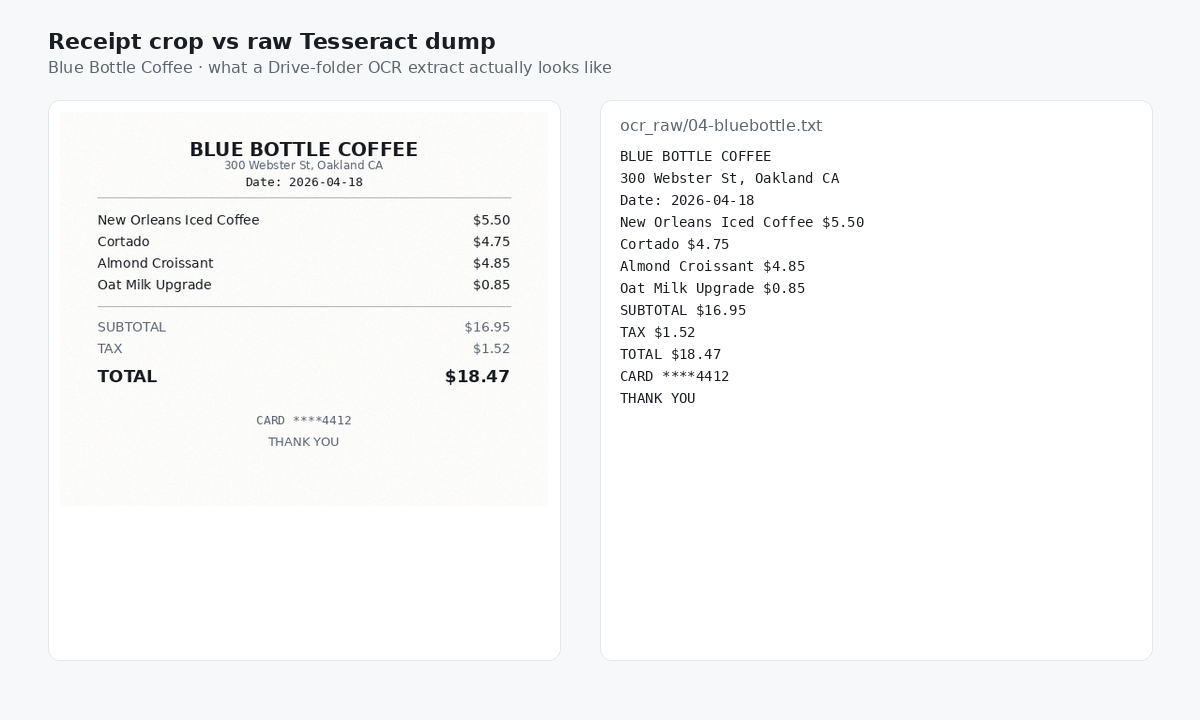
Once a receipt is captured, the next phase is confirming that the date, vendor, total, and tax amount came through correctly. Most OCR tools, SlipSheet included, do a good job on clean printed receipts. They stumble on thermal paper that has faded, on receipts with handwriting layered over the print, and on odd currency or unusual layouts.
A two-minute review per receipt is usually enough. Open the receipt, glance at the four fields that matter for an audit:
- Date must match the actual transaction date, not the date the receipt was printed or uploaded.
- Vendor must be the legal name of the business, not the trading name on the storefront.
- Total should match the amount on the receipt exactly, including the tip if one was added.
- Tax should be a separate line item so it can be reconciled against sales tax filings later.
If any of those fields are off, correct them once at this stage. Correcting them at tax time, six months later, is how small mistakes turn into big reconciling headaches.
Categorize and tag for easy retrieval
Categories are how an auditor, a bookkeeper, or future-you finds a specific expense without scrolling through 800 rows. The right category set is small and stable. Most small businesses do well with fewer than fifteen categories; freelancers can get away with eight or nine.
A common starter set:
- Meals and entertainment
- Travel (split this further into airfare, lodging, ground transport if your business travels a lot)
- Office supplies and software
- Professional services (accountant, lawyer, contractor)
- Marketing and advertising
- Utilities and rent
- Vehicle and mileage
- Bank fees and interest
Tags add a second axis. They are useful for tracking the same expense under multiple lenses: a client name, a project, a grant, or a location. Keep tag vocabulary short and consistent. A tag list that grows by two new tags every week becomes impossible to filter.
For audit purposes, the most important tag is the one that ties an expense to a specific project or client, because that is what an auditor will ask about first when they want to verify income allocation.
Export to your accountant or ledger
The last phase of the workflow is getting the cleaned, categorized data out of the receipt system and into the place where it actually counts for tax filings: your bookkeeping software, your accountant's spreadsheet, or both.
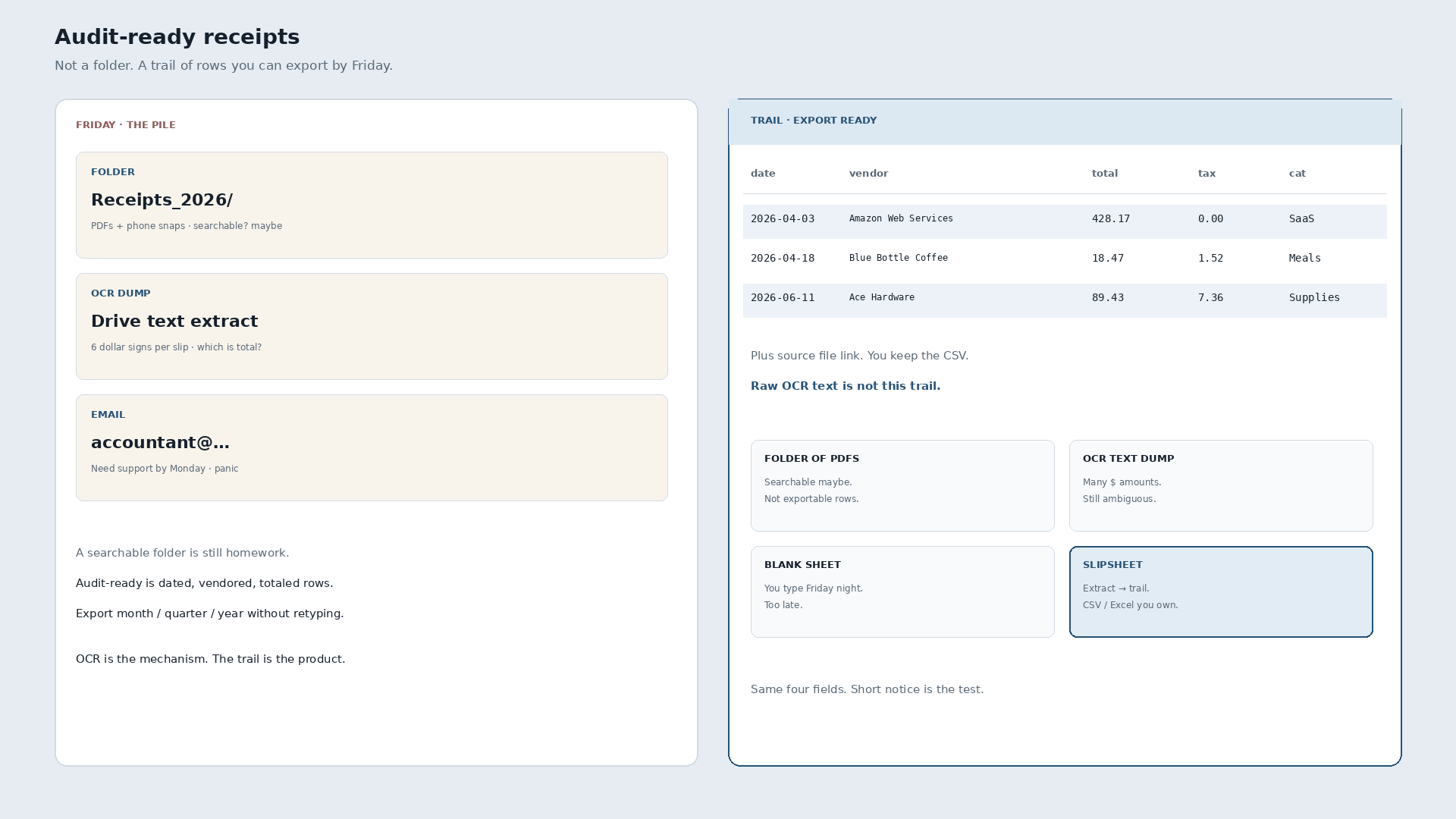
SlipSheet exports to CSV by default, which lands cleanly in Excel, Google Sheets, and QuickBooks. The export should include date, vendor, total, tax, category, tags, and the original receipt image link so the supporting document is one click away. If your accountant uses a specific format, run the export, open it, and confirm the column headers match what they expect before you ship the file.
A practical cadence:
- Weekly run the export and paste it into the current month's spreadsheet.
- Monthly reconcile the totals against your bank and credit card statements.
- Quarterly send the updated file to your bookkeeper if you have one.
- Yearly hand off the final package to your CPA at tax time. The file should already be audit ready, so this last step is a copy-paste, not a clean-up.
Common pitfalls to avoid
Three failure modes come up over and over:
- Receipts without dates. A receipt that does not record when the transaction happened is not a valid expense record. If the date is missing or unreadable, write the date on the receipt before you file it.
- Mixed personal and business purchases on one receipt. Split the receipt into two line items at the review stage so the personal portion never lands in your business ledger.
- Categorizing everything as "Miscellaneous." If your Miscellaneous category has more than five percent of your expenses, your category list is too thin. Break it apart before tax season.
Getting started
You do not need a perfect system on day one. You need a system that is better than the one you have today, and one that you will actually use. Capture every receipt the day you get it, spend two minutes verifying the key fields, drop it into a category, and export weekly. That is the entire audit ready receipt workflow.
SlipSheet is built around exactly this loop. Snap a photo or forward an email, confirm the four fields, tag it once, and export to a CSV your accountant can open without reformatting. Try it free at slipsheet.app.
FAQ
How long should I keep business receipts for an audit?
Keep business receipts for at least three years from the date you filed the original return, which is the IRS standard window. Keep records for seven years if the loss could be related to a bad debt or worthless security, and indefinitely for records tied to real property or payroll.
What makes a receipt audit ready?
An audit ready receipt shows the date of the transaction, the name of the vendor, the amount paid, and a description of what was purchased. It also needs to be legible, unaltered, and stored in a way that ties it back to the expense entry in your books.
Do I need to keep paper receipts or are digital copies enough?
Digital copies are accepted by the IRS as long as they reproduce the original document exactly, including any handwriting on the receipt. Paper receipts are still useful as backups, but the digital version is the primary record in most workflows today.
How should I categorize mixed personal and business expenses?
Split the receipt at the review stage into two line items, with the business portion filed under the right category and the personal portion excluded from your books. Document the split clearly so the personal amount is easy to identify later.
What is the fastest way to get receipts into a spreadsheet for my accountant?
Use a receipt app that exports a clean CSV with date, vendor, total, tax, category, and a link to the receipt image. SlipSheet, for example, runs on this exact pipeline so your accountant can open the file and start work without reformatting.