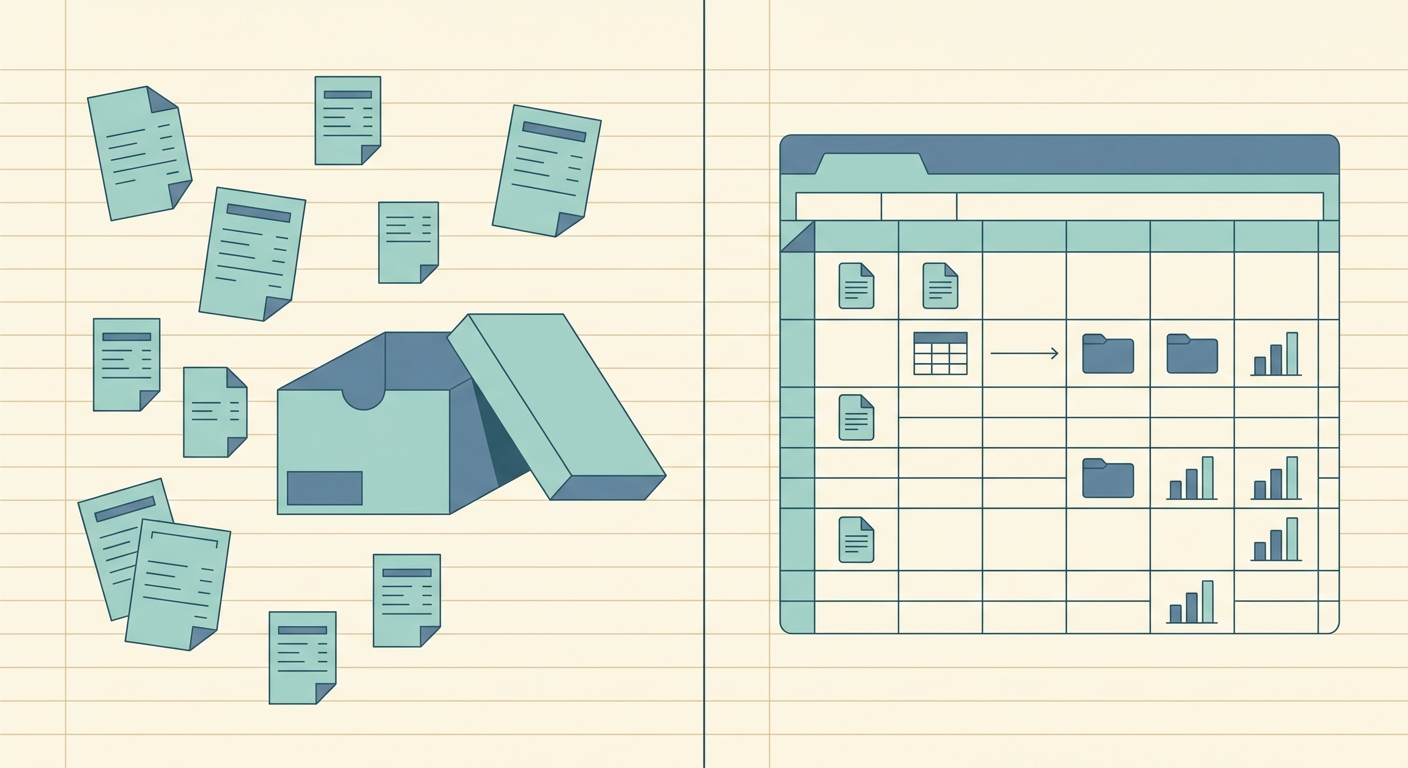
Dropbox is excellent for storing files, sharing folders, and keeping receipt photos backed up across devices. If your main need is simple cloud storage, it may already be doing the job. But if you are searching for a Dropbox receipt scanner alternative, you probably need more than a place to put images. You need receipt details turned into clean spreadsheet rows, with less copying, renaming, and manual cleanup.
SlipSheet is built for that narrower, practical workflow. It helps freelancers, small business owners, and bookkeepers capture receipts, extract the important details, review them, and export the results into a spreadsheet-friendly format. The goal is not to replace your whole file storage system. The goal is to reduce the busywork between a receipt image and an expense report.
What Dropbox does well
Dropbox is a strong general-purpose document hub. It is easy to upload receipt photos from a phone, sync them to a desktop, and share folders with a bookkeeper or team member. For businesses that already organize everything by client, month, or project, Dropbox can be a reliable place to keep source files.
It also works well when the receipt volume is low. If you only handle a few receipts each month, a folder named by month and a spreadsheet updated by hand may be enough. Dropbox gives you storage, backup, access control, and file sharing without forcing a complicated accounting workflow.
That flexibility is the benefit. Dropbox does not assume how your receipt process should work. You can create your own folder structure, rename files however you like, and share only the folders that matter. For teams that value a simple file cabinet in the cloud, that is useful.
Where it falls short for receipts
The limitation is that receipt storage is not the same as receipt processing. A folder full of images still leaves someone responsible for opening each receipt, reading the vendor, finding the date, checking the total, assigning a category, and entering the information into a spreadsheet or accounting system.
That manual step becomes painful as volume grows. A contractor with twenty receipts a month may tolerate it. A shop owner, consultant, property manager, or bookkeeper handling multiple clients may not. The problem is not that Dropbox is bad at storage. It is that the receipt workflow usually needs extraction, review, and export.
- Receipt photos can be easy to lose inside broad folder structures.
- File names rarely contain all the details needed for bookkeeping.
- Totals, tax, dates, and vendor names still need to be copied by hand.
- Shared folders do not automatically create spreadsheet-ready records.
- Bookkeepers may still need to chase missing context from clients.
If your end goal is a spreadsheet, Dropbox is usually only the first step. You still need a separate process to transform files into rows.
What SlipSheet does differently
SlipSheet focuses on the receipt-to-spreadsheet path. Instead of treating receipts as files that simply need storage, it treats them as records that need structure. You upload or capture the receipt, SlipSheet extracts the core fields, and you review the details before exporting them.
That makes it a better fit for people who want a lightweight workflow without adopting a full accounting platform. You can keep your existing bookkeeping system, spreadsheet template, or folder setup. SlipSheet sits in the middle, helping you convert receipt images into usable data faster.
A typical SlipSheet workflow looks like this:
- Collect receipt photos from purchases, client work, travel, or reimbursable expenses.
- Upload them to SlipSheet instead of leaving them buried in a storage folder.
- Review extracted fields such as vendor, date, total, and tax.
- Fix anything that looks wrong before it reaches your books.
- Export the cleaned data for a spreadsheet, reimbursement form, or bookkeeping review.
This keeps the workflow simple. You are not forced into a large software suite just to handle receipts, and you are not stuck copying values from images one by one.
Who should switch
SlipSheet is worth considering if your receipt folder has become a backlog instead of a system. If you regularly say, “I will enter these later,” then later spend an afternoon catching up, the process is costing you time. A focused scanner can reduce that recurring cleanup.
It is especially useful for spreadsheet-first users. Many freelancers and small businesses do not need complex accounting automation for every purchase. They need accurate columns, simple review, and an export they can hand to a bookkeeper or use for tax prep.
- Freelancers can track client expenses, supplies, subscriptions, and travel without rebuilding a spreadsheet from scratch.
- Small business owners can keep receipt data organized before month-end review.
- Bookkeepers can ask clients for structured exports instead of scattered images.
- Teams can create a cleaner handoff between receipt capture and expense reporting.
You do not need to abandon Dropbox completely. Many businesses can keep Dropbox as the archive and use SlipSheet for extraction. Store the original receipts wherever you like, but avoid using storage as a substitute for data entry.
Common migration questions
Moving from a folder-based receipt process does not have to be complicated. Start with a small batch, such as this month’s receipts or one client’s folder. Upload the receipts, review the extracted fields, and compare the export against your current spreadsheet. That gives you a practical test without changing the whole workflow at once.
If your team already uses Dropbox, you can keep the same naming conventions and archive habits. The main change is deciding which receipts should go through extraction before they are filed away. For example, reimbursable expenses, tax-deductible purchases, and client-billable costs are good candidates.
It also helps to standardize your export columns. Decide which fields matter before you process a large batch. Most small teams need vendor, date, total, tax, category, payment method, notes, and source file reference. Keeping those columns consistent makes the export easier to sort, filter, and hand off.
Getting started with a simpler receipt workflow
The best receipt system is the one you will actually use every week. If Dropbox is working as your file archive, keep it. But if you are still spending too much time turning receipt images into spreadsheet rows, add a tool that is built for that job.
Start by picking one folder or one month of receipts. Process that batch in SlipSheet, review the extracted data, and export it to your spreadsheet. If it saves time and reduces mistakes, make it part of your weekly routine instead of waiting for a month-end cleanup session.
Ready to turn receipt images into cleaner spreadsheet data? Try SlipSheet and build a receipt workflow that is easier to review, export, and share.
FAQ
Is Dropbox a good receipt scanner for small business expenses?
Dropbox is good for storing and sharing receipt images, but it does not turn them into spreadsheet-ready expense rows. If you need extraction and export, a focused tool like SlipSheet is usually a better fit.
Do I need to stop using Dropbox if I use SlipSheet?
No. Many teams keep Dropbox as their archive and use SlipSheet to extract receipt details before filing the original images.
What makes SlipSheet different from a cloud storage folder?
SlipSheet is designed to capture receipt data such as vendor, date, total, and tax, then help you review and export it. A storage folder only keeps the image.
Who is SlipSheet best for?
SlipSheet is best for freelancers, small business owners, and bookkeepers who want clean spreadsheet exports without adopting a full accounting platform.
Can I test SlipSheet with only one batch of receipts?
Yes. A good starting point is one month of receipts or one client folder, so you can compare the export against your current spreadsheet process.