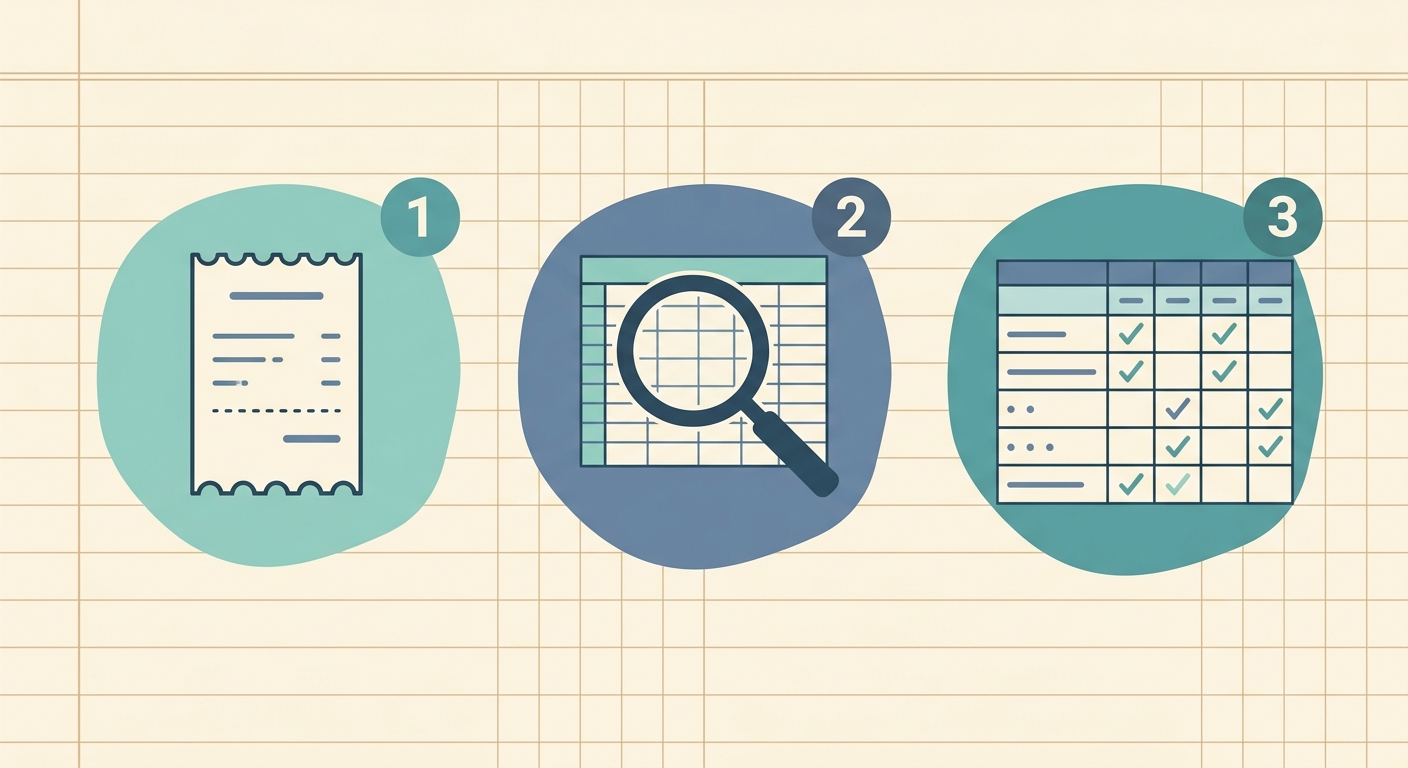
How to Make a Receipt Spreadsheet: A Guide to Effortless Expense Tracking
Managing receipts can feel like an endless chore, whether you are a small business owner, a freelancer, or simply trying to keep your personal finances in order. Piles of paper, scattered email attachments, and faded thermal prints can quickly turn into a stressful mess, making budgeting, tax preparation, and expense tracking a nightmare. But what if there was a simpler way to keep everything organized and accessible? The solution lies in learning how to make a receipt spreadsheet, a powerful tool that transforms chaotic receipts into structured, usable financial data.
Creating a dedicated receipt spreadsheet not only simplifies your financial life but also provides a clear, real-time overview of your spending. It helps you identify spending patterns, stick to budgets, and ensures you have all the necessary documentation come tax season. This guide will walk you through the essential steps to make a receipt spreadsheet effectively, from setting up your columns to automating data entry with innovative tools like SlipSheet.
What You Need to Make a Receipt Spreadsheet
Before you dive into organizing your expenses, it is helpful to gather the right tools and understand the commitment involved. While the process itself is straightforward, consistency is key to its success.
- Spreadsheet Software: You will need access to a spreadsheet program such as Microsoft Excel, Google Sheets, Apple Numbers, or a similar application. These platforms provide the basic framework for your data.
- Receipt Capture Method: This includes a smartphone with a good camera, a dedicated document scanner, or a system for forwarding email receipts. The goal is to get your physical and digital receipts into a usable format.
- Data Entry Tool: For efficient and accurate data entry, especially from receipt photos and emails, a specialized tool is invaluable. SlipSheet, for example, excels at converting these unstructured receipts into organized spreadsheet rows.
- Time and Consistency: Dedicate regular, short periods to process your receipts. Daily or weekly updates are far more manageable than a quarterly or annual marathon session.
1. Laying the Foundation: Designing Your Receipt Spreadsheet
The first crucial step to make a receipt spreadsheet is to design its structure. Well-defined columns ensure that all necessary information is captured and easily searchable. A logical layout will save you significant time and effort in the long run.
Here are the essential columns we recommend for your receipt spreadsheet:
- Date: The transaction date. This is critical for chronological tracking and tax purposes.
- Merchant: The name of the vendor or store where the purchase was made.
- Total Amount: The full amount of the transaction, including tax.
- Tax Amount: The specific amount of sales tax paid, if applicable. This can be useful for businesses or specific tax deductions.
- Category: A broad classification of the expense, such as 'Office Supplies,' 'Travel,' 'Meals,' 'Utilities,' 'Marketing,' or 'Personal.' Consistent categorization is vital for analysis.
- Payment Method: How the expense was paid, for example, 'Credit Card (Visa),' 'Debit Card,' 'Cash,' or 'PayPal.'
- Notes/Description: Any additional details about the purchase, such as 'Client lunch with John Doe' or 'Software subscription for Q3.'
- Receipt Link/Image: A link to a scanned image of the receipt or the receipt file itself, stored in cloud storage like Google Drive or Dropbox.
Consider adding other columns based on your specific needs, such as 'Project Code,' 'Client,' 'Reimbursable (Yes/No),' or 'Currency' if you deal with international transactions. The key is to create a structure that serves your unique financial tracking goals.
2. Gathering Your Data: Scanning and Uploading Receipts
Once your spreadsheet structure is ready, the next phase involves collecting your receipts and preparing them for data entry. This process differs slightly for physical versus digital receipts.
For Physical Receipts:
- Smartphone Camera: Most modern smartphones have excellent cameras that can capture clear images of receipts. Many apps offer scanning functionalities that can crop, enhance, and convert images to PDF. Ensure the entire receipt is visible, well-lit, and in focus.
- Dedicated Scanner: For higher volume or better quality, a dedicated document scanner can quickly process multiple receipts. Some scanners come with software that automatically organizes scanned documents.
- Organization: As you capture images, save them in a designated folder, ideally with a consistent naming convention, like 'YYYY-MM-DD_MerchantName.jpg.'
For Digital Receipts:
- Email Receipts: Forward email receipts to a specific inbox or directly to a service designed to process them.
- Online Portals: Download receipts directly from vendor websites or online accounts.
- Cloud Storage: Store all digital receipts in a cloud-based service (Google Drive, Dropbox, OneDrive) for easy access and backup.
The goal is to have all your receipt information, whether physical or digital, in a format that can be easily read and processed.
3. Automating Data Entry with SlipSheet
This is where the process of learning how to make a receipt spreadsheet truly becomes efficient. Manual data entry is time-consuming and prone to errors. This is precisely the problem that SlipSheet solves, transforming the tedious task into a quick, accurate operation.
SlipSheet is a powerful tool designed to turn your receipt photos and email receipts directly into structured spreadsheet rows. Instead of manually typing in dates, merchants, and totals, SlipSheet uses advanced technology to extract this information automatically.
How SlipSheet Streamlines Your Receipt Management:
- Capture Receipts: Simply take a photo of your paper receipt using your smartphone, or forward your digital email receipts to your unique SlipSheet email address.
- Automated Data Extraction: SlipSheet's intelligent system processes these inputs, accurately identifying key data points such as the date, merchant name, total amount, and even tax amounts.
- Review and Refine: The extracted data is then presented in a user-friendly interface, allowing you to quickly review, categorize, and make any necessary adjustments. You can assign categories, add notes, and link the original receipt image.
- Seamless Integration: Once reviewed, SlipSheet can export this data directly into your preferred spreadsheet format, or even integrate with popular accounting software. This means your receipt spreadsheet is populated with accurate data without you having to lift a finger for manual typing.
By leveraging SlipSheet, you dramatically reduce the time spent on data entry, minimize human error, and ensure your receipt spreadsheet is always up-to-date with precise financial information.
4. Reviewing, Refining, and Exporting Your Financial Data
After your data has been entered, whether manually or through automation like SlipSheet, the next critical step is to review and refine your receipt spreadsheet. This ensures accuracy and maximizes its usefulness.
- Data Verification: Always double-check the entries. Look for discrepancies in dates, amounts, or merchant names. While tools like SlipSheet are highly accurate, a quick review catches any edge cases.
- Categorization Consistency: Ensure all expenses are assigned to the correct, consistent categories. This is vital for accurate financial reporting and analysis. Use your spreadsheet's filtering and sorting functions to group similar transactions.
- Adding Context: Utilize the 'Notes/Description' column to add any pertinent details that might be helpful later. This could include project names, client references, or specific reasons for a purchase.
- Linking Receipts: If you are using a cloud storage solution for your receipt images, make sure the links in your spreadsheet are functional and point to the correct files.
- Regular Backups: Periodically back up your spreadsheet, especially if it is stored locally. Cloud-based spreadsheets like Google Sheets automatically save your work, offering an extra layer of security.
Using Your Receipt Spreadsheet:
Once your receipt spreadsheet is robust and accurate, it becomes an invaluable tool for:
- Budgeting: Track actual spending against your budget, identifying areas where you might be overspending.
- Tax Preparation: Easily pull reports for deductions, business expenses, and income tax filing, saving you hours of work.
- Expense Reimbursement: Generate clear reports for employer or client reimbursements.
- Financial Analysis: Gain insights into your spending habits over time, helping you make informed financial decisions.
Common Mistakes to Avoid When Making a Receipt Spreadsheet
While creating a receipt spreadsheet is straightforward, certain pitfalls can undermine its effectiveness. Being aware of these common mistakes can help you maintain an accurate and useful financial record.
- Inconsistent Data Entry: Using different formats for dates, varying category names, or inconsistent merchant spellings can make your data difficult to analyze and filter. Establish clear rules and stick to them.
- Delaying Data Entry: Procrastination is the enemy of organization. Waiting too long to enter receipts leads to overwhelming backlogs, lost receipts, and forgotten details. Process receipts regularly, ideally as they come in.
- Not Backing Up Your Data: Losing your meticulously organized spreadsheet due to a computer crash or accidental deletion can be devastating. Regularly back up your file to cloud storage or an external drive.
- Over-Complicating the Spreadsheet: While it is tempting to include every possible data point, too many columns can make the spreadsheet cumbersome and discourage regular use. Start with essentials and add complexity only when necessary.
- Ignoring Digital Receipts: Many people focus solely on paper receipts, forgetting about online purchases and subscriptions. Treat digital receipts with the same importance, ensuring they are saved and processed.
- Relying Solely on Manual Entry: Forgetting to leverage automation tools like SlipSheet means you are spending valuable time on repetitive data entry that could be better used elsewhere.
Start Your Journey to Organized Finances Today
Learning how to make a receipt spreadsheet is an investment in your financial well-being. By following these steps, you can transform a daunting task into an organized, efficient system. From designing your spreadsheet to automating data entry with powerful tools like SlipSheet, you are now equipped to take control of your receipts and gain clear insights into your finances. Stop dreading receipt season and start building a smarter, more streamlined approach to expense tracking. Ready to simplify your receipt management? Visit slipsheet.app to learn more and get started today.
FAQ
Why should I make a receipt spreadsheet?
A receipt spreadsheet helps you track spending, manage budgets, simplify tax preparation, and gain clear insights into your financial habits, leading to better financial decisions.
What are the most important columns for a receipt spreadsheet?
Essential columns include Date, Merchant, Total Amount, Tax Amount, Category, Payment Method, and Notes, ensuring all critical information is captured for each transaction.
How can SlipSheet help me manage my receipts?
SlipSheet automates data entry by converting receipt photos and email receipts into structured spreadsheet rows, saving you time and reducing errors compared to manual input.
Is it secure to upload my receipts to a service like SlipSheet?
Reputable services like SlipSheet prioritize data privacy and security, employing encryption and secure protocols to protect your sensitive financial information during upload and storage.
How often should I update my receipt spreadsheet?
To maintain accuracy and prevent overwhelming backlogs, it is best to update your receipt spreadsheet regularly, ideally daily or weekly, as receipts are received.