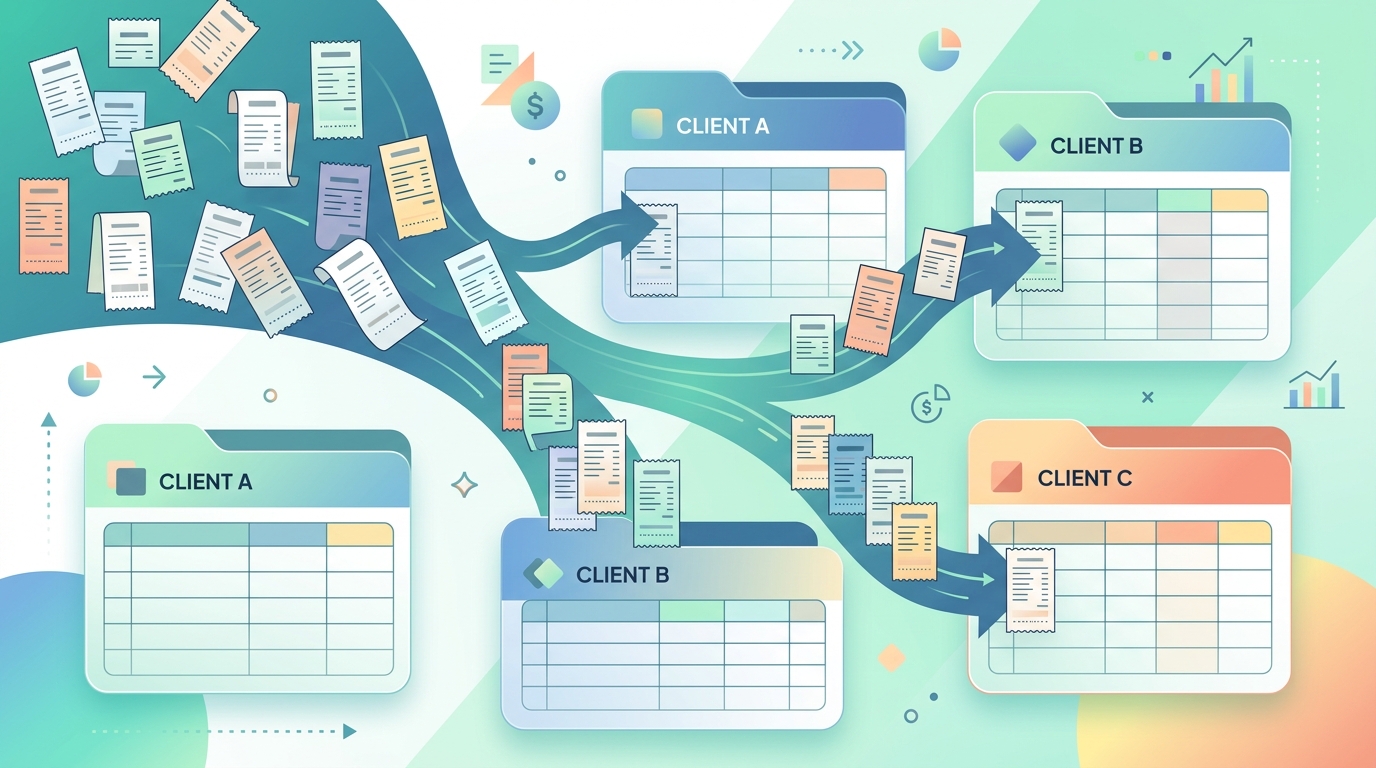
Managing receipts for one client is mostly a habit. Managing receipts for multiple clients is a system design problem. Project travel for Client A, software seats for Client B, shared supplies, subcontractor meals, and reimbursable expenses can land in the same inbox on the same day. The goal is to keep every receipt tied to the right client, project, category, tax period, and reimbursement path.
That matters because receipts are supporting documents. The IRS says good records help businesses prepare financial statements, track deductible expenses, prepare tax returns, and support items reported on returns. For agencies, consultants, bookkeepers, property managers, and fractional finance teams, “orderly” means client-aware from the start.
Start with a client-first receipt structure
A useful receipt workflow begins before OCR or bookkeeping software enters the picture. Decide what each receipt must prove and where it belongs. At minimum, every receipt should carry the client name, project or matter, expense category, purchase date, vendor, amount, payment method, and whether it is reimbursable, billable, internal overhead, or nonbillable.
The most common mistake is relying on one generic folder named “Receipts.” Use a structure that mirrors how you report expenses: client code, project, year-month, expense type, and status. This can live in folders, spreadsheet columns, or your accounting platform, but the fields should be consistent. If two people describe the same client three different ways, your reports will split the same work into multiple buckets.
Capture receipts immediately, then separate review from entry
The best receipt system is the one that catches documents while they still exist. Receipts hide in email, mobile camera rolls, vendor portals, wallet apps, PDF invoices, chat threads, and browser downloads. Set a rule that anything expense-related gets captured the same day, even if final coding happens later.
Separate capture from review. Capture is fast: upload the receipt, forward the email, save the PDF, or drop the image into an intake folder. Review is slower: confirm the client, category, tax treatment, reimbursement status, and notes. Mixing those steps creates a bottleneck.
A simple weekly cadence works well for most teams:
- Daily: capture receipts from email, phone photos, and vendor portals.
- Twice weekly: run OCR and normalize the output into rows.
- Weekly: review uncategorized items, attach client codes, and flag reimbursement issues.
- Month-end: export clean CSVs for bookkeeping, invoicing, or client reporting.
SlipSheet fits this middle layer well. It converts receipt files into spreadsheet-ready CSV data, which gives you a clean review table before information gets pushed into accounting software or a client reimbursement packet.
Use OCR, but keep human review in the loop
OCR is extremely useful for multi-client receipt management because it turns images and PDFs into searchable data. It can extract vendor names, dates, totals, tax amounts, line items, and sometimes payment details. But OCR should not be treated as a final authority. Faded thermal paper, cropped phone photos, handwritten tips, multi-page hotel bills, and foreign currency receipts can all confuse automated extraction.
The right pattern is “OCR first, review second.” Let OCR do the repetitive work, then have a person review the fields that affect money or reporting. For client work, the key review fields are client, project, reimbursable status, total amount, currency, tax, and business purpose. IRS Publication 463 also emphasizes adequate records and documentary evidence for travel, gift, and car expenses, so add notes when context matters.
Create a reimbursement and allocation policy
Multi-client receipt problems often come from policy gaps, not software gaps. If a $300 software subscription supports three clients, does it get split evenly, allocated by hours, charged to one client, or treated as overhead? If a consultant buys lunch while traveling for a client workshop, is it reimbursable at actual cost, subject to a meal cap, or excluded by contract?
Write a short receipt policy that answers what is reimbursable, what documentation is required, how shared expenses are allocated, who approves exceptions, and how quickly receipts must be submitted. Match that policy to client contracts. If contracts require receipts with reimbursement invoices, store the original receipt image and a spreadsheet export together. If clients only need summaries, keep the receipt trail internally so your books and tax records stay defensible.
Export clean CSVs that match your bookkeeping system
A receipt workflow is only successful if the final data can move cleanly into the next system. Before exporting, standardize column names. A useful multi-client receipt CSV might include date, vendor, total, tax, currency, payment method, client, project, category, reimbursable, invoice number, receipt file URL, and notes.
Keep categories aligned with your bookkeeping chart of accounts. If your books use “Meals,” do not export half the receipts as “Food,” “Lunch,” and “Client dinner.” If clients receive reimbursement reports, include client-friendly labels, but preserve internal accounting categories as separate fields.
SlipSheet is useful here because it gives you spreadsheet control. You can review extracted receipts in rows, sort by client, filter for blanks, check totals, and prepare a CSV that your accounting system or client reporting process can actually use. That is often faster than trying to force every messy receipt directly into bookkeeping software before it has been cleaned.
FAQs
What is the best way to manage receipts for multiple clients?
Use a client-first workflow: capture every receipt quickly, extract the details with OCR, add client and project codes, review reimbursable status, then export a clean CSV for bookkeeping or invoicing.
Should I keep original receipt images after exporting a CSV?
Yes. The CSV is useful for reporting, but original receipts are supporting documents. Keep the image or PDF linked to the exported row whenever possible.
Can OCR replace manual receipt review?
No. OCR speeds up data entry, but human review is still important for client assignment, project context, reimbursement rules, tax treatment, and unusual receipts.
How should I handle one receipt that applies to several clients?
Create an allocation rule, such as percentage split, hours-based split, or project usage. Record the rule in your notes so the split can be explained later.
What columns should a multi-client receipt spreadsheet include?
Include date, vendor, total, tax, currency, payment method, client, project, category, reimbursable status, receipt file link, invoice number, and notes.