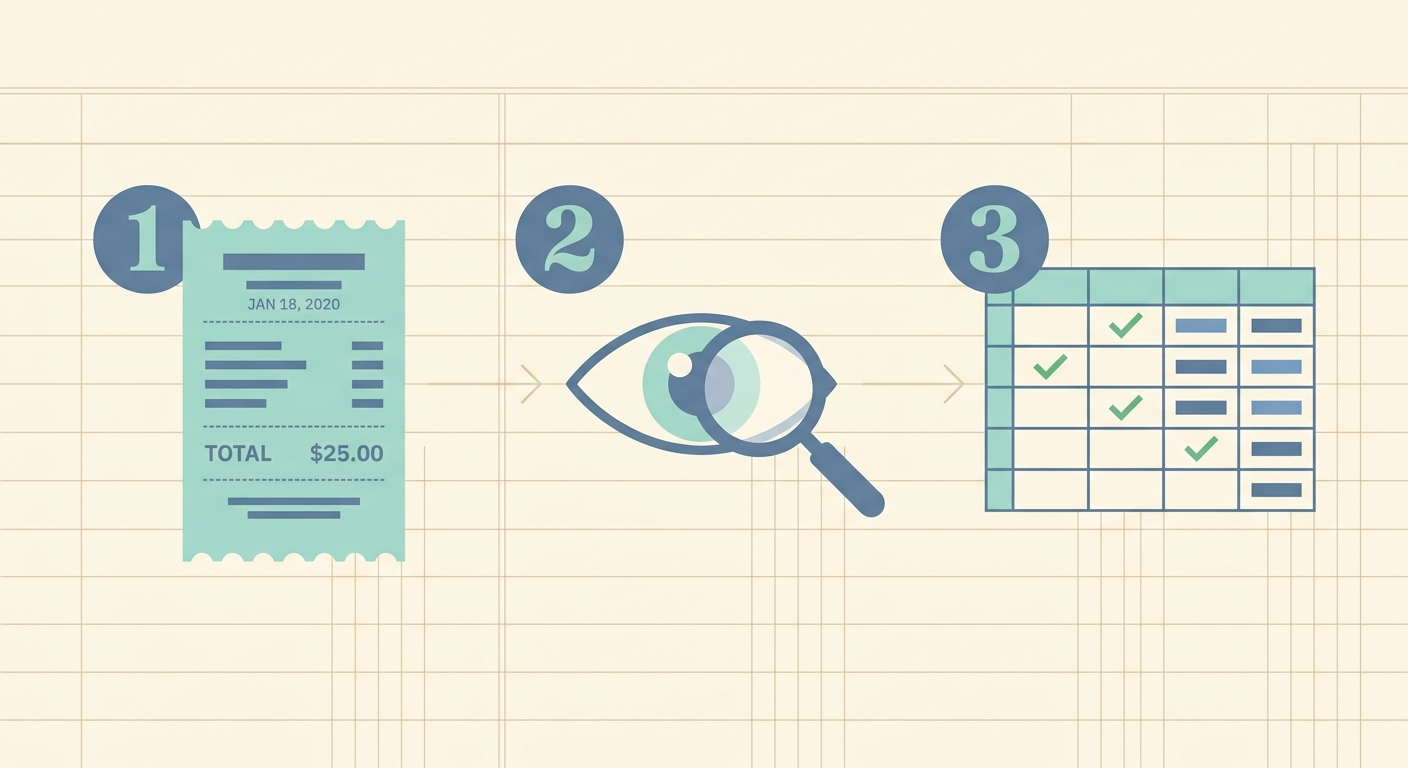
How to Read a Receipt for Expense Tracking: Your Ultimate Guide
In today's fast-paced world, managing finances effectively is more critical than ever, whether for personal budgeting, small business accounting, or large corporate expense reports. A fundamental aspect of this is accurate expense tracking, and at the heart of expense tracking lies the humble receipt. Learning how to read a receipt for expense tracking isn't just about tallying numbers; it's about capturing crucial data that informs financial decisions, ensures tax compliance, and provides a clear picture of your spending habits. This comprehensive guide will walk you through the process, from understanding receipt components to leveraging modern tools like SlipSheet to streamline your workflow.
What You Need to Read a Receipt for Expense Tracking Effectively
Before diving into the mechanics, let's identify the essential items and knowledge you'll need to successfully read and process your receipts for expense tracking.
- Physical Receipts: These are the paper slips you receive from merchants. Handle them carefully to prevent fading or damage.
- Digital Receipts: Many transactions now result in email receipts, PDF invoices, or online purchase confirmations. These are often easier to manage, but still require attention.
- A System for Organization: Whether it's a physical folder, a dedicated email inbox, or a sophisticated digital tool like SlipSheet, having a system is paramount.
- Basic Understanding of Receipt Components: Knowing what information to look for will make the process much more efficient.
- A Smartphone or Scanner: For digitizing physical receipts, a good camera or a scanner is invaluable.
Phase 1: Gather Your Receipts
The first step in any effective expense tracking system is consistent receipt collection. Without the raw data, there's nothing to track. This phase focuses on ensuring you capture every relevant receipt, regardless of its format.
- For Physical Receipts: Develop a habit of immediately storing paper receipts in a designated wallet slot, envelope, or small pouch. Avoid crumpling them or leaving them exposed to sunlight, which can cause the thermal print to fade quickly. If a receipt is particularly long or contains sensitive information, consider making a quick scan or photo of it as soon as possible.
- For Digital Receipts: Create a specific email folder or label for all your digital receipts. Many people set up an auto-forwarding rule or manually forward these emails to a central expense management system. Tools like SlipSheet allow you to simply forward your email receipts directly to a unique address, eliminating the need for manual data entry. This proactive approach ensures no digital transaction slips through the cracks.
- Timely Collection is Key: The longer you wait to collect and process receipts, the higher the chance of misplacing them or forgetting the context of the expense. Make it a daily or weekly routine to gather and prepare your receipts for the next phase.
Phase 2: Upload or Capture Receipts with SlipSheet
Once your receipts are gathered, the next crucial step is to convert them into a usable, digital format. This is where modern tools like SlipSheet significantly simplify how you read a receipt for expense tracking by automating data extraction.
- Taking Clear Photos of Physical Receipts: For paper receipts, use your smartphone camera or a scanner. Ensure the photo is well-lit, in focus, and captures the entire receipt without shadows or glare. SlipSheet's intelligent OCR (Optical Character Recognition) technology works best with clear images, accurately pulling out details like vendor name, date, and total amount.
- Forwarding Email Receipts Directly to SlipSheet: One of SlipSheet's most powerful features is its ability to process email receipts. Instead of manually typing out details from an online order confirmation, simply forward the email to your unique SlipSheet address. The system will automatically parse the content, identify the relevant expense data, and prepare it for your review.
- Benefits of Automation: By using SlipSheet for this phase, you dramatically reduce the time spent on manual data entry and minimize the risk of human error. It transforms a tedious chore into a quick, efficient process, making it far easier to maintain accurate expense records.
Phase 3: Review Extracted Fields for Accuracy
Even with advanced automation, a quick human review is always a good practice to ensure everything is perfect. This phase involves understanding what information to look for on a receipt and verifying that SlipSheet has accurately extracted it.
- Vendor Name: Identify the business from which the purchase was made. This is usually prominently displayed at the top or bottom of the receipt.
- Date of Transaction: The exact date and sometimes time of the purchase. This is crucial for chronological tracking and reconciliation.
- Total Amount: The final amount paid, including taxes and any tips. Double-check this against your bank statement.
- Line Items (Description, Quantity, Price): For detailed tracking, look at what was purchased, how many, and the individual price. This helps in categorizing expenses accurately.
- Tax Amount: Separately identify sales tax or VAT, if applicable. This can be important for tax deductions.
- Payment Method: Often indicated as cash, credit card type, or mobile payment. This helps in reconciling transactions.
- Currency: Essential for international travel expenses to ensure correct conversion.
- Tips/Gratuities: If applicable, ensure this is clearly recorded, especially for business meals.
- Business Purpose: While not always on the receipt itself, adding a brief note about the business reason for the expense is vital for tax purposes and internal auditing. SlipSheet allows you to easily add notes or categorize expenses after extraction.
- Using SlipSheet's Review Interface: After processing, SlipSheet presents the extracted data in an easy-to-read format. Take a moment to scan these fields, making any minor corrections if necessary. This ensures the highest level of accuracy before the data is finalized.
Phase 4: Export or Share Your Expense Data
With your receipt data accurately captured and verified, the final phase involves getting that data into the systems where it's most useful. SlipSheet excels at making this process seamless, transforming raw receipt information into actionable insights.
- Exporting to Spreadsheets (CSV, Excel): The most common destination for expense data is a spreadsheet. SlipSheet allows you to export your organized receipt rows into CSV or Excel formats with a single click. This is ideal for detailed analysis, custom reporting, or simply maintaining a clear, categorized record of all your expenditures.
- Integrating with Accounting Software: While SlipSheet focuses on the initial data capture and organization, the clean, structured data it provides is perfectly formatted for import into popular accounting software. This reduces the manual data entry typically required when moving from receipts to your chosen accounting platform.
- Sharing with Accountants or Team Members: If you work with an accountant or need to share expense reports with team members, SlipSheet simplifies this collaboration. You can share access to specific expense data or simply provide them with the exported spreadsheets, saving everyone valuable time. This streamlined sharing capability is particularly beneficial during tax season or budget reviews.
Common Mistakes to Avoid When You Read a Receipt for Expense Tracking
Even with the best intentions, several pitfalls can hinder effective expense tracking. Being aware of these common mistakes can help you maintain accurate records and avoid future headaches.
- Faded or Unreadable Receipts: Delaying the digitization of paper receipts often leads to them becoming unreadable. Always process paper receipts promptly.
- Missing Essential Information: Sometimes, a receipt might lack a clear date or vendor name. If possible, try to fill in this information immediately or make a note explaining the missing detail.
- Delaying Expense Entry: Procrastination is the enemy of accurate expense tracking. The longer you wait, the harder it becomes to remember the context or purpose of an expense.
- Not Categorizing Expenses Properly: Vague or inconsistent categorization makes it difficult to analyze spending patterns or prepare for tax season. Establish clear categories and stick to them.
- Ignoring Digital Receipts: It's easy to overlook email receipts, assuming they are safely stored in your inbox. However, they still need to be processed and categorized like physical receipts.
- Not Using Automation Tools: Relying solely on manual data entry is time-consuming and prone to errors. Automation tools like SlipSheet are designed to alleviate this burden and improve accuracy.
Mastering how to read a receipt for expense tracking is a valuable skill that empowers you with greater financial control. By understanding the components of a receipt, adopting a systematic approach to collection and review, and leveraging powerful automation tools, you can transform a once tedious task into an efficient and accurate process. This not only saves you time but also provides invaluable insights into your financial health, ensuring you are always prepared for budgeting, tax season, and informed decision-making.
Ready to simplify your expense tracking? Discover how SlipSheet can turn your receipt photos and email receipts into organized spreadsheet rows effortlessly. Visit slipsheet.app to get started today!
FAQ
Why is it important to accurately read a receipt for expense tracking?
Accurate receipt reading ensures precise financial records, helps with budgeting, and is crucial for tax compliance and audits. It prevents discrepancies and provides a clear picture of spending, which is vital for both personal and business finance.
What are the most critical pieces of information to extract from a receipt?
The most critical details are the vendor name, date of transaction, total amount, and a clear description of the items or services purchased. These elements form the core of any expense record and are essential for proper categorization and reconciliation.
How can SlipSheet help with reading and tracking receipts?
SlipSheet automates the process by converting receipt photos and email receipts into organized spreadsheet rows. It intelligently extracts key data fields such as vendor, date, and total, saving significant time and reducing manual entry errors for efficient expense tracking.
What should I do if a receipt is faded or unreadable?
If possible, try to obtain a digital copy or a duplicate from the vendor immediately. For physical receipts that are fading, quickly take a clear photo or manually transcribe the essential details before they become completely illegible, then use a tool like SlipSheet to process the image.
Is it necessary to track every single expense, no matter how small?
While general guidance often suggests tracking all expenses for a complete financial picture, the necessity depends on your specific goals. For tax purposes or business accounting, nearly all expenses should be tracked; for personal budgeting, you might focus on larger or categorized expenditures.