How to Reconcile Receipts with Bank Statements for Financial Clarity
Reconciling receipts with bank statements is a fundamental practice for anyone seeking true financial clarity, whether for personal budgeting, small business accounting, or tax preparation. It is the process of comparing your records of transactions, primarily your receipts, against the official records provided by your bank. This diligence helps identify discrepancies, prevent errors, and ensure every dollar spent or received is accounted for. While traditionally a tedious, paper-heavy task, modern tools like SlipSheet are transforming how individuals and businesses approach this critical financial ritual, making it faster and more accurate than ever before.
In this comprehensive guide, we will walk you through the essential steps to effectively reconcile receipts with bank statements. We will cover what you need, detail a streamlined process powered by SlipSheet, highlight common pitfalls to avoid, and ultimately empower you to take control of your financial records with confidence and ease.
What You Need to Reconcile Receipts with Bank Statements
Before you begin the reconciliation process, gathering the right tools and information is essential. Having everything organized upfront will save you time and frustration.
- Bank Statements: Obtain your bank statements for the period you wish to reconcile. Digital statements are often easier to work with, but paper copies are also fine.
- All Your Receipts: This includes physical paper receipts, digital receipts from online purchases, and email receipts. The more complete your collection, the more accurate your reconciliation will be.
- A Reliable Receipt Management Tool: This is where SlipSheet shines. It acts as your central hub for digitizing, organizing, and extracting data from all your receipts.
- Spreadsheet Software: Programs like Microsoft Excel, Google Sheets, or Apple Numbers are invaluable for comparing data once it is extracted and organized.
- Dedicated Time: Set aside a specific time without distractions. Regular, consistent reconciliation prevents an overwhelming build-up of transactions.
Phase 1: Gather and Digitize Your Receipts with SlipSheet
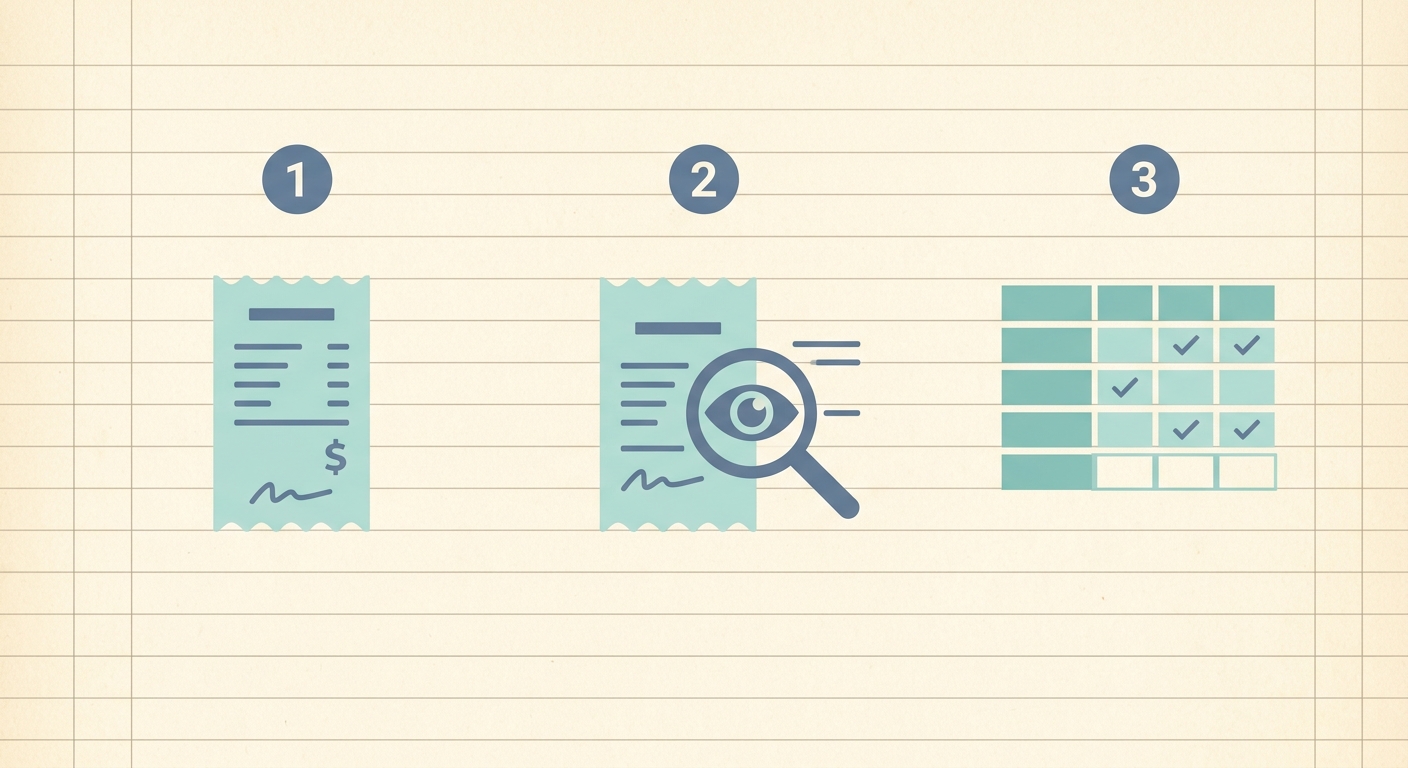
The first and often most daunting step in the reconciliation process is collecting and organizing all your transaction records. This is precisely where SlipSheet revolutionizes the traditional approach.
-
Collect Every Receipt: Make it a habit to collect a receipt for every single purchase, no matter how small. Physical receipts can quickly accumulate, creating clutter and increasing the risk of loss. For online purchases, ensure you save or forward email receipts.
-
Upload or Capture with SlipSheet: This is the core of efficient receipt management. Instead of manually typing data into a spreadsheet, SlipSheet automates the process:
- For Physical Receipts: Simply use your smartphone camera to take a clear picture of the receipt within the SlipSheet app. SlipSheet's intelligent OCR technology will read the receipt, extracting key information such as the vendor name, date, total amount, and even individual line items.
- For Email Receipts: Forward your digital receipts directly to your unique SlipSheet email address. SlipSheet will automatically process these emails, extracting the relevant transaction details and adding them to your digital ledger.
-
Automatic Data Extraction: SlipSheet's powerful capabilities go beyond just capturing images. It automatically parses the data, transforming unstructured receipt information into structured, usable spreadsheet rows. This significantly reduces manual data entry errors and saves countless hours, allowing you to focus on the actual reconciliation rather than data input.
Phase 2: Review and Verify Extracted Fields
While SlipSheet is highly accurate, a quick human review of the extracted data is a crucial step to ensure absolute precision before you reconcile receipts with bank statements.
-
Check for Accuracy: After SlipSheet processes your receipts, take a moment to review the extracted fields. Verify that the vendor name, date, and especially the total amount match what is printed on the original receipt. If any minor corrections are needed, SlipSheet allows for easy editing directly within its interface.
-
Add Essential Details: Beyond the basic transaction data, you might want to add custom fields or notes. For instance, categorizing your expenses (e.g., 'Groceries', 'Utilities', 'Travel') is vital for budgeting and tax purposes. SlipSheet often allows you to add these categories directly, making your data even more useful for analysis.
-
Ensure Consistency: Maintaining consistent categorization and naming conventions across all your receipts will make the reconciliation process smoother and your financial reports more meaningful. This consistency is key for accurate financial tracking.
Phase 3: Compare and Reconcile with Bank Statements
With your receipt data meticulously organized and verified by SlipSheet, you are now ready for the core task: comparing it against your bank statement to reconcile receipts with bank statements.
-
Export Your Data: Once all your receipts for the period are processed and reviewed in SlipSheet, export the data. SlipSheet typically allows you to export your organized transactions into a CSV file or directly into a spreadsheet format, which can then be opened in Excel, Google Sheets, or your preferred accounting software.
-
Side-by-Side Comparison: Open your exported receipt data alongside your bank statement. The goal is to match each transaction on your bank statement with a corresponding entry from your SlipSheet-generated receipt list. Look for matches based on three primary criteria: date, amount, and vendor name.
-
Identify Discrepancies: As you go through each transaction, mark off items that match. Pay close attention to any items that do not match:
- Transactions on Bank Statement Without a Receipt: These could be subscriptions, forgotten purchases, or even fraudulent activity. Investigate each one.
- Receipts Without a Corresponding Bank Transaction: This might indicate a pending transaction, a duplicate receipt, or a transaction from a different account.
- Amount or Date Mismatches: Small differences could be due to tips, foreign exchange rates, or simple errors. Larger discrepancies warrant immediate investigation.
-
Resolve Discrepancies: For every unmatched item, take action. This might involve finding a missing receipt, contacting the vendor for clarification, or even alerting your bank to potential fraud. Document all resolutions for future reference.
-
Final Balance Check: After matching and resolving all items, your reconciled receipt total should align with your bank statement's cleared transactions. This confirms the accuracy of your financial records.
Common Mistakes to Avoid When Reconciling Receipts
Even with the best tools, certain habits can undermine your reconciliation efforts. Being aware of these common pitfalls can help you maintain an accurate financial picture.
-
Procrastination: Delaying reconciliation leads to an overwhelming pile of receipts and transactions. This makes it harder to remember details and resolve discrepancies, increasing the likelihood of errors.
-
Missing Receipts: Failing to collect or retain every receipt is a major obstacle. Without a complete set of records, accurately matching transactions becomes impossible.
-
Inconsistent Categorization: Randomly assigning categories or using vague descriptions hinders financial analysis and makes it difficult to track spending patterns or prepare for taxes.
-
Ignoring Small Discrepancies: Even minor differences in amounts should be investigated. Small errors can sometimes indicate larger underlying issues or add up over time.
-
Relying Solely on Memory: Financial details can be complex. Do not rely on your memory to fill in gaps. Always refer to documented receipts and statements.
-
Manual Data Entry: The most common source of error is manual data input. This is precisely why tools like SlipSheet are invaluable, as they automate data extraction, significantly reducing human error.
Streamline Your Financial Future with SlipSheet
Reconciling receipts with bank statements is a non-negotiable step for sound financial management. While it can seem complex, leveraging the right technology can transform it from a dreaded chore into a straightforward, efficient process. SlipSheet empowers you to effortlessly capture, organize, and extract data from all your receipts, laying a robust foundation for accurate reconciliation. By adopting the systematic approach outlined above, and integrating SlipSheet into your routine, you will gain unparalleled insight into your spending, ensure financial accuracy, and free up valuable time. Take control of your finances and simplify your life today.
Discover how easy it is to manage your receipts and reconcile your accounts. Visit slipsheet.app to get started!
FAQ
Why is it important to reconcile receipts with bank statements?
It helps ensure financial accuracy, identify errors or fraud, and provides essential documentation for taxes or budgeting. This process offers a clear picture of your spending.
How often should I reconcile receipts?
For optimal financial health, it is best to reconcile at least monthly. Regular reconciliation prevents an overwhelming build-up of transactions and makes discrepancies easier to spot and resolve.
What should I do if a receipt amount doesn't match my bank statement?
First, double-check both the receipt and the bank statement for any simple data entry errors or misreadings. If the discrepancy persists, contact the vendor or your bank for clarification.
Can SlipSheet help with categorizing expenses?
Yes, SlipSheet extracts key information like vendor and amount, and allows for categorization. This feature makes it easier to organize your spending data for reconciliation and financial analysis.
Is it safe to upload sensitive receipt information to a tool like SlipSheet?
Reputable tools like SlipSheet prioritize data security with encryption and secure storage protocols. Always check the privacy policy of any service you use to understand how your data is protected.