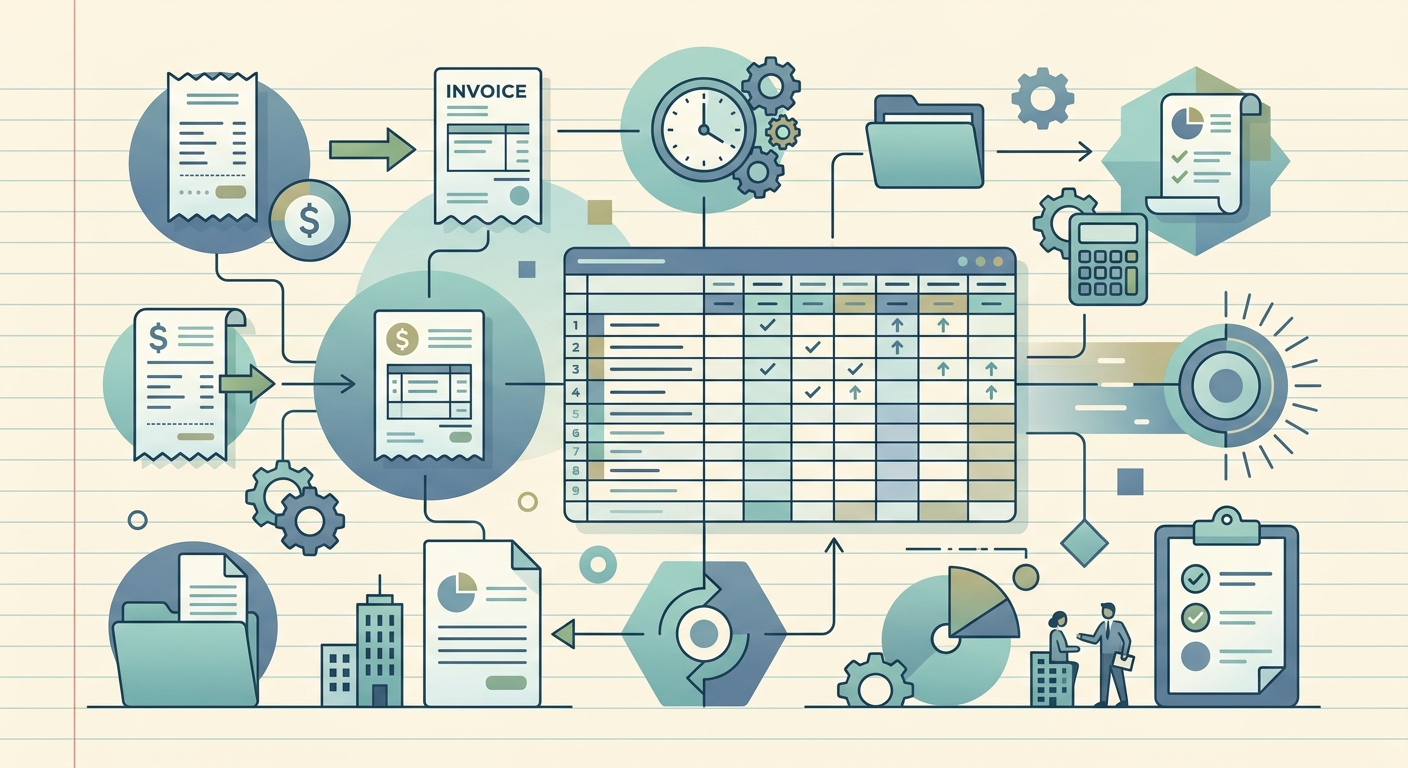
Month end close doesn't have to eat your first week of the new month. For most small business owners, freelancers, and bookkeepers, the close process is the same scramble every month: dig through email, chase receipts from clients, retype totals into a spreadsheet, and pray nothing got missed. The good news is that the close can shrink from a multi-day ordeal into an afternoon, as long as the right handoffs are in place. This guide walks through a four-step workflow that turns month end into a predictable, repeatable process.
What you need
Before you start closing, gather the building blocks. You will need:
- A single inbox or folder for receipts. Email, a dedicated cloud folder, or a label in your accounting tool all work. Pick one place and commit to using it for every receipt that comes in.
- Bank and credit card statements for the month, downloaded as PDFs or exported as CSV.
- A list of recurring vendors, so you can quickly confirm charges like SaaS subscriptions, rent, and utilities matched up correctly.
- SlipSheet, for the OCR and data extraction step. The whole point of the workflow is to skip the manual typing.
- 30 to 90 minutes of focused time. The first close will take longer. By month three, you should be able to finish inside an hour.
Once you have these in place, you are ready to run the close.
Step 1: Gather your receipts
The first step is also the one that causes the most pain when it gets skipped. Walk back through the month and pull every receipt, invoice, and bill into one place. Forward emailed receipts to your capture folder. Photograph paper receipts as they arrive, or drop them in a weekly batch. Pull any client invoices you issued and any 1099-eligible payments you made.
The goal of this step is completeness, not perfection. A receipt scribbled on the back of a napkin counts, as long as you have a record of the vendor, amount, and date. If something is missing, send a quick message to the vendor or client now, while the month is still fresh. Chasing receipts in two weeks is the single biggest time-sink in a typical close.
Set a hard deadline: all receipts must be in the folder by the second business day of the new month. Anything that arrives after that goes into next month's close.
Step 2: Upload or capture with SlipSheet
Open SlipSheet and point it at your receipt folder. You can upload PDFs, drop in image files, or use the mobile capture flow to snap new receipts the moment they arrive. SlipSheet reads each document, extracts the vendor, date, line items, tax, and total, and writes a clean row into your sheet.
For paper receipts, the mobile option is fastest. Open the SlipSheet app, tap capture, and snap a photo. The receipt is uploaded, parsed, and added to the sheet in a few seconds. Doing this throughout the month means that by the time month end arrives, most of your work is already done.
Bank and credit card statements get the same treatment. Upload the PDF and let SlipSheet pull the transaction lines. You will end up with one consolidated sheet that contains receipts, bank lines, and card lines, all in the same format.
Step 3: Review extracted fields
SlipSheet's job is to lift the data off the page. Your job is to make sure the data is right. Open the sheet and scan the extracted rows. Look for three things:
- Wrong totals. OCR misreads are rare but they happen, especially on faded thermal receipts. Spot check the larger amounts first.
- Mis-categorized vendors. A new vendor might land in a generic bucket. Assign the right category so the totals roll up correctly.
- Missing receipts. Compare the receipt list against your bank and card statements. Any charge over a threshold (say, $25) without a matching receipt needs follow-up.
Most reviewers can clear a month of receipts in 20 to 30 minutes once they are familiar with the categories. The first time will take longer, because you will be assigning categories you have never used before. Save yourself the work next month by storing the category map inside SlipSheet.
Step 4: Export or share the data
When the review is clean, export the sheet. SlipSheet produces a CSV that drops straight into QuickBooks, Xero, Wave, or a plain Google Sheet. If you work with a bookkeeper or accountant, share the sheet directly instead of sending a PDF. They will thank you, and your close will be faster because they are not retyping anything.
Run your standard reports (profit and loss, balance sheet, cash flow) from your accounting tool once the data is in. Reconcile the bank and card balances against the statements. Mark the month closed in your records. That is it; you are done.
Common mistakes to avoid
- Waiting until the last minute. A close that gets crammed into a single weekend is the close that misses receipts. Capture as you go.
- Mixing personal and business expenses. Use a dedicated card for business spend. Commingled expenses are the number one reason a clean close turns into a forensic accounting project.
- Skipping the review. Trusting OCR blindly is fine for small amounts, risky for large ones. Always spot check totals over a threshold you set in advance.
- Forgetting recurring charges. SaaS subscriptions, domain renewals, and software seats add up fast. Build a recurring vendor list and check it against your statements every close.
- Not storing the category map. If you re-categorize the same vendor every month, you are leaving speed on the table. Persist the rules.
Month end close is one of those processes that feels heavy because nobody has built a habit around it. The receipts are scattered, the data is half-typed, and the review takes longer than it should. Run the four steps above for two consecutive months and the close becomes a small, predictable task you can finish in a single sitting. The rest of your month opens up.
Ready to cut your close time? Try SlipSheet free and turn your next month end into a one-hour job.
FAQ
How long should a small business month end close take?
With a clean workflow and OCR receipt capture, a small business can finish a month end close in 30 to 90 minutes. The first close takes longer because categories need to be assigned; by month three, the process typically shrinks to under an hour.
What is the biggest time sink during month end close?
Chasing missing receipts is usually the largest time sink. Set a hard deadline (typically the second business day of the new month) for all receipts to be in your capture folder, and anything that arrives after that goes into next month's close.
Can SlipSheet handle bank and credit card statements?
Yes. Upload PDF statements and SlipSheet will extract the transaction lines into the same sheet format as your receipts, giving you a single consolidated view of cash, card, and receipt data.
Do I still need to review extracted receipt data?
Yes. OCR is highly accurate but not perfect. Spot check totals over a threshold you set in advance (for example, $25 or $50), confirm vendor categories, and match receipts against bank and card charges before exporting.
What format does SlipSheet export to?
SlipSheet exports a clean CSV that imports directly into QuickBooks, Xero, Wave, or a Google Sheet. You can also share the sheet directly with a bookkeeper or accountant.