Managing business finances can often feel like a juggling act, especially when it comes to keeping tabs on every single expense. For many entrepreneurs and small business owners, the sheer volume of receipts, from coffee shop meetings to software subscriptions, can be overwhelming. Yet, effectively tracking business expenses with receipts is not just a good practice, it is a critical component of sound financial management, tax compliance, and smart budgeting. Without a clear system, you risk missing out on valuable deductions, overspending, or facing complications during an audit.
The good news is that modern solutions are available to transform this daunting task into a streamlined process. This guide will walk you through a practical, step-by-step approach to efficiently track business expenses with receipts, ensuring you capture every detail and maintain an accurate financial record. We will also introduce you to tools like SlipSheet, which simplify this entire journey by turning your receipt photos and email receipts directly into organized spreadsheet rows.
What You Need to Track Business Expenses Effectively
Before diving into the process, it is helpful to understand the basic requirements for a robust expense tracking system. Having these elements in place will lay the groundwork for success:
- A Dedicated System for Receipt Storage: This could be a physical folder for paper receipts, a cloud storage service, or ideally, a specialized application designed for digital receipt capture.
- Reliable Data Extraction Capabilities: Manually typing in details from every receipt is time-consuming and prone to errors. An automated solution that can read and interpret receipt data is invaluable.
- A Consistent Categorization Framework: Knowing how to classify each expense, perhaps using a chart of accounts, helps in budgeting and tax preparation.
- Regular Review and Reconciliation Process: Periodically checking your expense records against bank statements or credit card statements ensures accuracy.
- Software like SlipSheet: A tool that bridges the gap between scattered receipts and organized financial data, making the entire process efficient.
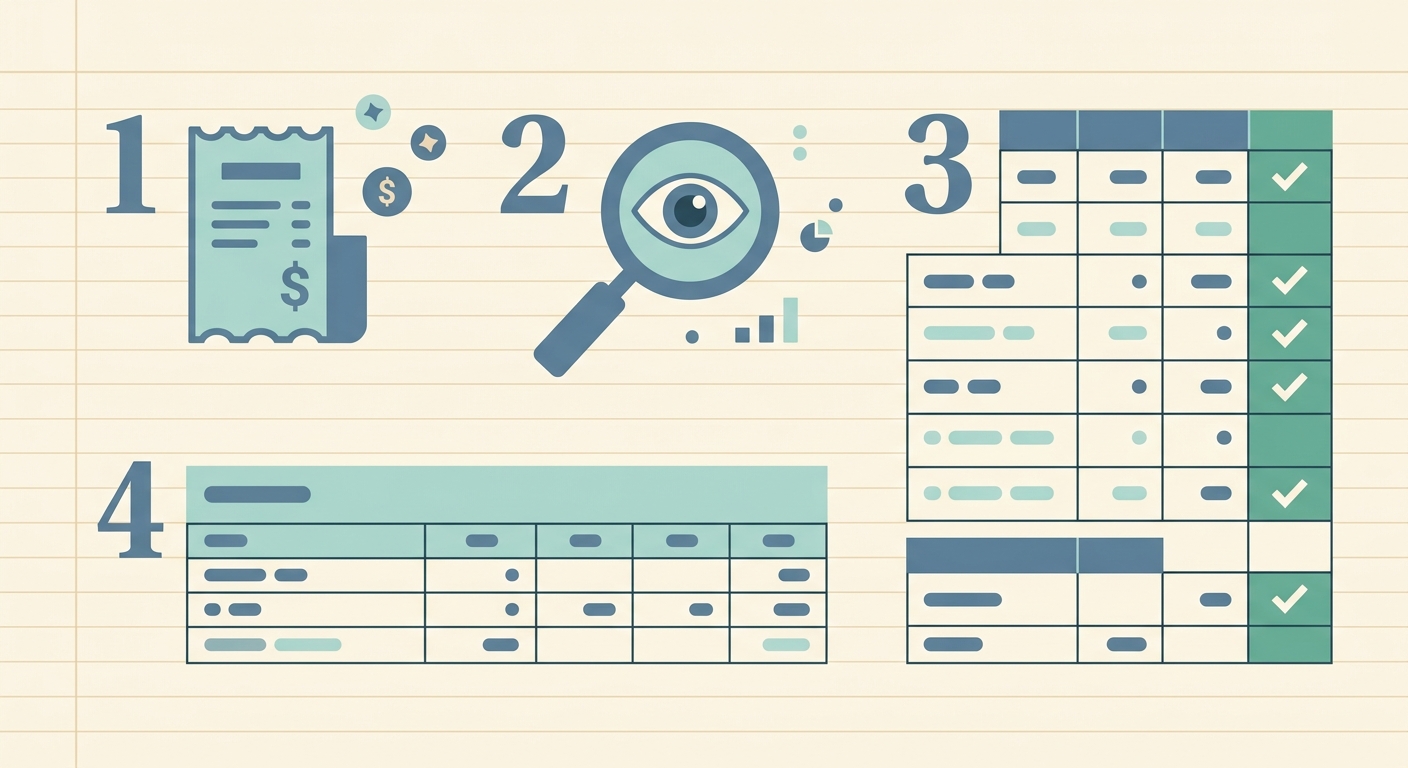
Phase 1: Save Every Receipt as Soon as Possible
The first and arguably most crucial step in managing your business expenses is to capture every single receipt the moment a transaction occurs. Procrastination is the enemy of accurate expense tracking. A receipt forgotten in a wallet, lost in a bag, or deleted from an inbox means a potential missed deduction or an incomplete financial picture. The goal is to create an immediate, digital record.
- For Paper Receipts: Use your smartphone to snap a clear photo immediately after a purchase. Many tools, including SlipSheet, allow you to upload these photos directly. Store the physical receipt briefly if required by your local regulations, but prioritize the digital capture.
- For Email Receipts: Forward these directly to a dedicated email address linked to your expense tracking software. SlipSheet, for instance, can process email receipts just as easily as photo receipts, extracting key information automatically.
- For Digital Downloads/Subscriptions: Download the invoice or receipt and save it to a designated folder, or again, forward the confirmation email.
Consistency is key here. Make it a habit to save every receipt, no matter how small the amount. These seemingly minor expenses can add up significantly over time, impacting your overall profitability and tax obligations.
Phase 2: Extract Merchant, Date, and Total Automatically
Once your receipts are captured, the next challenge is to transform them from static images or emails into actionable data. Manually entering the merchant name, date of purchase, and total amount for dozens or hundreds of receipts is a tedious task that most business owners dread. This is where automation becomes a game-changer for anyone looking to track business expenses with receipts efficiently.
Modern expense tracking solutions leverage Optical Character Recognition, or OCR technology, to read the critical information on your receipts. SlipSheet excels in this area. When you upload a receipt photo or forward an email receipt, SlipSheet automatically identifies and extracts:
- The Merchant Name: Who you paid.
- The Date of Transaction: When the purchase occurred.
- The Total Amount: How much was spent.
This automated extraction dramatically reduces the time spent on data entry and minimizes human error. Instead of typing, you are simply reviewing and confirming, allowing you to focus on more strategic aspects of your business.
Phase 3: Add Notes or Categories While the Purchase is Fresh
Capturing the basic details is excellent, but to truly understand your spending and meet tax requirements, you need context. Immediately after or during the data extraction phase, it is crucial to add pertinent notes or assign categories to each expense. The longer you wait, the harder it becomes to recall the purpose of a specific purchase.
- Categorization: Assign each expense to a relevant category, such as 'Office Supplies,' 'Travel,' 'Meals & Entertainment,' 'Software Subscriptions,' or 'Professional Development.' These categories should ideally align with your accounting software's chart of accounts for seamless integration later.
- Notes/Description: Add a brief description explaining the business purpose of the expense. For example, for a meal receipt, you might note, 'Lunch with client John Doe to discuss Q3 proposal.' This context is invaluable for tax purposes and internal financial analysis.
Tools like SlipSheet provide an interface where you can easily add these details to the extracted data. By doing this while the memory of the purchase is fresh, you ensure accuracy and build a rich dataset that will serve you well during tax season and for future business planning.
Phase 4: Export a Spreadsheet for Review and Analysis
The final phase brings all your diligently captured and categorized data together into a usable format. The ultimate goal of learning how to track business expenses with receipts is to have an organized, accessible record. This is typically achieved by exporting your data into a spreadsheet, such as a CSV or Excel file.
A well-structured spreadsheet provides a clear overview of all your business expenditures. You can easily:
- Review for Accuracy: Quickly spot any discrepancies or missing information.
- Analyze Spending Patterns: Identify areas where you might be overspending or where costs are increasing.
- Prepare for Tax Season: All your categorized expenses are ready for your accountant or for direct entry into tax software.
- Integrate with Accounting Software: Many accounting platforms allow you to import expense data directly from a spreadsheet, further streamlining your financial workflow.
SlipSheet allows you to export all your processed receipts into a clean, organized spreadsheet, complete with merchant, date, total, categories, and any notes you added. This final output is your comprehensive financial ledger, making tax preparation and financial analysis significantly simpler.
Common Mistakes to Avoid When Tracking Business Expenses
Even with the best intentions, some common pitfalls can derail your expense tracking efforts. Being aware of these can help you maintain a robust system:
- Losing Receipts: The most fundamental mistake. Without a receipt, substantiating an expense becomes challenging, potentially leading to missed deductions. Implement a 'capture immediately' rule.
- Delaying Data Entry or Categorization: Waiting weeks or months makes it harder to recall details, increasing the likelihood of errors and making the task feel overwhelming.
- Inconsistent Categorization: Using different categories for similar expenses creates a messy financial picture, making analysis and tax preparation difficult. Stick to a predefined chart of accounts.
- Not Reviewing Regularly: Neglecting to periodically cross-reference your expense records with bank statements can lead to overlooked transactions or errors.
- Relying Solely on Bank Statements: While useful, bank statements often lack the detailed information, such as the business purpose, that a receipt provides and that the IRS requires for substantiation.
Effectively tracking business expenses with receipts does not have to be a burdensome chore. By adopting a systematic approach, leveraging automation tools, and avoiding common mistakes, you can transform your expense management into an efficient and insightful process. This not only saves you time and reduces stress, but also empowers you with a clearer understanding of your business's financial health, leading to smarter decisions and greater profitability.
Ready to revolutionize how you track business expenses with receipts? Visit slipsheet.app today and start transforming your financial management.
FAQ
Why is it important to track business expenses with receipts?
Tracking business expenses with receipts is crucial for accurate financial reporting, maximizing tax deductions, and providing substantiation for audits. It gives you a clear picture of where your money is going.
What types of receipts can I track using a digital tool?
Most digital tools, like SlipSheet, can track various receipt types, including photo receipts from paper transactions, forwarded email receipts, and downloaded digital invoices. This versatility ensures comprehensive coverage.
How often should I track my business expenses?
For optimal accuracy and to prevent overwhelm, you should ideally track your business expenses as soon as possible after a transaction. Daily or weekly processing is highly recommended to keep information fresh.
Can I use a tool like SlipSheet with my existing accounting software?
Yes, tools like SlipSheet are designed to complement your accounting software. They typically allow you to export your categorized expense data into spreadsheet formats, which can then be easily imported into most popular accounting platforms.
What if a receipt is faded or hard to read?
While digital tools use advanced OCR, extremely faded or damaged receipts can be challenging. It is always best to capture receipts immediately and clearly; if issues arise, you may need to manually input the details or cross-reference with bank statements.