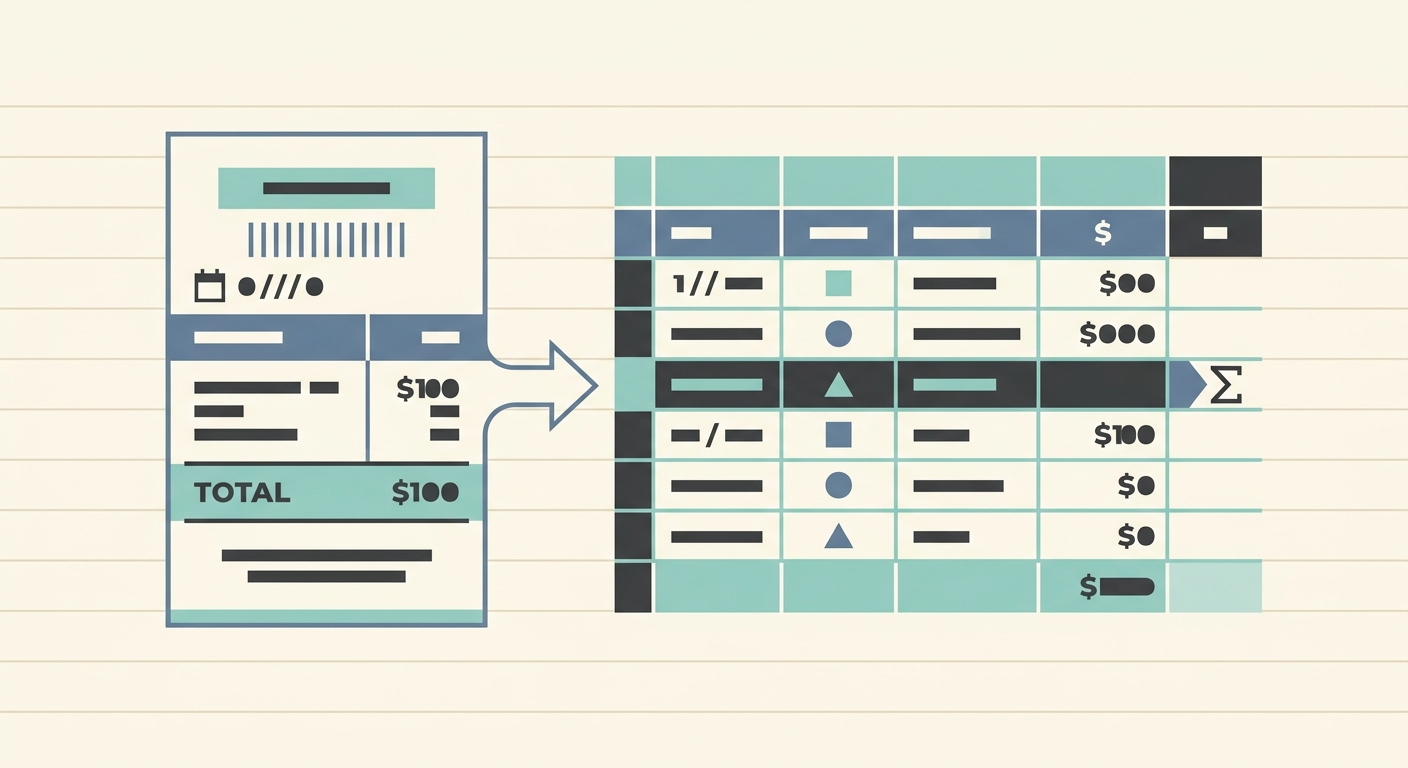
Managing business expenses can often feel like an uphill battle, especially when every purchase comes with a physical or digital receipt that needs to be meticulously recorded. For businesses relying on QuickBooks, a robust accounting software, the challenge intensifies as you strive to maintain accurate, up-to-date financial records. The traditional 'receipt to QuickBooks workflow' often involves manual data entry, a process notorious for being time-consuming, prone to errors, and a significant drain on productivity. Imagine a world where your receipt photos and email receipts are instantly transformed into organized, ready-to-import data. This is precisely where SlipSheet steps in, revolutionizing how you handle expenses and providing a seamless, efficient path from receipt capture to QuickBooks.
This article will guide you through an optimized receipt to QuickBooks workflow, highlighting how SlipSheet transforms a tedious chore into a streamlined process. We will explore each phase, from initial capture to final export, ensuring your financial data is accurate, categorized, and prepared for QuickBooks with minimal effort. Say goodbye to piles of paper and endless spreadsheets; embrace a smarter way to manage your expenses.
Getting Started with an Optimized Receipt to QuickBooks Workflow
The journey to better financial management begins with understanding the inefficiencies of current practices. Many businesses struggle with lost receipts, inconsistent categorization, and the sheer volume of manual data entry required to keep QuickBooks current. These challenges not only consume valuable time but also increase the risk of inaccuracies that can complicate tax season and financial reporting. An optimized workflow is not just about saving time; it is about enhancing accuracy, improving audit readiness, and gaining clearer insights into your spending patterns.
By integrating a smart tool like SlipSheet into your operations, you lay the foundation for a robust expense management system. SlipSheet is specifically designed to bridge the gap between raw receipt data and structured financial entries, making it an invaluable asset for any QuickBooks user. It simplifies the initial data capture, intelligently extracts critical information, and allows for precise categorization, all before your data even touches QuickBooks. This proactive approach ensures that by the time information reaches your accounting software, it is clean, accurate, and perfectly aligned with your financial structure.
Phase 1: Effortless Receipt Capture and Upload
The first hurdle in any receipt management process is simply getting the receipts into a usable format. Traditional methods often involve physically collecting receipts, scanning them one by one, or manually transcribing details from email receipts. This initial phase is where many businesses lose valuable time and often lose receipts themselves, leading to incomplete records and potential compliance issues. SlipSheet makes this initial step incredibly simple and flexible, catering to both physical and digital receipts with unparalleled ease.
For physical receipts, all it takes is a quick photo with your smartphone. SlipSheet's mobile-friendly interface allows you to snap a picture of your receipt on the go, immediately initiating the data extraction process. No need to wait until you are back at the office or deal with cumbersome scanners. The image is uploaded directly to your SlipSheet account, ready for processing. For digital receipts, such as those received via email, SlipSheet offers an equally convenient solution. You can simply forward your email receipts to a dedicated SlipSheet email address, and the system will automatically extract the relevant expense information. This dual-capture capability ensures that whether your expenses originate from a coffee shop purchase or an online software subscription, SlipSheet has you covered, making sure no expense goes unrecorded.
Phase 2: Intelligent Data Extraction and Review
Once your receipts are captured, SlipSheet's powerful engine gets to work, transforming raw images and text into structured, usable data. This phase is the core of SlipSheet's value proposition, leveraging advanced Optical Character Recognition, OCR, and artificial intelligence to intelligently extract key details from each receipt. Forget about manually typing in vendor names, dates, and amounts; SlipSheet automates this tedious task with impressive accuracy.
The system automatically identifies and pulls out crucial information such as the vendor name, date of purchase, total amount, currency, and even line-item details when available. This automated extraction significantly reduces the potential for human error that often plagues manual data entry. After the initial extraction, SlipSheet presents the data in a user-friendly interface for your review. This review step is crucial; it allows you to quickly verify the extracted information, making any necessary adjustments with a few clicks. While SlipSheet's accuracy is high, having a human in the loop ensures complete precision, giving you full control and confidence in your financial data before it moves any further in the workflow. This intelligent extraction and easy review process ensures that your data is always clean, correct, and ready for the next steps in your QuickBooks workflow.
Phase 3: Categorization and Tagging for QuickBooks Readiness
Accurate expense categorization is paramount for effective financial management and essential for generating meaningful reports in QuickBooks. Without proper categorization, expenses are just numbers, making it difficult to understand where your money is going, manage budgets, and prepare for tax season. SlipSheet empowers you to meticulously categorize and tag your expenses, ensuring they are perfectly aligned with your QuickBooks chart of accounts and reporting needs.
Within SlipSheet, after data extraction and review, you can assign custom categories, add specific tags, and include any relevant notes to each expense entry. For instance, a coffee purchase might be categorized as 'Meals & Entertainment', tagged with 'Client Meeting', and include a note about the client's name. This level of detail is invaluable for granular financial analysis and provides the necessary context for auditors or internal review. SlipSheet learns from your past categorizations, making future assignments even faster through smart suggestions. This intelligent categorization ensures that when your data reaches QuickBooks, it is already organized into the correct accounts, saving you significant time in post-import adjustments and ensuring your financial statements are always precise and insightful. The ability to customize categories also means SlipSheet can adapt to the unique needs of your business, no matter how specific your accounting requirements.
Phase 4: Seamless Export to QuickBooks
The culmination of your streamlined efforts with SlipSheet is the seamless export of your meticulously organized expense data directly to QuickBooks. This final phase eliminates the last vestiges of manual data entry, ensuring that your financial records are updated quickly, accurately, and efficiently. After capturing, extracting, reviewing, and categorizing your receipts within SlipSheet, your data is primed for transfer.
SlipSheet typically allows you to export your categorized expense data in a format readily accepted by QuickBooks, often a CSV file. This file contains all the critical information, including vendor, date, amount, category, and any tags or notes you have added. The export process is straightforward: simply select the expenses you wish to export, choose your preferred format, and download the file. Once downloaded, you can easily import this CSV file into QuickBooks. This method ensures data integrity, as all the information you have carefully reviewed and categorized in SlipSheet is transferred directly, minimizing the risk of errors during the import. This efficient export capability means that your QuickBooks account reflects your latest expenses with minimal delay, providing real-time insights into your financial health and significantly reducing the time spent on month-end closing procedures.
Common Pitfalls in Receipt Management and How to Avoid Them
Even with good intentions, businesses often fall into several common traps when managing receipts. Understanding these pitfalls and how SlipSheet helps you circumvent them is key to maintaining a robust and compliant financial system. One major pitfall is lost or misplaced receipts. Whether physical or digital, receipts can easily get lost in the shuffle, leading to incomplete records and potential issues during audits or tax filings. SlipSheet addresses this by providing a centralized, secure platform for all your receipts, ensuring every expense is captured and stored digitally as soon as it occurs.
Another significant challenge is manual data entry errors. Typing out details from dozens or hundreds of receipts is not only monotonous but also highly susceptible to typos and misinterpretations, which can lead to inaccuracies in your QuickBooks data. SlipSheet's automated OCR and AI extraction drastically reduce these errors, providing a much higher level of data accuracy. Inconsistent categorization is another common problem; without a standardized system, different employees might categorize the same type of expense differently, leading to messy and unreliable financial reports. SlipSheet's customizable categorization and learning capabilities ensure consistency across all expenses, aligning perfectly with your QuickBooks chart of accounts. Finally, the sheer time commitment of traditional receipt management can be a huge drain on resources. By automating capture, extraction, review, and export, SlipSheet frees up valuable time for you and your team, allowing you to focus on strategic business activities rather than administrative chores. Avoiding these pitfalls transforms your receipt to QuickBooks workflow from a burden into a competitive advantage.
Embracing an optimized receipt to QuickBooks workflow with SlipSheet is a strategic decision that pays dividends in accuracy, efficiency, and peace of mind. By automating the capture, extraction, categorization, and export of your expense data, SlipSheet eliminates the common headaches associated with manual receipt management. Your financial records in QuickBooks will be more precise, more timely, and easier to audit, empowering you to make better financial decisions. Ready to transform your receipt management? Visit slipsheet.app today and experience the future of expense tracking.
FAQ
What is the main benefit of using SlipSheet for QuickBooks users?
SlipSheet automates the conversion of receipt photos and email receipts into structured data, significantly reducing manual data entry and errors for QuickBooks users. This streamlines expense tracking and prepares data for seamless import.
Can SlipSheet handle both physical and digital receipts?
Yes, SlipSheet is designed to process both. You can easily upload photos of physical receipts or forward email receipts directly to the platform, ensuring all your expenses are captured.
How does SlipSheet ensure data accuracy for QuickBooks?
SlipSheet uses advanced OCR and AI to extract key details like vendor, date, and amount. Users then review and categorize this extracted data within SlipSheet, ensuring accuracy before export to QuickBooks.
Is it difficult to integrate SlipSheet data with QuickBooks?
SlipSheet typically provides data in a format, such as CSV, that is easily importable into QuickBooks. This process ensures your categorized expenses can be quickly added to your accounting records without complex integration steps.
What if I need to add specific notes or tags to my expenses?
SlipSheet allows for comprehensive customization. You can add custom categories, tags, and notes to each expense entry, providing detailed context that is valuable for accurate bookkeeping in QuickBooks.