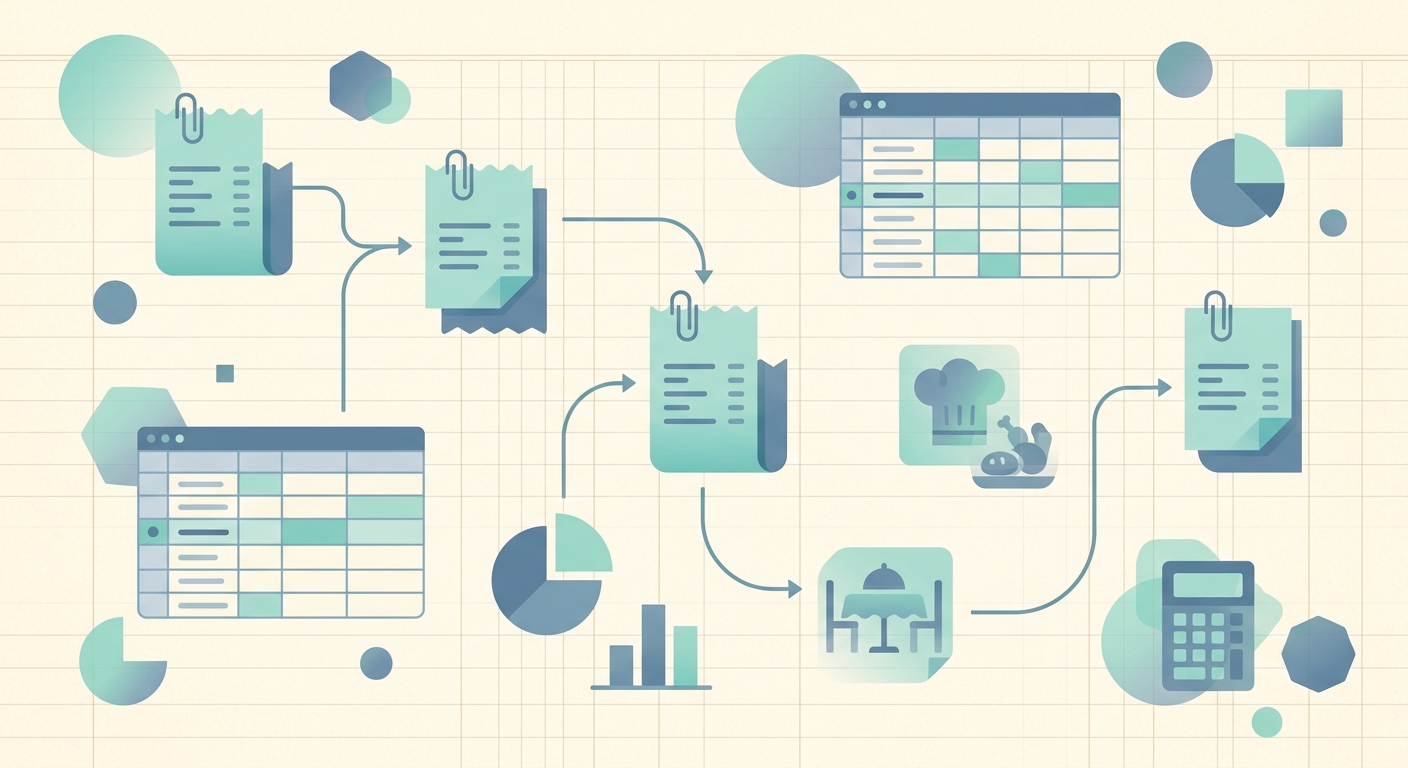
Restaurants bleed money in tiny, forgettable increments: a $47 produce run on Monday, a $128 line cook uniform order on Wednesday, a $312 liquor restock that gets split across two invoices. Without a consistent expense tracking workflow, those numbers show up months later as a vague "cost of goods" line that nobody can explain. A repeatable workflow turns scattered paper and email receipts into clean, categorized rows in your bookkeeping sheet by the time you sit down to do the books.
Phase 1: Capture
Capture is the step most restaurants skip. Receipts pile up in a back office drawer, a manager's email inbox, or a vendor's online portal where nobody can find them during a crunch. The capture phase is about removing every excuse not to log a receipt.
- Front-of-house drop spot. A single tray or envelope by the manager's stand. Every paper receipt goes there the same day it is handed in.
- Email forwarding. Most vendors, utilities, and delivery platforms email receipts. Forward them to one shared inbox or to a dedicated SlipSheet email.
- Phone capture. For vendors that don't email (food trucks, cash-only suppliers), snap a photo at the register.
The goal is a single intake path. If a receipt can come in three different ways, a few of them will disappear. Pick one default and make it the path of least resistance for the staff who actually hold the paper.
Phase 2: Extract
Once receipts are captured, the next bottleneck is typing. Manually keying vendor, date, amount, tax, and category for 20 to 40 receipts a week is the task that quietly kills restaurant bookkeeping. Extraction does that work automatically.
SlipSheet reads the receipt image and pulls out the structured fields: vendor name, transaction date, subtotal, tax, total, and payment method. You review the extracted row rather than building it from scratch. For restaurants this matters most on the small, frequent purchases: a $14 cleaning supply run, a $9 ice bag, the daily $40 bread delivery. Those receipts add up fast, and the time saved per entry compounds across a month.
Phase 3: Review and categorize
Categorization is where restaurant expenses start to mean something. The same total dollar figure can hide very different business realities depending on whether it landed in food cost, labor, utilities, or marketing.
A useful review pass covers three checks:
- Category correctness. Did the extractor tag the Sysco invoice as food cost, or did it drift into "supplies" because of a generic line item?
- Cost allocation. Some purchases split cleanly across two categories. A bar restock that includes mixers and garnishes might be 70% liquor and 30% consumables. Flag those for a manual split.
- Duplicate detection. The same vendor invoice can show up twice when a paper receipt and an emailed PDF both get captured. Review catches it before it doubles up your food cost.
Aim to review within a few days of capture, not months later. Memory of what a $68 charge was for fades fast, and your manager will not remember in May what the March mystery charge was.
Phase 4: Export
Extraction and review are pointless if the data stays locked in a separate tool. Export moves the cleaned, categorized rows into the place where your books actually live: a spreadsheet, QuickBooks, Xero, or your accountant's file format.
Restaurant operators tend to fall into two camps here. The spreadsheet-first camp wants a clean CSV or Google Sheet they can pivot, filter, and graph themselves. The accountant-first camp wants a QBO or Xero file with proper chart-of-accounts mapping. Either path is fine; the right export format depends on who reads your books. What matters is that the export is consistent enough that month-end reconciliation is a five-minute task rather than a six-hour archaeology dig.
Getting started
A new workflow does not need to roll out across the whole operation on day one. Pick a single category that frustrates you most, usually food cost or liquor, and run the full workflow there for two weeks. Once the team is comfortable and the data is clean, expand to the next category. Most restaurants find that within a month they have a working pipeline covering 90% of recurring expenses, with only the unusual month-end entries left to key manually.
Common pitfalls
The same mistakes show up again and again when restaurants try to standardize expense tracking. Watch for these in particular.
- Capturing without reviewing. Auto-extracted rows still need a glance. A small vendor misread can compound into a wrong tax figure at year-end.
- One big category dump. "Operating expenses" is not a category. Break it into food, beverage, labor, supplies, utilities, marketing, and repairs so the numbers actually tell a story.
- Inconsistent timing. Capturing on Friday and reviewing on the first of the next month creates a black hole where receipts go to die. Same-week review keeps the workflow honest.
- Skipping the small stuff. A $4 bag of ice and a $6 pack of server aprons feel trivial, but they are the receipts most likely to be lost. Treat them the same as the $400 vendor order.
A restaurant expense tracking workflow is not glamorous, and it will never feel urgent until the day your accountant asks for last quarter's food cost breakdown and you cannot produce it. Build the four phases now: capture, extract, review, export. The rest of your bookkeeping gets dramatically easier from there.
SlipSheet is built to plug into exactly this workflow for restaurants and other small operators who live in spreadsheets. Sign up free at slipsheet.app and get your first month of receipts off the back office desk.
FAQ
How often should a restaurant reconcile captured receipts?
Aim for same-week review and a full reconciliation at least once a month, before your accountant closes the books.
What expense categories matter most for restaurants?
Food cost, beverage (liquor/beer/wine), labor, supplies, utilities, marketing, and repairs/maintenance are the core ones. Splitting them out is what makes the data actionable.
Can I split one receipt across multiple categories?
Yes. SlipSheet lets you flag a row for a manual split, so a bar restock can be split into liquor and consumables instead of landing in one bucket.
Does this workflow work with QuickBooks or Xero?
Yes. Export your cleaned, categorized rows as CSV, QBO, or Xero-friendly files and import them into the platform your accountant uses.
What is the biggest mistake restaurants make with expense tracking?
Capturing receipts but never reviewing or categorizing them. Auto-extraction saves typing, but the review pass is where the data actually becomes useful for food cost analysis.