Software subscriptions pile up quietly. One designer on Figma, two seats on Notion, a forgotten Adobe plan from a contractor who left six months ago, a per-seat Notion charge that doubled when your team grew. By the time finance asks for a software inventory, the inbox is a graveyard of renewal confirmations and the credit card statement is the only honest source.
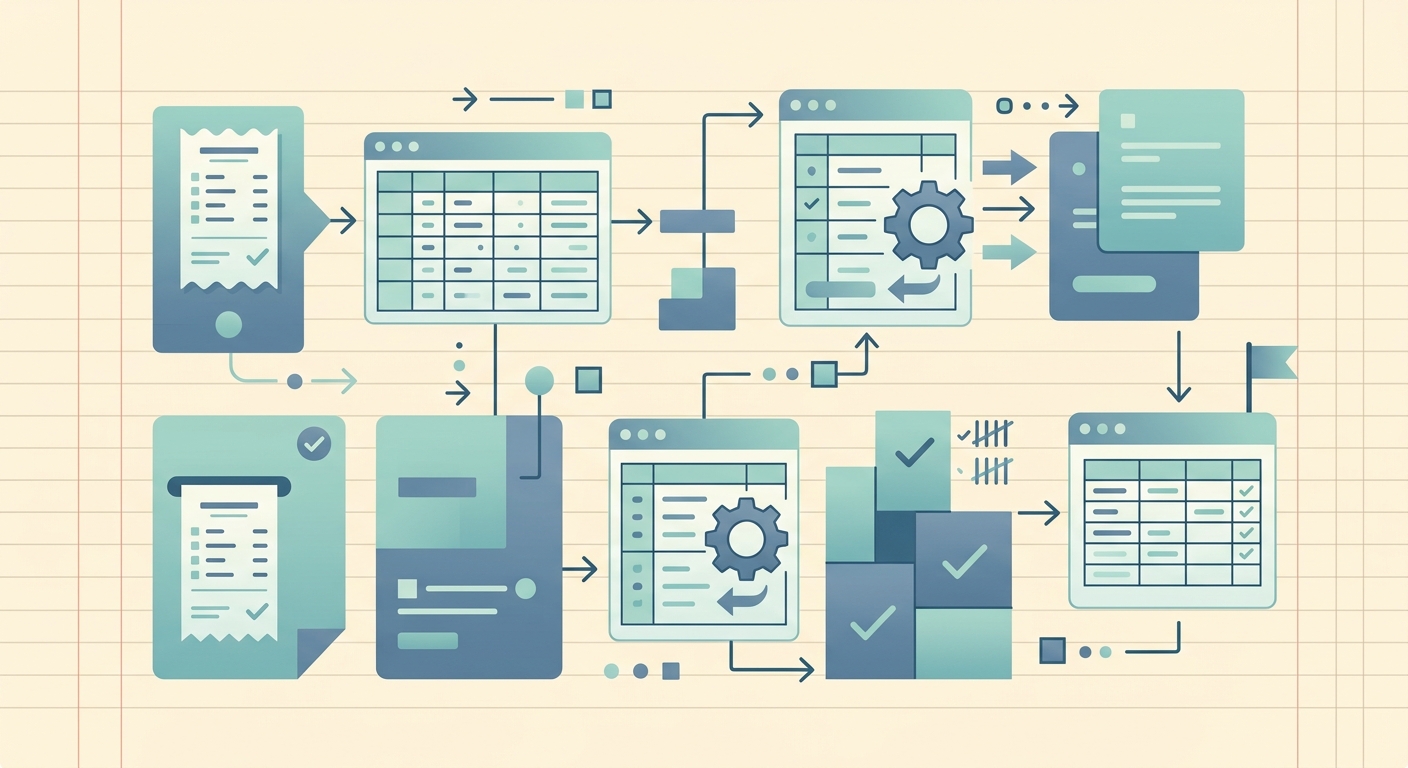
A software license tracking workflow solves this by treating every license purchase the same way you treat a receipt: capture it the moment it arrives, extract the fields that matter, categorize it, and export the lot to a spreadsheet your finance team can actually use. The steps below use SlipSheet, but the workflow applies to any tool that converts receipts and invoices into structured rows.
1. Capture each license purchase the moment the email arrives
The single biggest reason software license tracking falls apart is that the records are scattered. Renewal confirmations live in the original sender's inbox, the actual paid invoice is buried in billing@, and the seat count is whatever was true the day you bought it. The fix is to forward every license email to one inbox or folder the moment it lands, then run them through a single capture step.
For each license you buy or renew, drop the receipt, invoice, or order confirmation into SlipSheet. You can forward emails as attachments, take a phone photo of a paper invoice, or upload PDFs from a downloads folder. The point is that every license ends up in the same place, regardless of how it was bought or who paid for it.
2. Extract the fields you actually need to track
Once a license receipt is in the system, SlipSheet reads the document and pulls the structured fields: vendor, purchase date, total paid, currency, and line items. For software specifically, the fields you care about are usually a subset plus a few extras:
- Vendor, for example Adobe, Figma, GitHub, or AWS
- Product or plan name, which often differs from the vendor (Adobe Creative Cloud vs. Adobe Acrobat Pro)
- Purchase date and renewal date, so you can warn finance 30 days before auto-renew
- Seat count or user count, the easiest way to spot orphaned seats after someone leaves
- Total paid and currency, for month-end accruals and annual spend reports
- Payment method, useful when a single card carries dozens of subscriptions
SlipSheet fills the first five automatically from the receipt. Seats and renewal dates usually need a quick edit, but it is one field per license, not a full manual entry.
3. Tag and categorize for the questions you will actually be asked
Review the extracted row, then add tags that match the questions your finance team or boss will eventually ask. A few tags carry most of the weight:
- Department or cost center: marketing, engineering, design, operations
- Status: active, trial, cancelled, pending renewal
- Billing cadence: monthly, annual, per-seat, usage-based
- Owner: the person on the team who requested or manages the seat
Doing this once per license, at capture time, costs about thirty seconds. Doing it later during an audit costs hours and is usually skipped.
4. Export to the spreadsheet your team already lives in
When the month closes or the audit lands, export the tagged rows to CSV and drop them into Google Sheets or Excel. The spreadsheet becomes the source of truth for:
- Total monthly and annual software spend
- Renewal calendar, sorted by date so nothing auto-renews unnoticed
- Seat utilization, by counting active users against paid seats
- Vendor concentration, so finance can see how much depends on a single supplier
A 50-row spreadsheet, refreshed weekly, beats a 5,000-row SaaS management platform that nobody logs into.
Getting started
You do not need to backfill three years of license history on day one. Start with the licenses that renewed in the last 30 days, the ones set to renew in the next 30, and the five biggest line items on the most recent credit card statement. Capture those into SlipSheet, tag them, and export. Once the workflow is running forward, the backlog fills itself one renewal at a time.
Common pitfalls
Tracking only the vendor, not the product. "Adobe" is too coarse; you want to see Creative Cloud, Acrobat Pro, and Stock separately in the renewal calendar. Capture the product name on every row.
Ignoring trials. Trials convert to paid automatically more often than people admit. Tag every trial as pending renewal with the conversion date so you catch the auto-charge before it hits.
Letting seat counts drift. When someone leaves the company, mark the seat as available in the spreadsheet the same week, not the same quarter. A stale seat list is how you end up paying for ghosts.
Storing receipts separately from the spreadsheet. The spreadsheet column for the source receipt should link back to the original email or SlipSheet entry. If finance ever asks for backup, you want the answer in one click, not a search through five inboxes.
Run the workflow for one month and the value is obvious: no more forgotten subscriptions, no more surprise auto-renewals, and a clean software inventory ready whenever the next audit, budget review, or vendor consolidation project lands on your desk.
Start with your next license purchase and let SlipSheet turn it into a row you can actually track.
FAQ
What fields should a software license tracking spreadsheet include?
At minimum: vendor, product or plan, purchase date, renewal date, seat count, total paid, and payment method. Add columns for department, status (active, trial, cancelled), and an internal owner so finance can ask questions without paging you.
How do I track software licenses across multiple team members or cards?
Forward every license email to a single shared inbox, then capture them all through the same tool so the rows end up in one export. Tag each license with the department or owner, and your export will show spend per team regardless of which card paid.
Do I need to log every free trial or only paid licenses?
Track every trial, especially anything set to auto-convert. Tag it as pending renewal with the conversion date so you catch the auto-charge before it posts, and cancel early if the team is not using it.
What is the simplest way to spot unused seats before renewal?
Compare seat count to active users per license 60 days before renewal. Drop seats for anyone who has not logged in during the period, or downsize to a smaller plan before the renewal date hits.
Can I export a software license inventory to QuickBooks later?
Yes. Export the tagged rows to CSV, then import the recurring subscriptions into QuickBooks as monthly or annual recurring entries. The SlipSheet row keeps the receipt attached for backup.