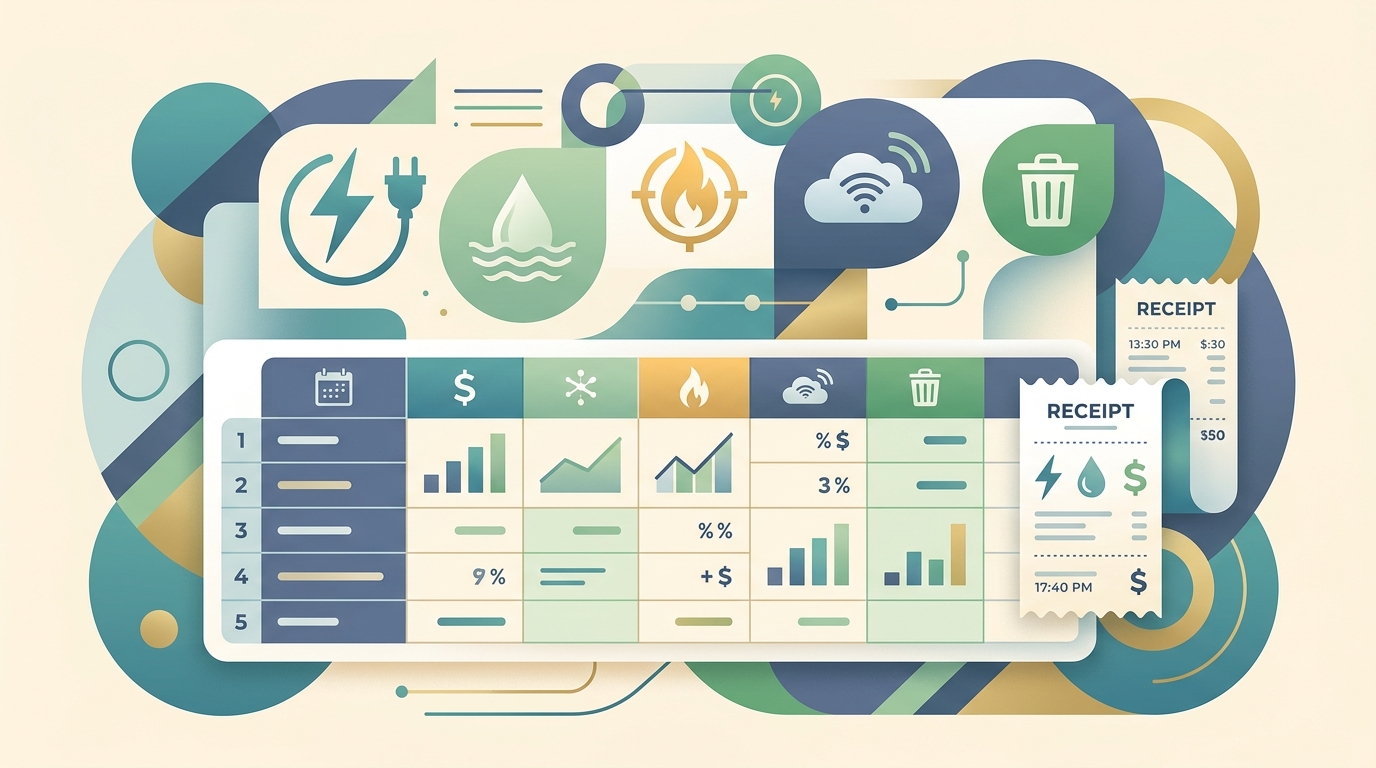
What a utility expense template should track
A utility expense template is a simple spreadsheet structure for tracking recurring bills such as electricity, gas, water, internet, waste service, phone lines, and shared office utilities. The goal is not to create a complicated accounting system. It is to capture enough detail that a business owner, bookkeeper, or property manager can review monthly costs, spot unusual changes, and support deductions with clean records.
Good recordkeeping matters because utility bills sit at the intersection of bookkeeping, cash flow, and tax documentation. IRS guidance for small businesses emphasizes that records should clearly show income and expenses, support tax return items, and help prepare financial statements. Utility expenses are often predictable, but that makes missing charges easy to overlook. A late fee, duplicate payment, annual rate change, or utility deposit can disappear inside a bank feed unless the template forces each bill into a consistent row.
At minimum, your utility expense template should include:
- Bill date and due date
- Vendor or utility provider
- Service type, such as electric, gas, water, internet, phone, trash, or sewer
- Service address or location
- Billing period start and end dates
- Subtotal, taxes, fees, and total paid
- Payment method and payment date
- Business use percentage when a bill is partly personal
- Category, property, project, client, or cost center
- Receipt, bill, or PDF link for backup
The template columns that make bookkeeping easier
A useful utility expense template separates the information you see on the bill from the bookkeeping decisions you make after reviewing it. The bill gives you vendor, usage, dates, charges, and account number. Your bookkeeping workflow adds category, class, memo, reimbursement status, and whether the amount is deductible, billable, or split between business and personal use.
For most small businesses, a spreadsheet can start with these columns: Date, Vendor, Utility Type, Account Number, Service Address, Billing Period, Amount Before Tax, Tax and Fees, Total, Payment Date, Payment Method, Category, Business Use Percent, Deductible Amount, Notes, and Document Link. If you manage multiple locations, add Location, Property, Tenant, or Department. If you do client work from a dedicated workspace, add Client or Project only when the utility can be reasonably assigned to that job.
How to collect utility bills without manual data entry
Utility bills arrive in different forms: email receipts, PDF statements, provider portals, mailed paper bills, and autopay confirmations. The easiest workflow is to treat each source as a document capture problem before it becomes a bookkeeping problem. Save the bill, extract the key fields, review the row, then export it to the spreadsheet where you track the month.
This is where SlipSheet fits naturally. SlipSheet turns receipt photos, email receipts, and PDF-style expense documents into spreadsheet-ready rows. Instead of typing vendor names, totals, dates, and taxes from every utility bill, you can upload or forward the document, let OCR extract the details, then review the output before it lands in your expense tracker.
A practical monthly workflow looks like this:
- Create a dedicated inbox label or folder for utility bills.
- Forward each bill or upload each receipt to SlipSheet as it arrives.
- Review extracted fields for vendor, date, total, taxes, and payment status.
- Export rows to Google Sheets, Excel, or your bookkeeping import file.
- Attach or link the original bill so the row has backup documentation.
- Reconcile the spreadsheet against the bank or credit card statement at month end.
The review step is important. OCR is powerful, but utility bills can be dense. Some statements show the current charge, previous balance, payment received, usage charges, delivery charges, taxes, and account credits on the same page. A quick review keeps the template accurate without sending you back to full manual entry.
Using the template for cash flow and variance checks
Utility expense tracking is not just tax prep. It is also an early warning system for cash flow. When every bill is entered with the same billing period and service type, you can compare electric cost this month to the same month last year, separate internet from phone charges, and see which locations are drifting above expectations.
Add a simple monthly summary table with rows for each utility type and columns for each month. Then calculate month-over-month and year-over-year changes. A sudden increase may be legitimate, such as hotter weather, higher usage, a rate change, or a new office. It may also point to a billing error, a missed autopay update, or a service you no longer need. The U.S. Department of Energy recommends keeping usage logs for some appliances and electronics when estimating energy use. For a small business, the same idea applies at the bill level: consistent tracking makes unusual patterns easier to investigate.
Common mistakes to avoid
The biggest mistake is using the bank transaction as the only record. A bank feed proves that money left the account, but it may not show the billing period, service address, taxes, account number, usage, or whether part of the charge was personal. Keep the original bill or receipt link alongside the spreadsheet row.
Copy this utility expense template structure
Start with one sheet named Utility Expenses and one sheet named Summary. On the Utility Expenses sheet, use these columns in order: Date, Due Date, Vendor, Utility Type, Account Number, Service Address, Billing Period Start, Billing Period End, Amount Before Tax, Taxes and Fees, Total, Payment Date, Payment Method, Category, Business Use Percent, Deductible Amount, Document Link, Notes.
On the Summary sheet, create a pivot table or monthly totals by Utility Type and Location. Keep the raw rows boring and consistent. That is the whole point. SlipSheet can help fill those rows from your bills and receipts, while your spreadsheet handles review, allocation, reporting, and handoff to your bookkeeper.
If your current process is a folder full of PDFs and a last-minute spreadsheet, this template is a strong upgrade. Use SlipSheet to extract the fields, review the output, and keep a utility expense template that is useful every month, not just during tax season.
Utility expense template FAQs
What is a utility expense template?
A utility expense template is a spreadsheet for tracking recurring utility bills, including vendor, billing period, amount, payment date, category, and document backup.
Which utility bills should a small business track?
Track electricity, gas, water, sewer, trash, internet, phone, and any location-specific service that supports business operations.
Can home office utilities go in the template?
Yes, but only the business portion should be treated as a deductible expense when the home office qualifies. Use a business use percentage column so the split is clear.
How does OCR help with utility expense tracking?
OCR can read bills and receipts, extract fields like vendor, date, total, and taxes, then place them into spreadsheet rows for review.
Should I keep the original utility bill after entering it in a spreadsheet?
Yes. Keep the original bill, receipt, or PDF link as backup so each spreadsheet row can be traced to a source document.