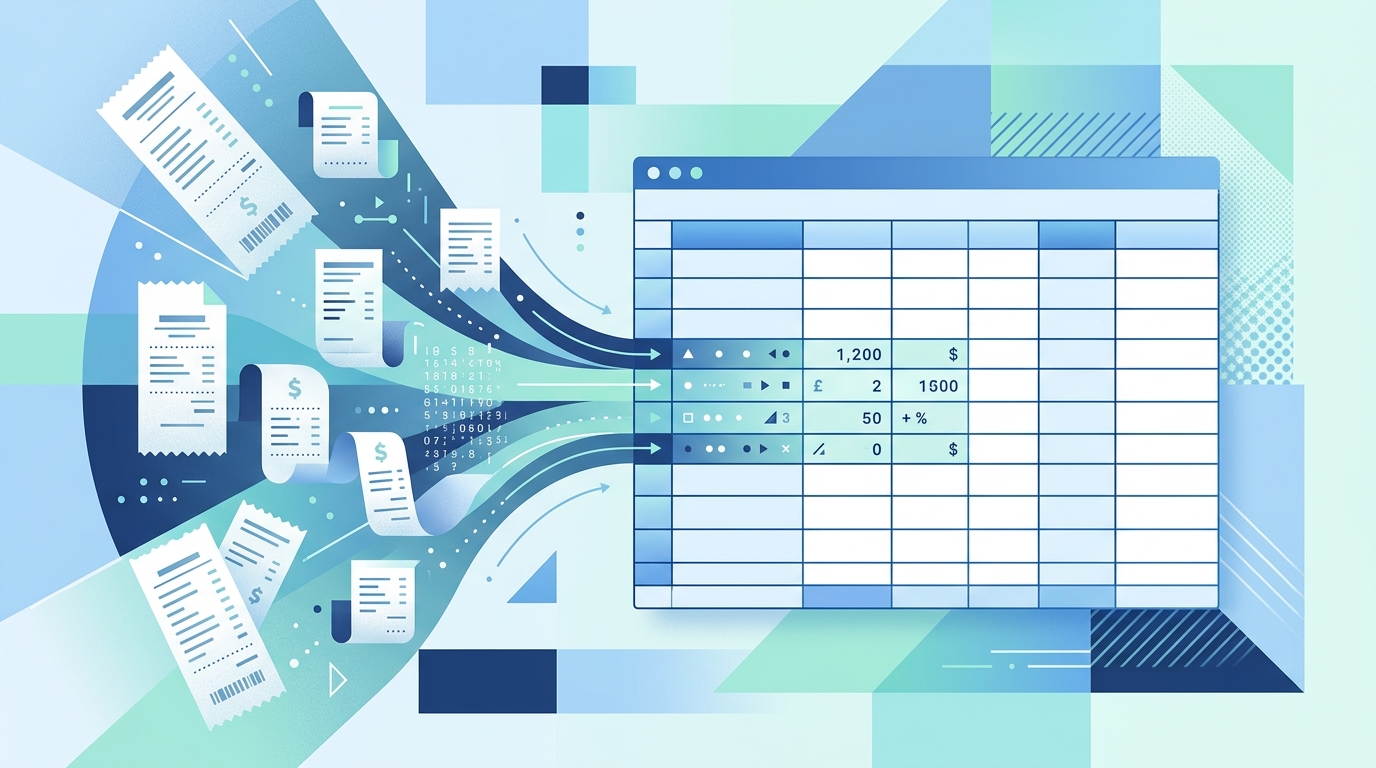
Adobe tools are familiar to almost every business owner. If your receipts arrive as PDFs, it is natural to ask whether an Adobe receipt reader can turn them into clean expense data. For some teams, Adobe is a good fit. It can open documents, run OCR, help with PDF cleanup, and keep scanned receipts organized.
But if your main goal is simple, repeatable receipt extraction into a spreadsheet, you may not need a full PDF suite. You need a focused workflow: upload receipts, extract key fields, review the results, and export a clean CSV or Excel file. That is where a focused Adobe receipt reader alternative like SlipSheet can be a better match for freelancers, bookkeepers, and small business owners who live in spreadsheets.
What Adobe does well
Adobe is strongest when the receipt is part of a wider PDF process. If you need to combine documents, mark up a file, redact sensitive text, add signatures, or archive polished PDFs, Adobe Acrobat is a mature and capable tool. It is also widely trusted, which matters when a company already uses Adobe across marketing, legal, or administrative teams.
Adobe OCR can also be useful for making scanned receipt PDFs searchable. If you have a folder of scanned documents and want to find text inside them later, that searchable PDF workflow can help. For teams with complex document controls, permissions, or PDF editing requirements, Adobe may already be the right place to start.
The key question is not whether Adobe is powerful. It is whether that power matches the actual receipt task. Many small teams do not need advanced PDF editing. They need the vendor, date, amount, tax, category, and notes in a spreadsheet without retyping every line.
Where it falls short for receipt extraction
A general PDF tool is not always the fastest path from receipt image to usable bookkeeping data. Receipt extraction has its own details: crumpled paper, phone photos, long merchant names, faded ink, multiple currencies, handwritten notes, and totals that appear near taxes, discounts, and tips. A tool can read text from a receipt and still leave you doing too much cleanup.
Adobe workflows can feel heavy when the destination is a spreadsheet. You may find yourself opening PDFs, running OCR, copying text, exporting tables, fixing columns, and rebuilding expense data manually. That works for occasional receipts, but it gets frustrating during monthly reconciliation.
Cost and complexity matter too. A freelancer or small business owner may not want another large software suite just to process receipts. Bookkeepers often need something easy to explain to clients, not a workflow that requires everyone to understand PDF settings, export options, and file handling rules.
What SlipSheet does differently
SlipSheet is built around a narrower job: turning receipts into spreadsheet-ready data. Instead of treating the receipt as a PDF editing problem, SlipSheet treats it as a data capture problem. You upload receipts, review the extracted fields, correct anything that needs attention, and export the result for your spreadsheet or bookkeeping process.
That focus changes the workflow. The output is not just searchable text inside a document. The output is structured data that can be filtered, sorted, categorized, and imported. For many small teams, that is the difference between storing receipts and actually closing the books faster.
- Spreadsheet-first output: Export data in formats that fit Excel, Google Sheets, or bookkeeping review files.
- Receipt-specific fields: Capture the practical details people need for expenses, including date, merchant, total, and tax when available.
- Simple review flow: Check extracted results before they become part of your records.
- Less PDF overhead: Skip tools you do not need when the real goal is clean data.
SlipSheet is not trying to replace every Adobe feature. If you need document signing, page editing, or legal PDF controls, Adobe still has a role. SlipSheet is for the receipt-to-spreadsheet job that many teams handle every week.
Who should switch
Consider switching from an Adobe-based workflow if receipts are slowing down your bookkeeping process. The clearest sign is repeated manual entry. If you open each receipt, look for the total, copy the date, type the merchant, and then paste everything into a sheet, you are doing data entry that a focused tool can reduce.
SlipSheet is especially useful for freelancers preparing expenses for taxes, small business owners who want clean monthly records, and bookkeepers who receive inconsistent receipt files from clients. It also helps teams that already have a spreadsheet template and need a faster way to fill it.
You may not need to switch if you only process a few receipts per quarter or if your company already has a full expense platform that employees use correctly. The benefit is strongest when receipts are frequent enough to create friction, but the business is still too spreadsheet-centered to justify a large expense management system.
Common migration questions
A practical migration does not need to be complicated. Start with one month of receipts, export the results, and compare the spreadsheet against your current process. Look for time saved, fields captured, and cleanup needed. That small test gives you a realistic answer.
- Collect a sample folder of receipts from one recent month.
- Upload them to SlipSheet and review the extracted fields.
- Export the data to your preferred spreadsheet format.
- Compare the file with the report you normally build by hand.
- Adjust your categories, notes, or review steps before using it for the next month.
If you currently store receipts as PDFs, you can keep doing that for your audit trail. SlipSheet does not have to replace your archive. It can sit beside it as the tool that turns those receipts into usable expense rows.
Getting started with a focused receipt workflow
The best Adobe receipt reader alternative is not the tool with the longest feature list. It is the tool that fits the job you repeat most often. If that job is extracting receipt details and sending them to a spreadsheet, a focused workflow can save time, reduce typing errors, and make monthly bookkeeping less painful.
Try a small batch first, then decide based on the exported data. If the spreadsheet looks cleaner, you have a workflow worth keeping. To test a receipt-to-spreadsheet process for small teams, visit SlipSheet and upload a few receipts from your next expense batch.
Is SlipSheet a full replacement for Adobe Acrobat?
No. SlipSheet focuses on receipt extraction and spreadsheet export, while Adobe Acrobat is a broader PDF editing and document management tool.
When is Adobe still the better choice?
Adobe is better if you need PDF editing, signatures, redaction, page organization, or searchable document archives as your main workflow.
Can SlipSheet help if my receipts are already PDFs?
Yes. You can use SlipSheet to extract receipt details from PDF receipts and export the results to a spreadsheet for bookkeeping review.
What makes SlipSheet better for spreadsheet users?
SlipSheet is designed around structured receipt fields and spreadsheet-ready exports, so you spend less time copying text from documents into rows and columns.
Should I migrate everything at once?
Start with one month of receipts, compare the exported spreadsheet with your current process, then expand if the workflow saves time and reduces cleanup.