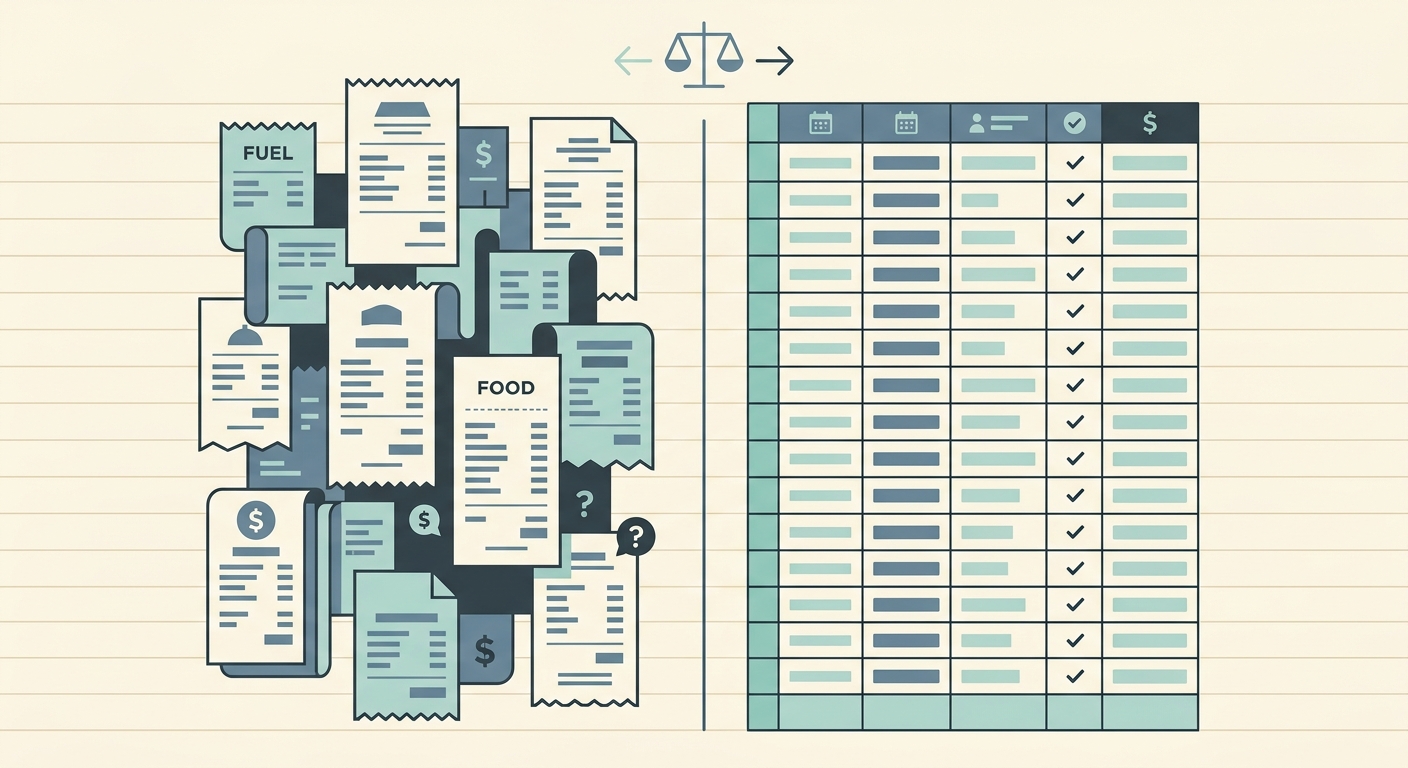
Airtable is a powerful no-code database. SlipSheet is a focused tool that turns piles of receipts into clean spreadsheet rows. They solve different problems, but if you have ever tried to build a receipt tracking system in Airtable, you already know how much manual data entry that involves. This comparison breaks down where each tool shines, where each one runs out of road, and how to decide which one fits your workflow.
What Airtable is best at
Airtable is a flexible database that looks like a spreadsheet. You can build custom tables, link records between them, set up automations, create forms, and build dashboards on top of structured data. It is great for project management, content calendars, CRM systems, and inventory tracking. If you have a workflow that needs relationships between records, custom views, and team collaboration, Airtable handles that with polish.
The platform also has a large template library, integrations with hundreds of other tools, and a scriptable API. For teams that want to build a real operating system for their business, Airtable is a strong foundation.
Where Airtable falls short for receipt management
Receipts are messy. They arrive as paper, email attachments, photos, and PDFs, and the data inside them is unstructured. Airtable expects clean input. You can paste text into a field, upload a file as an attachment, or use a third-party integration to pull data in, but the moment-to-moment work of getting receipt data from a pile of images into Airtable fields is still on you.
Common workarounds include Zapier automations, Airtable's built-in OCR (which is limited to specific field types), or hiring a bookkeeper. Each adds cost or complexity. If your main job is turning receipts into rows you can hand to your accountant, Airtable is a database first and a tool second.
What SlipSheet does differently
SlipSheet is built for one specific job: taking a batch of receipts and giving you back a clean spreadsheet. You upload photos, PDFs, or email forwards. The service reads each receipt, pulls out the vendor, date, total, tax, and line items, and delivers a single spreadsheet with one row per receipt. There is no database to design, no views to configure, and no automation rules to learn.
If you already live in Google Sheets or Excel, SlipSheet fits next to those tools. The output spreadsheet is your working file. You can sort, filter, and pivot it the way you would any other sheet, and hand it to your accountant at the end of the month without extra conversion steps.
Cost and pricing compared
Airtable's free tier covers small teams but caps records, automations, and attachments. Paid plans start around $20 per user per month and climb quickly as you add seats and workspace features. For a solo bookkeeper or freelancer, that adds up fast, and the value is hard to capture if you are only using Airtable for receipts.
SlipSheet is priced per batch or per month depending on the plan, with no per-seat charges. If you only need it for a quarterly book cleanup, you pay for a single batch. If you use it weekly, a flat monthly plan covers it. There are no user limits to track and no record caps to plan around.
Integrations and ecosystem
Airtable wins on integrations. It connects natively to Slack, Google Drive, Zapier, Make, and dozens of other services. If you want a receipt workflow that triggers a Slack notification, updates a project tracker, and posts to a Notion page, Airtable is the better backbone.
SlipSheet is intentionally narrower. It exports to Google Sheets, Excel, and CSV. For most bookkeepers, freelancers, and small business owners, that is exactly the handoff point you need. If you want a deeper integration with project management software, you can pipe the spreadsheet into those tools after export.
Who should pick Airtable
Airtable is the right choice if you are building a system that holds many types of records, you need a team to collaborate inside the database, and receipts are only one small piece of a larger workflow. Marketing teams, agencies, and product operations groups tend to fit this profile.
Who should pick SlipSheet
SlipSheet is the right choice if your main task is turning receipts into clean rows, you already have a spreadsheet you trust, and you do not want to maintain a database. Freelancers, sole proprietors, and bookkeepers handling high volumes of receipts for multiple clients tend to fit this profile.
Common migration questions
Can I import my existing Airtable data into SlipSheet? Yes, export your Airtable view as a CSV and you have a normal spreadsheet. SlipSheet does not need to ingest Airtable data, so there is no migration step beyond what you would do to share a file.
Will I lose my Airtable automations? Automations live inside Airtable and continue to work there. SlipSheet is a complement for receipt processing, not a replacement for your broader workspace.
Can I try both at the same time? Absolutely. Many users keep Airtable as their long-term database and use SlipSheet as a fast intake channel for receipts, then sync the resulting spreadsheet into Airtable when needed.
Ready to turn your receipts into a clean spreadsheet without setting up a database? Try SlipSheet at slipsheet.app and get your first batch back the same day.
FAQ
Is SlipSheet a replacement for Airtable?
No. SlipSheet is focused on receipt-to-spreadsheet processing, while Airtable is a general-purpose database. Many users keep both: Airtable for ongoing records and SlipSheet for fast receipt intake.
Do I need to build a database to use SlipSheet?
No. SlipSheet outputs a ready-to-use spreadsheet. There are no tables, views, or automations to configure before you can start processing receipts.
Can SlipSheet export to Google Sheets?
Yes. SlipSheet delivers your processed receipts as Google Sheets, Excel, or CSV files, so you can use them in whatever tool you already work in.
What does Airtable do that SlipSheet does not?
Airtable supports linked records, custom views, automations, forms, and team collaboration inside a structured database. SlipSheet does not try to be a database; it focuses on getting receipt data out cleanly.
How is SlipSheet priced compared to Airtable?
SlipSheet charges per batch or per month with no per-seat fees. Airtable charges per user, which can get expensive for solo bookkeepers or small teams.