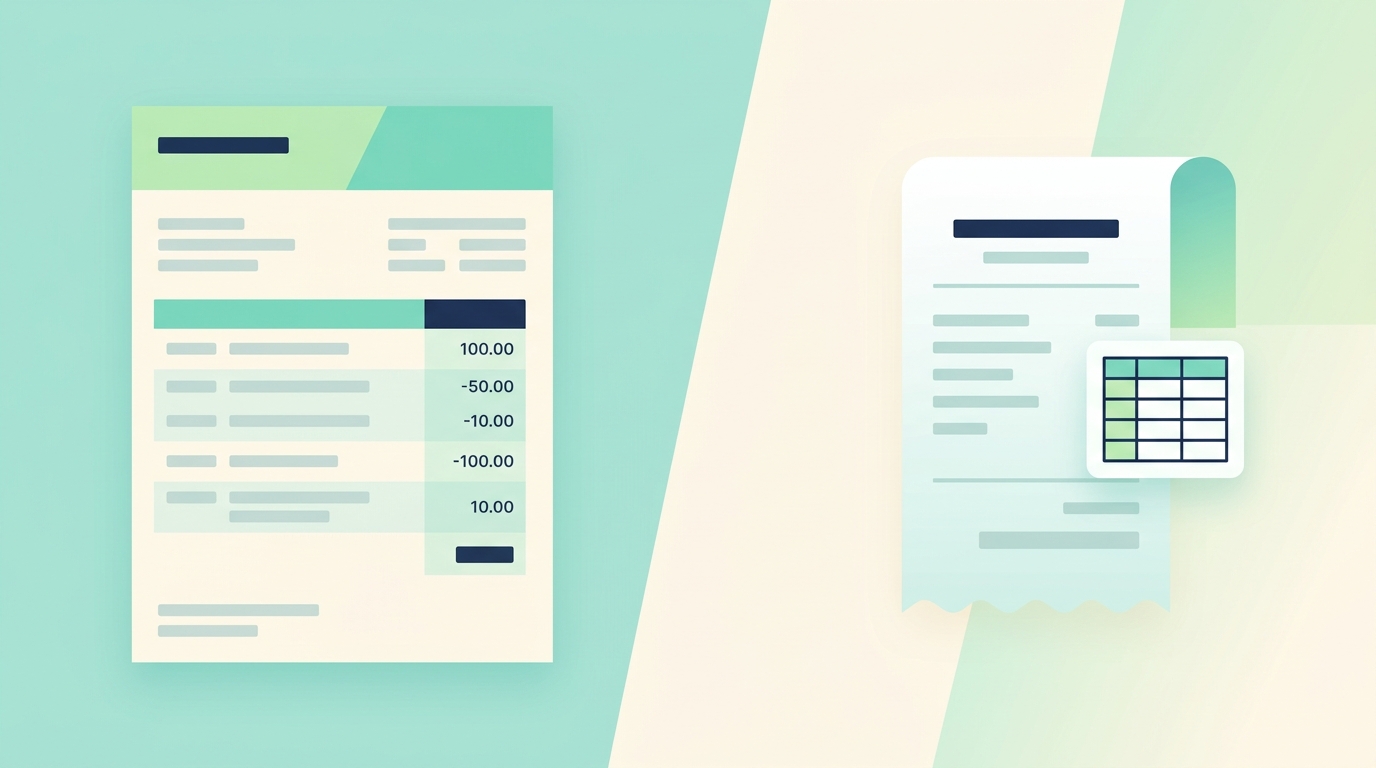
Bank statement import is one of the most useful automation features inside modern accounting software. Tools like QuickBooks, Wave, Xero, and FreshBooks all offer some version of it: connect a bank account or upload a CSV, and the system pulls in transactions ready for categorization and reconciliation. For a business that lives inside a full ledger, that workflow is hard to beat. For everyone else, it is more software than the job needs.
SlipSheet sits on the other side of the same problem. Where bank statement imports turn transactions into accounting entries, SlipSheet turns receipts and supporting documents into spreadsheet rows. Both approaches reduce typing. They just optimize for different destinations. The right choice depends on whether your numbers end up in a general ledger or in a spreadsheet you control.
What bank statement import actually does
Most bank statement import features work in one of two ways. The first is a direct bank feed: the accounting platform connects to your financial institution through a service like Plaid, Finicity, or Yodlee, and pulls new transactions on a schedule. The second is a manual upload: you download a CSV, OFX, or QFX file from your bank and import it into the platform. Either way, the goal is to replace hand entry of every transaction with an automated import step.
Once the transactions are in, the platform typically offers rules for matching, categorizing, and reconciling. The accounting workflow is strong here, because everything downstream, like journal entries, financial reports, and tax prep, lives in the same system. For a business that runs its books in QuickBooks Online or Xero, bank statement import is genuinely time-saving.
The trade-off is fit. If you are a freelancer, a bookkeeper who works for clients in spreadsheets, a small operation that just needs clean numbers, or someone who already has a spreadsheet-based workflow, the full accounting platform can feel like wearing a suit to the grocery store. The bank feed works, but you also get a chart of accounts, journal entries, sales tax handling, and a UI built around general-ledger thinking.
What SlipSheet is optimized for
SlipSheet is not an accounting system. It is a focused extraction tool. You upload a receipt, an invoice, a confirmation email, a screenshot, or a PDF, and SlipSheet pulls out the fields that matter: merchant, date, total, tax, tip, and any other relevant detail. The output is a clean spreadsheet row ready for review.
The destination is a spreadsheet you control, such as Google Sheets, Excel, or a CSV you can import anywhere. There is no chart of accounts. There are no journal entries. There is no locked-in workflow. You get the row, you review it, and you put it wherever your numbers actually live.
This is a different job than bank statement import. Bank statement import gives you transactions. SlipSheet gives you supporting documents turned into structured data. The two are complementary more often than they are competitive. A bookkeeper might use a bank feed to get transactions into QuickBooks, then use SlipSheet to capture the paper receipts, emailed invoices, and one-off charges that the feed does not cover.
Where bank statement import wins
Bank statement import is the right tool when the bottleneck is getting transactions into a ledger.
- Direct bank feeds work well for businesses with multiple accounts, multiple entities, or high transaction volume.
- Reconciliation is faster when the platform already knows your chart of accounts and the imported transactions are matched against existing entries.
- Audit trail is cleaner when transactions, categorizations, and reports all live in the same system with consistent timestamps.
- Multi-user workflows with role-based permissions, approval flows, and accountant access work natively inside the accounting platform.
For a controller at a growing business who needs monthly close to take hours instead of days, the bank feed plus accounting workflow is a clear win. The spreadsheet layer would just add friction.
Where SlipSheet fits instead
SlipSheet fits the parts of expense work that bank statement import does not touch. Bank feeds give you transactions, but they do not give you receipts. Most accounting platforms want you to upload a receipt for every charge, and that upload step is exactly where the time goes.
- Paper receipts from in-person purchases never show up in a bank feed. They need a different capture path.
- Email receipts and confirmations for SaaS tools, flights, and online services often include tax, tip, and metadata the bank feed does not capture.
- Handwritten or one-off expenses like a client lunch paid in cash require supporting documents, not a transaction record.
- Spreadsheet-first teams who track categories, projects, or clients in their own workbook need extracted data in their format, not inside a closed ledger.
For freelancers, bookkeepers who deliver monthly spreadsheets to clients, and small businesses that prefer a spreadsheet view of their expenses, the missing piece is the receipt, not the transaction. Bank statement import does not solve that. SlipSheet does.
How the two work together
The most useful setup is usually both. Use the bank statement import to handle high-volume, well-categorized transactions that come straight from the bank. Use SlipSheet to capture the supporting documents that turn a transaction into a fully justified expense line. The receipt row from SlipSheet can be reviewed against the imported transaction in your spreadsheet, the matching happens visually, and your accountant gets a clean package at the end of the month.
A practical workflow looks like this:
- Bank feed brings transactions into your accounting platform or your spreadsheet.
- SlipSheet turns the receipts, invoices, and email confirmations into structured rows.
- You match the two in your spreadsheet, add a category, project tag, or client code, and note anything unusual.
- The spreadsheet is your source of truth for expenses; the accounting platform is your source of truth for the ledger and reports.
This split keeps each tool doing what it does best. The bank feed handles the volume. SlipSheet handles the documentation. The spreadsheet stays the place where you actually see the numbers.
Who should use which
Bank statement import is the right starting point if you already have an accounting platform, you are not going to leave it, and your main pain is getting transactions into it. It is also the right answer for any business that needs formal reconciliation, multi-user approvals, or audited books.
SlipSheet is the right starting point if your expenses end up in a spreadsheet, you do not have a full accounting platform, or your real pain is the receipts and supporting documents, not the transactions. It is also the right answer for freelancers, bookkeepers, and small teams that want fast, structured data without onboarding into another system.
The honest answer to "bank statement import vs SlipSheet" is that they are not really competitors. They handle different halves of the same workflow. The question is which half you are actually trying to fix, and that determines which tool to reach for first.
When the receipts and supporting documents are the bottleneck, SlipSheet is the faster path. Try it free at slipsheet.app and see how the spreadsheet side of your expense workflow looks with structured rows instead of blank ones.
FAQ
Does SlipSheet import bank statements?
No. SlipSheet focuses on receipts, invoices, and supporting documents, not bank transactions. For bank statement import, you would use the feature inside your accounting platform or a dedicated bank feed tool.
Can I use SlipSheet together with my accounting software?
Yes. Many users run a bank feed into QuickBooks, Xero, or Wave and use SlipSheet to capture the supporting documents that the feed does not cover. The two workflows complement each other.
Is bank statement import the same as receipt scanning?
No. Bank statement import pulls transactions from your bank. Receipt scanning extracts data from a paper or digital receipt. They capture different parts of the same expense.
Which is better for a freelancer?
For most freelancers, a full accounting platform with a bank feed is more software than needed. SlipSheet plus a spreadsheet is usually enough to keep expenses clean, organized, and ready for tax time.
Do I still need receipts if I have a bank feed?
Yes. The IRS and most tax authorities want supporting documents for expenses, especially travel, meals, and business purchases. A bank transaction alone is rarely enough documentation.