Effortless Global Expense Tracking: SlipSheet's Advanced Currency Detection
In today's interconnected world, managing expenses often means dealing with a mosaic of currencies. Whether you are a globetrotting business professional, a freelancer with international clients, or simply someone who enjoys shopping from overseas vendors, the challenge of accurately tracking expenses in different currencies is real. Manually converting each receipt, identifying its currency, and then inputting the data can be a time-consuming and error-prone ordeal. This is precisely where SlipSheet steps in, offering a powerful solution with its advanced currency detection feature.
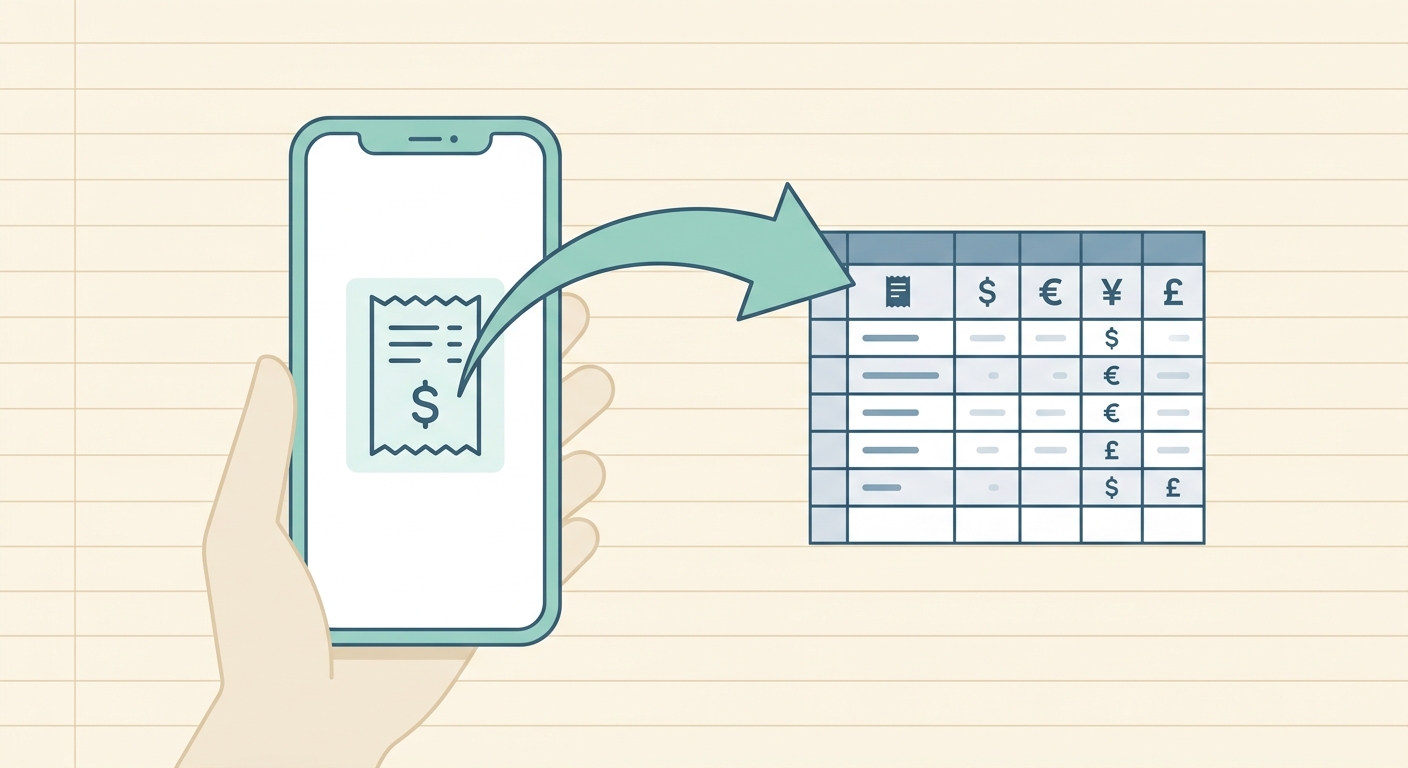
SlipSheet transforms the arduous task of expense management by automating the extraction of vital information from your receipts, including the often-tricky currency detail. Imagine simply snapping a photo of a receipt or forwarding an email, and having SlipSheet intelligently recognize whether it's in USD, EUR, GBP, JPY, or any other major currency. This capability not only saves invaluable time but also significantly enhances the accuracy of your financial records, making global expense tracking simpler and more reliable than ever before.
What is SlipSheet's Currency Detection Feature?
SlipSheet's currency detection feature is an intelligent capability designed to automatically identify and extract the currency associated with an expense from various receipt formats. When you upload a receipt photo or forward an email receipt to SlipSheet, its sophisticated system goes to work. It scans the document for visual cues, symbols, and text patterns that indicate the currency used in the transaction.
This feature isn't just about recognizing a dollar sign; it's about understanding the context. SlipSheet can differentiate between a Canadian dollar and a US dollar, or a Euro and a British Pound, by analyzing currency codes, specific symbols, and numerical formatting. Once detected, this currency information is then accurately recorded alongside the transaction amount, date, vendor, and other relevant data points. The primary benefit is clear: it eliminates the need for you to manually identify and input the currency for each expense, streamlining your entire expense reporting process. SlipSheet ensures that your spreadsheet rows are populated with precise currency data, ready for accurate financial analysis.
Step-by-Step: Using SlipSheet for Multi-Currency Receipts
Using SlipSheet's currency detection feature is designed to be intuitive and hassle-free, integrating seamlessly into your daily workflow. Here is a simple guide to how it works:
- Capture or Upload Your Receipt: The first step is to get your receipt into SlipSheet. You can do this in a couple of ways: take a clear photo of your paper receipt using your smartphone, or simply forward an email receipt directly to your unique SlipSheet email address.
- Automatic Processing and Currency Detection: Once your receipt is received, SlipSheet's powerful engine springs into action. It employs advanced Optical Character Recognition, OCR, and AI algorithms to scan and interpret the receipt data. This process includes its robust currency detection, which automatically identifies the currency of the transaction without any manual input from your side.
- Review and Verify Data: After processing, SlipSheet presents you with the extracted data in an organized format. You can quickly review all the details, including the detected currency, transaction amount, vendor, and date. While SlipSheet's accuracy is exceptionally high, this step allows you to make any minor adjustments if necessary, ensuring complete data integrity.
- Export to Spreadsheet: With the data verified, you can then export your expenses. SlipSheet automatically populates spreadsheet rows with all the extracted information, including the correctly identified currency in its dedicated column. This structured data is then ready for your accounting software, budgeting tools, or personal financial analysis, making multi-currency tracking incredibly straightforward.
The Technology Behind SlipSheet's Currency Detection
The accuracy and reliability of SlipSheet's currency detection are rooted in a sophisticated blend of cutting-edge technologies. It's not just a simple pattern match; it involves a multi-layered approach to ensure precision:
- Advanced Optical Character Recognition (OCR): At its core, SlipSheet utilizes high-performance OCR to convert images of text into machine-readable data. This allows the system to accurately read currency symbols, ISO codes, and textual descriptions on receipts, even from varying fonts and layouts.
- Artificial Intelligence and Machine Learning (AI/ML): Beyond basic OCR, SlipSheet employs AI and ML models specifically trained on a vast dataset of global receipts. These models learn to recognize contextual clues, such as the placement of currency symbols relative to numbers, the presence of specific currency codes like USD, EUR, or GBP, and even phrases like “total payable in AUD.” This intelligent processing helps differentiate between similar symbols and ensures the correct currency is identified.
- Global Currency Database and Validation: SlipSheet maintains an extensive database of global currencies, their symbols, and common formatting conventions. When a currency is detected, the system cross-references it with this database, performing validation checks to confirm its identity and reduce false positives.
- Continuous Improvement: The technology behind SlipSheet is not static. It continuously learns and improves. As more receipts are processed, the AI models refine their understanding of various receipt formats and currency presentations, leading to even greater accuracy over time. This commitment to ongoing enhancement ensures that SlipSheet remains at the forefront of expense management technology.
Common Use Cases for Advanced Currency Detection
The benefits of SlipSheet's advanced currency detection extend across a wide range of users and scenarios, simplifying financial management wherever multiple currencies are involved:
- Business Travelers: For professionals frequently on international assignments, tracking expenses from flights, hotels, meals, and local transport in various currencies can be a major headache. SlipSheet automates this, allowing travelers to simply snap photos of receipts and have the currency automatically identified, ensuring accurate reimbursement claims.
- Freelancers and Remote Workers: Many freelancers serve clients located globally, receiving payments and incurring expenses in different currencies. SlipSheet helps manage these diverse transactions, making tax preparation and financial reporting much cleaner and less stressful.
- E-commerce Businesses and Online Shoppers: Businesses that source products internationally or individuals who frequently shop from global online stores often deal with receipts in foreign currencies. SlipSheet streamlines the process of recording these purchases, providing clarity on spending.
- Personal Finance Management During Vacations: Travelers on holiday can easily track their spending abroad without needing to convert every single transaction mentally or manually. SlipSheet captures the original currency, making it easier to review and budget post-trip.
- Accountants and Bookkeepers: For professionals managing finances for clients with international operations, SlipSheet drastically reduces the manual effort involved in processing multi-currency receipts, allowing them to focus on higher-value tasks.
Optimizing SlipSheet's Currency Detection Settings and When to Upgrade
While SlipSheet's currency detection works automatically out of the box, there are ways to optimize your experience and understand when to leverage its full potential. For users primarily dealing with one currency but occasionally encountering others, SlipSheet allows for a streamlined workflow. The system is designed to intelligently detect the currency, but if you have a default currency for most transactions, the detection process still ensures accuracy for those outlier receipts.
It is important to remember that you always have control. After SlipSheet processes a receipt, you can review all extracted data, including the detected currency. If, in a rare instance, the currency is misidentified, you can easily make a quick edit within the interface before exporting. This ensures that your financial records are always 100% accurate and reflect the true nature of your transactions.
Considering an upgrade or exploring more advanced features becomes particularly beneficial if you:
- Process a high volume of international receipts regularly.
- Require integration with sophisticated accounting software that demands precise currency data for automated conversion and reporting.
- Find that the time saved from manual currency identification and data entry becomes a critical factor in your operational efficiency.
SlipSheet scales with your needs, providing robust solutions for individuals and businesses alike, ensuring that your currency detection challenges are met with intelligent, automated solutions.
Ready to revolutionize your expense tracking and eliminate currency conversion headaches? SlipSheet’s advanced currency detection is designed to bring accuracy and efficiency to your global financial management. Visit slipsheet.app today to learn more and start your free trial, transforming your receipts into perfectly organized spreadsheet rows.
FAQ
How accurate is SlipSheet's currency detection?
SlipSheet uses advanced OCR and AI, making its currency detection highly accurate in identifying various global currencies from receipt images and emails. Users can always review and edit detected currencies for complete data integrity.
Can SlipSheet handle receipts with multiple currencies on one receipt?
SlipSheet focuses on identifying the primary transaction currency of a receipt's total amount. If a receipt lists items in different currencies, it will detect the main currency of the overall transaction.
Do I need to manually specify the currency for each receipt?
No, SlipSheet's core feature is automatic currency detection, eliminating the need for manual input. You simply upload your receipt, and SlipSheet intelligently handles the currency identification.
What happens if SlipSheet detects the wrong currency?
While rare, you can easily review and edit any extracted data, including the detected currency, within SlipSheet's interface before exporting. This ensures your data is always correct and precise.
Does SlipSheet convert currencies automatically in the spreadsheet?
SlipSheet accurately extracts and records the detected currency and amount, providing structured data. While it doesn't perform real-time conversions within the app, the organized data makes it easy to apply conversion formulas in your spreadsheet.