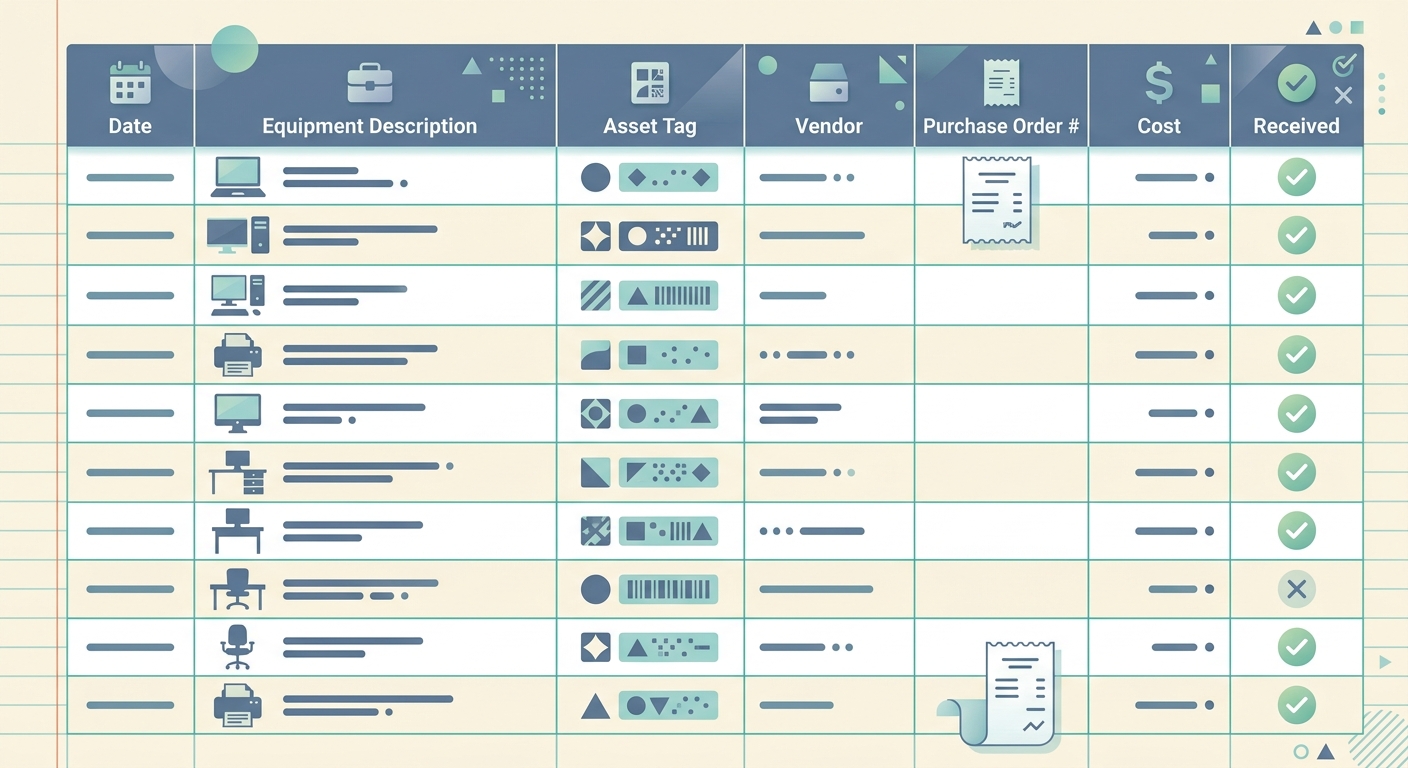
An equipment purchase log gives you one place to track the larger assets your business buys, from laptops and printers to cameras, tools, kitchen equipment, office furniture, and vehicles. It is simple on purpose. Instead of digging through receipt folders, bank statements, vendor emails, and accounting notes, you keep the important purchase details in a single spreadsheet that can be reviewed at tax time, during bookkeeping cleanup, or before making another major purchase.
For small businesses, the risk is not usually that equipment purchases disappear completely. The risk is that the details are scattered. You might know you bought a new laptop in March, but not remember the exact vendor, warranty period, depreciation method, useful life, or whether the receipt was saved. A good equipment purchase log closes that gap without forcing you into a heavy asset management system.
What the template is
The equipment purchase log template is a spreadsheet-style register for business assets and higher-value purchases. Each row represents one item. The columns capture the details your bookkeeper, tax preparer, or future self will need when categorizing the expense, setting up depreciation, or confirming ownership.
This template works especially well for freelancers, agencies, studios, contractors, salons, restaurants, mobile service businesses, and other teams that buy equipment throughout the year. It can also help when a business owner pays for equipment personally and needs to reimburse themselves later with clean documentation.
The goal is not to replace your accounting system. The goal is to make sure every equipment purchase has the context needed before it gets posted, depreciated, insured, repaired, sold, or written off.
Fields and columns
A useful equipment purchase log should be detailed enough for bookkeeping, but not so detailed that nobody uses it. Start with these core columns:
- Date: The purchase date shown on the receipt or invoice.
- Equipment: A clear name for the item, such as MacBook Pro, label printer, espresso machine, camera lens, workbench, or delivery bike.
- Vendor: The store, supplier, marketplace, or contractor that sold the item.
- Cost: The total amount paid, including sales tax, delivery, installation, and setup fees if those should be included in the asset cost.
- Depreciation method: The method your accountant plans to use, such as straight-line depreciation, Section 179, bonus depreciation, or another applicable treatment.
- Useful life: The expected accounting life of the item, often based on tax guidance or your accountant's recommendation.
- Notes: Warranty details, serial numbers, payment method, reimbursement status, location, or any special bookkeeping instructions.
You can add optional columns for receipt link, invoice number, category, department, location, asset tag, financing terms, warranty expiration, and disposal date. If your team has more than one location or job site, location is especially helpful. If you regularly sell or replace equipment, add columns for sale price and disposal notes.
How to use it
The best time to update an equipment purchase log is right after the purchase is made. That is when the receipt is easy to find and the details are still fresh. If you wait until year-end, you may still be able to reconstruct the purchase, but it will take longer and mistakes become more likely.
- Save the receipt or invoice. Put the file in a consistent folder, cloud drive, or bookkeeping inbox.
- Add a new row to the log. Enter the date, equipment name, vendor, and cost first. Those four fields create the basic audit trail.
- Attach or link the source document. If your spreadsheet supports links, paste the receipt or invoice URL into a receipt column.
- Confirm accounting treatment. Ask your bookkeeper or tax preparer whether the item should be expensed immediately or tracked as a depreciable asset.
- Fill in depreciation and useful life. Do not guess if the amount is material. Use your accountant's guidance.
- Review monthly or quarterly. Compare the log against bank and credit card activity so no major purchase is missed.
SlipSheet can help with the capture side of this workflow. When you receive paper receipts or PDF invoices for equipment purchases, you can extract the key details into a spreadsheet format instead of manually typing every line. That makes the log easier to maintain and reduces the chance of mistyped dates, vendors, and amounts.
Customization options
Every business buys different kinds of equipment, so the template should match your actual workflow. A photographer might track camera bodies, lenses, lighting kits, and editing hardware. A contractor might track power tools, ladders, safety gear, and trailers. A restaurant might track appliances, fixtures, point-of-sale hardware, and furniture.
If you manage equipment across locations, add columns for site, room, assigned employee, and condition. If equipment is shared across projects, add a project or client column. If you finance equipment, add lender, monthly payment, interest rate, and payoff date. If you need insurance records, add serial number, model number, replacement value, and photo link.
You can also create status values such as active, in repair, retired, sold, donated, or lost. These labels turn the purchase log into a lightweight asset register. Keep the status list short and practical. A template with too many dropdowns can become annoying, which means people stop updating it.
Common mistakes to avoid
The most common mistake is treating every equipment purchase the same as a normal office supply expense. Some purchases can be deducted right away, while others may need to be capitalized and depreciated. The rules depend on cost, business use, tax elections, and local requirements, so the log should capture enough information for a qualified professional to decide.
Another mistake is recording only the payment amount and leaving out the vendor or description. A bank line that says 1,249.00 at a retailer may not be enough six months later. Write the equipment name clearly and save the source document. If the purchase included multiple items, break them out when needed so your records stay useful.
Finally, avoid using the notes column as a dumping ground. Notes are helpful for warranty details, serial numbers, reimbursement context, or unusual purchase terms. If you find yourself putting the same kind of information in notes over and over, make it a dedicated column.
Getting the most value from the log
A clean equipment purchase log helps with taxes, but it also supports better business decisions. You can see how much you are investing in tools, when major replacements are likely, which vendors you rely on, and whether certain assets are creating enough value to justify their cost.
Set a recurring review rhythm. Monthly works well for active businesses, while quarterly may be enough for smaller operations. During each review, match new purchases to receipts, confirm missing details, and flag anything that needs accounting guidance. This habit is much easier than doing one large cleanup at year-end.
If your equipment receipts are stuck in paper folders, inboxes, or PDFs, SlipSheet can turn them into spreadsheet-ready data so your purchase log stays current without extra admin work.
FAQ
What should I include in an equipment purchase log?
Include the purchase date, equipment name, vendor, cost, depreciation method, useful life, and notes. Add receipt links, serial numbers, warranty dates, and location if they matter for your business.
Do I need a separate log if I already use accounting software?
Yes, it can still help. Accounting software records the transaction, while the log captures asset details that are often missing from bank feeds and expense categories.
Who decides the depreciation method and useful life?
Your accountant or tax preparer should confirm those fields for material purchases. The log gives them the purchase details they need to make the right treatment easier.
Can I use this template for small tools and supplies?
You can, but it is best for higher-value items or equipment you want to track over time. Routine supplies usually belong in a normal expense category instead.
How does SlipSheet help with this workflow?
SlipSheet extracts data from receipts and invoices into spreadsheet-ready rows, which reduces manual typing and helps keep your equipment log accurate.