Google Drive vs SlipSheet: Streamlining Receipt Management for Spreadsheet Users
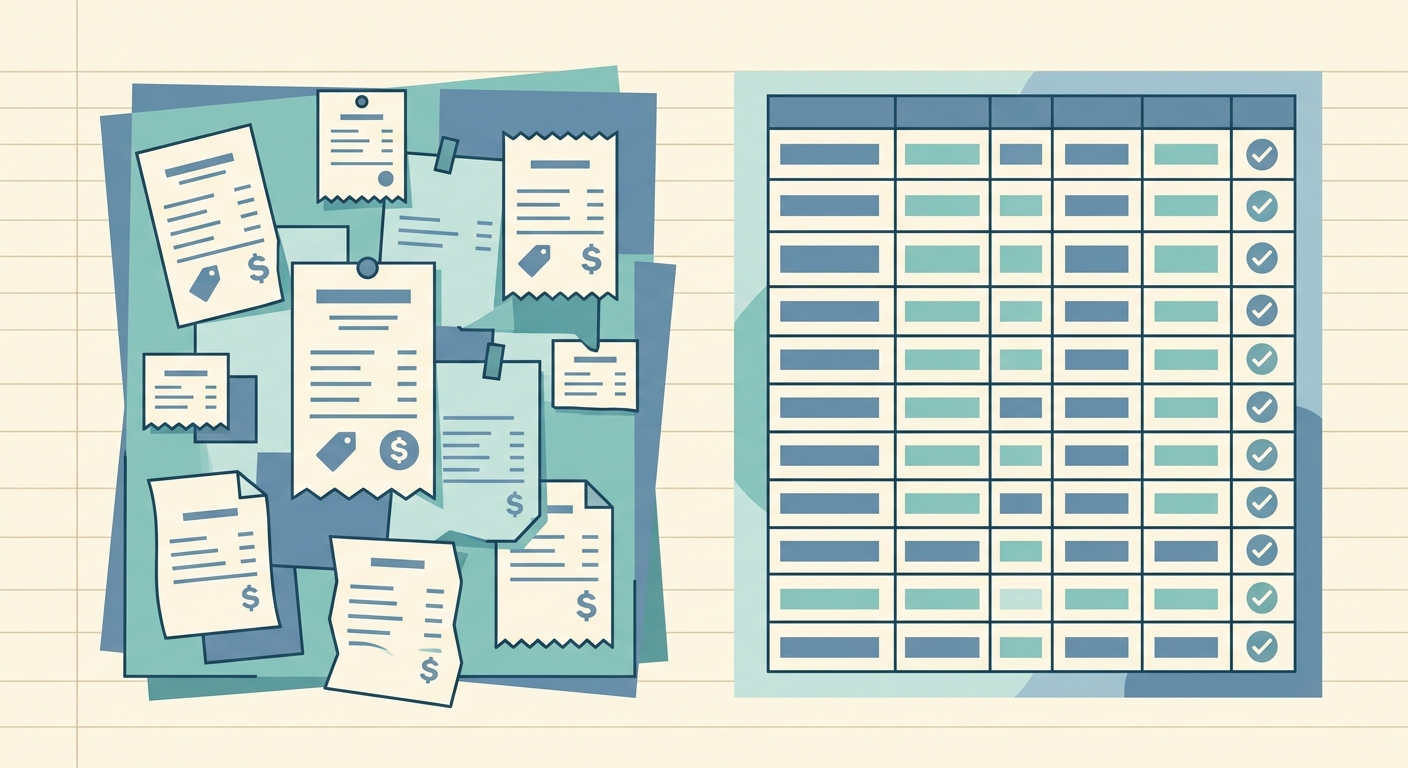
In today's fast-paced world, managing receipts can be a tedious and time-consuming task. Whether you are a small business owner, a freelancer, or simply someone trying to track personal expenses, the challenge of turning physical receipts and digital invoices into organized, actionable data is universal. Many turn to general-purpose tools, and Google Drive often comes to mind as a ubiquitous solution for storage and organization. However, for those whose primary goal is to transform receipts directly into spreadsheet rows, a specialized tool like SlipSheet offers a distinct advantage.
This article delves into a detailed comparison of Google Drive vs SlipSheet, examining their respective strengths and weaknesses when it comes to receipt management. We will explore how each platform handles receipt capture, data extraction, data export, pricing, and integrations, helping you determine which tool best fits your specific needs, especially if you prioritize efficient spreadsheet data entry.
Receipt Capture and Storage
When it comes to getting receipts into a digital format, both Google Drive and SlipSheet offer convenient methods, though their approaches differ significantly based on their core functionalities.
- Google Drive: As a comprehensive cloud storage solution, Google Drive excels at storing virtually any type of file. Users can upload receipt photos taken with their smartphone, scan physical documents using the Google Drive mobile app's built-in scanner, or forward email receipts to their Gmail account and then save them to Drive. Its strength lies in its versatility; it is a digital repository for all your documents, not just receipts. However, this broad functionality means receipts are stored alongside other files, requiring manual organization into specific folders.
- SlipSheet: SlipSheet is purpose-built for receipts. It offers a highly streamlined capture process tailored specifically for this document type. Users can easily email receipts to a unique, dedicated SlipSheet address, ensuring that all incoming receipts are immediately recognized and processed. For physical receipts, simply taking a photo with your phone and uploading it to SlipSheet initiates the data extraction process. This dedicated focus means less manual sorting and a more direct path from receipt to processing, without the clutter of other file types.
Data Extraction and Organization
The real difference between general storage and specialized receipt management becomes apparent during the data extraction phase. This is where SlipSheet truly distinguishes itself in the Google Drive vs SlipSheet debate for spreadsheet users.
- Google Drive: While Google Drive can store your receipt images, extracting structured data from them is largely a manual endeavor. Google's OCR (Optical Character Recognition) technology can convert image text into searchable text within Drive, but it does not automatically parse specific data fields like vendor name, date, total amount, or currency into a structured format suitable for a spreadsheet. Users would typically need to open each receipt image in Drive and manually input the relevant details into a separate Google Sheet, a process prone to errors and significant time consumption.
- SlipSheet: This is SlipSheet's core strength. Utilizing advanced OCR and AI-powered algorithms, SlipSheet automatically identifies and extracts key data points from both photo and email receipts. It intelligently pulls out information such as the vendor's name, transaction date, total amount, currency, and sometimes even line items. This extracted data is then presented in a clean, organized format, ready to be exported as spreadsheet rows. This automation drastically reduces manual data entry, improves accuracy, and frees up valuable time for other tasks.
Exporting Data to Spreadsheets
For users who need their receipt data in a spreadsheet, the export capabilities are paramount. Here, SlipSheet offers a direct, optimized workflow compared to the more general approach of Google Drive.
- Google Drive: After storing receipts in Drive, users would typically create a Google Sheet and manually transfer the extracted data. This involves toggling between the receipt image and the spreadsheet, typing in each piece of information. While Google Sheets is an excellent spreadsheet tool, its integration with receipt images stored in Drive does not extend to automatic data population. The connection between the visual receipt and the structured data in a sheet remains a manual bridge.
- SlipSheet: SlipSheet is designed specifically to bridge this gap. Once data is extracted, SlipSheet allows for direct export of this structured information into various spreadsheet-friendly formats, most commonly CSV (Comma Separated Values). This means you get clean, pre-formatted rows containing all the extracted receipt details, ready to be imported into Google Sheets, Microsoft Excel, or even accounting software that supports CSV imports. The process is seamless, transforming raw receipts into usable spreadsheet data with just a few clicks.
Pricing and Accessibility
Understanding the cost and accessibility of each solution is crucial for making an informed decision about Google Drive vs SlipSheet.
- Google Drive: Google Drive is widely accessible to anyone with a Google account. It offers a generous free tier of 15 GB of storage, shared across Gmail, Google Photos, and Drive. For more storage, Google Workspace plans provide various tiers, often bundled with other productivity tools like Gmail, Docs, and Sheets. Its pricing model is based on storage capacity and the breadth of its integrated services, making it a cost-effective choice for general cloud storage and productivity needs.
- SlipSheet: As a specialized tool, SlipSheet operates on a subscription model, reflecting the value of its automated data extraction and processing capabilities. While it may not offer a free tier with extensive features like Google Drive, its pricing is justified by the significant time savings and accuracy it provides for receipt management. For individuals and businesses dealing with a high volume of receipts, the investment in SlipSheet can quickly pay for itself by eliminating hours of manual data entry and reducing potential errors. It is a focused solution, and its cost aligns with its specialized value proposition.
Integrations and Ecosystem
Considering how each tool fits into your broader digital workflow is another important aspect of the Google Drive vs SlipSheet comparison.
- Google Drive: Google Drive is an integral part of the vast Google ecosystem. It integrates seamlessly with Google Docs, Sheets, Slides, Gmail, and many third-party applications. It serves as a central hub for document creation, collaboration, and storage, making it incredibly powerful for general productivity and team collaboration. Its strength lies in its ability to connect diverse tasks within a single, familiar environment.
- SlipSheet: SlipSheet's integration philosophy is centered around its primary function: feeding structured data into spreadsheet and accounting systems. While it does not boast a broad ecosystem like Google, its output, typically CSV files, ensures high compatibility with virtually any spreadsheet software, including Google Sheets and Microsoft Excel. This makes SlipSheet an excellent front-end tool for gathering and processing receipt data, which can then be easily imported into your preferred financial tracking or accounting software. It acts as a specialized data pipeline, ensuring your raw receipt information arrives in your chosen system ready for analysis.
Conclusion: Which Tool is Right for You?
The choice between Google Drive and SlipSheet ultimately hinges on your primary needs for receipt management. If you require a general-purpose cloud storage solution for a wide array of documents, alongside basic scanning capabilities, Google Drive is an excellent, versatile, and often cost-effective option. It provides a robust platform for storing and organizing all your digital files.
However, if your main objective is to efficiently transform receipt photos and email receipts directly into structured spreadsheet rows, saving significant time and improving data accuracy, SlipSheet is the superior choice. It is a specialized tool designed to automate the tedious process of data extraction and preparation, making it an invaluable asset for anyone who relies on spreadsheets for financial tracking, expense reporting, or tax preparation. SlipSheet streamlines the entire workflow from receipt capture to spreadsheet-ready data, offering a focused solution for a common pain point.
Ready to experience the efficiency of automated receipt-to-spreadsheet conversion? Visit slipsheet.app today and see how easy it can be to turn your receipts into organized data.
FAQ
Can Google Drive automatically extract data from receipts?
No, while Google Drive can store receipt images and use OCR to make text searchable, it does not automatically extract structured data like vendor, date, or total into spreadsheet-ready fields. This process typically requires manual entry.
What kind of data does SlipSheet extract from receipts?
SlipSheet uses advanced OCR and AI to automatically extract key data points from receipts, including vendor name, transaction date, total amount, currency, and sometimes line items. This data is then formatted for easy spreadsheet export.
Is SlipSheet compatible with Google Sheets?
Yes, SlipSheet exports extracted receipt data into CSV files, which can be easily imported into Google Sheets. This allows users to leverage SlipSheet's automation while continuing to use Google Sheets for their financial tracking.
How does SlipSheet save me time compared to manual receipt entry?
SlipSheet automates the entire process of data extraction from receipt photos and email receipts, eliminating the need for manual typing. This significantly reduces the time spent on data entry, improves accuracy, and streamlines your financial record-keeping.
Do I need a Google account to use SlipSheet?
No, you do not need a Google account to use SlipSheet. SlipSheet is an independent service focused on receipt processing, and it can be used with any email provider or photo upload method to capture your receipts.