What this template tracks
A legal expense template is a spreadsheet that captures every invoice and charge from your attorneys, paralegals, and outside counsel in one log. It pairs each billable hour with the matter it relates to, the person who did the work, and the invoice number so you can reconcile against your bank statement at month-end.
For small businesses and freelancers, the value is mostly defensive: if the IRS asks why you deducted $14,000 in legal fees last year, a single sheet with matter names, dates, and totals answers that question in five minutes. Without it, you are digging through emails and paper invoices.
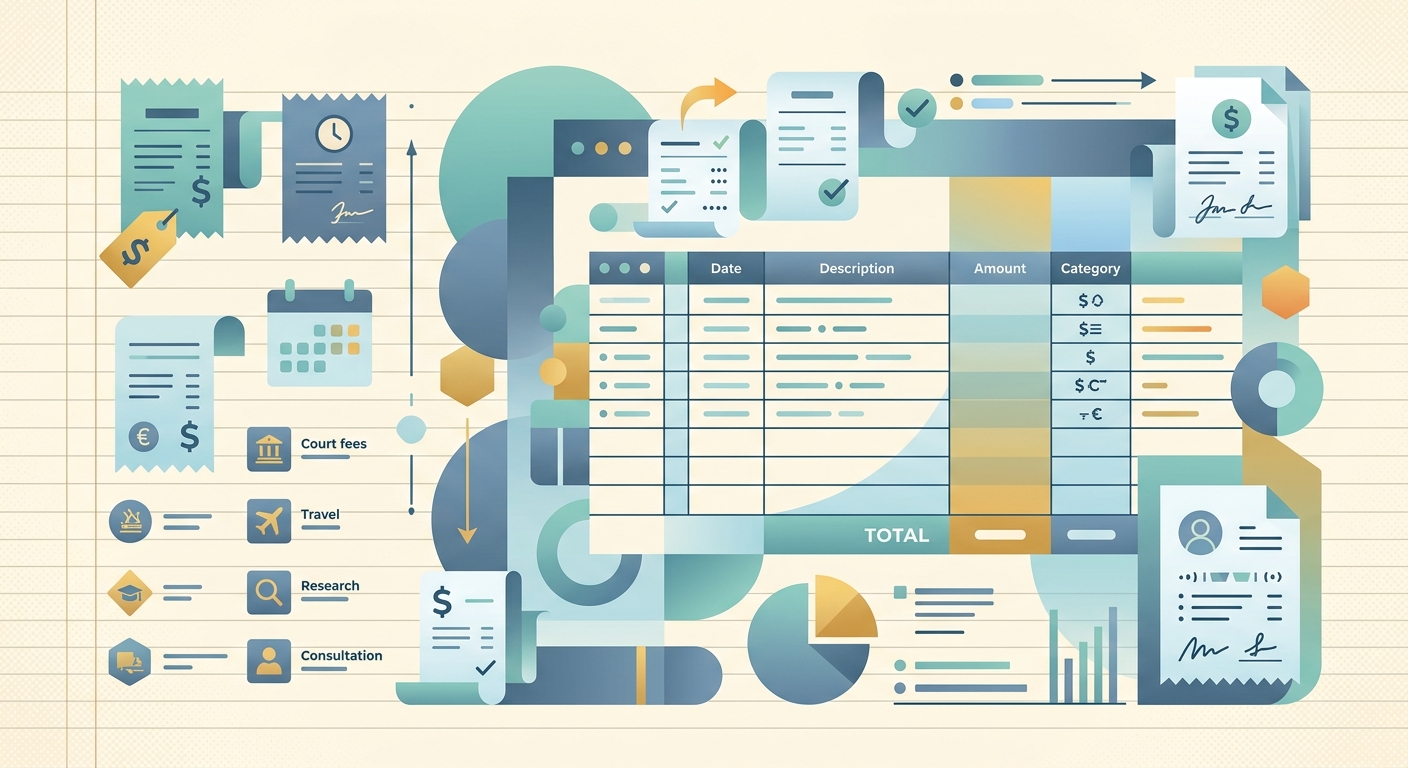
The template below is built around eight columns that cover the data points most bookkeepers actually need. You can drop it into Google Sheets, Excel, or Numbers and start logging right away.
Fields and columns
Here is each column in the order it should appear, with what to put in it:
- Matter, a short, consistent label for the legal project (for example, "Trademark dispute," "Lease renewal," "Vendor contract review"). Use the same label every time so you can filter totals by matter later.
- Attorney, the name of the lawyer or paralegal who did the work. If you work with a firm, capture the billing attorney plus initials of anyone else on the email.
- Date, the date the work was performed, not the date you paid the invoice. This matters for accrual-basis accounting.
- Hours, the number of hours billed on that date. Most invoices break this down by task; you can keep one row per task or one row per day.
- Rate, the hourly rate billed. Useful because rates often change mid-engagement.
- Total, the dollar amount for that row (hours times rate, or a flat fee). Use a formula here so you don't mistype.
- Invoice #, the invoice number from your attorney's bill. Match this against the wire or check payment.
- Notes, anything you'd want to remember in six months: a description of the work, who you spoke with, the next deadline, and so on.
For tax purposes, add a column called Deductible with a Yes/No flag. Legal fees are generally deductible as a business expense under IRC §162, with a few exceptions (most personal legal fees are not). A simple Yes/No column lets you filter for the Schedule C or 1120 line at year-end.
How to use it
Start the template fresh at the beginning of each fiscal year, or carry it forward and add a Year column if you want to see totals across multiple years.
When an invoice arrives:
- Open the invoice PDF and skim the line items. For each distinct task or attorney, add one row.
- Fill in the matter name exactly as it appeared on the previous invoice. Consistency is the whole point.
- Put the invoice number on every row covered by that bill. If a single invoice covers three matters, that is three rows with the same Invoice #.
- Total the row in the Total column.
- When you pay the invoice, mark it paid in your accounting software and add a "Paid" column or color the row green. The Notes column is a good place to record the payment date and method.
Reconcile monthly. Pull the bank statement for your legal expenses account, sort by amount, and check that each wire or check has a matching row in the sheet. Any orphan payment is a missing row; any row without a payment is an unpaid invoice.
For quarterly tax estimates, sum the Total column by quarter. Most bookkeeping software does this automatically, but a plain spreadsheet is faster for a one-person operation and you control every cell.
Customization options
The eight columns above are the minimum. Here are common additions, depending on how your law firm bills:
- Expense type, separate legal fees from filing fees, expert witness costs, courier charges, and copying. Some of these are reimbursable under different rules.
- Vendor, useful if you work with more than one firm or use co-counsel.
- Billing period, many firms bill in arrears (for example, work done in January invoiced in February). A period column lets you match expenses to the month they were actually incurred.
- Task description, a short phrase from the invoice narrative (for example, "drafted response," "reviewed contract," "call with opposing counsel"). This makes the audit story easier to reconstruct.
- Trust payment, a flag for any amounts paid into the firm's IOLTA or retainer account, which are not expenses until applied.
- Currency, essential if any of your counsel bills in a currency other than USD. Keep the conversion rate on the row too.
If you track matters across multiple years, add a Status column with values like Open, Closed, or Settled. That way year-end reports can show how much each matter cost from start to finish, which is useful when negotiating flat fees on future engagements.
Common pitfalls to avoid
- Matter names drift over time. "Trademark," "Trademark dispute," and "TM dispute" are the same matter but become three filters. Lock the name down in a separate reference sheet and reference it from a dropdown.
- Forgetting disbursements. Filing fees, process servers, and courier charges often appear on the same invoice as hourly fees but get missed in a manual log because they look like noise.
- Recording the payment date instead of the work date. This shifts expenses into the wrong month on cash-basis books and can understate or overstate quarterly estimates.
- Mixing personal and business legal fees. Most personal legal expenses (divorce, estate planning, personal injury defense) are not deductible. Keep them in a separate sheet.
- Trust account confusion. Money you deposit into a retainer is not an expense yet; only amounts actually invoiced and applied are expenses. Track the trust balance separately.
Pair this template with a clear folder structure for the source PDFs (one folder per matter, invoice PDFs named with the invoice number) and your legal expense tracking becomes audit-ready without extra effort. When tax season arrives, you can answer "what did we spend on legal this year?" and "which matter was that for?" from a single sheet.
SlipSheet makes this easier by reading the invoice PDF directly: capture the bill with your phone, and SlipSheet pulls the date, hours, rate, and total into a spreadsheet row you can review and export. Start a free trial at slipsheet.app and skip the manual typing on your next legal invoice.
FAQ
Are legal fees tax deductible for a small business?
Generally yes, ordinary and necessary legal fees paid in the course of running your business are deductible under IRC §162. Personal legal fees (divorce, estate planning, most personal matters) are usually not deductible.
What is the difference between billable hours and total in this template?
Billable hours is the number of hours an attorney worked on a task; total is the dollar amount for that row, calculated as hours times rate (or a flat fee for that line item).
Should I track expenses by matter or by vendor?
Track by matter for cost analysis and by vendor for payment reconciliation. Most templates keep both columns so you can filter totals either way without splitting the log.
How do retainer and trust payments fit into the template?
Retainer deposits are not expenses until the firm actually bills against them. Record trust payments in a separate column or sheet so they do not inflate your deductible total.
Can I use this template in Google Sheets or Excel?
Yes, the columns are plain text and numbers with simple formulas. Drop the eight header columns into a new sheet, add a Total formula, and you are ready to log entries in either tool.