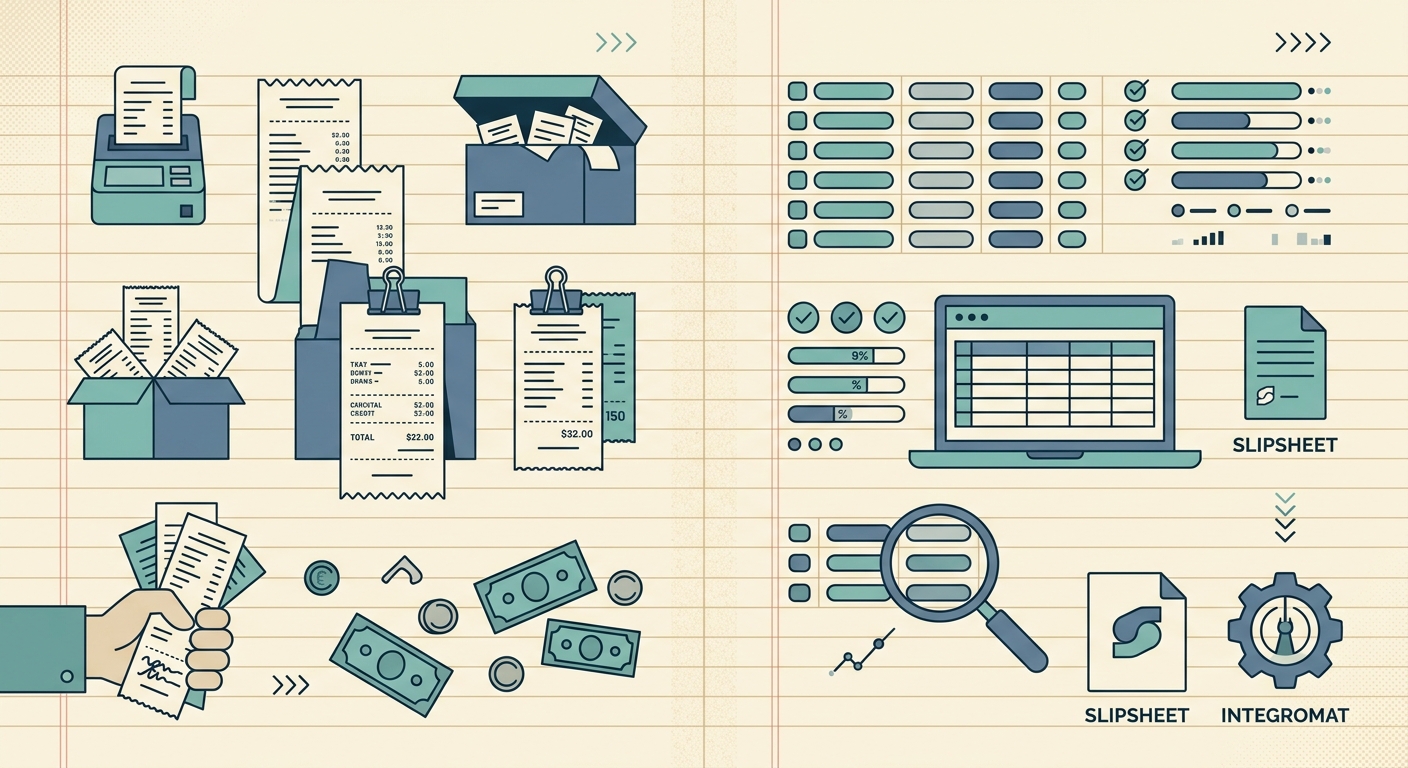
Make, formerly Integromat, and SlipSheet can both move receipt information into a spreadsheet, but they approach the job from opposite directions. Make is a flexible automation platform that connects apps through visual scenarios. SlipSheet is a focused receipt scanner built to turn receipt images into structured rows without requiring you to design an automation.
The right choice depends less on which product has more features and more on the workflow you actually need. If receipts are one step in a larger process involving email, cloud storage, accounting software, and team alerts, Make offers room to build. If your main goal is to scan receipts, check the extracted details, and export clean spreadsheet data, SlipSheet removes much of the setup.
Receipt capture
Make does not function as a receipt scanner by itself. It can receive files from connected sources such as email, forms, cloud storage, or another app, then pass those files through a scenario. That flexibility is useful when receipts already arrive through a predictable digital channel. For example, a scenario might watch a folder for new files, send them to an extraction service, and add the results to a spreadsheet.
The tradeoff is that you must choose the source, configure each connection, map the steps, and decide what happens when a file is missing or unreadable. Mobile capture may also require another app or an upload process.
SlipSheet starts with receipt capture. You upload or photograph receipts, including batches and multi-page documents, and keep the source images tied to the extracted records. This is a better fit for freelancers, small business owners, and bookkeepers who have paper receipts, emailed files, or a mixed monthly stack and want one consistent intake process.
Data extraction
Make excels at moving and transforming data, but receipt extraction normally depends on a separate OCR or document-processing service. You select that service, connect its API or app module, and map fields such as merchant, date, subtotal, tax, total, currency, and category into later steps. A skilled builder can add branching rules, formulas, lookups, duplicate checks, and approval paths.
That control is valuable for specialized processes. It also creates more places to maintain. Field names can change, an external service can return an unexpected value, or a scenario can fail because one module no longer receives the format it expects.
SlipSheet combines receipt OCR and structured field extraction in the product. The review step lets you confirm important values before export instead of assuming every scan is perfect. A focused interface makes exceptions visible to someone who understands the receipt but does not want to debug a scenario. Make offers more freedom; SlipSheet offers a shorter path from image to reviewed data.
Spreadsheet and accounting exports
Make can send data to many destinations, including spreadsheet and business tools supported by its integrations. You control which columns receive each value and can trigger additional actions after a row is created. This is powerful when an exported receipt should also create a task, notify a manager, rename a file, or update another system.
However, building a reliable export involves field mapping, test records, error handling, and ongoing monitoring. A scenario that appears to work with one sample receipt may need extra logic for refunds, missing tax, foreign currency, or duplicate uploads.
SlipSheet is designed for straightforward receipt-to-spreadsheet work. You review the records, then export structured data for CSV, Excel, Google Sheets, or supported accounting workflows. That makes it easier to hand a consistent file to a bookkeeper, prepare expense records for tax time, or separate client-billable purchases. It is less customizable than a full automation platform, but the default workflow already matches the task.
Pricing and ongoing effort
Make offers plans with limits based on usage and platform features. The total cost of a receipt workflow can include Make plus any separate OCR, storage, or document-processing service used inside the scenario. Usage can also grow with the number of steps because one receipt may pass through several modules. Current plan details can change, so estimate the full scenario rather than comparing only the entry price.
There is also a time cost. Someone must build, test, monitor, and occasionally repair the automation. That effort can be worthwhile when one scenario replaces a broad set of repetitive tasks. It may be excessive when the desired output is simply a clean spreadsheet.
SlipSheet packages the specialized scanning and export workflow into one product. Its value is less about unlimited automation and more about reducing configuration. When comparing Make vs SlipSheet, include the hours needed to set up and support the process, not just the monthly subscription.
Integrations and flexibility
Integrations are Make's strongest advantage. Its visual builder can connect a receipt workflow with email, cloud drives, customer databases, project tools, messaging apps, and accounting systems. Webhooks and API modules also support custom processes when a ready-made connection is unavailable. Teams with an automation owner can use Make as shared infrastructure across many departments.
SlipSheet has a narrower purpose. It focuses on getting receipt data into useful spreadsheet and bookkeeping formats rather than acting as a general connector between every business app. That narrower scope is often helpful for a small team because there are fewer credentials, modules, filters, and failure paths to manage.
If you need a receipt to launch a multi-app process, Make is likely the stronger foundation. If you want a person to capture receipts, verify the data, and deliver an orderly export, SlipSheet is likely the more direct tool.
Which option should you choose?
- Choose Make if receipt processing is part of a larger automation, you need extensive app integrations, and someone can maintain the scenario.
- Choose SlipSheet if your priority is fast receipt capture, built-in extraction, human review, and simple spreadsheet exports.
- Use both if SlipSheet provides the reviewed receipt data and Make handles downstream actions that are unique to your business.
A practical test is to write down the desired final output. If it is “reviewed receipt rows in a spreadsheet,” start with the focused tool. If it is a chain of conditional actions across several systems, start with the automation platform.
Try SlipSheet to turn your next batch of receipts into structured, reviewable spreadsheet data without building a multi-step automation first.
FAQ
Is SlipSheet a replacement for every Make automation?
No. SlipSheet is focused on receipt capture, extraction, review, and export, while Make is designed to automate many kinds of workflows across connected apps.
Does Make extract receipt data on its own?
Make usually coordinates the workflow and sends receipt files to a connected OCR or document-processing service for extraction.
Which tool is easier for a bookkeeper to set up?
SlipSheet is generally quicker for a receipt-to-spreadsheet workflow because extraction and review are built in, with no scenario mapping required.
Can Make and SlipSheet be used together?
Yes. SlipSheet can handle receipt processing and reviewed exports, while Make can support custom downstream steps in a broader business workflow.
Which option is better for complex integrations?
Make is the stronger choice when receipts must trigger conditional actions across several apps or custom APIs.