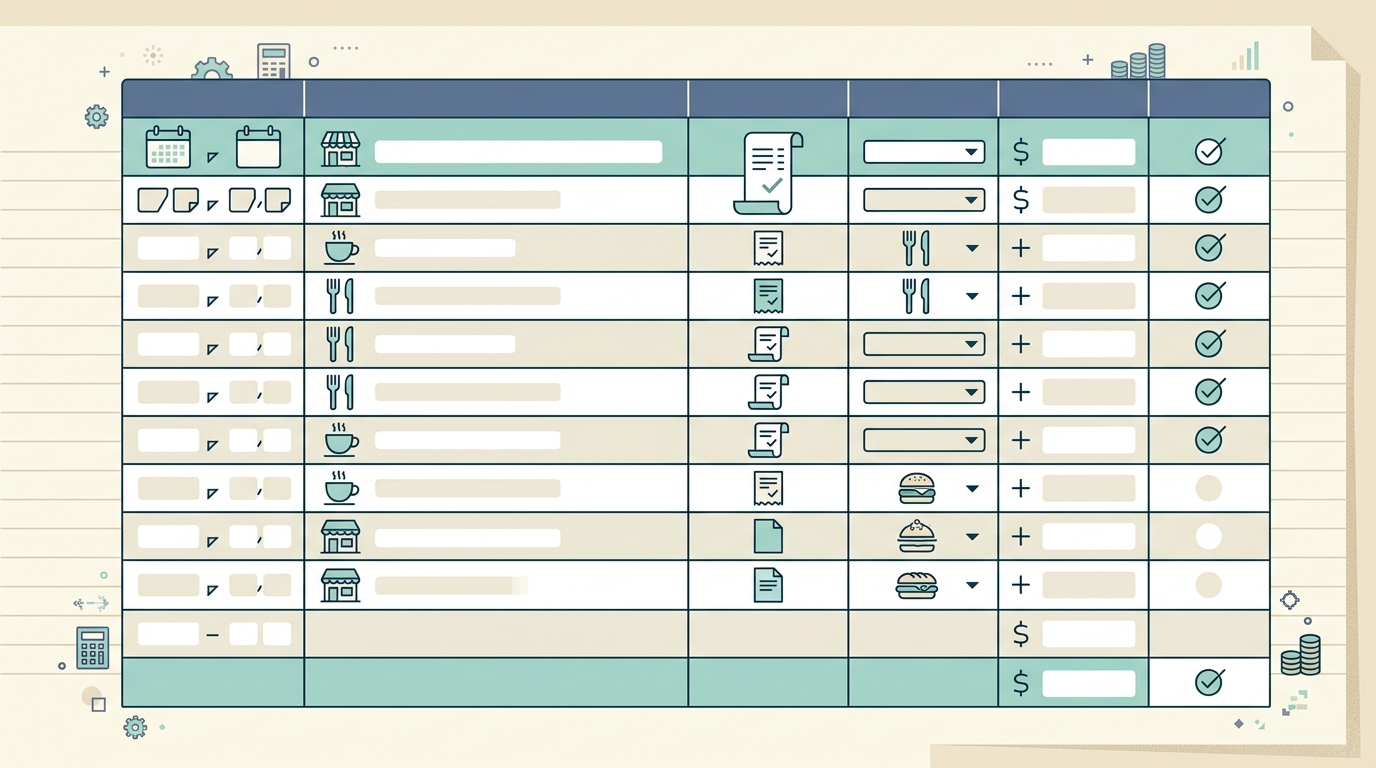
A meal expense log template gives you one clean place to track business meals before the receipts pile up, the details get fuzzy, and tax time turns into detective work. If you take clients to lunch, travel for work, meet contractors over coffee, or reimburse employees for meals, a simple log can save hours and reduce mistakes.
The goal is not to create more admin. The goal is to capture the details the moment they matter: date, restaurant, amount, attendees, business purpose, and notes. A good meal log also helps you compare actual spending against a per diem limit or internal policy, so you know when a meal is over, under, or right on target.
What the template is
A meal expense log template is a spreadsheet-style record for documenting business meal expenses. It works alongside your receipts, not instead of them. The receipt proves what was purchased and how much was paid. The log explains why the meal was business-related and how it should be categorized.
This is especially useful for small business owners, freelancers, bookkeepers, sales teams, consultants, and anyone who travels for client work. A pile of receipts may show totals, but it rarely tells the whole story. Three months later, it can be hard to remember which lunch was with a client, which coffee was part of a local networking event, and which dinner was personal.
Using a consistent template also makes review easier. Instead of opening every receipt one by one, you can scan the log for missing business purposes, unusual amounts, or meals that need approval before reimbursement.
Fields and columns to include
A practical meal expense log should be detailed enough for review but simple enough that people actually use it. The core columns are:
- Date: The date of the meal or purchase, not the date you entered it later.
- Business purpose: A short explanation, such as client kickoff meeting, vendor planning lunch, or travel meal during conference.
- Attendees: Names of clients, prospects, partners, employees, or contractors present at the meal.
- Restaurant: The merchant name from the receipt.
- Amount: The full amount paid, including tax and tip when applicable.
- Per diem limit: The daily or meal-specific allowance used by your company or project.
- Over or under: The difference between the actual amount and the policy limit.
- Notes: Any extra context, such as split payment, missing tip line, international currency, or receipt quality issues.
For most businesses, these fields are enough. If you manage multiple clients or projects, add a project code or client name column. If you reimburse employees, add an employee name and approval status. If you work across states or countries, add tax, currency, and exchange rate columns.
How to use it
Start by choosing one place where meal expenses will be recorded. That can be a spreadsheet, a shared workbook, or a receipt-to-spreadsheet workflow in SlipSheet. The important part is consistency. A template only helps if every meal uses the same format.
- Capture the receipt immediately. Take a photo before it gets folded into a wallet, left in a rental car, or washed in a jacket pocket.
- Enter the required details. Add the date, restaurant, amount, attendees, and business purpose while the context is fresh.
- Compare against the per diem or policy limit. Use the over or under column to flag meals that need a closer look.
- Attach or store the receipt image. Keep the original image linked, filed, or uploaded in a way your bookkeeper can access.
- Review weekly. A short weekly review is far easier than rebuilding a quarter of meal expenses from bank statements.
SlipSheet can help with the capture and extraction part. Instead of manually typing every receipt total and merchant name, you can upload receipt images and turn them into structured rows for review. You still decide how to categorize the expense, but the repetitive data entry gets lighter.
Customization options
The best meal expense log is the one that matches how your business actually works. If you are a solo freelancer, you may only need date, business purpose, restaurant, amount, and notes. If you manage a team, you may need employee name, approval status, reimbursement batch, and policy exceptions.
Here are a few useful additions:
- Client or project: Helpful when meals are tied to billable work or client development.
- Payment method: Useful for separating company card charges from reimbursable personal card charges.
- Receipt status: Mark whether the receipt is attached, missing, blurry, or needs follow-up.
- Category: Separate meals while traveling, client meals, internal team meals, and event meals.
- Approval notes: Record why an over-limit meal was approved or rejected.
You can also add formulas. For example, subtract the per diem limit from the amount to calculate the over or under value. Use conditional formatting to highlight missing business purposes, blank attendees, or meals above policy limits. These small checks make the log more useful without making it complicated.
Common mistakes to avoid
The most common mistake is treating the receipt as the whole record. A receipt shows the merchant and amount, but it does not explain the business reason or who attended. Without that context, a legitimate expense can become hard to support later.
Another mistake is waiting too long. If you enter meal expenses once a month, you will spend extra time guessing. A two-minute update after each meal is usually more accurate than a thirty-minute reconstruction later.
Finally, avoid making the template too detailed. If the log has twenty columns and half of them are optional, people will skip it. Start with the fields you truly need, then add columns only when they solve a recurring review problem.
Meal expense log FAQ
What should a meal expense log include? Include the date, business purpose, attendees, restaurant, amount, per diem limit, over or under amount, and notes.
Do I still need to keep receipts? Yes. The log organizes the context, but the receipt remains the source document that supports the amount paid.
How often should I update the log? Update it right after each meal, or at least once per week, so attendee names and business purposes stay accurate.
Can this work for employee reimbursements? Yes. Add employee name, approval status, payment method, and reimbursement batch columns.
Want a faster way to turn meal receipts into spreadsheet rows? Try SlipSheet to upload receipts, extract the key details, and keep your expense log cleaner from the start.