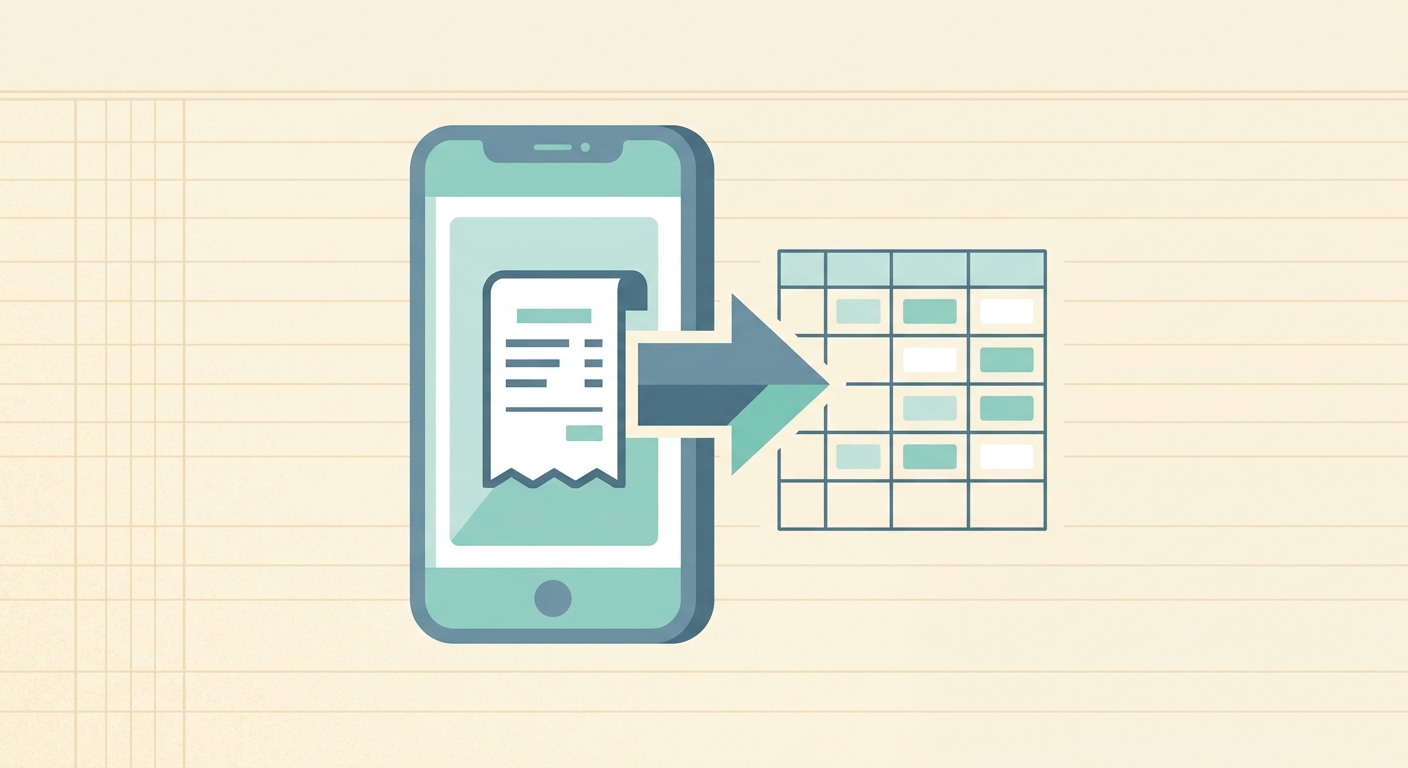
Mobile receipt capture is the fastest way to keep expenses from turning into a month-end cleanup project. Instead of saving paper receipts in a wallet, glove box, desk drawer, or email thread, you capture the receipt when the purchase happens and send it into a simple expense workflow. For small business owners, freelancers, and bookkeepers, that one habit can prevent lost deductions, messy reimbursements, and hours of manual data entry.
SlipSheet is built for people who want receipt capture to end in a clean spreadsheet, not a complicated accounting system. You can snap a receipt from your phone, extract the useful fields, review the results, and export the data into the spreadsheet or workflow you already use.
What mobile receipt capture is
Mobile receipt capture means using a phone to photograph or upload a receipt, then converting that receipt into usable expense data. A good capture workflow does more than store an image. It helps identify the merchant, date, amount, tax, payment method, category, and any notes needed for bookkeeping or reimbursement.
The point is not just convenience. Paper receipts fade, get lost, and pile up quickly. Email receipts are easy to forget. A mobile capture process creates a single place for expense records while the details are still fresh. That matters when you need to explain a purchase, reconcile a card statement, or prepare records for tax time.
- Contractors can capture supply purchases before leaving the job site.
- Freelancers can save client-related expenses immediately after payment.
- Bookkeepers can ask clients to submit receipts as they happen instead of sending a box of paper at month end.
- Owners can keep business and personal spending easier to separate.
How to use it step by step
A reliable mobile receipt capture process should be simple enough that you actually use it. If it takes too many taps, asks for too much information up front, or forces you into a full accounting setup, people drift back to paper. The better pattern is capture first, review second, export third.
- Capture the receipt right away. Take a photo as soon as the purchase is complete. Make sure the merchant name, date, total, and line items are visible. If the receipt is digital, save or upload the file instead of photographing your screen.
- Add context while you remember it. If the expense belongs to a client, project, job, or trip, add a short note. A note like “client lunch, Acme onboarding” is far more useful than trying to remember the purpose weeks later.
- Let the system extract the fields. SlipSheet reads the receipt and turns it into structured data that can be reviewed and exported. This is where mobile capture saves real time compared with typing every merchant and total by hand.
- Review before exporting. Receipt extraction is helpful, but it should not be treated as magic. Check totals, dates, tax amounts, and categories before the record becomes part of your spreadsheet.
- Export to your spreadsheet. Send the cleaned data to the place where you already manage expenses. For many small teams, that means a Google Sheet, Excel workbook, or CSV-based bookkeeping workflow.
Technical notes
Receipt capture works best when the image is readable. Use good lighting, keep the receipt flat, and avoid cutting off the bottom where totals often appear. If the receipt is long, capture the full document in one clear image when possible. If your phone camera struggles with glossy paper, move the receipt slightly away from direct light to reduce glare.
Digital receipts usually produce better results than photos because the text is already clean. When you receive a receipt by email, forward or upload the receipt instead of taking a screenshot. Screenshots can work, but they often include extra text, cropped totals, or small fonts that make review harder.
For bookkeeping accuracy, keep the original image or file attached to the extracted data. The image is your backup if a transaction is questioned later. The extracted fields make reporting faster, while the original receipt gives you proof. You need both.
It also helps to use consistent category names. If one person tags fuel as “Auto,” another tags it as “Vehicle,” and a third tags it as “Gas,” your spreadsheet becomes harder to summarize. Create a short category list and use it consistently across the team.
Common use cases
Mobile receipt capture is useful anywhere receipts are created away from a desk. The most common use case is everyday business spending: meals, travel, supplies, postage, tools, parking, software, and client purchases. Capturing those receipts on the spot keeps small expenses from slipping through the cracks.
It is also useful for reimbursement workflows. Employees and contractors can submit receipts as they go, then the finance or operations person can review a clean list instead of collecting paper or chasing missing attachments. For very small teams, that can be the difference between weekly reimbursement and a frustrating end-of-month scramble.
Bookkeepers can use mobile capture as a client habit builder. Instead of asking clients to remember every receipt at month end, give them a simple rule: capture it before you leave the store, restaurant, or job site. The workflow does not need to be fancy to be effective. It needs to be easy, repeatable, and connected to the spreadsheet where the work gets finished.
Getting better results from every receipt
The best receipt capture systems combine speed with a quick review habit. Do not wait until tax season to find out that half your receipts are missing project names or categories. Spend a few minutes each week reviewing new entries, matching them to card transactions, and correcting anything that looks off.
- Capture receipts immediately, not later.
- Use notes for clients, projects, trips, or jobs.
- Review extracted totals and dates before export.
- Keep receipt images attached to the data.
- Use consistent categories across your spreadsheet.
Mobile receipt capture is not about adding another administrative task. It is about making the task small enough that it no longer becomes a problem. A photo, a quick note, and a clean export can replace hours of sorting, typing, and guessing.
If you want receipt capture that fits a spreadsheet-first workflow, try SlipSheet. It helps you turn phone-captured receipts into organized expense data without forcing your business into a heavy accounting setup.
FAQ
What is mobile receipt capture?
Mobile receipt capture is the process of using your phone to save a receipt and turn it into structured expense data. It helps preserve the original receipt while making the details easier to review and export.
Do I still need to keep the original receipt image?
Yes. The extracted fields are useful for reporting, but the original image or file is your backup if you need proof of the expense.
Can mobile receipt capture work for freelancers?
Yes. Freelancers can use it to track client expenses, supplies, meals, travel, and software purchases before receipts get lost or forgotten.
How accurate is receipt extraction?
Receipt extraction can save a lot of typing, but you should still review dates, totals, taxes, and categories before exporting the data.
Why use SlipSheet instead of a full accounting app?
SlipSheet is a good fit when you want receipt capture and clean spreadsheet exports without moving your entire bookkeeping process into a heavier accounting platform.