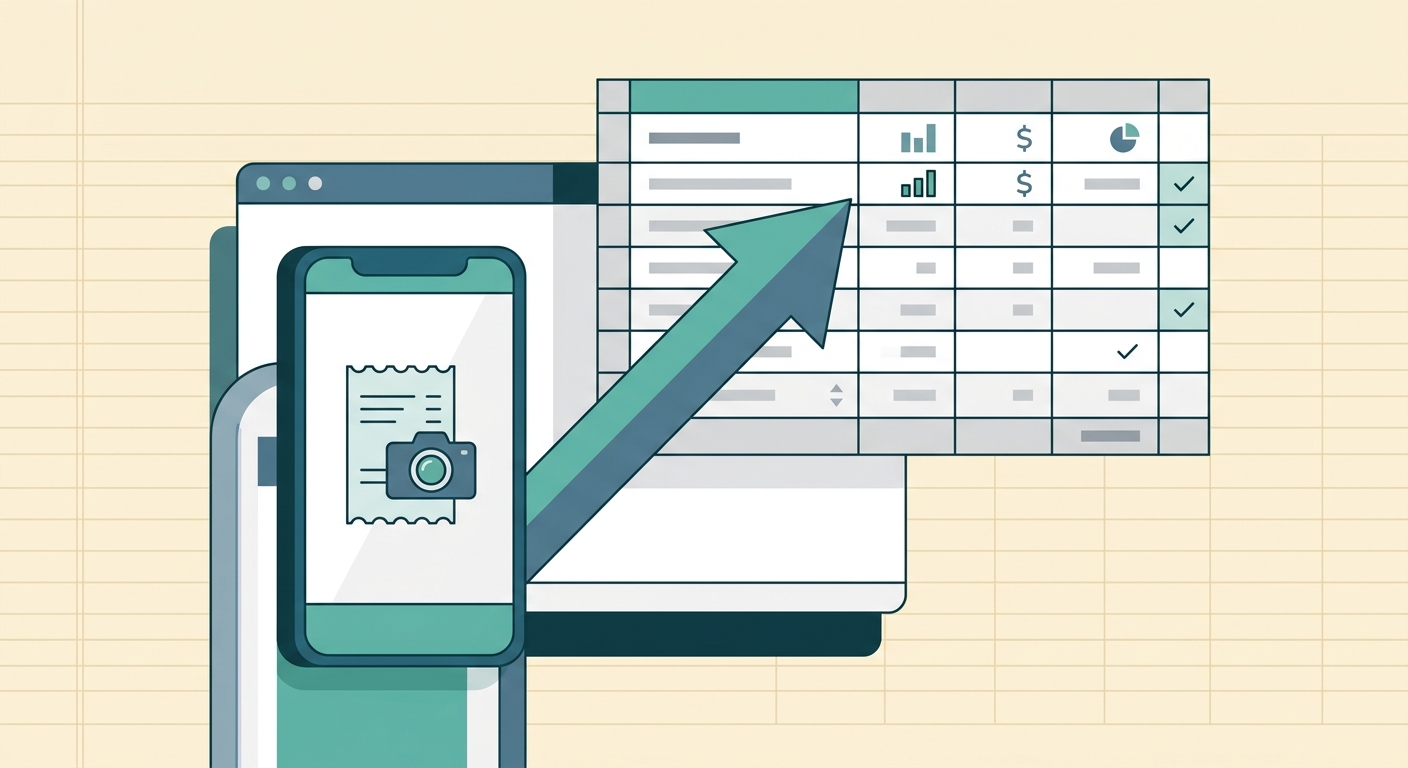
Receipt work rarely belongs to one person for long. A freelancer may start by snapping every receipt alone, then bring in an assistant. A small business owner may need a bookkeeper to clean up expense records each month. A growing team may have employees buying supplies, software, travel, meals, and client materials across several locations. Multi-user team access gives those people a shared way to capture and manage receipts without passing photos, PDFs, and spreadsheet files back and forth.
SlipSheet is built for teams that want clean receipt data in a spreadsheet-friendly format. The goal is simple: make it easy for the right people to add receipts, review extracted fields, and export usable records without turning expense tracking into a software project.
What multi-user team access is
Multi-user team access lets more than one person work inside the same receipt workspace. Instead of one account becoming the bottleneck for every upload and export, team members can help with the parts they are closest to. The person who makes a purchase can upload the receipt. The office manager can check vendor names and categories. The bookkeeper can export the finished spreadsheet when it is time to reconcile expenses.
This matters because receipts move through a business in stages. Someone captures the document, someone verifies what it means, and someone uses the data for bookkeeping, taxes, reimbursements, or reporting. When each stage depends on forwarding files to one person, delays pile up. Shared access keeps the work in one place.
How to use it step by step
- Decide who needs access. Start with the people who directly touch receipts: owners, assistants, operations staff, and bookkeepers. Avoid inviting everyone by default. A smaller, focused team is easier to manage.
- Set expectations for uploads. Ask team members to upload receipts as soon as possible after a purchase. Same-day uploads are best because the context is still fresh and missing details are easier to fix.
- Review extracted data. SlipSheet helps turn receipts into structured fields, but human review is still useful. Check dates, totals, vendor names, taxes, tips, and categories before the data becomes part of your records.
- Use consistent categories. Agree on a short list of expense categories, such as meals, supplies, travel, software, client materials, and office expenses. Consistency makes exports easier to sort and summarize.
- Export when records are ready. Once receipts are reviewed, export the data to the spreadsheet or accounting workflow your team already uses.
The best setup is not complicated. Give people a clear role, keep the workflow simple, and review records before they reach your books.
Technical notes for shared receipt work
Team access is most useful when it supports accountability. A shared receipt system should make it clear which receipts have been uploaded, which ones still need review, and which records are ready to export. That visibility reduces duplicate work and helps teams spot missing receipts before month-end.
For small businesses, the practical technical requirement is not a long list of enterprise controls. It is a reliable path from receipt image to usable spreadsheet row. SlipSheet focuses on that path. Receipts can be collected, extracted, reviewed, and exported in a format that works for spreadsheet-first teams.
If your team has a bookkeeper, decide whether they should review receipts continuously or only at set times. Continuous review can catch issues faster. A weekly or monthly review can be easier to schedule. Either approach works as long as everyone understands when receipts are considered final.
Common use cases
- Owner plus bookkeeper. The owner uploads receipts during the month, and the bookkeeper reviews and exports records before reconciliation.
- Office manager plus staff. Staff members capture receipts from purchases, while the office manager checks categories and totals.
- Freelancer plus assistant. The freelancer keeps moving, while an assistant organizes receipts into clean expense records.
- Field teams. Employees who buy materials or travel for jobs can upload receipts without waiting to return to the office.
- Seasonal tax prep. A preparer or bookkeeping helper can assist with organizing old receipts before filing deadlines.
In each case, the value comes from reducing handoffs. A receipt should not live in a text message, then an email, then a downloads folder, then a spreadsheet. Each extra stop creates another chance for a missing file or a wrong total.
Common mistakes to avoid
The first mistake is giving access without defining responsibility. If everyone can upload receipts but no one reviews them, the workspace becomes another inbox. Assign a clear reviewer and decide how often reviews happen.
The second mistake is skipping naming and category rules. Teams do not need an accounting manual, but they do need shared habits. For example, decide whether coffee with a client goes under meals, client entertainment, or marketing. The exact label matters less than using it consistently.
The third mistake is waiting until month-end to capture everything. Old receipts are harder to read, harder to explain, and easier to lose. Multi-user access works best when people upload receipts during normal work, not during a last-minute cleanup.
The fourth mistake is treating OCR as a replacement for review. Automation saves time, but receipts can be messy. Tips, discounts, taxes, split payments, and faded print can all create edge cases. A short review step protects the quality of the final spreadsheet.
Getting more from team access
Once your team has the basics working, look for small ways to tighten the process. Create a weekly reminder for uploads. Keep a short category list near your bookkeeping process. Export on a predictable schedule. Ask your bookkeeper which fields they need most, then make those fields part of your review habit.
For many small teams, the win is not fancy expense management. It is fewer lost receipts, cleaner spreadsheet exports, and less time spent asking, “Who has the receipt for this?” Multi-user team access helps spread the work without spreading the mess.
If your team needs a simple way to turn shared receipt uploads into clean spreadsheet-ready data, try SlipSheet and set up a receipt workflow your whole team can actually keep using.
FAQ
Who should have access to a shared receipt workspace?
Invite the people who capture, review, or export receipt data, such as owners, assistants, operations staff, and bookkeepers. Keep access focused so responsibility stays clear.
Can multiple people upload receipts for the same business?
Yes. Multi-user team access is meant for teams where more than one person needs to contribute receipts or help manage expense records.
Does team access replace a bookkeeper?
No. It helps collect and organize receipt data so a bookkeeper or reviewer has cleaner records to work with.
How often should a team review receipts?
Weekly review works well for many small teams, while monthly review can work if receipts are uploaded consistently. The key is not waiting until receipts are missing or context is forgotten.
What is the biggest benefit of multi-user receipt management?
It reduces bottlenecks. The right people can upload and review receipts in one place instead of passing files through texts, emails, and folders.