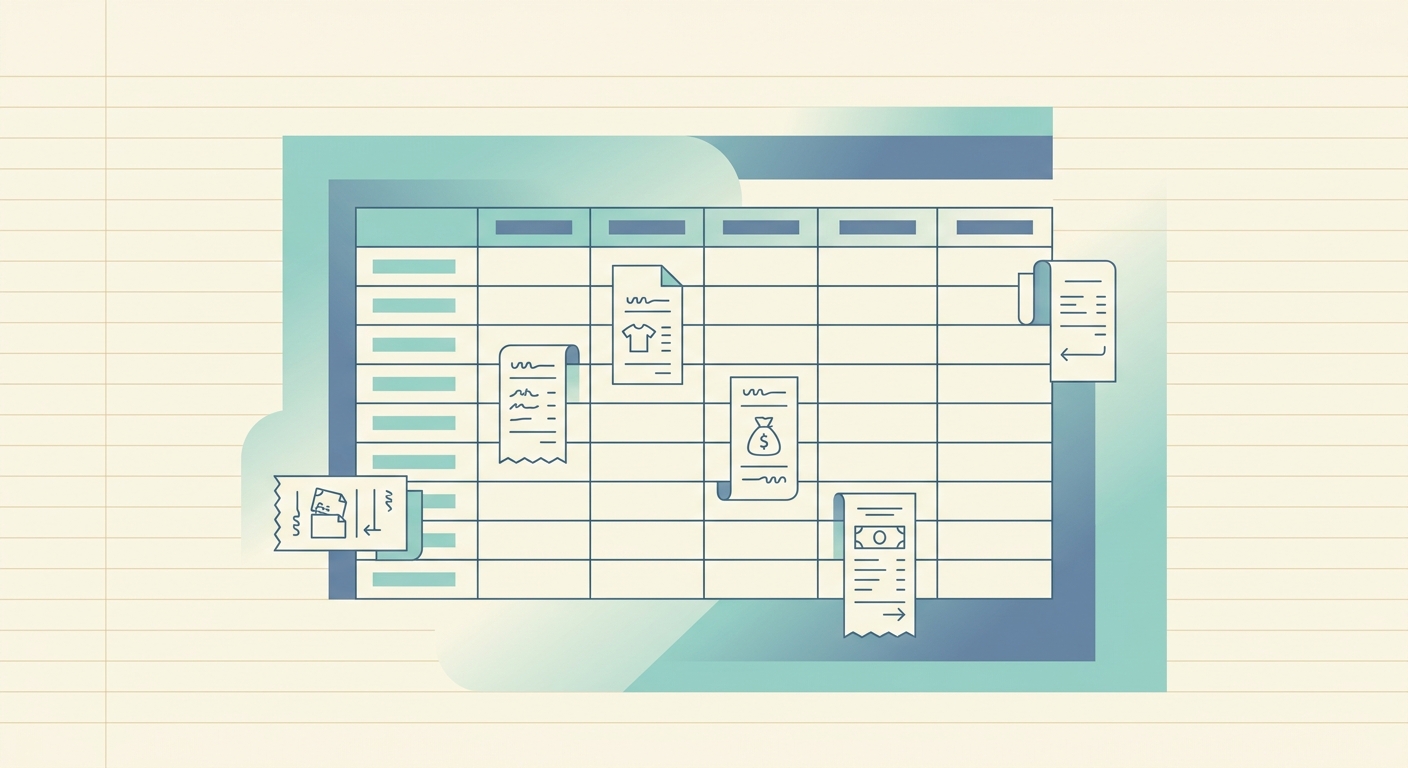
If your nonprofit's receipts live in a shoebox, a staff inbox, or twelve different photo rolls, your year-end audit is going to hurt. The fix is not a fancy system; it is a consistent receipt tracking template that captures the same fields every time, so reconciliation, grant reporting, and Form 990 preparation become routine rather than heroic.
This page gives you that template. It is designed for small nonprofits, faith-based organizations, and community associations that need clean records without paying for enterprise accounting software. SlipSheet reads the receipt photo and fills the columns for you, so the template is what your team actually uses, not a spreadsheet they abandon in three weeks.
What the template is
A nonprofit receipt tracking template is a single spreadsheet, structured around seven columns that cover the questions an auditor, board treasurer, or grant manager will ask when reviewing the year. The columns are:
- Date — the date on the receipt, not the date you entered it.
- Vendor — who you paid.
- Description — what you bought, in plain English.
- Amount — total paid, including tax.
- Donor — if the expense was reimbursement for a donor-restricted gift or a designated contribution, the donor or fund name.
- Grant — the grant identifier, if the expense is reimbursable under a specific award.
- Notes — anything else, like "board-approved," "split across two programs," or "missing receipt, see attached memo."
That is the minimum useful set. Some teams add a Category column (Program, Operations, Fundraising) or a Tax-Deductible flag. Both are reasonable; just keep the total under ten columns or the template stops being scannable.
Fields explained, and why each one matters
Date is the date of the transaction, not the date you logged it. For tax purposes and for grant reimbursement, the transaction date is what auditors care about. If a receipt is missing a date, write the date you received the goods or services in the Notes column, not in the Date column.
Vendor is the legal name on the receipt when possible. "Amazon" is fine for program expenses, but "Amazon Web Services" should be split out into a separate vendor entry so your technology line item does not eat into direct program costs on the Form 990.
Description is where the work happens. "Office supplies" is not enough for an audit. "Printer paper and toner cartridges for admin office" is enough. The description column is your defense if anyone later asks whether an expense was reasonable and necessary.
Amount should match the receipt total, tax included. If the receipt shows a tip or gratuity separately, capture it in Notes rather than rolling it into the Amount column, so the actual cost of the goods or services is unambiguous.
Donor and Grant columns let you reconcile restricted funds without re-sorting the entire ledger at year-end. If a donor gave $5,000 specifically for "summer youth program supplies," every receipt tied to that gift gets the donor name in this column, and a single SUMIF gives you the running total.
Notes is the catch-all. Use it for context that does not fit elsewhere: a link to the board meeting minutes that authorized the expense, the name of the staff member who attended a conference, or a flag like "awaiting W-9 from vendor."
How to use the template
- Set up the sheet once. Add the seven column headers in row 1. Freeze the header row so it stays visible as you scroll.
- Capture receipts as they arrive. Photograph each receipt the same day. A weekly batch is the maximum gap you can sustain before receipts go missing.
- Run the photo through OCR. SlipSheet reads the merchant, date, total, and tax in about three seconds per receipt, then drops the row into your template.
- Fill in Donor, Grant, and Notes by hand. These three columns depend on context OCR cannot see, so they are the human-only step. Plan for one to two minutes per receipt.
- Review weekly. Sort by Vendor and scan for duplicates. Sort by Amount descending and scan for anything unusual. Five minutes a week prevents a multi-day reconciliation later.
- Close the month. At month-end, export to your accounting software or to a PDF for the treasurer. The closed sheet becomes your backup record.
The whole loop, capture to closed month, should take less than thirty minutes per month for a nonprofit with under $200,000 in annual expenses. If it takes longer, the bottleneck is usually the Notes column being too vague, not the tool being too slow.
Customization options
Most nonprofits customize the template in the same three places. First, add a Category column if your Form 990 line items are different from your program structure; this saves time at year-end when you fill out Part IX. Second, add a Reimbursable column (Yes/No) if your organization frequently fronts expenses for staff or volunteers; the column makes the reimbursement queue trivial to pull. Third, add a Tax-Deductible flag if you issue donor acknowledgments; this lets you filter for receipts tied to gifts during year-end receipting.
If your nonprofit uses fund accounting (which most should), resist the temptation to add a separate Fund column. Use the existing Grant column for fund tracking instead; adding both columns invites inconsistency, and the SUMIF logic gets messy. One identifier per restricted purpose, not two.
Common pitfalls
Letting the receipt photo live outside the template. A spreadsheet that says "see attached" with no attachment is worse than no record at all. Either embed the photo as a link in the Notes column, or store the photo in a single dedicated folder named by date.
Mixing restricted and unrestricted expenses. Every restricted gift needs a Donor or Grant entry, every time. If a receipt does not have one, it is unrestricted by default, and your audit report will reflect that.
Editing old rows. Once a month is closed, do not edit the rows in place. Add a correction row that references the original. Auditors prefer a correction trail over clean-but-mutated history.
Skipping the small stuff. The $4.50 office supply run feels too small to log. It is not. Small undocumented expenses are the most common finding in small nonprofit audits, and they compound fast.
Getting started
You do not need a new tool to use this template. A blank Google Sheet with the seven column headers is enough to start on Monday. If your team is already drowning in receipts and you want the OCR step handled automatically, SlipSheet reads each receipt into the template fields for you and keeps the source photos linked from the Notes column. The 14-day trial covers most month-end closes, so you can validate the workflow before committing.
Pick a starting date, build the sheet, and capture every receipt that crosses your desk for thirty days. By the end of the month you will have a clean ledger, a clear audit trail, and a process that survives staff turnover, because it lives in the columns, not in someone's head.
Start your free SlipSheet trial and turn the template into the actual workflow: slipsheet.app.
FAQ
What columns should a nonprofit receipt tracking template include?
Date, Vendor, Description, Amount, Donor, Grant, and Notes. These seven columns cover what an auditor, treasurer, or grant manager will ask for at year-end, without overcomplicating the daily workflow.
How is this different from a basic expense log?
A basic log tracks what was spent; this template also tracks who restricted the funds (Donor) and which award they came from (Grant), so restricted-fund reconciliation is a SUMIF away instead of a multi-day rebuild.
Do I need accounting software to use this template?
No. A Google Sheet or Excel workbook with the seven columns is enough for nonprofits under roughly $200,000 in annual expenses. Accounting software becomes worth it when you need multi-entity consolidations or audited financial statements prepared by an outside firm.
How long does it take to maintain each month?
Plan on under thirty minutes per month for capture, review, and close, once the OCR step is automated. The Notes column is the only real time sink, and it should take one to two minutes per receipt.
Can SlipSheet fill this template automatically?
Yes. SlipSheet reads the receipt photo and drops Date, Vendor, Description, and Amount into the row. Donor, Grant, and Notes still need human input because they depend on context the OCR cannot see.