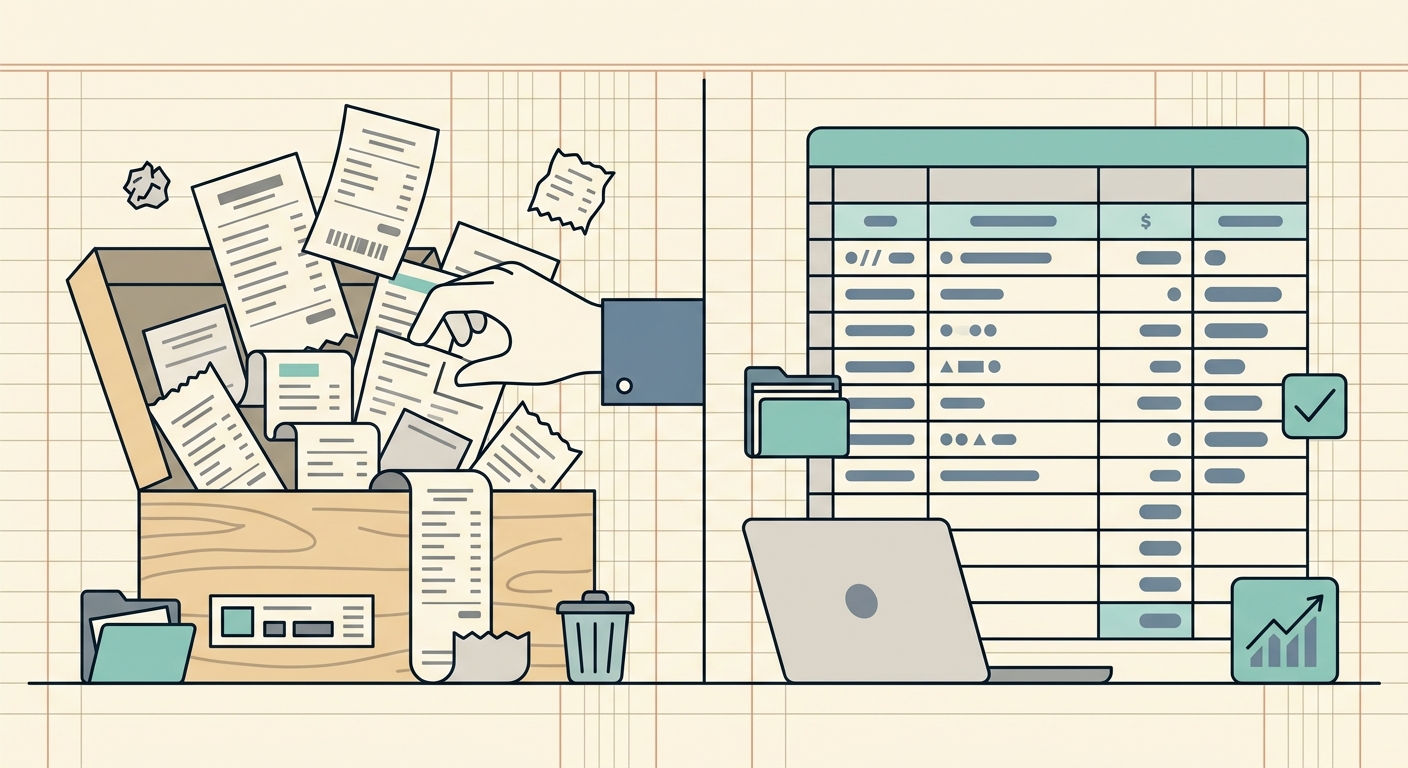
Notion is a beautifully flexible workspace. People build all kinds of trackers in it: habit logs, content calendars, project dashboards. A "Notion receipt database" template is one of the more common ones floating around creator marketplaces, and for a freelancer who just wants to look at a year of coffee meetings, it can feel like a perfect fit. Spreadsheet-shaped, customizable, free to start.
The trouble shows up around month three. You scanned a stack of receipts, dumped them into your Notion database, and now you actually need the data somewhere else: in QuickBooks, in a quarterly tax packet, in a CSV your accountant emailed asking for. Notion is great at capturing entries. It is less great at handing them back out as clean, structured rows.
SlipSheet exists for that last mile. If you came to Notion looking for a receipt tracker, here is what to know about a more focused alternative.
What Notion does well with receipts
Notion earns its fans for good reasons. As a receipt database, it gives you:
- A real database view: filterable, sortable, with relations, rollups, and gallery views. Power users love this part.
- Custom properties: add a "Project" or "Client" relation, set up a "Tax Category" select field, roll up totals per quarter.
- Templates and recurring entries: a button that creates a new receipt entry with today's date pre-filled saves real time.
- Free tier: the personal plan covers solo receipt tracking without paying anything.
- WYSIWYG note fields: long descriptions, vendor notes, and tags all live inline with the structured fields.
For someone whose reporting needs stop at "show me a list of last month's expenses by category," Notion genuinely works. Plenty of freelancers have run a small business this way for years.
Where Notion falls short as a receipt tracker
Flexibility is also the source of most pain points. Once your receipt database has 600 rows, a few cracks start to show:
- Manual data entry: Notion does not read receipts. You type in the merchant, date, total, tax, and category yourself, every time. For a freelancer scanning 10 receipts a week, that adds up fast.
- No receipt capture: you cannot snap a photo of a paper receipt in Notion and have it become a row. You are manually transcribing into fields, then attaching an image file as a property.
- CSV export is workable, not great: Notion will export your database to CSV, but relations, rollups, and formula fields often lose fidelity. Multi-select fields flatten awkwardly. Your accountant may have to re-clean the file before importing it.
- No client-ready output: billable expenses for a client need their own format. Spreadsheet, itemized, grouped. Notion does not generate that, you are still cutting and pasting into a separate sheet.
- Free tier is limited for two or more users: if you are a bookkeeper with five clients, you hit the block limit quickly on the personal plan.
- It is a generalist: Notion has to be everything to everyone. Receipt-specific concerns like duplicate detection, OCR accuracy, tax-category presets, and IRS-compliant mileage fields are not built in; you have to design them yourself.
What SlipSheet does differently
SlipSheet is built around one specific job: turn receipts into clean spreadsheet rows. Everything in the product is shaped around that workflow.
- Snap a receipt, get a row: capture a paper receipt, an email PDF, or a screenshot. SlipSheet reads the merchant, date, total, tax, and category, and produces a spreadsheet-ready row in roughly three seconds.
- Spreadsheet output by default: download to CSV, Excel, or Google Sheets. The export is the point. No cleaning, no formula repair, no relations to flatten.
- QuickBooks and accounting handoff: the export uses a layout most bookkeeping tools can ingest directly. Most users go from snap to QuickBooks-ready in under a minute.
- Multi-page support: long itemized receipts (a hotel folio, a contractor invoice) come through as one structured row per receipt, not as a block of text your accountant has to read.
- Pricing designed for solo and small books: free tier covers casual freelancers, paid plan is cheap enough that a solo bookkeeper with several clients can run everything on one account.
- 14-day free trial of paid features: you can run a real month of receipts through the paid tier before deciding.
Who should switch from Notion to SlipSheet
Stay with Notion if your reporting needs never leave Notion, you enjoy customizing your own database, and the manual entry feels fine.
Switch to SlipSheet if any of these describe you:
- You process more than about 20 receipts a week and the manual entry is eating your evenings.
- You send expense reports to clients and the formatting keeps eating an hour per month.
- You use Notion but still end up re-typing receipt data into a spreadsheet to hand to your bookkeeper.
- You want receipts to flow into QuickBooks without a human re-keying them.
- You want a 3-year audit trail with every receipt image attached to its row, without designing that schema yourself.
- You are a bookkeeper tracking receipts for multiple clients and Notion's free tier doesn't fit.
Common migration questions
Can I export my existing Notion database and import it into SlipSheet?
Yes. Export your Notion database to CSV (Database menu → Export → CSV), then import that file into SlipSheet as historical receipts. New entries after that go through SlipSheet's capture flow.
Will I lose my rollups and relations?
Notion relations and rollups do not survive a CSV roundtrip into any spreadsheet tool. If your reporting depends on them, plan a small rebuild on the SlipSheet side, or keep Notion as your dashboard and use SlipSheet as the data source behind it.
Do my accountants and bookkeepers need a SlipSheet account?
No. They get the CSV or Excel export you send them. No login required on their end.
Does SlipSheet have a free tier?
Yes. The free tier covers light personal use. The paid tier starts at a low monthly price and unlocks higher volume, multi-client support, and priority export formats.
Can I keep using Notion for everything else?
Most people do. SlipSheet handles receipts and exports; Notion stays your project hub, your notes, your CRM. The two tools are not in conflict; SlipSheet just takes the part that Notion is least suited for.
If Notion has been quietly nagging you every time you sit down to log receipts, SlipSheet is the small, focused alternative that handles that one job end to end. Open a receipt, get a row, hand a clean file to your accountant, done. Try it free for 14 days and see what your month-end actually feels like.
FAQ
Why use SlipSheet instead of a Notion receipt database?
Notion is a great general workspace, but it does not capture or read receipts. SlipSheet snaps a receipt, extracts the fields, and produces a spreadsheet-ready row in seconds, saving the manual entry that Notion requires.
Can I move my existing Notion data into SlipSheet?
Yes. Export your Notion database as CSV and import that file into SlipSheet. Going forward, new receipts flow through SlipSheet's capture pipeline automatically.
Does SlipSheet export to QuickBooks?
Yes. SlipSheet produces CSV and Excel files formatted for QuickBooks ingestion. Most users go from a photo of the receipt to a QuickBooks-ready file in under a minute.
Will I lose Notion rollups if I switch?
Notion rollups and relations do not survive any spreadsheet roundtrip. If those views matter to you, plan a small rebuild on the SlipSheet side, or keep Notion as your dashboard and let SlipSheet feed it data.
Is there a free tier?
Yes. SlipSheet has a free tier for casual personal use. The paid tier unlocks higher volume, multi-client support, and priority exports, with a 14-day free trial so you can test it on a real month of receipts first.