Notion and SlipSheet both involve documents, tables, and exports, but they are built for very different jobs. Notion is a flexible workspace where you can build databases, wikis, and lightweight trackers. SlipSheet is a focused tool that turns paper receipts into clean spreadsheet rows. Picking the right one comes down to what you actually need to do with your receipts and expense data.
What each tool is built for
Notion is a general-purpose workspace. You can create a database to log receipts, attach images, and add custom properties for vendor, date, and amount. It works for tracking, but it does not extract data from receipt photos on its own. You do the typing and tagging, or you connect a third-party service through Notion's API.
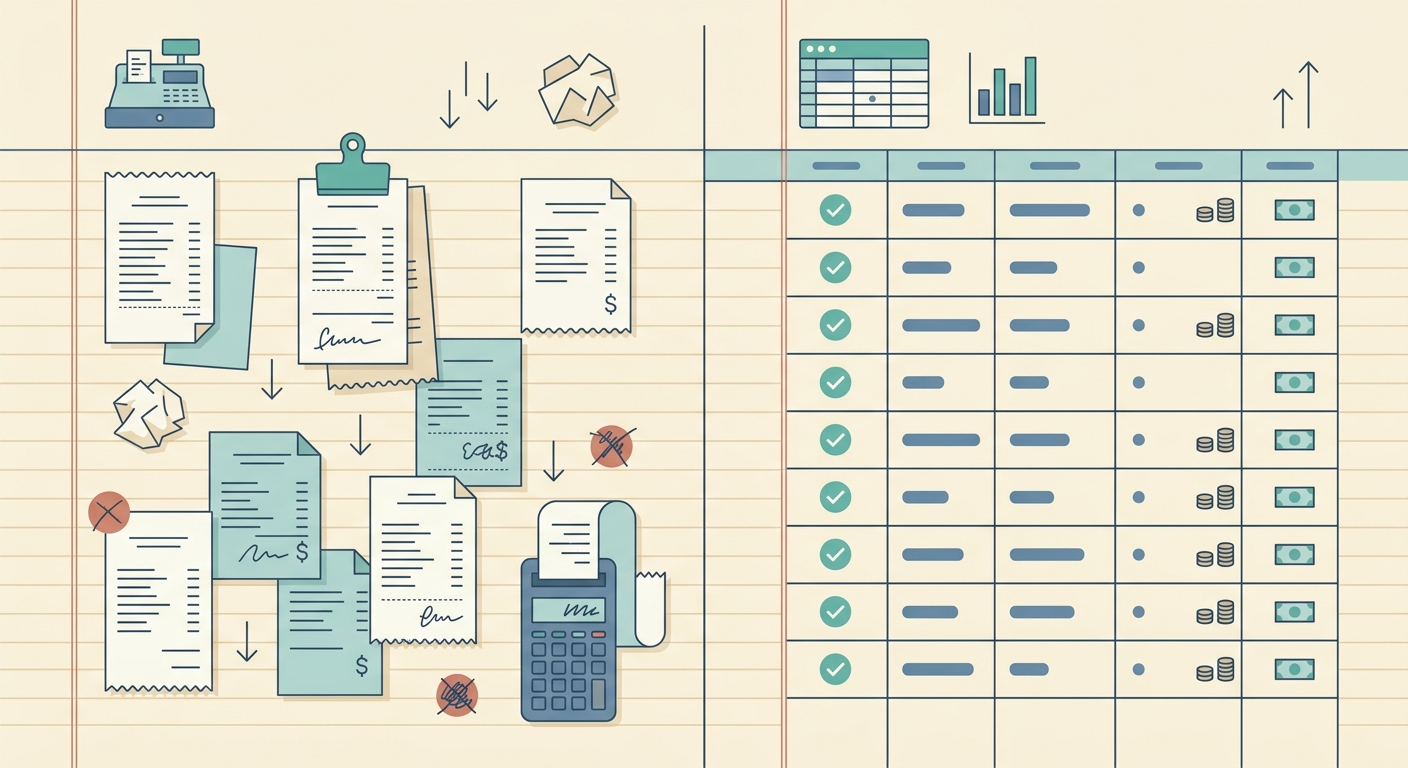
SlipSheet exists to do one thing well: convert a stack of receipt photos into a spreadsheet you can hand to your accountant or import into QuickBooks. You snap a picture, the service reads the receipt, and you get a structured row with vendor, date, amount, tax, and category. There is no project management, no wiki, and no learning curve.
Receipt capture
Notion does not have a native receipt scanner. You can paste an image into a page, but the receipt stays as a picture. To turn it into data, you need an automation tool like Make, Zapier, or a custom API integration that calls a service such as Veryfi, Mindee, or Taggun, then writes the result back to Notion.
SlipSheet is designed for the capture step. Upload a photo, a PDF, or a batch of receipts, and the system pulls the structured fields in a single pass. You do not need to set up a workflow, choose an OCR provider, or maintain a Zap. The capture step is the product.
Data extraction quality
When you route receipts through Notion plus an external OCR service, the quality depends on which provider you pick and how clean the integration is. Common issues include swapped dates, missing tax lines, and category guesses that do not match your chart of accounts. Most of the time, you still need to review and correct the rows yourself.
SlipSheet's extraction is tuned for receipts, not general documents. It returns the fields a bookkeeper actually uses, including line items, tax, and a category suggestion that aligns with common small business accounting categories. You can edit anything before export, and the review step is the main interaction.
Spreadsheet export
Notion databases are flexible, but exporting to a clean spreadsheet is awkward. The CSV export flattens properties, breaks multi-select fields, and loses formatting. Date fields often need cleanup in Excel or Google Sheets before they import cleanly into accounting software.
SlipSheet exports to a clean CSV or XLSX with proper date formatting, decimal handling, and a column layout that matches what QuickBooks, Xero, and Wave expect. The file opens and imports without column-juggling, which is the whole point of a receipt-to-spreadsheet tool.
Pricing and integrations
Notion's free tier covers small teams, but the real value comes on paid plans that add history, larger file uploads, and team features. Integrations are abundant because Notion is a general platform, but you often need multiple paid services (Notion + Zapier + OCR) to build a working receipt pipeline.
SlipSheet is a single subscription that includes the capture, the extraction, and the export. There is no separate OCR bill, no workflow tool to configure, and no API key to manage. For users who live in Google Sheets or Excel, the export is the integration.
When Notion makes more sense
Notion is the right pick when you want one workspace for everything: project notes, client docs, SOPs, and a lightweight expense log. If your receipts are mostly digital, low volume, and you mostly need a place to store the image plus a few typed fields, a Notion database is fine. It also makes sense if you already pay for Notion and want to avoid another subscription.
When SlipSheet makes more sense
SlipSheet is the better fit when you have a steady stream of paper or email receipts and you need clean data in a spreadsheet. Freelancers, bookkeepers, and small business owners who want to stop retyping receipt data will get more value from a focused tool than from a general workspace with bolted-on automation. If the bottleneck is data entry, SlipSheet is the right answer. If the bottleneck is organizing your business docs, Notion is.
Common questions
Both tools can be useful together. You can use SlipSheet to handle receipt capture and export a CSV each month, then attach that CSV to a Notion page or import it into a Notion database for archival. They solve different layers of the workflow and rarely compete head-to-head unless the only thing you need is a typed receipt log.
If you spend more than an hour a week retyping receipts, the time savings from SlipSheet usually pay for the subscription within the first month. Notion is great at holding information, but it does not read receipts. The right choice depends on whether your pain is data entry or organization.
SlipSheet is built for receipt-heavy workflows. If you want a clean spreadsheet at the end of the month without the manual typing, try SlipSheet and see how the capture and export work on a real stack of receipts.
FAQ
Can Notion read receipt data from photos?
Notion does not have a native receipt scanner. You can paste an image into a page, but the text on the receipt stays as a picture. To extract data, you need to connect a third-party OCR service through Notion's API or a tool like Zapier or Make.
Does SlipSheet work with QuickBooks or Xero?
SlipSheet exports a clean CSV or XLSX with dates, amounts, tax, and category columns in a layout that QuickBooks, Xero, and Wave accept on import. You do not need a live API integration to get receipts into your accounting software.
Which is cheaper for a freelancer with 30 receipts a month?
Notion's free tier can hold the receipt images and a few typed fields, but you will likely pay for an OCR service and a workflow tool to do the extraction. SlipSheet is a single subscription that bundles capture, extraction, and export, which is usually cheaper once you factor in the third-party tools you would need with Notion.
Can I use both Notion and SlipSheet together?
Yes. A common pattern is to use SlipSheet to handle capture and export a monthly CSV, then attach that CSV to a Notion page or import it into a Notion database for long-term archive. They cover different parts of the workflow.
Is the SlipSheet extraction accurate enough to skip review?
For clean, well-lit receipts, extraction is usually accurate on vendor, date, total, and tax. You should still spot-check the first few batches and confirm the category mapping matches your chart of accounts. The review screen makes corrections fast.