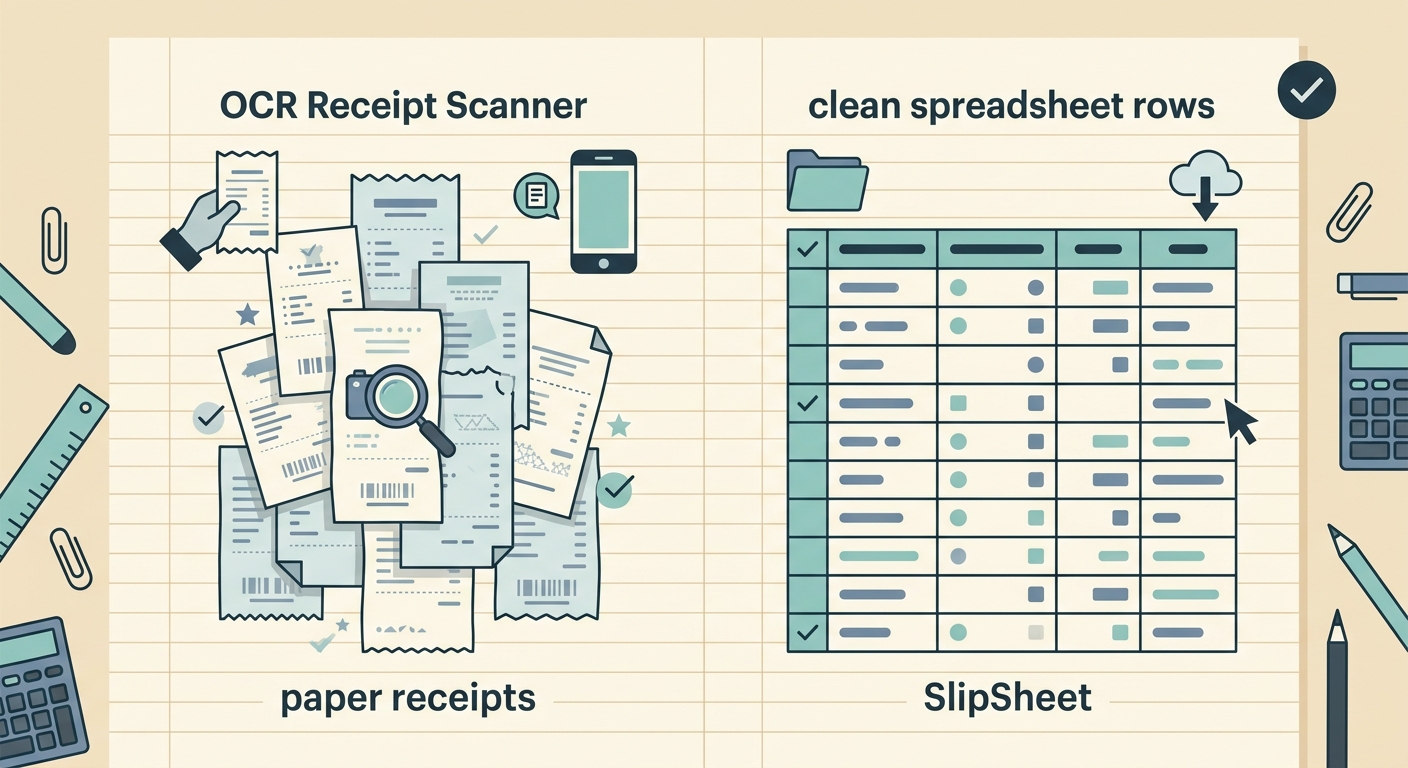
What OCR receipt scanners do well
Standalone OCR receipt scanners are built around one job: read a photo of a receipt and pull out the merchant name, date, total, and line items. The category includes mobile apps like Expensify, Veryfi, and Receipts by Wave, plus dedicated hardware scanners from Fujitsu and Brother that feed into accounting software. The best of them are genuinely fast at parsing a single crumpled gas receipt, and they keep improving at handling foreign currencies, multi-language receipts, and faded thermal paper.
Most OCR apps shine when you have a clear, single receipt to process in isolation. Snap, review, export. That is a real strength, and it is worth naming before talking about trade-offs. If you only need to digitize a stack of receipts once a quarter for tax prep, a focused OCR scanner is often the fastest path.
Where OCR-only tools fall short for ongoing bookkeeping
The cracks start to show when receipts are part of a larger workflow. A bookkeeper who reconciles 200 transactions a month does not just need the OCR text; they need the data in a structured spreadsheet with the right columns, the right formatting, and a way to batch-update categories. Most OCR apps treat the receipt as the end product. SlipSheet treats the spreadsheet as the end product and the receipt as the input.
Common pain points with pure OCR tools include:
- Output formats are limited to PDF, JSON, or a fixed CSV template. Renaming columns, adding a custom tax field, or splitting a single receipt into two line items usually requires post-processing in Excel.
- Subscription pricing is typically per user per month, which gets expensive fast for a one-person operation or a freelancer who only tracks expenses a few weeks a year.
- Batch editing inside the app is rare. If the OCR misreads "BP" as "B0" on ten receipts, you fix it ten times.
- Some apps lock exports behind higher tiers, so the spreadsheet you actually wanted is paywalled.
None of these are deal-breakers on their own. Together they add up to a workflow that still depends on a spreadsheet at the end of the day.
What SlipSheet does differently
SlipSheet is a receipt-to-spreadsheet pipeline. You send a photo or PDF of a receipt (or a stack of them), the system extracts the key fields, and you get back a Google Sheets or Excel file with one row per receipt. The columns match what a bookkeeper or small business owner actually wants: date, merchant, category, subtotal, tax, total, payment method, notes.
Because the destination is a spreadsheet you control, you can:
- Add or rename columns to match your chart of accounts.
- Run formulas, pivot tables, and conditional formatting on the imported data.
- Hand the file directly to a bookkeeper without re-exporting.
- Batch-edit categories once and have them apply to future imports.
SlipSheet also handles the messy reality of receipt capture. You can forward an emailed PDF, take a phone photo, drop a stack of scans, or paste a digital receipt. The output is the same structured sheet, which is the main reason the tool exists.
Feature comparison
Receipt capture
OCR apps: mobile-first, single-receipt capture, email forwarding on higher tiers.
SlipSheet: photo, PDF, email forward, and bulk upload. Designed for people who already have a folder of receipts on their desktop.
Data extraction
OCR apps: strong on a single clear receipt, weaker on long receipts or multi-page PDFs.
SlipSheet: optimized for receipts that are about to become spreadsheet rows, including line items, taxes, and tips.
Export and integrations
OCR apps: PDF, CSV, JSON, and direct sync to QuickBooks, Xero, or Expensify. Spreadsheet export is often an afterthought.
SlipSheet: Google Sheets and Excel as first-class outputs. QuickBooks-compatible CSV is also available.
Pricing
OCR apps: per-user monthly subscriptions, often $5 to $30 per user. Hardware scanners are a separate upfront cost.
SlipSheet: per-receipt pricing with no per-seat fee, which works well for solo operators and seasonal businesses.
Learning curve
OCR apps: low for the mobile snap-and-go flow, higher if you want to customize exports or set up approval rules.
SlipSheet: assumes you already know how to work in a spreadsheet. If you can build a pivot table, you can use SlipSheet.
Who should pick which
An OCR receipt scanner is the right tool if you mostly want to digitize paper, you already use QuickBooks Online or Xero as your system of record, and your team is big enough to justify per-seat pricing. The capture experience on a phone is excellent, and direct sync to accounting software removes a step.
SlipSheet is the better fit if you live in Google Sheets or Excel, you want a flat per-receipt cost instead of subscriptions, you handle receipts in batches rather than one at a time, or you need to hand a clean spreadsheet to a bookkeeper. It is also a strong choice if you have ever exported from an OCR app and then spent twenty minutes fixing column names in Excel.
Common questions
Both tools are solving real problems, and the right answer depends on what your week actually looks like. Try a free batch through SlipSheet with your own receipts and see how the output compares. If you are still torn, run both in parallel for a month and let the workflow decide. The goal is fewer hours spent moving numbers around, and both options are an improvement on a shoebox of paper.
Ready to skip the per-seat subscription and get a spreadsheet you control? Try SlipSheet free and turn a stack of receipts into a clean sheet in minutes.
FAQ
Is SlipSheet a replacement for an OCR receipt scanner?
SlipSheet is a good fit if your end goal is a clean spreadsheet, not a synced accounting ledger. If you live in QuickBooks Online, a dedicated OCR app with direct sync may save more time.
Can SlipSheet handle crumpled or faded receipts?
SlipSheet works best on legible photos and scans. For very faded thermal paper, retake the photo with good lighting or use a flatbed scanner; pure OCR apps have the same limitation.
How does pricing compare to apps like Expensify or Veryfi?
Most OCR scanners charge per user per month, which adds up for solo operators. SlipSheet charges per receipt with no per-seat fee, so cost stays flat as you grow.
What spreadsheet columns does SlipSheet produce?
Date, merchant, category, subtotal, tax, total, payment method, and notes by default. You can rename, add, or remove columns in Google Sheets or Excel after export.
Can I use SlipSheet alongside my current OCR tool?
Yes. Many users keep a phone OCR app for quick captures and run end-of-month batches through SlipSheet to consolidate into a single spreadsheet for their bookkeeper.