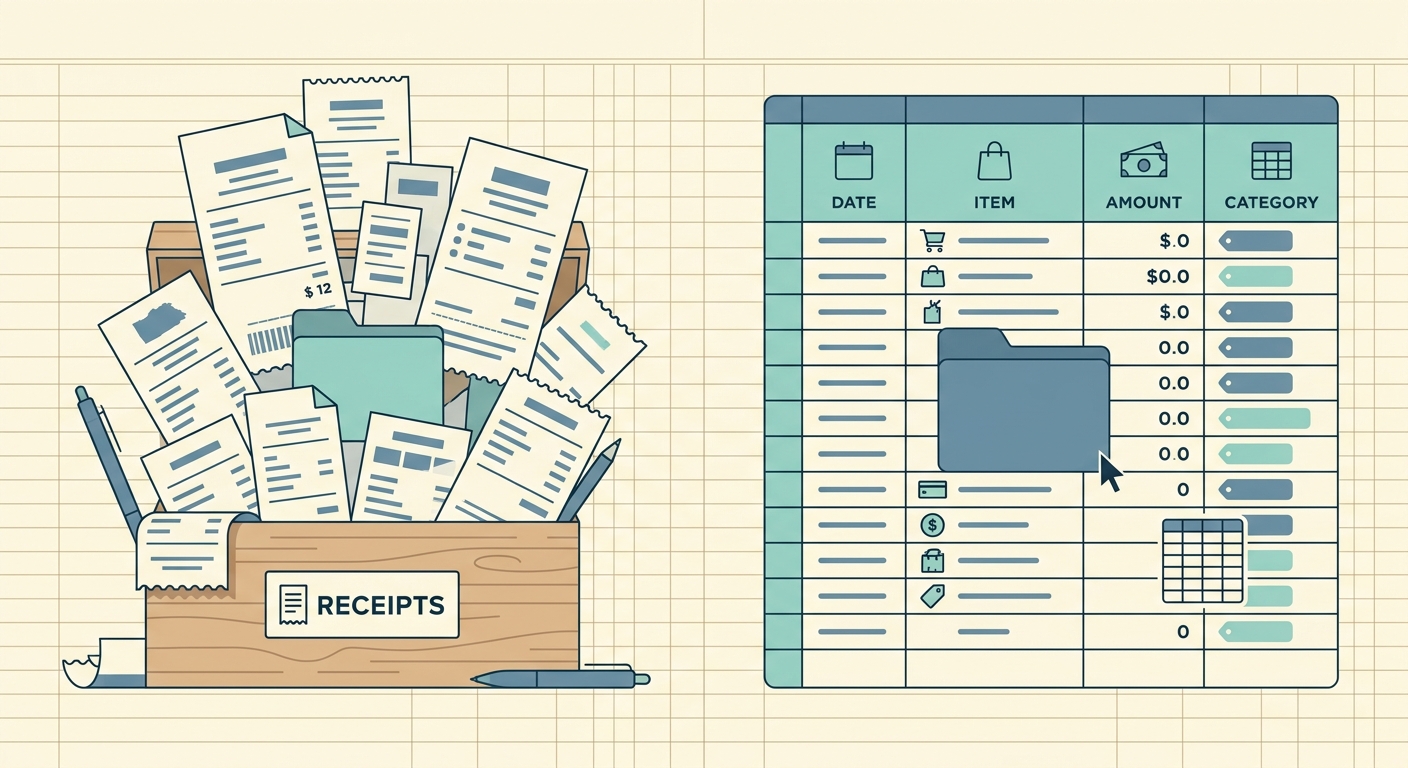
If you have ever taped a stack of faded gas station receipts to a piece of notebook paper, you already know the appeal of pen and paper expense tracking. It is cheap, it is offline, and it works the first time you try it. For a freelancer or sole proprietor with five receipts a week, the humble receipt envelope plus a ledger notebook can feel like the perfect system. The trouble starts when tax season arrives, or when the notebook fills up, or when you need a single total from six months of entries.
This guide walks through where the pen and paper approach works, where it breaks down, and what a focused digital alternative looks like for people who do not need corporate expense software.
What pen and paper does well
There is a reason small business owners have used a notebook for decades. The method has real strengths:
- No learning curve. If you can write, you can track expenses.
- No subscription, no account, no app updates to worry about.
- Works without a phone, battery, or internet connection.
- A physical notebook survives a coffee spill in ways a phone does not.
- Writing things down can help you remember them, especially for cash transactions.
For someone logging a handful of expenses a month for a Schedule C, this is genuinely enough. The problem is not that paper is bad; the problem is what paper cannot do once the volume goes up.
Where it falls short
The cracks in the pen and paper approach usually show up at the worst possible time, like the week before taxes are due:
- Searching is impossible. If you want the total for "office supplies in March," you flip pages and squint at your own handwriting.
- Paper gets lost. Receipts fade, notebooks end up in the wash, and a single lost page can blow a hole in your records.
- Totals are manual. Adding up a column with a calculator is fine for ten entries and miserable for two hundred.
- There is no backup. A fire, a flood, or a toddler with a marker can wipe out a year of records in minutes.
- Sharing is hard. Handing your CPA a shoebox of receipts is a tradition, not a workflow.
- There is no audit trail. You cannot prove when something was recorded, what the original receipt said, or whether an entry was edited later.
None of these are dealbreakers on their own. Together they turn tax season into a long weekend of squinting and retyping.
What SlipSheet does differently
SlipSheet is built for a very specific job: turning a pile of receipts into clean spreadsheet rows. You photograph a receipt, the data is extracted, and the result lands in a Google Sheet or Excel file you control.
The key differences from a notebook:
- Receipts are searchable by vendor, date, category, or amount, not by how neat your handwriting was in March.
- Totals are automatic. A formula in your sheet handles the math, not your calculator.
- Every receipt is stored with the original image, so a faded thermal printout is never the only record you have.
- Your spreadsheet lives in Google Drive or OneDrive, which means it is backed up, versioned, and accessible from any device.
- Sharing with a bookkeeper or CPA is a link, not a shoebox.
SlipSheet is not trying to replace a full corporate expense system with approval workflows and per-diem policies. It is the layer between the receipt drawer and the spreadsheet, for the people who already keep their books in a sheet.
Who should switch (and who should not)
A pen and paper approach is still the right call if you have fewer than ten transactions a month, never need to share records with anyone, and never get audited. In that case, the simplicity wins.
It is probably time to look at a digital alternative if any of these sound familiar:
- You spent a full weekend retyping receipts into a spreadsheet before filing.
- You have ever lost a receipt and quietly hoped it would not matter.
- You owe a bookkeeper or CPA and dread the handoff.
- You want monthly totals broken down by category, vendor, or client, and you currently calculate them by hand.
- You work in more than one place and need to log an expense from your phone and have it show up on your laptop.
For most freelancers, sole proprietors, and small business owners reading this, at least one of those will hit close to home.
Common migration questions
Do I have to throw out my notebook?
No. Use it during the transition. Photograph each entry along with the matching receipt, and stop writing new ones once the habit shifts. Most people let the notebook phase out within a month.
What happens to my old paper receipts?
Keep them until you have a digital record with the image. The IRS and most state agencies accept digital copies as long as the original is legible and the file is preserved. Once the receipt is in SlipSheet and the row is in your spreadsheet, the paper is redundant.
Will I lose the simplicity of paper?
The daily habit of logging an expense is actually faster with a phone. Open the app, snap the photo, confirm the extracted data, done. The complexity only shows up if you want it, in things like custom categories or monthly reports.
Does this require a paid subscription to use?
SlipSheet offers a free tier for low volume users. Paid plans exist for higher volume, but the entry point is low. The cost is usually less than the value of one recovered receipt per month.
What if I already use a spreadsheet for my books?
That is exactly the use case SlipSheet was built for. It writes directly into Google Sheets or Excel, so your existing categories, formulas, and monthly summary tabs keep working without any rework.
Pen and paper expense tracking is not a bad system; it is just a system that scales poorly. If you are outgrowing the notebook, a focused receipt to spreadsheet workflow like SlipSheet gives you the simplicity of paper for daily logging, with the search, totals, and backup of a digital system waiting for you when you need them.
FAQ
Is pen and paper expense tracking still acceptable for taxes?
Yes, the IRS accepts paper records as long as they are legible and complete. The catch is that you, or your preparer, has to read them, total them, and retain them; a digital alternative makes that much faster.
How is SlipSheet different from full expense software like Expensify?
Full expense platforms are built for corporate workflows with approval chains, per diem policies, and corporate card feeds. SlipSheet is a focused tool for one job: turning a receipt photo into a spreadsheet row for people who already keep their books in a sheet.
Do I need to keep the original paper receipts once they are in SlipSheet?
Once the receipt image is stored in SlipSheet and the extracted row is in your spreadsheet, the digital copy is your official record. Most small businesses shred the paper after a digital backup is confirmed; keep them longer if you operate in a regulated industry.
Can I use SlipSheet with my existing Google Sheets or Excel setup?
Yes. SlipSheet writes directly into a Google Sheet or Excel file you control, so your existing categories, formulas, and monthly summary tabs keep working without any rework.
How long does it take to switch from a notebook to a digital workflow?
Most people are fully off paper within a month. The fastest approach is to keep the notebook running for two to three weeks, photograph every new entry along with the matching receipt, and stop writing new entries once the muscle memory shifts.