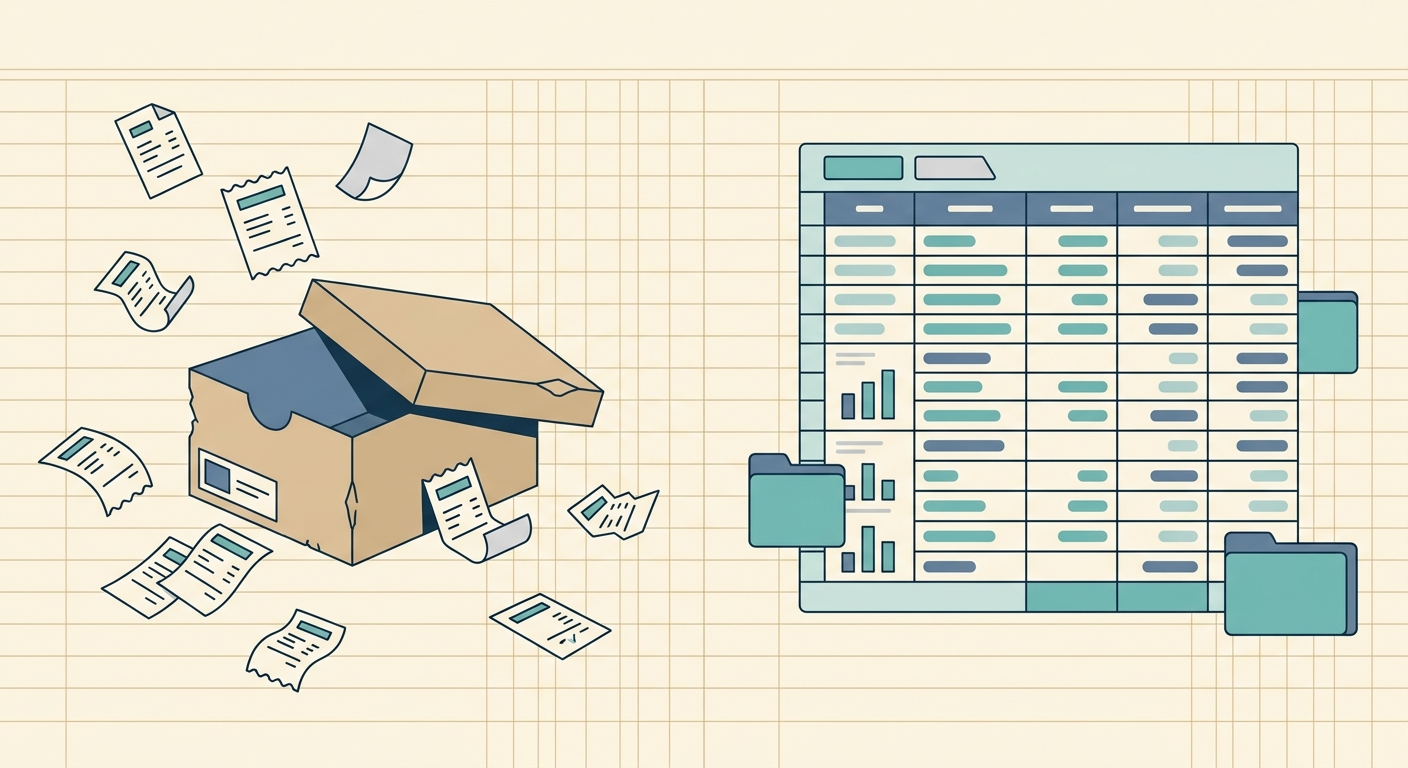
Why people look for a QuickBooks Online receipts alternative
QuickBooks Online handles receipts, but it also does payroll, invoicing, tax forms, and a dozen other things. For users who only need the receipt capture and export half of the equation, that bundled experience can feel like paying full-price accounting software just to read a QR code. Receipts end up inside QuickBooks, attached to transactions, and pulling that data back out as a clean spreadsheet often requires extra clicks, custom reports, or a third-party connector.
If your real workflow ends at "get this receipt into a spreadsheet I control," the rest of QuickBooks is overhead. A focused tool that captures, extracts, and exports, then steps out of the way, often fits that job better.
What QuickBooks Online does well
QuickBooks Online is a strong general ledger. The receipt capture feature inside the QuickBooks mobile app reads merchant names, dates, totals, and tax lines from most US receipts, and it ties each scan to a specific transaction or expense category. For users who already live inside QuickBooks for invoicing, 1099 filing, and bank reconciliation, keeping receipts in the same system removes a tool switch.
The integration with bank feeds and credit card accounts also means matched transactions can pull receipts automatically once both sides exist. For a bookkeeper managing client books end-to-end, that single-pane experience is genuinely useful.
Where it falls short for spreadsheet-first workflows
The trade-off is export shape. QuickBooks stores receipts as PDFs or images tied to transactions. To get the same data into a Google Sheet or a CSV for analysis, you usually build a custom report, filter by date, and export from there. Multi-page receipts, handwritten tips, and unusual layouts sometimes need manual edits inside the QuickBooks review screen before they are usable downstream.
Pricing is the other friction point. QuickBooks Online receipt capture sits inside the Simple Start, Essentials, Plus, and Advanced tiers, so the cheapest plan that includes it still costs more per month than a focused receipts-only tool. For a freelancer or sole proprietor who files a Schedule C once a year, that monthly recurring spend adds up against a problem that only happens quarterly.
What SlipSheet does differently
SlipSheet is built around one job: scan a receipt, extract the fields that matter, and hand you a clean row in a spreadsheet. There is no general ledger, no chart of accounts, no bank feed to reconcile. You capture a receipt with your phone, SlipSheet reads the QR code or runs OCR, and the merchant, date, total, tax, and category land as columns in a Google Sheet or as a CSV you can open in Excel.
That narrower scope means three things in practice. First, the export step is the default outcome, not an extra report you have to configure. Second, pricing is structured around scans and exports rather than a bundled accounting subscription. Third, SlipSheet does not try to be the system of record for your books, so your accountant can keep using whatever they already use, and SlipSheet feeds into it instead of replacing it.
Who should consider switching
If you own a side business, freelance on the side of a W-2 job, or run a single-member LLC and your accountant files everything once a year, you probably do not need a full accounting suite just to log receipts. A spreadsheet plus a focused receipt scanner covers 90 percent of that workflow at a fraction of the cost.
If you are a bookkeeper managing client books across QuickBooks, stay where you are. The receipt-to-transaction tie-in is worth the bundled price, and SlipSheet is not trying to be a replacement ledger. SlipSheet fits the user who wants a clean export and does not need the rest of the stack.
Common migration questions
Do I have to leave QuickBooks to use SlipSheet? No. SlipSheet exports to CSV and Google Sheets, so you can run SlipSheet alongside QuickBooks and feed reconciled data into QuickBooks manually when you want. Many users keep QuickBooks for year-end filing and use SlipSheet for day-to-day capture.
Can SlipSheet match receipts to bank transactions like QuickBooks does? No, and that is by design. SlipSheet focuses on capture and export. Bank matching is QuickBooks' job, and a separate category of tool.
What happens to the receipts I already have in QuickBooks? They stay in QuickBooks. SlipSheet handles new scans going forward. If you want to backfill old receipts, export them as PDFs from QuickBooks and process them through SlipSheet in batches.
If your receipts workflow ends at a spreadsheet and the rest of QuickBooks is overhead, SlipSheet gives you a tighter path from scan to row. Start a free trial at slipsheet.app and see how much of your month-end process collapses into a single export.
FAQ
Is SlipSheet a full replacement for QuickBooks Online?
No. SlipSheet is a focused receipt capture and export tool. If you need a general ledger, invoicing, payroll, or tax form filing, QuickBooks or a similar accounting suite is still the right home for that work.
Can I export SlipSheet receipts into QuickBooks?
Yes. SlipSheet exports to CSV and Google Sheets, and you can import that data into QuickBooks manually or through a connector. Many users run both tools in parallel.
What does SlipSheet cost compared to QuickBooks Online?
SlipSheet is priced around scans and exports rather than a monthly bundled accounting subscription. For a user who only needs receipt capture, the per-month cost is usually lower than the cheapest QuickBooks tier that includes receipt scanning.
Does SlipSheet handle multi-page receipts?
Yes. SlipSheet reads QR codes and OCR on multi-page receipts and consolidates the line items into a single spreadsheet row per receipt, with line-level detail available on demand.
Will my accountant be able to use the exported file?
Yes. CSV and Google Sheets exports open cleanly in Excel, Google Sheets, QuickBooks importer, and most accountant-side tools. No special reader or format lock-in is required.