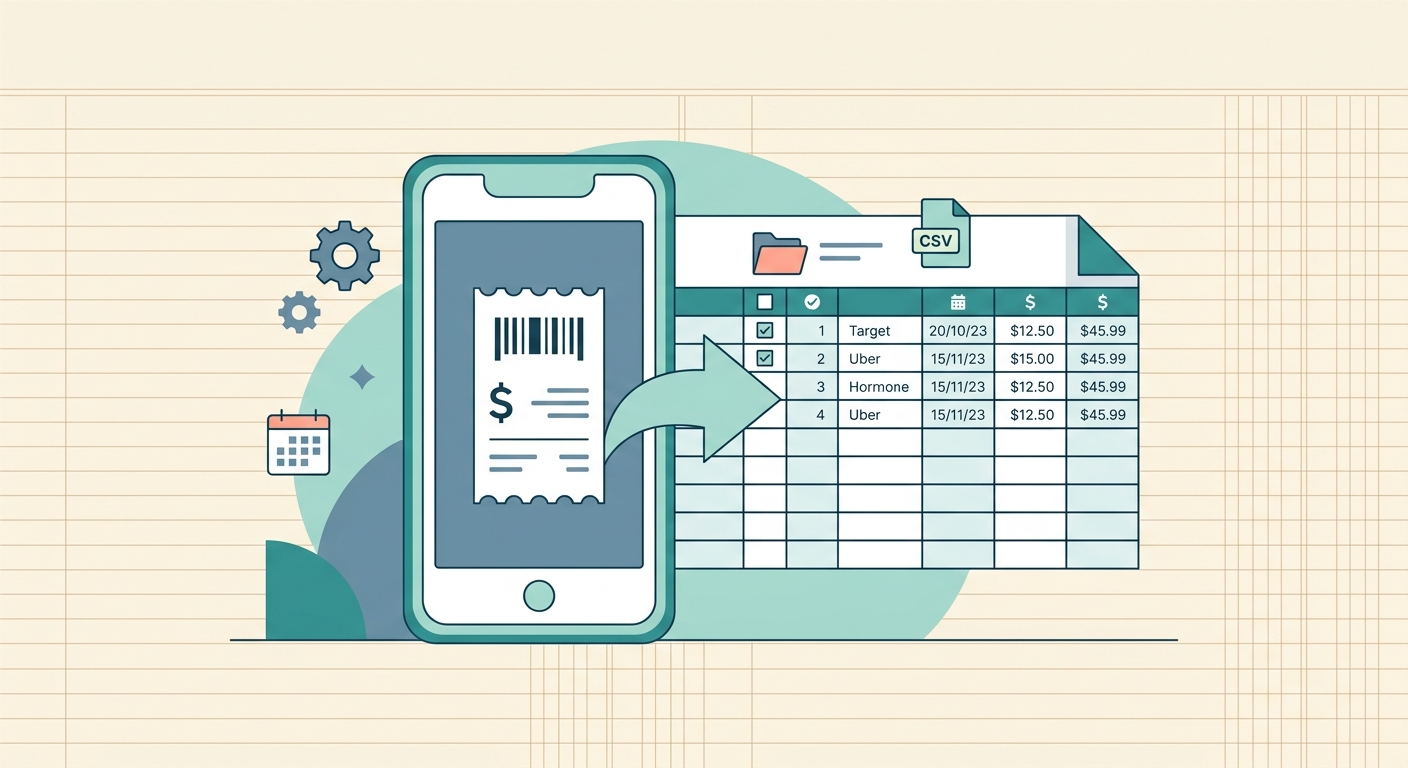
A receipt archive export is the difference between having a pile of scanned receipts and having a usable, portable record of business spending. It gives you the receipt files, the extracted details, and the context needed to answer questions later, such as what was bought, when it was purchased, which vendor charged it, and whether the expense was already reviewed.
For small business owners, freelancers, and bookkeepers, this matters because receipts do not only support tax filing. They support reimbursements, client billing, audits, warranty claims, grant reporting, and month-end cleanup. SlipSheet is built for that spreadsheet-first workflow: capture receipts, extract useful fields, review them quickly, then export an organized archive with metadata you can actually use.
What the feature is
The receipt archive export feature lets you download a complete set of receipt records instead of only copying totals into a spreadsheet. A good archive includes the original receipt image or PDF, structured metadata, and a clear naming or folder pattern that makes the files easy to search outside the app.
In practical terms, the export should answer four questions without extra digging:
- Which receipt file belongs to which transaction?
- What vendor, date, amount, tax, currency, and category were captured?
- Who reviewed or approved the receipt, if that applies?
- Where should the record go next, such as a spreadsheet, client folder, accountant packet, or bookkeeping import?
SlipSheet focuses on making that information exportable in a format that works well for people who still rely on spreadsheets, shared drives, and accountant handoffs. Instead of locking the history into one system, the archive gives you a portable copy of the underlying evidence and the extracted data.
How to use it step by step
- Upload or forward receipts. Add receipt images or PDFs to SlipSheet as they come in. This can include phone photos, email attachments, downloaded invoices, and point-of-sale receipts.
- Review extracted fields. Check the vendor, date, total, tax, category, and any notes that matter for your workflow. The export is only as useful as the metadata attached to each file.
- Clean up categories and tags. Before exporting, standardize category names. For example, do not mix “Meals,” “Food,” and “Client lunch” unless those labels mean different things in your bookkeeping system.
- Select the archive export. Choose the receipt archive export when you need both the files and their metadata. Use a regular spreadsheet export when you only need rows of expense data.
- Save the archive in the right place. Store it in a month, quarter, project, or tax-year folder. A consistent folder pattern makes the archive far more useful six months from now.
- Share only what is needed. If you are sending records to a client or accountant, confirm whether they need the full archive, a filtered subset, or just the spreadsheet plus selected receipts.
A simple monthly routine works well for most teams. Review receipts every Friday, export the archive at month end, then store it beside the bookkeeping file or client packet for that period.
Technical notes
A useful receipt archive export should preserve a connection between each file and its spreadsheet row. That usually means a file name, record ID, or source URL appears in the metadata. Without that link, you end up with two separate assets: a folder of images and a spreadsheet of numbers. They are much less useful when they cannot be matched quickly.
Common metadata fields include receipt ID, upload date, receipt date, vendor, total, subtotal, tax, currency, payment method, category, project, client, notes, and review status. Not every business needs every field, but the export should include enough detail to support your actual reporting process.
File format also matters. Images and PDFs should remain readable without special software. Metadata should be available in a spreadsheet-friendly format such as CSV, XLSX, or a structured table that can be opened, filtered, and imported. The goal is not to create a beautiful archive, it is to create one that survives handoffs.
Common use cases
Tax preparation: Export a full year of receipts with vendor, date, amount, and category fields so your accountant can review support documents without asking for files one by one.
Client reimbursement: Freelancers and agencies can export project-specific receipts with notes and totals, then send a clean packet to the client along with an invoice or expense report.
Audit support: If a charge is questioned later, the archive lets you trace from the spreadsheet row back to the original receipt. That is much faster than searching email, camera rolls, and downloads folders.
Grant and nonprofit reporting: Organizations that must document restricted spending can keep receipts grouped by program, fund, or reporting period.
Team expense cleanup: Small teams can export reviewed receipts at the end of each month, then keep unreviewed or incomplete items separate until they are fixed.
When to export an archive instead of a spreadsheet
A spreadsheet export is enough when you only need summary data. For example, you may want totals by category, vendor, or month. A receipt archive export is better when the proof matters as much as the numbers.
Use an archive when you are preparing records for taxes, handing work to an accountant, closing a client project, responding to a documentation request, or saving a defensible copy before changing systems. The archive creates a point-in-time snapshot of both the data and the supporting receipt files.
It is also useful before canceling a tool, changing bookkeepers, or restructuring folders. Export first, verify that the files open and the metadata is complete, then make the operational change. Future you will appreciate the caution.
Getting started
Start with one period, such as the current month, rather than trying to clean up years of receipts at once. Upload the receipts, review the extracted data, fix the obvious category issues, then export a test archive. Open the files and spreadsheet before sharing it with anyone else.
If the test archive answers the questions your accountant, client, or team usually asks, turn it into a recurring process. Set a monthly reminder, keep categories consistent, and export archives before deadlines rather than during them.
SlipSheet helps by turning receipt capture into structured records that can leave the app cleanly. If you want a practical way to scan receipts, review the details, and export full receipt archives with metadata, try SlipSheet for your next month of expenses.
FAQ
What is a receipt archive export?
It is a downloadable set of receipt files plus metadata such as vendor, date, total, category, and notes. It helps you keep both the proof and the expense data together.
When should I export a full receipt archive instead of only a spreadsheet?
Use a full archive when you need supporting documents for taxes, reimbursements, audits, client billing, or accountant handoff. A spreadsheet alone is fine for summary reporting, but not always enough for proof.
What metadata should be included with receipt exports?
Useful fields include receipt date, vendor, total, tax, currency, category, project or client, notes, and review status. The key is keeping each receipt file linked to its spreadsheet row.
Can I share a receipt archive with my accountant?
Yes. A clean archive can make accountant review much easier because the original receipts and extracted details are packaged together.
How often should I export receipt archives?
Monthly works well for most small businesses and freelancers. Exporting on a regular schedule prevents end-of-year cleanup from becoming a scramble.