Event planning is one of those jobs where the work looks polished from the outside, while the back office is full of tiny moving parts. Venue deposits, floral invoices, catering receipts, parking fees, decor runs, rental add-ons, last minute supply purchases, and staff meals can all land in different places. Some arrive by email, some are printed at checkout, some are texted by an assistant from a show floor, and some sit in a tote bag until the event is over.
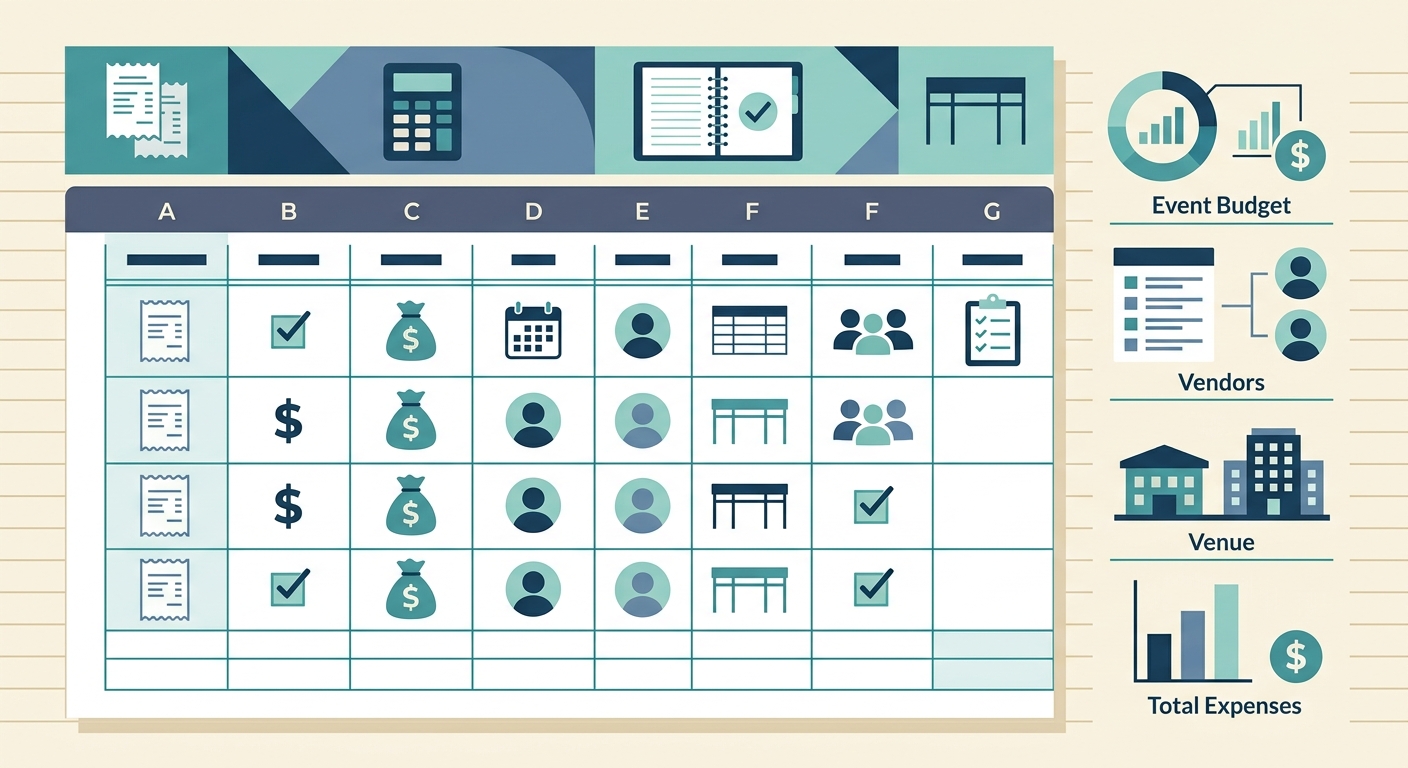
A receipt manager for event planners should make that mess easier to control without forcing the whole team into a complicated accounting system. The goal is simple: capture receipts quickly, extract the useful details, organize them by event or category, and export a clean spreadsheet for billing, reimbursement, or bookkeeping.
The problem
Events generate heavy receipt volume in short bursts. A planner may have weeks of calm preparation, then three days where every hour includes a purchase, a vendor payment, or an unexpected expense. That creates a tracking problem that ordinary folders and manual data entry do not handle well.
The usual pain points are familiar:
- Receipts get split across email, phone photos, payment apps, and paper copies.
- Expenses need to be tied to a specific client, event, project, or budget line.
- Assistants and coordinators buy items in the field, then send proof later.
- Manual spreadsheet entry creates delays, typos, and missing tax or vendor details.
- Clients often expect fast, clear post-event expense reporting.
When receipt tracking is not handled during the event cycle, it becomes cleanup work after everyone is already tired. That is when details disappear, reimbursements slow down, and final invoices become harder to defend.
Why it matters
Receipt management is not just an admin chore for event planners. It affects profit margins, client trust, tax records, and team reimbursement. A few missing receipts can turn into real money when an event includes multiple vendors, rush fees, and reimbursable purchases.
Clean receipt records also make client conversations easier. If a client asks why the final cost changed, a planner can point to organized line items instead of searching through screenshots and inbox threads. For recurring clients, that record also helps with future budget planning. You can see which categories tend to run over, which vendors create extra fees, and where last minute purchases are happening.
For small event planning businesses, this matters even more because the owner is often both the creative lead and the operations person. A lightweight receipt workflow protects the business without adding another heavy process to manage.
How SlipSheet helps
SlipSheet is built for people who want receipt data in a spreadsheet-ready format. Instead of treating receipts as files to store and forget, it helps turn them into usable expense rows. For event planners, that means fewer manual entries and a faster path from purchase proof to organized records.
A practical workflow can look like this:
- Capture receipts as soon as purchases happen, using photos or uploaded files.
- Let SlipSheet extract key fields such as vendor, date, total, tax, and payment details.
- Review the extracted data while the purchase is still fresh.
- Add the right event name, client, category, or project code.
- Export the data to a spreadsheet for bookkeeping, billing, or reimbursement.
This keeps the workflow simple. You do not need to rebuild your whole finance stack. If your business already runs on spreadsheets, SlipSheet fits into that habit and removes much of the repetitive typing.
A day-in-the-life example
Imagine a planner managing a corporate reception on Friday night. On Thursday, the venue adds a small equipment fee. The florist sends a revised invoice. A coordinator picks up extra signage tape, badge holders, and bottled water. On Friday morning, the catering order changes because the guest count increased. After the event, the team covers parking and late-night rideshares.
Without a receipt manager, those records scatter quickly. The venue receipt is in email, the supply run is a phone photo, the catering update is a PDF, and the rideshares are inside app receipts. Someone has to gather everything, read each receipt, type the totals into a spreadsheet, and hope the event categories are right.
With SlipSheet, the team can capture receipts as they come in and convert them into structured rows. The planner can review totals by event, catch missing items before the final invoice goes out, and export a clean spreadsheet when the job closes. That is especially useful when multiple staff members are making purchases on behalf of the same client.
The benefit is not only speed. It is confidence. When the client asks for a breakdown, the planner has one. When the bookkeeper needs records, the spreadsheet is ready. When the next event needs a budget estimate, there is real historical data to use.
Getting started
If you are setting up receipt management for event work, start with a simple structure. Do not overcomplicate the first version. Pick the fields that matter most to your business and make them consistent.
- Event or client name: Use one naming format so related expenses stay together.
- Category: Common categories include venue, catering, rentals, decor, travel, supplies, labor, and miscellaneous.
- Purchase owner: Track who made the purchase if multiple team members submit receipts.
- Reimbursable status: Mark whether the cost should be billed to the client or absorbed by the business.
- Notes: Add short context for unusual purchases, rush fees, or client-approved changes.
From there, create a habit around capture timing. The best receipt system is the one your team uses while the event is happening. Ask coordinators to upload receipts immediately after purchase, not at the end of the week. Review extracted data daily during busy event windows, then export when the project is ready for closeout.
Common pitfalls
The biggest mistake is waiting until after the event to organize everything. At that point, the team has moved on, receipts are harder to match to purchases, and small details are gone. A second mistake is relying only on card statements. Statements show amounts, but they rarely show the item-level context needed for client billing or tax-ready records.
Another common issue is creating too many categories. A spreadsheet with twenty slightly different labels becomes hard to summarize. Keep categories broad enough to report clearly, then use notes for special cases.
Finally, make sure someone owns the review step. Automation can extract data quickly, but a planner or operations lead should still confirm totals, client names, and reimbursable status. That small review habit prevents messy exports and awkward client questions later.
If receipts are slowing down your event closeout process, try a spreadsheet-first workflow with SlipSheet. It helps event planners turn scattered receipts into organized expense data without adding unnecessary complexity.
FAQ
What should event planners track on each receipt?
Track the vendor, date, total, tax, event or client name, category, and whether the expense is reimbursable. Add a short note for unusual or client-approved purchases.
Can SlipSheet help with receipts from multiple team members?
Yes. Team members can capture receipts as purchases happen, then the data can be reviewed and organized by event, category, or purchaser before export.
Is a spreadsheet enough for event expense tracking?
For many small event planning businesses, yes. A clean spreadsheet works well when receipts are captured consistently and exported in a structured format.
How often should event receipts be reviewed?
Review receipts daily during active event windows. This catches missing records while the purchase details are still fresh.
Does SlipSheet replace bookkeeping software?
No. SlipSheet helps turn receipts into organized spreadsheet data that can support bookkeeping, billing, and reimbursement workflows.