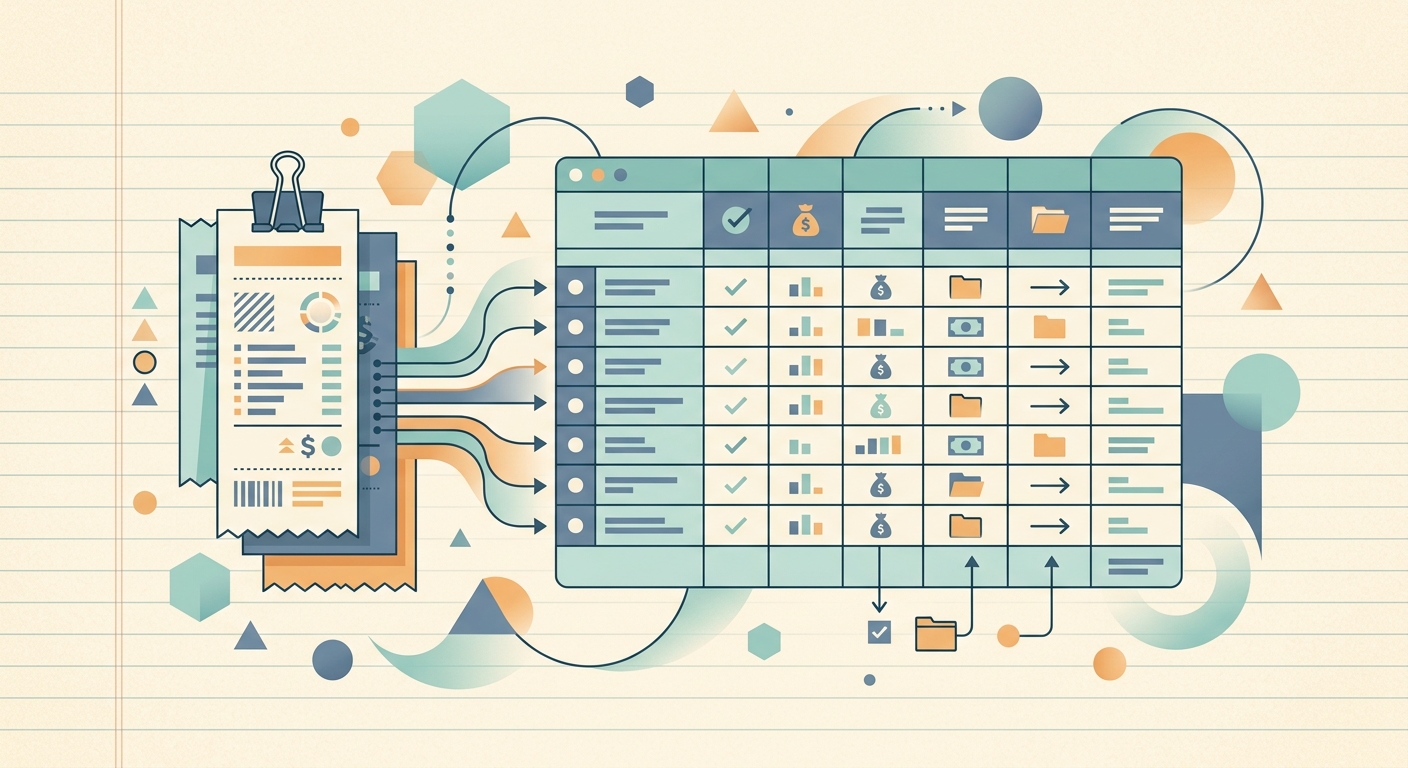
Accountants and bookkeepers rarely receive client receipts in one neat package. They arrive as phone photos, email attachments, paper envelopes, shared-drive uploads, and last-minute messages before a filing deadline. The real work is not just storing those files. It is turning them into consistent expense data that can be reviewed, categorized, and moved into the system used for tax preparation or monthly bookkeeping.
A practical receipt organizer for accountants should reduce manual entry without hiding the source document. It should also make exceptions easy to spot, because a fast workflow is only useful when the final records are trustworthy.
The problem: receipt collection becomes a data cleanup job
Every client has a different habit. One sends clear PDF receipts each week. Another uploads blurry photos once a quarter. A third mixes personal and business purchases on the same card. By the time those files reach the accounting team, their names and formats say very little about the transactions they contain.
Staff then spend hours opening files, reading totals, checking dates, identifying merchants, and typing details into a spreadsheet or accounting platform. The same basic questions come up repeatedly:
- Which client owns this receipt?
- Has this transaction already been entered?
- Is the total clear, and does it include tax?
- Which account, project, or tax category should receive it?
- Is there enough documentation to support the expense later?
Folders help with storage, but they do not solve data extraction. A file named IMG_4821.jpg still has to be opened and interpreted. That gap between collecting documents and producing usable records is where bookkeeping time quietly disappears.
Why organized receipt data matters
Clean receipt records support more than tidy files. They make reconciliations faster because staff can compare merchant names, dates, and totals against bank and credit card activity. They also make review easier. A manager can filter a spreadsheet for unusually large purchases, missing categories, or transactions tied to a specific client project.
Consistency matters during tax preparation as well. When an expense is questioned, the team should be able to connect the spreadsheet row to the original receipt without searching through several inboxes. A repeatable system reduces the chance that deductible expenses are missed or that unsupported items are included.
Organization also affects client service. Bookkeepers can ask focused questions, such as whether a specific meal was business related, instead of sending a vague request for every missing receipt. Clients spend less time reconstructing old purchases, and the firm spends less time chasing answers.
How SlipSheet helps accountants and bookkeepers
SlipSheet is designed for the step between receiving a receipt and working with its data in a spreadsheet. Staff can capture receipt images, use OCR to extract key expense details, review the results, and export structured rows for the next stage of the bookkeeping process.
A practical workflow looks like this:
- Capture the source document. Add the receipt while it is available, whether the client sends it from the road or the bookkeeping team processes a saved image.
- Extract the core fields. Pull details such as merchant, transaction date, total, and tax from the image instead of typing each value from scratch.
- Review the result. Compare the extracted fields with the source receipt. Correct unclear text and flag transactions that need a client answer.
- Organize the record. Add the category, client, project, or other label your firm uses. A short, consistent list of labels is better than dozens of nearly identical variations.
- Export to a spreadsheet. Move reviewed data into CSV, Excel, or your preferred spreadsheet workflow for reconciliation, analysis, and import preparation.
This approach keeps professional judgment in the process. OCR removes repetitive typing, while the accountant still controls categorization and final review. SlipSheet does not need to replace the firm's accounting system. It can serve as a focused capture and preparation layer that produces cleaner inputs.
A day-in-the-life example
Consider a bookkeeping firm that manages monthly records for a small construction company. Throughout the week, the owner and two supervisors send receipt photos for fuel, supplies, parking, and equipment rentals. The images arrive at different times, and some purchases belong to specific jobs.
Instead of waiting until month-end, a staff member processes the new receipts in short batches. SlipSheet extracts the merchant, date, and total. The staff member checks each image, assigns a standard expense category, and adds the relevant project code when the receipt includes enough context.
Items that need clarification go onto a short exception list. For example, a hardware purchase with no job information can be marked for follow-up rather than holding up every other receipt. At the end of the week, reviewed records are exported to a spreadsheet. The bookkeeper compares them with card activity, resolves the remaining exceptions, and prepares the clean data for the client's accounting file.
This workflow separates routine processing from judgment calls. Clear receipts keep moving, while ambiguous items receive attention. The result is a smaller month-end backlog and a more specific list of questions for the client.
Getting started with a reliable receipt process
Start with one client and one month of receipts. A limited pilot makes it easier to refine field names and categories before applying the process across the firm.
- Choose a single intake method for each client, then explain when receipts should be submitted.
- Define the required fields, such as date, merchant, subtotal, tax, total, category, payment account, client, and project.
- Create a controlled category list that matches the firm's bookkeeping or tax workflow.
- Decide who reviews extracted data and how uncertain values will be flagged.
- Use a consistent file or record reference so each spreadsheet row can be traced to its source receipt.
- Test the export with your spreadsheet and downstream import process before processing a large batch.
Avoid treating OCR output as final without review, especially when images are cropped, faded, or handwritten. Do not create a new category every time a description differs slightly. Most important, do not let unresolved receipts disappear into the completed batch. Keep an exception status or separate review queue until the question is answered.
Ready to turn scattered client receipts into structured expense records? Try SlipSheet to capture receipt data, review it, and export a cleaner spreadsheet for your bookkeeping workflow.
FAQ
Can accountants use SlipSheet for receipts from multiple clients?
Yes. Use consistent client and project labels so each extracted record can be separated, reviewed, and exported into the right workflow.
Which receipt details should a bookkeeping team capture?
Most teams need the merchant, date, subtotal, tax, total, expense category, payment account, and a client or project reference.
Does OCR remove the need to review receipts?
No. OCR reduces manual entry, but a person should still compare important fields with the source image and resolve unclear values.
Can receipt data be exported to a spreadsheet?
Yes. Reviewed records can be exported for use in CSV, Excel, or another spreadsheet-based reconciliation and import process.
How should a firm handle receipts that need client clarification?
Flag them as exceptions and keep them in a review queue. Ask focused questions without delaying the rest of the completed batch.