For a coffee shop, receipts pile up fast. The beans order on Monday, the pastry delivery on Wednesday, the milk shipment every other day, plus equipment repair invoices, linen service, and the occasional emergency run to a restaurant supply store. Within a month, a stack of thermal-paper slips sits on a clipboard behind the espresso machine, fading in the humidity and getting sticky with espresso splash. By tax season, the receipts are unreadable, missing, or filed in a shoebox that nobody can find.
If you run a cafe, a real receipt organizer changes that. Not a folder, not an Excel sheet you remember to update, but a system that captures the slip the moment you sign for it and gives you clean, searchable data when you need to reconcile inventory, file taxes, or negotiate with a supplier.
The problem: lost, faded, and scattered supplier receipts
Thermal paper fades. Receipts left in a drawer or taped to a clipboard lose their print within weeks, especially in a warm, steamy cafe environment. Once the ink is gone, the receipt is useless for tax deductions, warranty claims, or expense reports.
Beyond fading, receipts scatter. The owner signs for a green-coffee delivery and the slip goes in a pocket. The manager pays for a gasket repair and the invoice stays in the manager's wallet. A barista buys cleaning supplies and the receipt rides home in a backpack. By the end of the month, nobody knows what was bought, what was reimbursed, or what counts as a business expense.
Even when the paper survives, the data is locked inside. A $287.43 invoice from R&R Coffee Imports has to be hand-keyed into a spreadsheet before it can do anything. The cost in owner time, across a year, is enormous, and the entry errors that follow (typoed totals, miscategorized accounts) distort the cafe's actual margins.
Why organized receipts matter for cafes
Cafes run on thin margins, often 10 to 15 percent net. Knowing exactly what you spent on beans, dairy, packaging, and equipment is the difference between making decisions on real numbers and guessing. A clear paper trail also helps when:
- Filing quarterly taxes or annual returns, with every deductible expense documented
- Negotiating with suppliers, since you can show your 90-day volume and price history
- Auditing inventory shrinkage by comparing what you bought to what you sold
- Handling warranty claims on a malfunctioning espresso machine
- Reimbursing staff who buy supplies out of pocket
For multi-location cafes or owners managing more than one shop, organization matters even more. Without a shared system, one location's receipts never make it to the central bookkeeping workflow, and the books undercount expenses by thousands.
How SlipSheet helps coffee shop owners
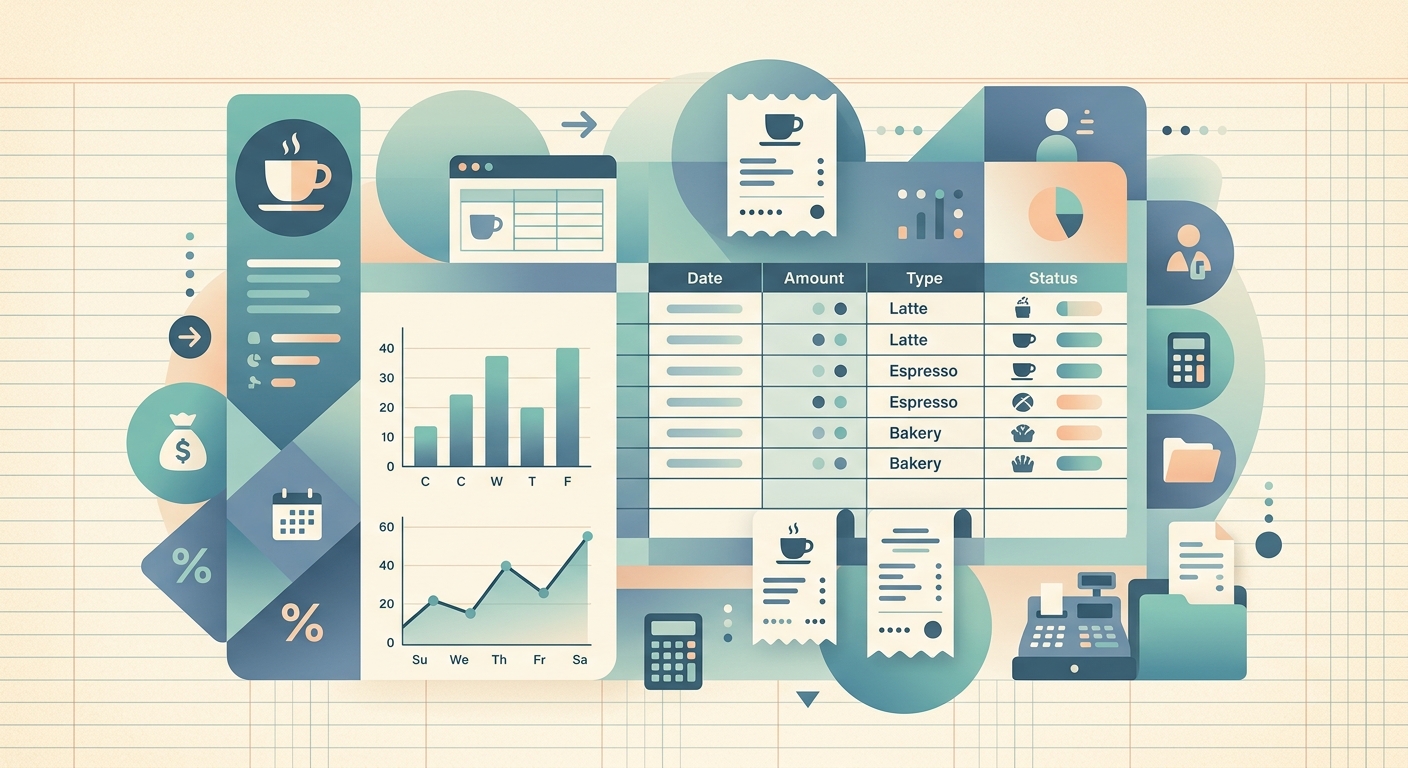
SlipSheet turns the paper receipt problem into a one-tap capture. Snap a photo with your phone the moment the supplier hands you the slip, and SlipSheet extracts the date, vendor, line items, totals, and tax. The receipt becomes a structured row you can sort, filter, and export.
For coffee shop owners, the workflow looks like this:
- Capture every supplier receipt on the spot, from the receiving area or the loading dock
- Tag each receipt with the category (beans, dairy, packaging, equipment, cleaning, other) using a simple dropdown
- Search for any vendor or amount in seconds, instead of digging through a shoebox
- Export to CSV or Google Sheets with one tap and hand it to your bookkeeper
- Reimburse staff for out-of-pocket buys by snapping their receipts the same way
Because SlipSheet organizes receipts by category, you can answer a question like "how much did we spend on oat milk in Q1?" in two seconds. The data is yours, in your spreadsheet, without paying a SaaS subscription that locks your data away.
A day-in-the-life at a busy cafe
Tuesday morning at a six-person cafe. The owner arrives at 6:30 to meet the R&R Coffee Imports driver with 80 pounds of single-origin beans. The driver hands over an invoice for $1,247.50. The owner opens SlipSheet, snaps the invoice, and the app pulls out the vendor, date, line items, and total. She tags it "beans" and saves.
At 9:15, a barista texts the owner that the milk cooler is acting up. A repair tech arrives at 11:00, replaces a compressor relay, and hands over a $312 invoice. The owner snaps it, tags it "equipment," and emails a copy to the cafe's accountant before the tech is out the door.
At 2:00, the owner orders new pastry bags and cup sleeves online. The vendor sends a digital receipt by email; SlipSheet imports it the same way it would a photo. The owner tags it "packaging" and the row joins the rest.
By closing time, every supplier receipt for the day is in SlipSheet. At the end of the week, the owner exports a CSV, drops it into her bookkeeper's shared Google Sheet, and reconciles the books in under 30 minutes. The shoebox on the shelf behind the espresso machine is empty.
Getting started
To set up SlipSheet for your cafe, install the app on your phone and the same account on a tablet at the receiving area. Snap a few past receipts to seed your categories, and you're ready to go.
If you already use a spreadsheet or a bookkeeper's template, export your first batch of captured receipts as CSV and load them straight in. SlipSheet stays out of your way: it captures, extracts, organizes, and hands the data back to you in the format you already use.
For cafes juggling multiple suppliers, multiple locations, or weekly inventory cycles, a real receipt organizer pays for itself in the first month, in time saved and in deductions recovered.
Ready to ditch the shoebox? Try SlipSheet free at slipsheet.app.
FAQ
How long do thermal coffee shop receipts actually last?
Most thermal-paper receipts fade within 6 to 12 months, especially in warm or humid cafe environments. Once they fade, they cannot be used for tax deductions or warranty claims, which is why a digital capture on the day of purchase is the safer path.
Can I capture supplier receipts on the go?
Yes. SlipSheet runs on your phone, so you can snap a receipt the moment a supplier hands it to you, whether you are at the receiving area, the loading dock, or anywhere else in the cafe.
How do I categorize receipts for different expense types?
Use SlipSheet's category tags such as beans, dairy, packaging, equipment, cleaning, or other to sort receipts by spend type. You can also add custom tags that match your chart of accounts.
Will SlipSheet work with my bookkeeper's spreadsheet?
Yes. SlipSheet exports clean CSV files that drop straight into Google Sheets, Excel, or any bookkeeper's template without reformatting, and the structured columns line up with most standard expense ledgers.
What happens to digital receipts from online vendors?
Forward or import them to SlipSheet the same way you would a photo. SlipSheet extracts the date, vendor, line items, and total, then adds the receipt to your organized archive alongside the paper ones.