International business travel creates a receipt problem fast. A normal week of client meetings might include taxi receipts in euros, train tickets in pounds, meals in yen, hotel invoices with VAT, and card charges that settle days later in your home currency. If those slips sit in a jacket pocket until the trip is over, expense cleanup becomes slow, frustrating, and easy to get wrong.
A practical receipt organizer for international travel should do more than store images. It should help you capture receipts while you are moving, keep the original purchase details, record currency context, and export clean data into the spreadsheet or bookkeeping workflow you already use. That is where a lightweight tool like SlipSheet can help, especially for freelancers, small business owners, and bookkeepers who want organized records without adopting a large expense management system.
The problem
Travel receipts are messy because they rarely follow one format. Some are printed in another language. Some list taxes separately. Some show only local currency. Some are emailed as PDFs, while others are tiny thermal paper slips that fade before the month ends. Add different time zones, exchange rates, card pending charges, and per diem rules, and a simple expense report can turn into a scavenger hunt.
The biggest issue is timing. Most travelers plan to organize receipts later, but later usually means after the details have become fuzzy. Was that meal for a client meeting or a personal stop? Was the airport transfer paid by card or cash? Which hotel folio belongs to which project? A good process captures those answers when they are still fresh.
- Receipts get lost between bags, emails, apps, and card statements.
- Foreign currency amounts need consistent tracking and conversion notes.
- Business purpose and project codes are easy to forget after the trip.
- Bookkeepers need clean, exportable data, not a folder full of photos.
Why it matters
Unorganized travel receipts cost money in three ways. First, missed receipts mean missed reimbursements or deductions. Second, unclear receipts create extra back-and-forth between travelers, managers, and bookkeepers. Third, poor records make tax time harder, especially when expenses cross countries and currencies.
International travel also raises documentation standards. If you need to support a VAT claim, client rebilling, grant reporting, or an audit trail, the original receipt image matters. So does the extracted data: merchant, date, category, amount, currency, tax, payment method, and notes. Keeping both the image and the structured data together reduces confusion later.
For small teams, the goal is not to create a complicated approval system. The goal is to make the basic habit reliable: capture the receipt, add useful context, review the details, and export the information in a format that accounting can actually use.
How SlipSheet helps
SlipSheet is built for people who want receipt organization that leads to a spreadsheet. You can collect receipt images, extract key expense data, review the details, and export a clean file for bookkeeping. For international travel, that spreadsheet-first workflow is useful because it gives you control over categories, currencies, projects, and notes.
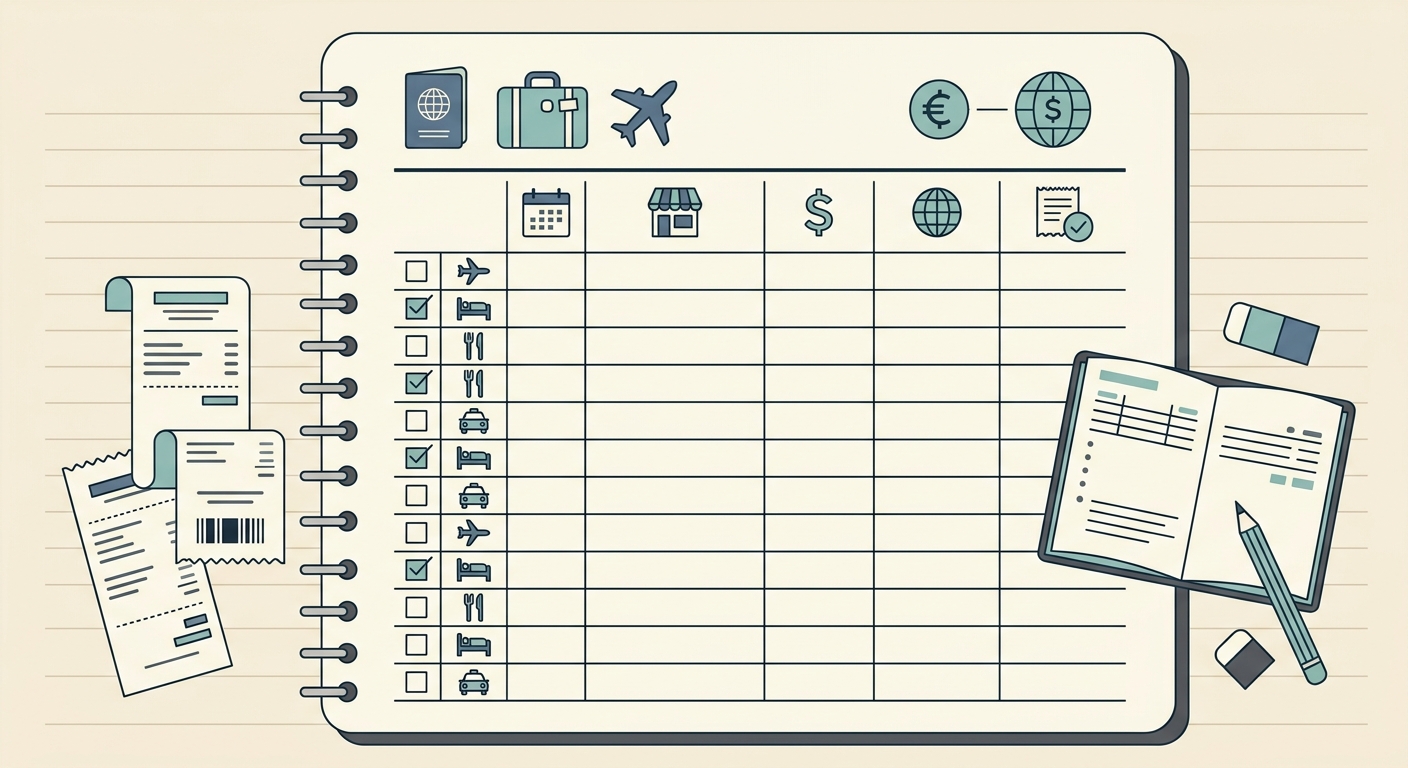
A simple setup might include columns for trip name, country, merchant, date, local amount, local currency, converted amount, category, payment method, tax or VAT, project, and business purpose. SlipSheet helps turn raw receipts into structured rows, so you are not manually typing every field after a long travel day.
- Capture each receipt as soon as you receive it, including printed slips and emailed PDFs.
- Extract the merchant, date, amount, and other key fields.
- Add travel-specific context, such as city, client, project, or purpose.
- Review the data before export, especially currency and tax fields.
- Export to a spreadsheet for reimbursement, bookkeeping, or tax records.
This approach keeps the process lightweight. You do not need every traveler to learn a full accounting platform. You just need consistent capture and clean data that can move into the next system.
A day-in-the-life example
Imagine a consultant traveling from New York to London for three days of client workshops. On Monday morning, she takes a taxi from Heathrow, buys breakfast near the client office, pays for printing, and checks into a hotel. By evening, she has five receipts in three formats: two paper slips, one email receipt, one hotel deposit confirmation, and one contactless transit charge with no paper receipt.
Instead of waiting until Friday, she captures each receipt the same day. For the taxi and breakfast, she adds a note with the client name. For printing, she tags the project. For the hotel, she waits for the final folio, then attaches the complete invoice. When SlipSheet extracts the data, she reviews the local currency amount and adds a converted amount once the card charge posts.
At the end of the trip, her expense spreadsheet is mostly ready. The bookkeeper can see which costs were client-related, which were meals, which were lodging, and which amounts were paid in pounds. There are still a few checks to make, but the work is review, not reconstruction. That is the difference between a receipt organizer and a receipt graveyard.
Getting started
Start with a simple rule: every travel receipt gets captured the same day. Do not wait for the return flight. Then decide which fields matter for your business. Most international travelers should track date, merchant, country, local amount, currency, category, payment method, project or client, and business purpose. If taxes matter, add VAT or sales tax fields too.
Next, create a review rhythm. For short trips, review at the end of each day. For longer trips, review every two or three days. This keeps corrections manageable and gives you time to replace missing documentation while you are still near the merchant or hotel.
- Use one place for receipt capture, not a mix of camera roll, inbox, and wallet.
- Add notes while the business purpose is still obvious.
- Keep local currency and converted currency separate.
- Export soon after the trip, before card statement matching becomes stale.
If your current travel receipt process depends on memory, email searches, or a folder of unlabeled images, it is time to tighten it up. SlipSheet gives small teams and solo operators a practical way to capture international receipts, organize the data, and export clean spreadsheets without adding unnecessary complexity. Start organizing your next trip at slipsheet.app.
FAQ
What should I track on international travel receipts?
Track the merchant, date, country, local amount, currency, category, payment method, project or client, and business purpose. If taxes matter for your business, track VAT or sales tax separately.
Should I record the local currency or my home currency?
Record both when possible. Keep the local receipt amount for documentation, then add the converted amount from your card statement or accounting policy.
How soon should I organize receipts during a trip?
Capture receipts the same day and review them at least every few days. Waiting until the trip ends increases the chance of missing receipts and forgotten business context.
Can SlipSheet replace my accounting software?
SlipSheet is designed to organize receipts and export clean spreadsheet data. It works well alongside bookkeeping or accounting software rather than replacing your full accounting system.
What if a receipt is in another language?
Keep the original image and extract the key fields you need, such as date, merchant, amount, and currency. Add notes if the business purpose or category is not obvious from the receipt.