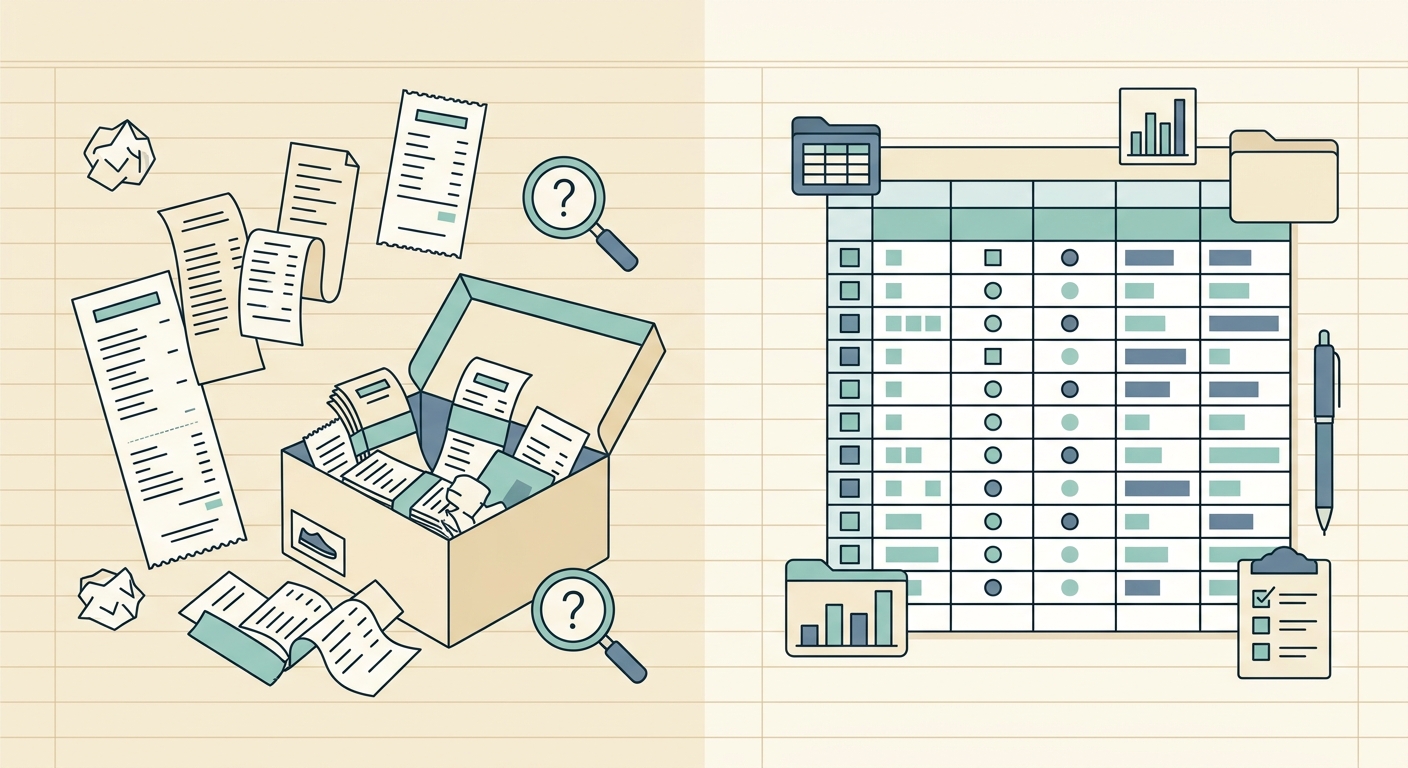
Most people start managing receipts with their phone camera. They snap a photo, tuck it into a folder, and figure they will deal with it later. That habit feels organized in the moment, but it usually leaves a long trail of unlabeled images that nobody ever opens again.
If you have a phone full of receipt photos and no easy way to turn them into real expense data, here is what to consider.
What receipt photography does well
Photographing a receipt is fast. You pull out your phone, tap the camera, and the paper is captured before it fades or gets lost. There is no special tool to learn, no account to set up, and no subscription to sign up for. The photo is private to your camera roll until you decide to share it.
For a single trip or a one-time purchase, a photo is genuinely the right move. It preserves the data longer than the thermal paper would, and you can email it to your accountant or your future self in seconds.
A camera roll also gives you one obvious, central place where the images live. As long as the phone survives, the receipts survive. That part of the workflow is fine.
Where it falls short
The trouble starts when you have more than a handful of receipts. A phone gallery full of unrelated images, no names, no totals, and no dates you can search is not a bookkeeping system. It is a holding bin.
Photos do not answer the questions that matter at tax time or month end:
- How much did I spend at this vendor across the year?
- What category does this purchase belong to?
- Can I hand my accountant a single spreadsheet, or do they have to scroll through 400 images?
Search helps a little. Most phone galleries can read text from a photo, so you can search for "Costco" or "Uber" and find matches. That is still a long way from a clean, sortable expense report.
There is also a backup problem. If you lose your phone, switch devices, or run out of storage, those photos can vanish with it. Cloud sync helps, but it does not give you a spreadsheet your bookkeeper can actually use.
What SlipSheet does differently
SlipSheet takes the photo you already take and turns it into a row of structured data. You upload a receipt photo (or several at once), and SlipSheet reads the vendor, date, total, tax, and line details from the image. You get back a row that you can paste into a spreadsheet, send to a bookkeeper, or keep inside SlipSheet for later.
There is no separate mobile app to install and no account to set up before you can start. The workflow is the same one you already have: take a photo, send it to SlipSheet, get a clean row back.
For people who handle dozens of receipts a month, this changes the cost of staying organized. You stop opening each photo to copy numbers by hand. You stop losing receipts inside long camera roll scrolls. You get a spreadsheet-shaped result without learning spreadsheet macros.
A few things SlipSheet is built for:
- Turning a stack of receipt photos into one exportable dataset
- Pulling vendor, date, and total fields without retyping
- Giving a bookkeeper a single file rather than a folder of images
- Keeping the photo attached to the row, so the original is still there if anyone needs to verify a number
Who should switch
If you have five receipts a year, your phone camera is probably enough. If you have fifty or five hundred, the math starts to change.
Receipt photography makes sense for:
- Freelancers and contractors who track expenses for Schedule C
- Small business owners who share expense data with a bookkeeper
- Side project work where each purchase is its own line item
- Anyone who has tried to file a clean expense report from a camera roll and given up
If you have ever typed a total into a spreadsheet by reading a thumbnail image on your phone, SlipSheet is the step you were missing.
Common migration questions
Do I have to stop photographing receipts?
No. SlipSheet works from the same photos you already take. Nothing about the capture step changes.
Can I upload a whole batch at once?
Yes. You can select many photos in one go instead of processing them one at a time.
Do I need to keep the photos after SlipSheet reads them?
The original image stays attached to the row inside SlipSheet, so you do not need to manage two copies. Keep the photo in your camera roll if you want a personal backup, but the spreadsheet row is the working version.
Will SlipSheet work with PDFs and email receipts too?
Yes. SlipSheet accepts photos, PDFs, and forwarded email receipts. You can mix them in the same export.
What if the receipt is faded or hard to read?
SlipSheet will still do its best to extract the fields, and it keeps the original image attached so you can verify anything that looks off.
A simpler path from receipt to row
If your phone gallery is doing double duty as your bookkeeping system, the upgrade path is small. Keep taking the photos. Send them to SlipSheet. Get back a spreadsheet that you can actually use.
Try SlipSheet at slipsheet.app and turn that camera roll into a real expense report.
FAQ
What is a good alternative to photographing receipts?
A receipt OCR tool that turns photos into spreadsheet rows, like SlipSheet, is the simplest step up from a camera roll. You keep the same capture habit and get structured data back.
Should I scan receipts with my phone or use a scanner app?
For most people, a phone photo is fine. Pairing the photo with an extraction tool that pulls out the totals saves hours of retyping at month end.
How do I organize receipt photos for taxes?
Send each photo through an extraction tool, then export the rows to a single spreadsheet sorted by month, vendor, or category. That gives you a real file rather than a folder of images.
Can I extract data from receipt photos automatically?
Yes. Tools like SlipSheet read the vendor, date, total, tax, and line items from a photo and return a row you can paste into a spreadsheet or hand to a bookkeeper.
What happens to the original receipt photo after I export the data?
SlipSheet keeps the original image attached to each row, so you can verify any number later without digging through your camera roll.