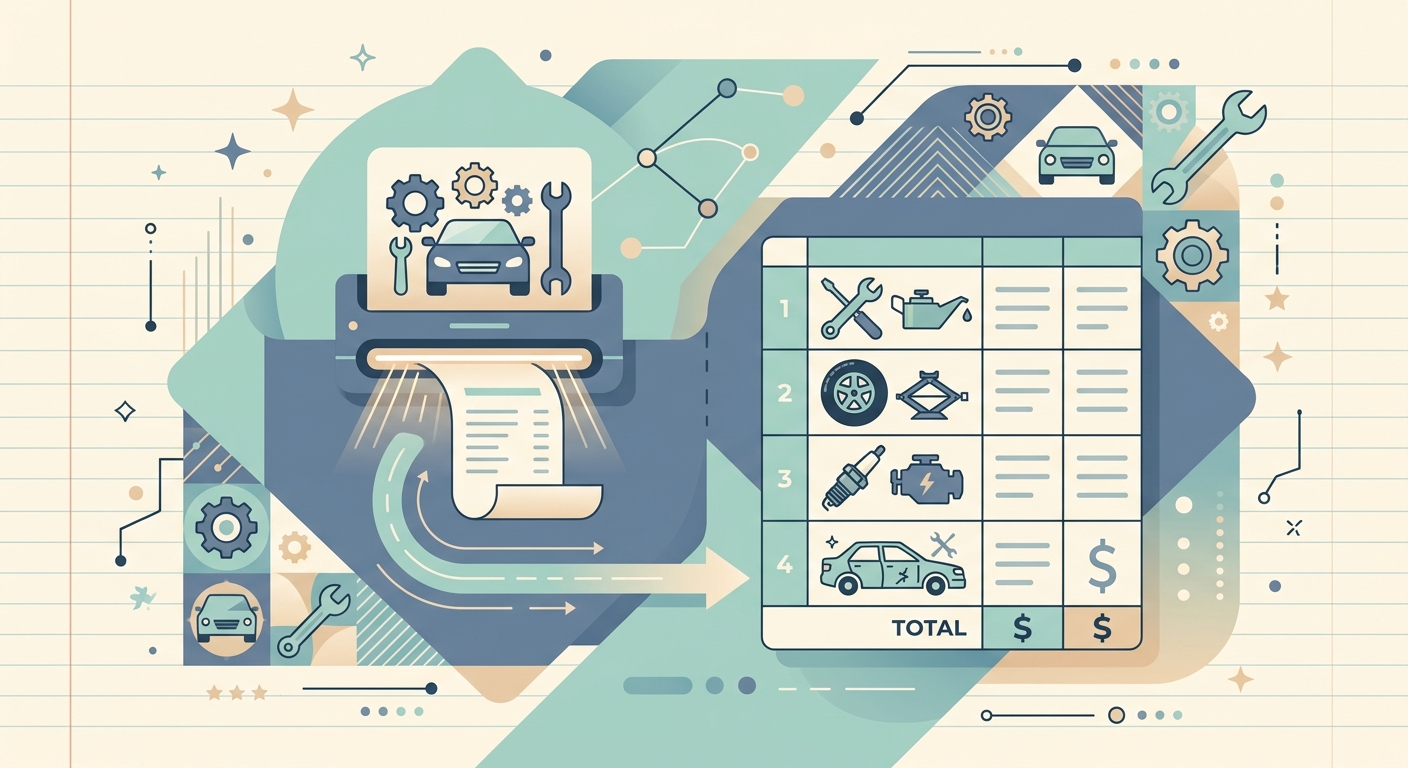
Auto repair shops and mobile mechanics buy parts, fluids, tools, and shop supplies every single day. A single service truck can stack up dozens of receipts in a week, and each one is a tax-deductible expense your bookkeeper needs to track. A dedicated receipt scanner built for the way automotive businesses actually run turns that pile of paper into clean, categorized data without forcing anyone to sit down at a desk on Saturday morning.
The problem: paper piles up faster than the work
Walk into the back office of most repair shops and you will see the same scene. A shoebox. A ziplock bag. A folder stuffed with thermal paper that is already fading. Mechanics grab receipts at the parts counter, fuel stops, and tool suppliers between jobs, then toss them in a pile because the next car is already on the lift.
By month-end, the owner or office manager spends two to three hours sorting that pile, trying to match receipts to invoices, and keying totals into QuickBooks or a spreadsheet. Thermal print fades fast. Crumpled receipts fall apart. And the IRS expects you to keep documentation for at least three years on every deductible expense, so "I lost it" is not a viable long-term strategy.
Why it matters: every lost receipt is lost margin
Small auto shops operate on thin margins, often 8 to 12 percent net. A few hundred dollars in unreceipted parts purchases, a missed tool deduction, or a fuel receipt that gets tossed by accident can quietly shave a full point or more off annual profit. Multiply that across tax years, and you are looking at real money.
There is also the audit risk. If the IRS ever asks for documentation on a deduction you claimed, a faded thermal slip from two years ago is not going to help you. Keeping digital copies of every parts receipt, fluid purchase, and shop supply order protects the business and gives your accountant something clean to work with at year-end.
How SlipSheet helps
SlipSheet is a receipt scanner designed for people who do not sit at a desk all day. Open the app, snap a photo of the receipt the moment you get it, and SlipSheet's OCR pulls out the vendor, date, total, and tax. You can tag the receipt with a category like "parts," "fluids," "tools," or "fuel" right from your phone, before you even put the paper copy down.
Behind the scenes, every receipt syncs to a spreadsheet-ready export. When you are ready to file expenses, send a CSV to your bookkeeper, import it into QuickBooks, or hand it off to your accountant at month-end. No retyping. No "what was this $47 charge from O'Reilly in March?" emails.
SlipSheet also handles the storage problem. Every scanned receipt stays in the cloud, searchable by vendor, date, or amount, for as long as you need it. If a customer disputes a part you installed three years ago, you can pull the original parts receipt in under a minute.
A day-in-the-life example
It is 7:45 a.m. and Maya, the owner of a two-bay mobile mechanic shop, is parked outside a parts warehouse picking up brake pads and rotors for a job later that morning. She opens SlipSheet, snaps a photo of the $184.56 receipt, tags it "parts, job #4127," and puts the paper copy in her glovebox. Total time: 12 seconds.
By 11 a.m. she has stopped for diesel, grabbed a new set of gloves at the auto supply store, and picked up a special-order sensor. Three more receipts, three more quick scans. At lunch she reviews the morning's captures, corrects one vendor name the OCR misread, and moves on.
By Friday, her bookkeeper downloads a single CSV with 27 categorized receipts for the week, posts them to the right expense accounts, and emails Maya a one-line summary: "Week 24 expenses: $1,942.18, all categorized." That is the entire month-end close, before lunch on the following Monday.
Getting started
If you run an auto repair shop, a mobile mechanic service, or any automotive business that racks up receipts faster than you can file them, a dedicated receipt scanner is one of the highest-ROI tools you can add. Start by scanning every receipt you receive for the next 30 days. Build the habit, watch the pile disappear, and see how much smoother your next quarterly tax filing goes.
SlipSheet offers a free trial and works on any modern phone, with no special hardware required. Sign up at slipsheet.app, snap your first receipt on your next parts run, and stop losing money to faded thermal paper and lost documentation.
FAQ
Why do automotive shops need a receipt scanner app?
Auto shops buy parts, fluids, and supplies daily. A receipt scanner captures every transaction in seconds, prevents lost or faded thermal paper, and gives your bookkeeper clean data to work with at month-end.
Can SlipSheet categorize receipts by job or vehicle?
Yes. You can tag each receipt with a custom category like 'parts,' 'job #4127,' or 'customer vehicle' as you scan, so expenses stay organized by project, not just by date.
Does SlipSheet export to QuickBooks or Excel?
SlipSheet exports clean CSV files that import directly into QuickBooks, Xero, Google Sheets, or Excel. Your bookkeeper can post all categorized expenses in a few minutes.
How long are scanned receipts stored in SlipSheet?
Scanned receipts stay in your SlipSheet account for as long as your subscription is active, and you can search them by vendor, date, category, or amount at any time.
Is a phone camera good enough for scanning automotive receipts?
Yes. SlipSheet's OCR is tuned for thermal and inkjet receipts, and it works with the camera on any modern smartphone, so you do not need a separate scanner or special hardware.