Healthcare work does not leave much room for admin. A receipt gets handed over after a taxi ride to a clinic, lunch during a training day, scrubs purchased between shifts, or supplies picked up on the way to a patient visit. If that receipt sits in a pocket, glove box, desk drawer, or backpack for a week, reimbursement becomes harder than it needs to be.
A receipt scanner for healthcare staff should make expense capture fast enough to use in the real world. Doctors, nurses, traveling clinicians, therapists, medical assistants, and healthcare administrators need a simple way to photograph receipts, pull out the key details, and send clean data to the spreadsheet or accounting workflow their practice already uses.
The problem
Healthcare teams often manage expenses in small gaps between clinical work. That creates a few predictable problems:
- Receipts are easy to lose during a long shift or commute.
- Hand-entering vendor names, dates, totals, and tax amounts takes time.
- Administrators receive incomplete expense reports with missing context.
- Shared teams struggle to sort expenses by location, department, grant, client, or project.
- Spreadsheet cleanup happens at the end of the month, when details are already fuzzy.
The issue is not that healthcare staff are careless. The issue is that most expense processes assume people have quiet office time. Many healthcare workers do not. A better process needs to work from a phone, take less than a minute per receipt, and create structured records that can be reviewed later.
Why it matters
Clean receipt tracking protects both the employee and the organization. Staff get reimbursed faster when receipts are captured immediately. Managers can approve expenses with fewer follow-up questions. Finance teams can categorize spending more accurately and close the month with less scrambling.
For healthcare organizations, good documentation also matters because spending often needs to be tied to a specific purpose. A receipt may belong to continuing education, patient transportation, clinic supplies, travel, community outreach, or a funded program. If those details are not captured early, the person reviewing the expense may need to chase down context from someone who has already moved on to the next shift.
There is also a practical morale benefit. No nurse, physician, or office manager wants to spend personal time reconstructing a month of small purchases. A lightweight receipt workflow reduces that friction. It turns reimbursement from a chore into a quick habit.
How SlipSheet helps
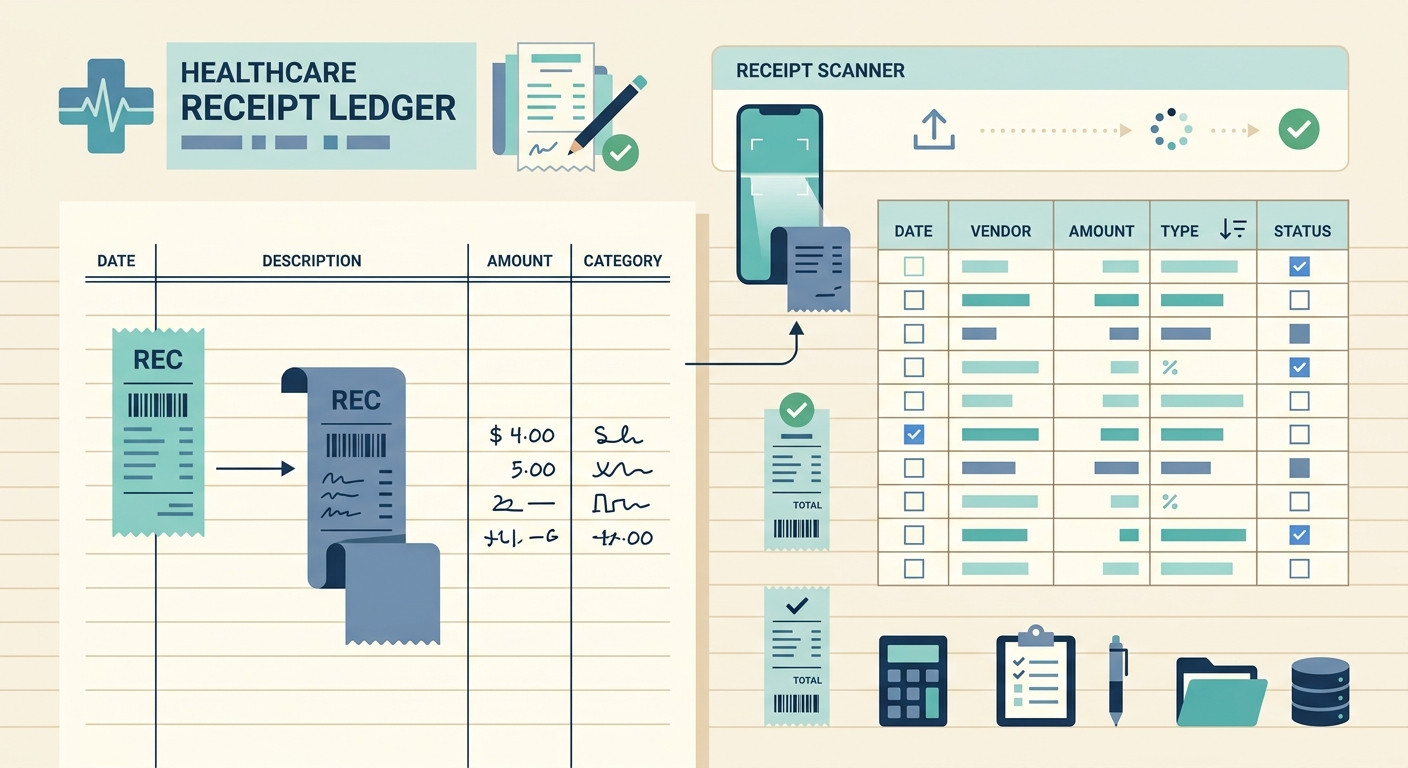
SlipSheet is built for people who want receipt data in a spreadsheet, not trapped inside a complex expense platform. Healthcare staff can upload or capture receipt images, extract the important fields, review the results, and export organized data for the back office.
For a healthcare team, the useful fields usually include:
- Vendor or merchant name
- Purchase date
- Total amount
- Tax, tip, or service fees when shown
- Category, such as travel, meals, supplies, training, or equipment
- Notes, such as clinic location, patient program, department, or project code
SlipSheet keeps the workflow simple. The staff member captures the receipt, the data is extracted, and the record can be checked before export. Administrators can then open the spreadsheet, sort by category or project, and match receipts to reimbursement forms, accounting records, or internal budget tracking.
This is especially helpful for practices and small healthcare businesses that do not want to force everyone into a heavy enterprise expense system. If your real reporting still happens in Excel, Google Sheets, or a CSV import, a spreadsheet-first receipt scanner can fit cleanly into the way your team already works.
A day-in-the-life example
Imagine a home health nurse who starts the day with a mileage-heavy route, stops to buy wound care supplies, pays for parking near a patient appointment, and picks up a meal during a training session. None of those expenses are complicated by themselves, but they become annoying when collected at the end of the week.
With a receipt scanner workflow, the nurse can photograph each receipt right after the purchase. The vendor, date, and total are captured while the context is fresh. A short note can identify the route, patient program, or training event. At the end of the week, the administrator receives a spreadsheet with structured rows instead of a pile of images and handwritten notes.
The same pattern works for clinic managers buying office supplies, physicians attending continuing education, therapists traveling between facilities, or administrators coordinating community health events. The goal is not to add another administrative task. The goal is to make the task small enough that it actually happens on time.
Getting started
Start with the simplest process that will satisfy your reimbursement and accounting needs. A good first version might look like this:
- Decide which categories matter, such as travel, meals, supplies, training, equipment, and outreach.
- Ask staff to capture each receipt as soon as possible after purchase.
- Use notes for the context finance will need later, such as department, location, event, or project.
- Review extracted fields before export, especially totals and dates.
- Export to a spreadsheet on a set schedule, such as weekly for reimbursements and monthly for bookkeeping.
Keep the rules short. If staff need a training manual to submit a coffee receipt from a conference day, the process is too heavy. A receipt scanner should reduce admin load, not create a new one.
It also helps to name one person who owns the review step. That person does not need to enter every receipt manually, but they should spot-check records, correct categories, and make sure the exported spreadsheet matches the needs of payroll, bookkeeping, or grant reporting.
What to watch for
Receipt scanning is most useful when the source images are readable. Encourage staff to photograph the full receipt on a flat surface, avoid shadows when possible, and retake blurry images. Small habits make the extracted data much more reliable.
Also be clear about protected information. Most ordinary receipts do not include patient information, but healthcare teams should still avoid attaching notes that contain patient names, medical details, or other sensitive information. Use internal project codes or approved labels instead.
If your team already uses spreadsheets to track reimbursements, SlipSheet can help turn scattered healthcare receipts into clean rows of data. Try it with a week of expenses, compare the exported sheet to your current process, and see how much manual entry it removes. Start organizing healthcare receipts with SlipSheet.
FAQ
Can healthcare staff scan receipts from a phone?
Yes. A phone-based receipt scanner is usually the easiest option for staff who need to capture receipts between shifts, visits, or training sessions.
What receipt details should healthcare teams track?
At minimum, track the vendor, date, total, category, and a short note for the department, location, project, or reimbursement purpose.
Can scanned receipt data be exported to a spreadsheet?
Yes. SlipSheet is designed for spreadsheet-first workflows, so extracted receipt data can be reviewed and exported for bookkeeping or reimbursement tracking.
Should staff include patient information in receipt notes?
No. Use approved project codes, department names, or general labels instead of patient names or sensitive medical details.
Is this useful for small clinics and solo practices?
Yes. Small healthcare teams often benefit the most because they need clean expense records without adopting a heavy enterprise expense system.