If you own more than one rental property, you already know the pain: renovation receipts scattered across glove boxes, kitchen drawers, email inboxes, and the bottom of a contractor's folder. A single flip can produce hundreds of receipts for materials, labor, permits, and appliances. Lose the paper, lose the deduction. Real estate investors who treat receipts as a system, not a stack, walk away with bigger tax write-offs and cleaner books at audit time.
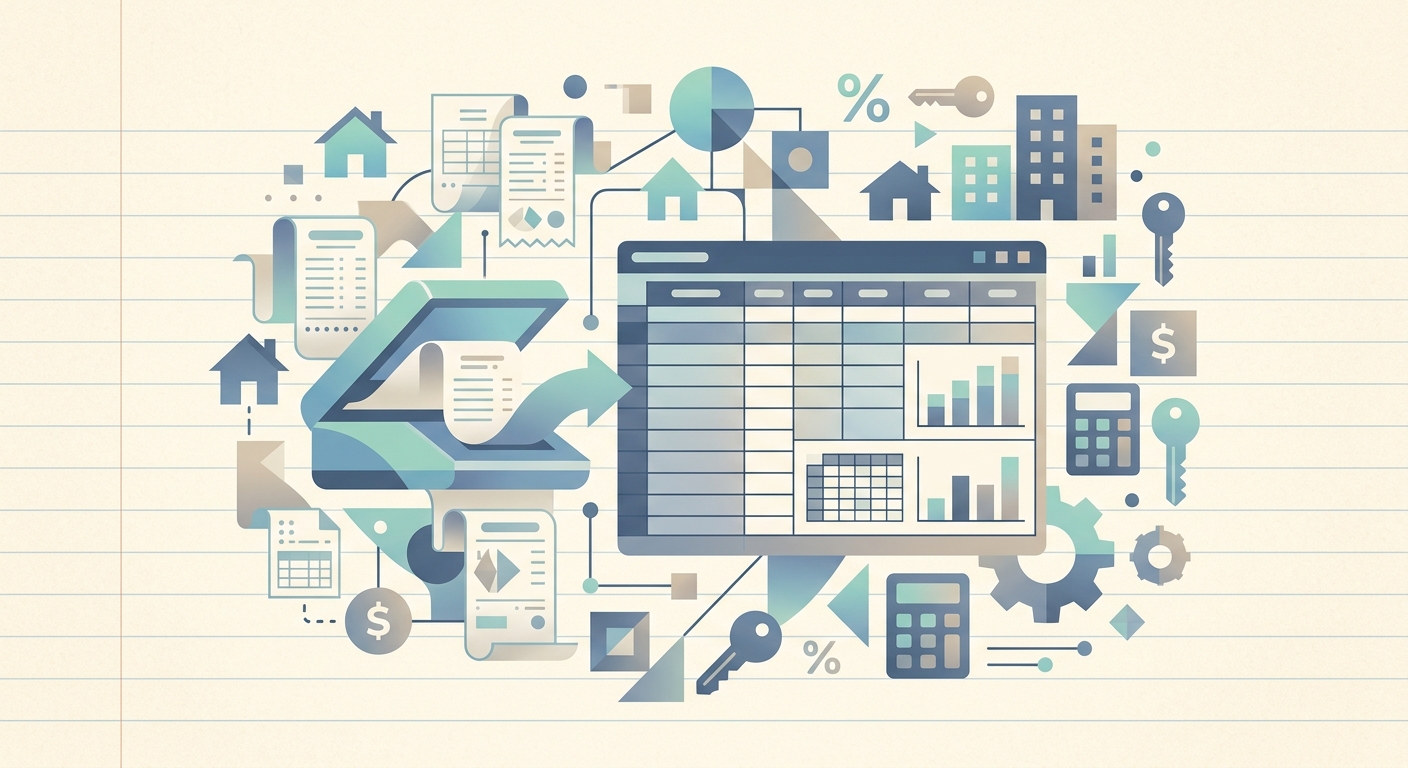
SlipSheet is a receipt scanner built for people who manage expenses across multiple properties. You snap a photo of the receipt, and the app reads merchant, date, total, tax, and category into a structured spreadsheet row. No typing, no OCR cleanup, no end-of-year shoebox ritual.
The problem: renovation receipts multiply fast
A typical single-family rehab generates 80 to 200 receipts before it rents or sells. Multiply that across three to five active projects, and you are staring down a thousand-line spreadsheet you forgot to build. The IRS requires you to keep receipts for at least three years after filing, and the burden falls on you, not your accountant, when the deduction gets questioned.
Most investors solve this with one of three bad habits:
- Stapling receipts to a notebook and praying it survives the truck
- Photographing them with a phone camera, then letting the photos rot in a buried album
- Forgetting entirely and reconstructing expenses from bank statements at tax time
None of those produce an audit-ready paper trail. None of them let you run a "total rehab cost per property" report in February when your CPA asks.
Why it matters: every lost receipt is lost basis
For long-term rentals, every capitalized improvement adds to your cost basis and lowers your taxable gain when you sell. For flips, every material and subcontractor receipt feeds your cost of goods sold. A $4,200 appliance you cannot substantiate becomes a $4,200 out-of-pocket expense with no offsetting tax benefit.
Most real estate investors are also eligible to elect de minimis safe harbor (Section 1.263(a)-1(f)) and immediately deduct any item under $2,500 with a single invoice. That election only works if your invoices are organized, dated, and tied to the right property. Loose paper does not qualify.
How SlipSheet helps
SlipSheet turns a 90-second paper-shuffling chore into a 3-second snap-and-go action:
- Capture on site. Open the app, snap the receipt the moment it prints. The photo is timestamped and geo-tagged automatically.
- Auto-extract. SlipSheet reads merchant name, transaction date, subtotal, tax, and total from the image. No retyping.
- Tag by property and category. Add a property code (e.g. "MAPLE-2026") and a category (Materials, Labor, Permit, Appliance) in two taps.
- Export to spreadsheet. Push the row straight to Google Sheets or Excel with one column per property, ready for your accountant or your own pivot tables.
Everything lives in one searchable log. Type "Home Depot" and pull every receipt across every property. Filter by date range. Sum by category. The data you need at tax time is the data you already captured at the point of purchase.
A day-in-the-life: a flip from purchase to listing
Imagine closing on a duplex in March and listing it in August. Across those five months you will buy paint, flooring, fixtures, a water heater, and a dozen other line items. With SlipSheet running from day one, your closing-day binder is already built:
- Day 1: snap the closing-day receipt for appliances at the store, tagged "DUPLEX-MAR" and category "Appliance."
- Week 3: capture subcontractor invoices as they arrive, tagged "Labor."
- Week 8: pull a category-by-category export for your lender draw request.
- Week 18: hand your CPA a single spreadsheet with every receipt, date, and property code. No shoebox, no scanning weekend.
That same spreadsheet also doubles as your cost basis ledger when you sell the property five years later.
Getting started
You do not need to back-scan every receipt you have ever collected. Start with the next property you work on. Build the habit one project at a time.
- Create a property code for each active project (a short tag like "OAK-2026" or "DUPLEX-MAR").
- Set up categories that match how your accountant reports expenses (Materials, Labor, Permits, Appliances, Utilities, Financing).
- Snap every receipt before it leaves your hand. The whole loop takes less than 5 seconds.
- Export to Google Sheets or Excel weekly. Review monthly.
The first property you finish under this system is the property where you stop losing receipts for good. The second property is where the time savings start to compound.
Ready to run your next rehab on a clean paper trail? Try SlipSheet free for 14 days and capture your first 50 receipts in under an hour.
FAQ
Do real estate investors really need a receipt scanner app?
Yes. The IRS requires documentary support for any deduction, and renovation expenses across multiple properties create a paper trail that quickly outgrows shoeboxes, folders, and photo albums.
What kind of receipts should I scan during a rehab?
Every receipt tied to the property: materials, labor invoices, subcontractor bills, permits, appliance purchases, and even small consumables under the $2,500 de minimis safe harbor.
Can I export my receipts by property to a spreadsheet?
Yes. SlipSheet exports to Google Sheets or Excel with one column per property, so your CPA can pivot by project, category, or date range in seconds.
How long do I need to keep real estate receipts?
The IRS generally requires three years from the filing date, but for properties that touch depreciation or cost basis, holding records for at least seven years is the safer practice.
Does SlipSheet handle multi-page invoices?
Yes. SlipSheet reads multi-page invoices and contract statements in a single capture, pulling line items and totals into separate columns in your spreadsheet.