The problem
Small business owners wear a lot of hats. Bookkeeping is the one most people put off until something forces the issue. A client asks for a receipt from last March, a tax deadline lands on the calendar, or a quarterly review reveals expenses that never made it into the books.
Paper receipts pile up on desks, in wallets, and in the glove box. Email receipts scatter across inboxes. Photos sit in phone camera rolls next to dog pictures and kids' soccer shots. By the time someone sits down to enter the data, the totals are fuzzy, the vendors are abbreviated, and half the receipts are missing entirely.
Most small business owners know they should be doing this in real time. Almost none of them do. The friction of typing line items into a spreadsheet at 9pm on a Sunday is just too high to sustain as a habit, and the consequences are not immediate enough to force a change.
Why it matters
Messy receipts cost money in three direct ways. First, missed deductions at tax time. A coffee meeting in February that never made it into QuickBooks is a real number off the bottom line in April. Second, reimbursement delays when an employee or contractor has to chase you for proof of purchase. Third, cash flow surprises. A vendor that suddenly raises a price or charges a fee you forgot about is harder to catch when you cannot easily filter last year's spend by merchant or category.
There is also a less obvious cost: time. Manual receipt entry runs about ninety seconds per receipt for a careful operator. A business that does thirty receipts a month is spending close to an hour a month on typing alone, and that figure ignores the time spent hunting for the missing ones and reconciling totals that do not match the bank statement.
Finally, there is the audit-trail problem. When a deduction gets questioned, a crumpled thermal-print receipt from a gas station is hard to defend. A clean spreadsheet row, with the original image attached and the vendor and date filled in, is the kind of record that survives an IRS letter or a client audit.
How SlipSheet helps
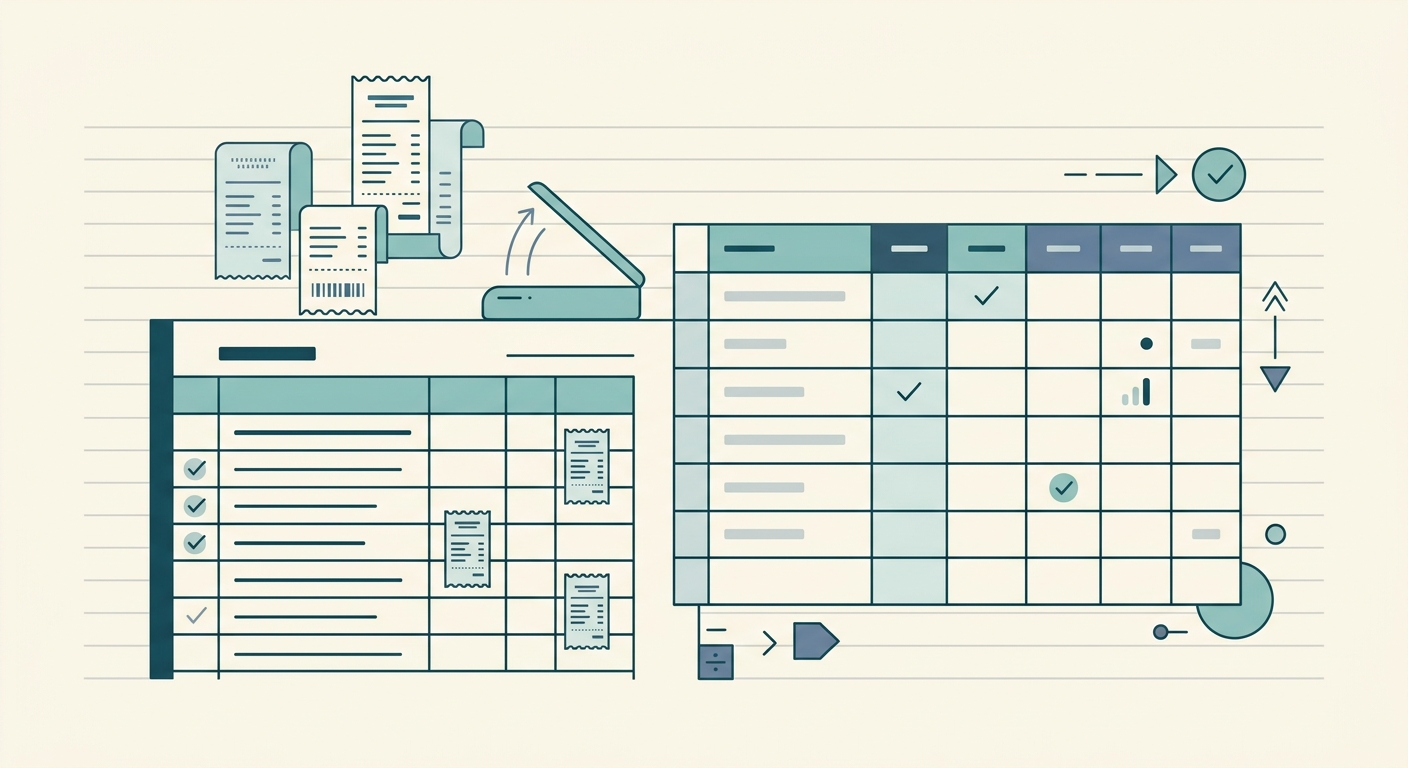
SlipSheet is built to remove the typing step. You snap a photo of a receipt or forward an email receipt, and the tool reads the image, pulls out the vendor, date, total, tax, and line items, and puts a clean row in your spreadsheet. The output lands in Google Sheets, Excel, or whatever tool you already use for bookkeeping.
Two design choices make the workflow stick. First, the data is reviewable before export. You can see what SlipSheet pulled out, correct a misread merchant name, fix a date, or add a category, then send it to the sheet. The spreadsheet stays the source of truth, not a black-box CSV that has to be re-imported and cleaned later.
Second, SlipSheet does not try to replace your bookkeeping system. It produces clean, structured data and hands it off. If you use QuickBooks, Wave, Xero, a bookkeeper, or a stack of Google Sheets, the rows arrive in the format you already work with. There is no new chart of accounts to learn and no approval workflow to configure.
A day-in-the-life example
Tuesday morning: you buy supplies at the hardware store, total forty-three dollars and change. The receipt goes in your pocket. By the time you get back to the office, the receipt is wrinkled and partly unreadable. You snap a photo with your phone, forward it to your SlipSheet inbox, and forget about it.
Wednesday afternoon: you log into SlipSheet. The receipt is there, with vendor, date, total, and tax filled in. You review the row, tag it as Office Supplies, and export. The line appears in your Google Sheet under March expenses within a minute.
Friday: your bookkeeper asks for a clean export of Q1 spend by category. You pull the data, drop it in a shared folder, and the conversation takes five minutes instead of two hours of PDF hunting. The bookkeeper has the original receipt images attached, so any line item can be verified in seconds.
That is the entire workflow. No new tool to learn, no approval workflows to configure, no corporate card integrations to set up. The capture step takes ten seconds at the register, the review step takes thirty seconds on a laptop, and the export step is a single click.
Getting started
Sign up for a free SlipSheet account, connect the spreadsheet or accounting tool you already use, and process your first receipt. Most small businesses have their first month of clean data within a week, and the time saved on month-end closes pays for the tool many times over.
For a small team, the typical setup is one person forwarding receipts to a shared inbox and another reviewing and exporting weekly. Solo operators usually just batch-process on a Friday afternoon. The cadence matters less than the habit; even a messy version run consistently beats a perfect system used twice and abandoned.
Try SlipSheet to convert receipts into spreadsheet-ready data, then export clean rows for bookkeeping, tax prep, reimbursements, or monthly reviews.
FAQ
What kinds of receipts work with SlipSheet?
Paper receipts photographed with a phone, PDF receipts from email, and forwarded email receipts all work. SlipSheet reads the image and pulls out the key fields regardless of the source format.
Do I need a special scanner or app?
No. Your phone camera and your email inbox are enough. Snap a photo or forward the email, and SlipSheet handles the rest.
Where does the cleaned-up data go?
SlipSheet exports to Google Sheets, Excel, or any spreadsheet tool. You can also hand the rows off to a bookkeeper or import them into accounting software.
Can I review the data before it hits my spreadsheet?
Yes. Every extracted row is reviewable in the SlipSheet dashboard before export. You can correct a misread merchant name, fix a date, add a category, and only then send it to the sheet.
Is SlipSheet a replacement for QuickBooks or my bookkeeper?
No. SlipSheet produces clean, structured rows and hands them off. Your bookkeeping system stays the source of truth for reports and tax filing.