Running an online course means buying a steady stream of tools, gear, and ads that you can write off. A camera, a microphone, a new editing app, a Facebook ad spend, a Teachable plan renewal; each one is a deductible expense. The problem is not finding the receipts, it is keeping them organized in a way that survives an audit and a quarterly tax filing. A spreadsheet folder called "Receipts 2026" stops working the moment you buy a second camera lens.
The problem: scattered receipts, missed deductions
Most course creators manage receipts in three places at once. Email confirmations sit in a Gmail folder. Photos of paper receipts pile up in iCloud or Google Photos. Credit card statements hold the rest, but they only show totals, not what each charge was for. By the time tax season arrives, you cannot remember whether the $89 charge was for ConvertKit or a stock music subscription.
What gets lost is the small stuff. A $14 monthly Canva Pro. A $9 stock image bundle. A $49 lifetime deal on a course platform plugin. Individually these feel trivial. Over a year they add up to thousands of dollars in legitimate deductions you never claim because you cannot prove what they were for. The IRS does not require a paper receipt for anything under $75, but you do need to be able to show what the expense was, when, and how it relates to the business.
Why it matters for course creators specifically
Course businesses have unusual expense patterns. You buy a piece of equipment once and use it for two years. You buy software monthly that auto-renews. You spend on ads in bursts tied to launches. You reimburse a guest expert for travel. None of this fits a traditional retail receipt workflow where one purchase equals one receipt in one folder.
Schedule C filers also face a higher audit bar than W-2 employees. The IRS expects clear categories, dated records, and a paper trail that ties each write-off back to the business. A photo dump on your phone is not enough. A spreadsheet with a row per expense, a column for category, and a column for the project that expense supported is the minimum. Anything less and you are leaving deductions on the table or risking a denied claim.
How SlipSheet helps
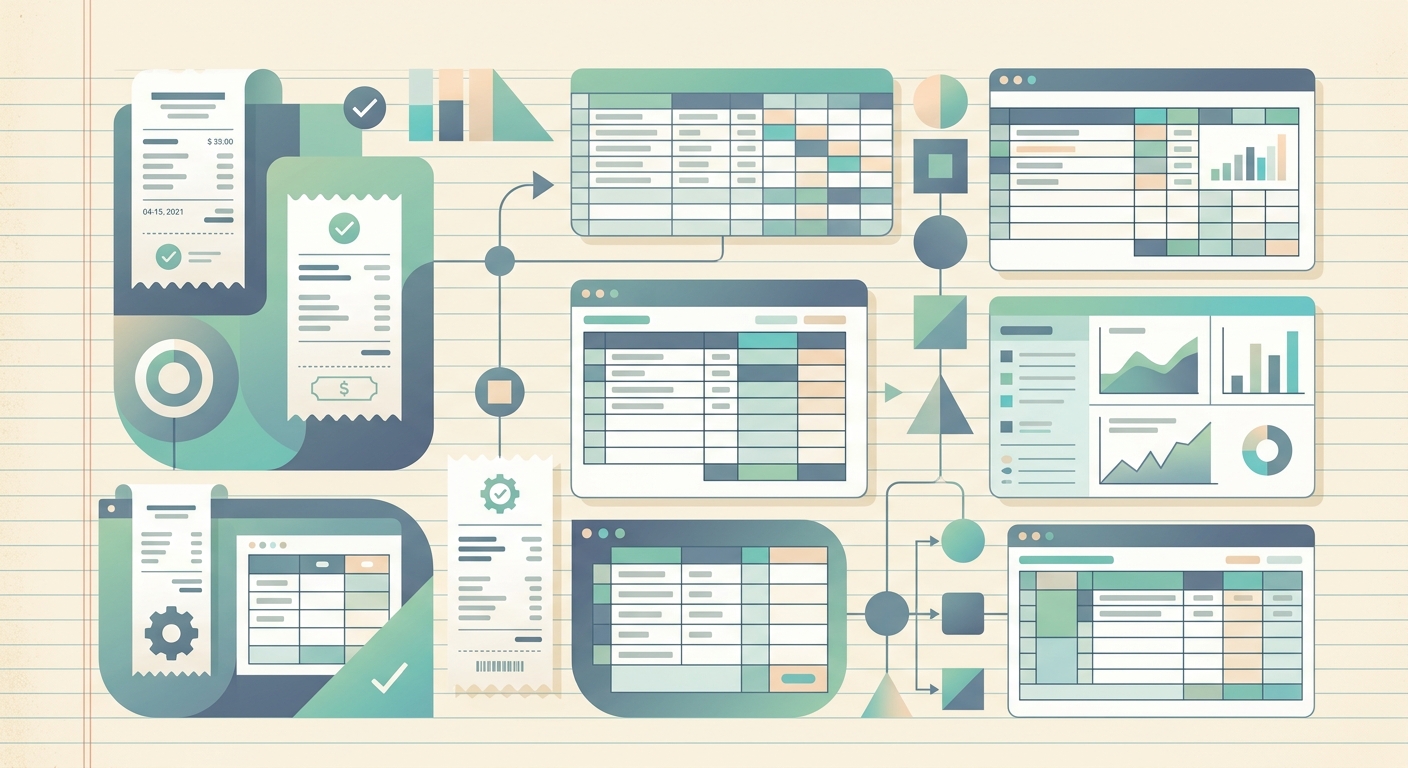
SlipSheet is a receipt tracker built for solopreneurs and small business owners who file Schedule C. You snap a photo of the receipt or forward a digital receipt by email. SlipSheet extracts the vendor, date, total, tax, and payment method, then writes a row to a Google Sheet or Excel file you control. Each receipt gets tagged with a category like "Equipment," "Software," or "Advertising" so you can sum deductions by type at tax time.
For course creators, the most useful feature is project tagging. You can attach each expense to a specific course, a launch, or a platform. When you run a Q4 promotion for your flagship course, every ad receipt, every stock music license, every contractor payment gets grouped under that project. At year end you know exactly what that launch cost to run, which is the kind of data that makes next year's launch budget honest.
A day-in-the-life example
Imagine you spend Tuesday filming a new module. In the morning you buy a $39 lavalier mic on Amazon. At lunch you renew a $24 monthly Pixabay subscription. In the afternoon you approve a $250 Facebook ad spend for the launch. By the end of the day you have three receipts in three formats: a paper email PDF, a software renewal email, and a credit card charge on your statement.
With SlipSheet, the workflow is identical for all three. You forward the Amazon PDF to your SlipSheet inbox and tag it "Equipment, Course 3." You forward the Pixabay renewal and tag it "Software, Course 3." You photograph the credit card charge on your phone and tag it "Advertising, Q4 Launch." By dinner, all three rows are in your spreadsheet with vendor, date, total, and category filled in. At quarter end you run a SUMIF and know your Q4 course spend to the dollar.
Getting started
The fastest path is to spend 15 minutes catching up on backlog. Photograph the last 30 days of paper receipts and forward the same window of email receipts to your SlipSheet address. Tag each as it lands in your sheet. Once the backlog is clean, real-time capture takes seconds per receipt. Within a week you will have a category-by-category view of your course expenses that updates itself every time you buy something.
When tax season comes, export the year-end sheet to CSV and hand it to your CPA, or import it directly into QuickBooks with the built-in SlipSheet export. Either way, you walk into the filing with a paper trail that holds up.
SlipSheet keeps course creators audit-ready without the manual filing. Start a free 14-day trial and catch up on this quarter's receipts in under an hour.
FAQ
Do I need to keep paper receipts if I am a sole proprietor course creator?
For any expense over $75 the IRS expects a paper or digital record. SlipSheet stores photo and email receipts as PDFs, which satisfy that requirement for Schedule C filers.
Can I tag receipts by course or launch?
Yes. Each SlipSheet receipt accepts a custom tag, so you can group expenses under a specific course name or campaign and sum them by project at year end.
What happens to my data if I cancel?
Your spreadsheet lives in your own Google Sheets or Excel account. SlipSheet writes to it, but does not lock the file. Cancel anytime and keep the historical rows.
Does SlipSheet integrate with QuickBooks?
Yes. Export the tagged sheet as a CSV and import it into QuickBooks Online or Desktop, or use the QuickBooks export add-on for a direct push.
How long does it take to set up?
Most course creators catch up on a backlog of 30 days of receipts in under an hour. After that, real-time capture takes about 10 seconds per receipt.