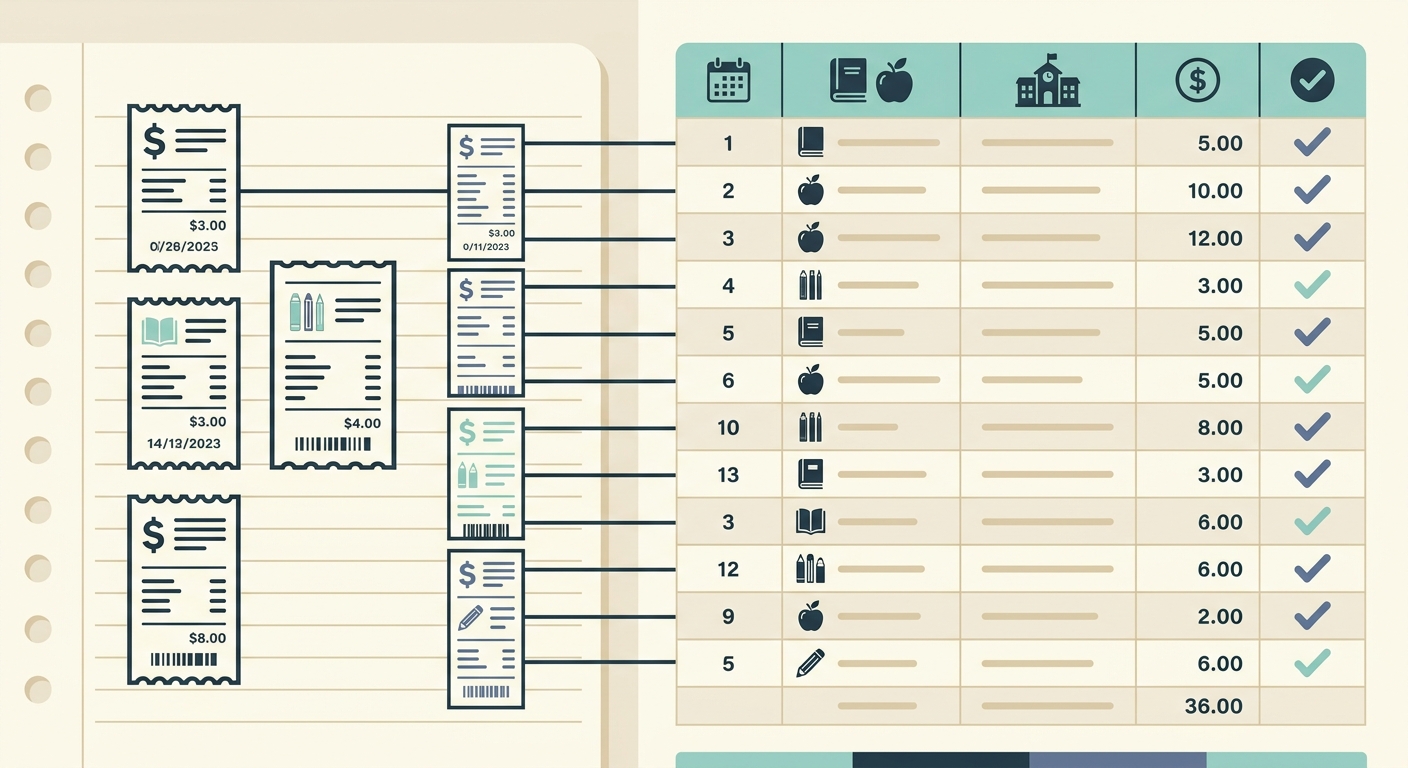
Teachers buy a lot with their own money. Classroom supplies, art materials, lab items, books, snacks, cleaning products, printer ink, and field trip odds and ends often come out of a personal card first, then need to be reimbursed later. The problem is not the purchase itself. The problem is keeping proof, remembering why it was bought, and turning a stack of small receipts into something a school office can process without back-and-forth.
A practical receipt tracker for teachers should be fast enough to use between classes, simple enough for non-accounting work, and organized enough for reimbursement, grants, PTA funds, or department budgets. This guide explains how educators can set up a lightweight workflow that keeps receipts, categories, and totals ready when needed.
The problem
Teacher spending is often fragmented. One receipt might include markers for a reading station, bins for math manipulatives, and tissues for the whole room. Another might be an online order with supplies for a science unit that will not be reimbursed until the end of the month. If those receipts live in email, a backpack pocket, a personal photo roll, and a desk drawer, the tracking system breaks down quickly.
The most common pain points are simple but costly:
- Receipts fade, get lost, or are thrown away before reimbursement is submitted.
- Online receipts stay buried in email and never make it into the expense file.
- Purchases are hard to match to a classroom, club, grant, or department budget.
- Totals have to be rebuilt by hand at the end of the month or school year.
- Administrators need clear documentation, but teachers do not have extra time to format it.
A receipt tracker solves this by giving every purchase a place to go as soon as it happens. The goal is not to build a complex accounting system. The goal is to make reimbursement and recordkeeping boring, repeatable, and hard to mess up.
Why it matters
Good receipt tracking protects both teachers and schools. For teachers, it means fewer missed reimbursements and less personal money left unclaimed. For administrators and bookkeepers, it means cleaner documentation, fewer questions, and faster approvals. For grant-funded purchases, PTA budgets, or classroom donations, it also creates a clear record of how money was used.
The best system is the one you will actually use. If tracking requires ten fields, a separate login, and manual typing from every receipt, it will fail during the busiest weeks of the semester. A better system captures the receipt first, extracts the key data, then lets you review and export everything in a spreadsheet-friendly format.
How SlipSheet helps
SlipSheet is built for people who want receipt data in a spreadsheet without typing every line by hand. Teachers can upload or capture receipt images, pull out important details, review the extracted data, and export a clean spreadsheet for reimbursement or internal records.
For a classroom receipt tracker, the useful fields are usually:
- Date of purchase
- Vendor or store name
- Total amount
- Category, such as supplies, books, snacks, technology, art, lab materials, or classroom decor
- Class, grade, project, grant, club, or department
- Payment method
- Reimbursement status
- Notes for context, such as the lesson, event, or student activity
SlipSheet does not need to replace your school reimbursement form. Instead, it can support it. You can use it to collect receipts during the month, review the data in one place, and export a spreadsheet that makes the final submission easier. If your school wants receipts attached separately, the spreadsheet can still act as the summary sheet that explains what each receipt was for.
The workflow is also helpful for administrators who collect receipts from multiple teachers. Each teacher can track purchases consistently, then send a spreadsheet with the same columns. That reduces cleanup time and makes it easier to see which expenses belong to which classroom, fund, or event.
A day-in-the-life example
Imagine a fourth grade teacher preparing for a fractions unit, a classroom library refresh, and a Friday science activity. On Monday, she buys construction paper and glue. On Tuesday, she orders books online. On Thursday, she picks up baking soda, vinegar, and cups for the science activity. None of these purchases are large, but together they add up.
With a manual system, the paper receipt might sit in a tote bag, the online order confirmation might stay in email, and the science supplies might get mixed in with groceries. At the end of the month, she has to remember what each purchase was for and rebuild the reimbursement request from scratch.
With a receipt tracker, the process is simpler:
- Capture or upload each receipt as soon as possible.
- Let the tool extract the date, vendor, and total.
- Add a category and short note, such as fractions activity, library books, or science demo.
- Mark whether the expense is personal, reimbursable, grant-funded, or already submitted.
- Export the spreadsheet before the reimbursement deadline.
This keeps the work spread across small moments instead of creating one painful administrative task later. It also gives the school office a clearer explanation of what was purchased and why.
Getting started
Start with a simple column structure. You can always add detail later, but too many fields at the beginning will slow everyone down. For most teachers, a strong starter tracker includes date, vendor, total, category, classroom or project, reimbursement status, and notes.
Next, decide when receipts will be captured. The best options are immediately after purchase, once per day, or during a fixed weekly admin block. Waiting until the end of the month is possible, but it creates more missing context. A two-minute Friday routine is often enough to keep the tracker current.
Then create a few standard categories. Examples include classroom supplies, books, art supplies, technology, student rewards, snacks, cleaning supplies, field trip costs, lab materials, and professional development. Standard categories make totals easier to review and prevent the same type of expense from being labeled five different ways.
Finally, export your spreadsheet before the reimbursement deadline and review it for obvious issues. Check that totals match receipts, categories make sense, and each expense has enough context for an administrator to approve it. A clean export can save several emails later.
Common pitfalls
The first pitfall is capturing only the receipt image without adding context. A receipt from a big box store may not explain whether the purchase was for a classroom project, a club event, or personal use. Add a short note while the reason is still fresh.
The second pitfall is mixing reimbursable and non-reimbursable expenses without a status field. Teachers often buy personal and classroom items in the same week, sometimes at the same store. A clear status column helps prevent confusion.
The third pitfall is waiting too long to review extracted data. Receipt capture tools can save a lot of typing, but totals, dates, and vendor names should still be checked. A quick review now is easier than fixing a reimbursement package later.
If you want a faster way to turn classroom receipts into organized spreadsheet data, try SlipSheet. Capture receipts, extract the key fields, review the details, and export a clean tracker for reimbursements, records, or school finance workflows.
FAQ
What should teachers track on each receipt?
Track the date, vendor, total, category, classroom or project, reimbursement status, and a short note explaining the purchase. These fields are usually enough for reimbursement and school records.
Can I use a receipt tracker for online orders?
Yes. Save or upload online receipts and order confirmations the same way you would capture paper receipts, then add the project or classroom purpose.
Is a spreadsheet enough for teacher receipt tracking?
For many teachers, yes. A spreadsheet works well when the receipt data is captured consistently and the original receipt images or confirmations are kept for proof.
How often should I update my receipt tracker?
Update it after each purchase, once per day, or during a weekly admin block. The key is to add context before you forget why the purchase was made.
Does SlipSheet replace my school reimbursement form?
Usually no. SlipSheet helps organize and export the receipt data, which can make your school reimbursement form easier to complete and support.