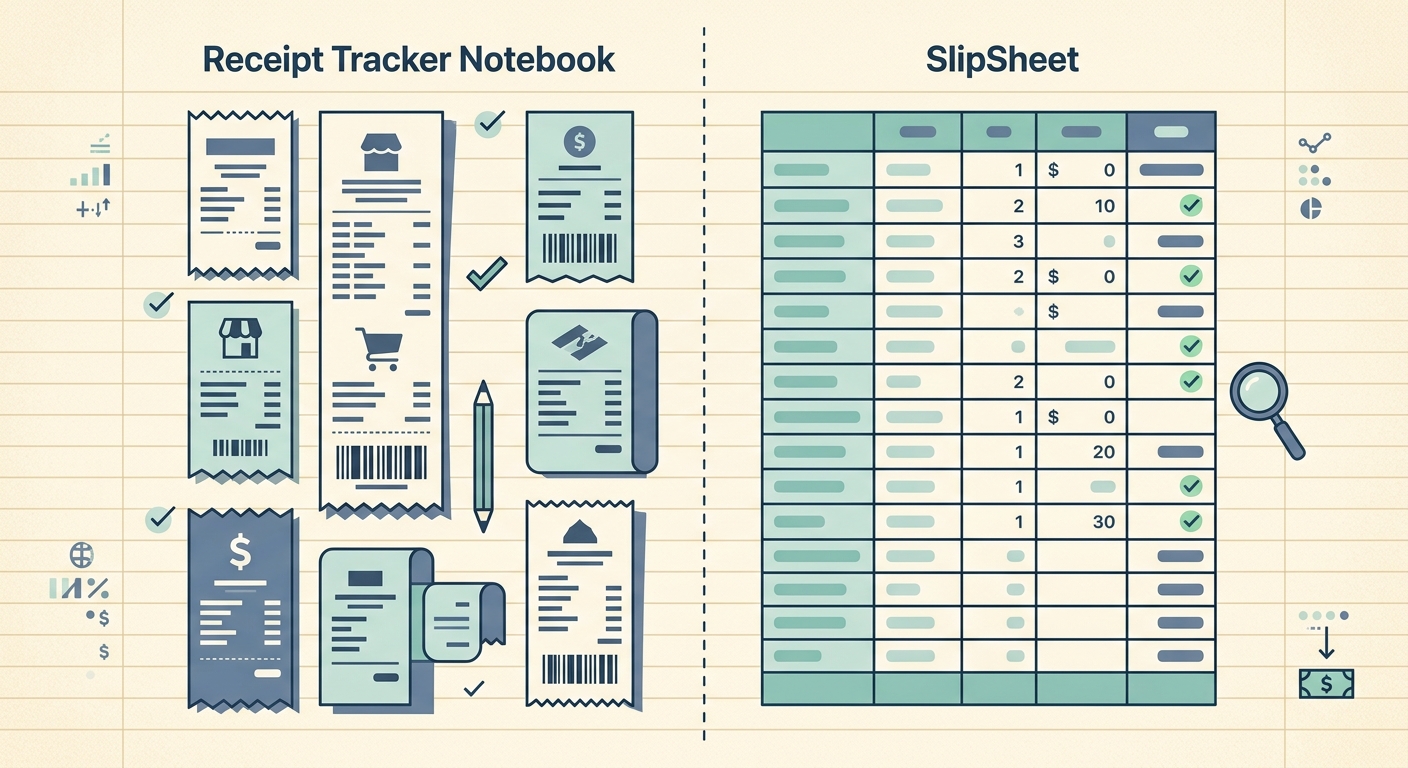
A receipt tracker notebook is exactly what it sounds like: a bound book of pre-formatted pages for logging receipts by hand. SlipSheet does the same job digitally, snapping photos of receipts and turning them into spreadsheet rows. Both approaches can keep you organized at tax time. Which one fits depends on how many receipts you process and how much you want them in a spreadsheet.
Receipt capture
A receipt tracker notebook captures receipts the slow way: you write down the date, vendor, amount, category, and notes on a pre-printed page. Some notebooks include columns for tax category, payment method, and project. The upside is zero friction to start; you can log a receipt in fifteen seconds with a pen. The downside is that every receipt requires manual entry, and if you lose the notebook, you lose everything.
SlipSheet captures receipts with your phone camera. You snap a photo, the OCR pulls out the date, vendor, amount, and tax, and the row is ready to review. There is no writing involved. If you process more than ten receipts a week, the camera method starts paying for itself in time saved.
Data extraction and accuracy
A notebook is only as accurate as your handwriting. If you cannot tell a "7" from a "1" in March when you reconcile against a bank statement in April, you have a problem. Paper notebooks also cannot add totals, split tax, or flag duplicates. Anything you would want a spreadsheet to do has to be done by hand or by re-keying the data into Excel later.
SlipSheet extracts fields with OCR, then puts them in front of you to confirm or correct before export. The extraction is not perfect on crumpled thermal paper or faded ink, but you can review and fix the row in seconds rather than typing it from scratch. Once a row is clean, it stays clean in your spreadsheet.
Exporting to a spreadsheet or accountant
This is the biggest difference between the two. A receipt tracker notebook produces a paper record. To get that data into a spreadsheet, you either type it in by hand or you hire a bookkeeper to type it for you. Some notebooks include monthly summary pages where you total columns by hand, which helps for tax prep but does not give you a digital file.
SlipSheet exports directly to CSV or Google Sheets. The columns are already split: date, vendor, amount, tax, category, notes. You can hand the spreadsheet to a CPA, paste it into QuickBooks, or run your own pivot tables. There is no transcription step, which is where most of the time goes for paper workflows.
Cost and commitment
A receipt tracker notebook is cheap. You can buy one for ten to twenty dollars, and it holds a year of receipts. There is no subscription, no app update, and no account to lose access to. If you go through one a year, the cost is roughly the price of a sandwich per month.
SlipSheet has a subscription, and it assumes you have a smartphone. The trade is that you skip the writing and the typing. If you process only a handful of receipts a month, the subscription may not pencil out. If you process a stack every week, the time saved usually justifies it well before the end of the first month.
Audit trail and backup
Paper notebooks have one fatal weakness: they can be lost, damaged, or destroyed. A coffee spill, a moving box, or a fire wipes out your records. You can mitigate this by photographing each page and storing it in cloud storage, but at that point you have re-created a digital workflow on top of a paper one.
SlipSheet stores receipt images and extracted data in the cloud. Your rows are searchable, your images are linked to each row, and you can download the whole archive as a CSV at any time. If your phone breaks, your data is not on it.
Which tool fits you best
A receipt tracker notebook makes sense if you process fewer than five receipts a month, you already think well with a pen in hand, and you do not need your data in a spreadsheet. It also works as a backup system layered on top of a digital workflow; some bookkeepers keep a paper summary alongside the digital export.
SlipSheet is the better fit if you process ten or more receipts a week, you want the data in a spreadsheet without typing it, you work with an accountant who prefers CSVs, or you are tired of reconciling bad handwriting. It is also a strong choice if you have ever lost a paper receipt book or wished you could search last year's expenses without flipping pages.
Both tools solve the same problem: keeping receipts organized so tax season is less painful. The notebook wins on simplicity and zero cost. SlipSheet wins on speed, accuracy, and getting the data somewhere useful. Try the notebook first if you are a low-volume, paper-first person. Try SlipSheet if the bottleneck in your bookkeeping is the typing.
Want a faster way from receipt to spreadsheet? SlipSheet turns phone photos into clean CSV rows in under a minute. Start at slipsheet.app.
FAQ
Who is a receipt tracker notebook best for?
It is a strong fit for freelancers or sole proprietors who log fewer than five receipts a month, prefer writing by hand, and do not need their expense data in a spreadsheet for analysis or sharing with a CPA.
Does SlipSheet replace my accountant?
No. SlipSheet handles the data entry step, turning receipt photos into clean spreadsheet rows. Your accountant still reviews the numbers, files the return, and advises on deductions; SlipSheet just removes the typing between the receipt and the spreadsheet.
Can I export my SlipSheet data to QuickBooks or another accounting tool?
Yes. SlipSheet exports to CSV with columns for date, vendor, amount, tax, category, and notes, so the file imports cleanly into QuickBooks, Xero, Wave, or any tool that accepts CSV imports.
What happens to my receipts if my phone breaks?
Your receipt images and extracted rows are stored in the cloud, not just on the device. You can log in from a new phone or a browser and download the full archive as a CSV at any time.
How accurate is the OCR on crumpled or faded receipts?
The OCR reads clean thermal and inkjet receipts reliably; crumpled thermal paper or faded ink can produce a few errors. Every row is shown to you for a quick review before export, so a bad read takes seconds to correct rather than minutes to retype.