Subscriptions have a way of multiplying in the background. One tool, then a storage add-on, then a yearly plan you forgot you signed up for. Most small business owners and freelancers don't lose money to a single big charge; they lose it to a dozen small recurring ones they never get around to auditing. That is the problem recurring expense detection is built to solve.
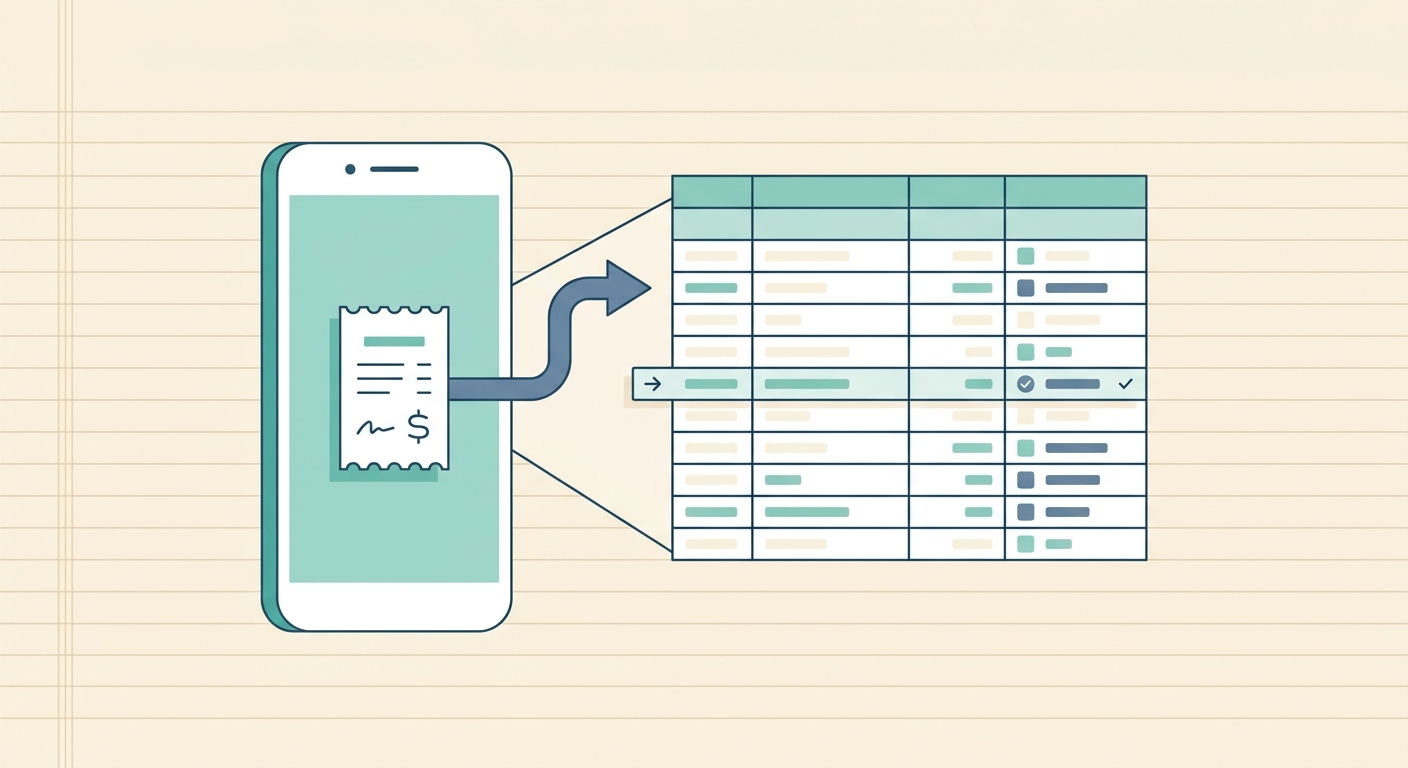
SlipSheet's recurring expense detection scans your imported receipts and statements, groups charges that look the same, and surfaces the ones that show up on a regular cadence. Instead of scrolling through a spreadsheet of transactions asking "did I sign up for this?", you get a clean list of subscriptions and recurring vendors with the totals, frequency, and next expected charge.
What the feature is
Recurring expense detection is an automated audit layer that runs on top of the receipts and transactions you have already imported into SlipSheet. It looks for the same vendor, the same amount, and a regular interval, then flags the pattern as a recurring charge.
The output is a structured list of detected subscriptions, each with:
- Vendor name and logo when available
- Average charge amount
- Detected billing cycle (weekly, monthly, quarterly, yearly)
- Last charge date and the expected next charge date
- Year-to-date total spend on that subscription
- Status flag: active, unused, or price change detected
The feature works on receipts, credit card statements, and bank transaction exports. It does not require a bank integration or a live feed. Anything that lands in your SlipSheet workspace as a row of data is eligible for the scan.
How to use it step by step
The feature is designed to be useful in under five minutes. Here is the typical flow.
- Import your receipts and statements. Drop PDFs, photos, CSVs, or a bank statement export into SlipSheet. The system extracts vendor, amount, date, and category from each entry.
- Open the Recurring tab. From the main dashboard, click "Recurring" in the left sidebar. SlipSheet runs the detection on the most recent 90 days of data by default.
- Review the detected subscriptions. Each row is a cluster of charges that the engine believes come from the same recurring vendor. Click a row to see every underlying transaction that fed into it.
- Mark each one. For each detected subscription, you can tag it as "Keep," "Cancel," or "Review." The tags persist and feed into your monthly report.
- Adjust the date range. If you want a longer history, change the scan window to 6 or 12 months. A longer window catches yearly charges and quarterly renewals that a 90-day scan will miss.
- Export the audit. Send the full recurring list to CSV or push it to Google Sheets for a deeper review with your bookkeeper or accountant.
Most users run the scan once a month as part of their closing routine, but you can run it as often as you want. There is no quota, and the scan is local to your workspace.
Technical notes
Recurring expense detection runs as a background job after each import. It is a deterministic pattern matcher, not a black-box model, which means you can always trace a flagged subscription back to the exact rows that triggered it.
The detection logic uses three signals in order of weight:
- Vendor identity. Normalized vendor name strings are matched. "Adobe Creative Cloud" and "ADOBE *CREATIVE CLOUD" collapse to the same cluster.
- Amount similarity. Charges within a small tolerance (usually 1 to 2 percent) are treated as the same line item. This catches minor tax adjustments and currency conversion drift.
- Interval detection. The gap between charges is tested against common cycles: 7, 14, 30, 31, 60, 90, 180, and 365 days. The cycle with the lowest variance wins.
You can override any detection. If the engine clusters two unrelated vendors together, you can split the row manually and the system learns the correction for your workspace.
Common use cases
The feature fits a few recurring workflows for small businesses, freelancers, and bookkeepers.
Monthly subscription cleanup
The most common use case. Once a month, run a 90-day scan, mark any subscription you have not used in the last billing cycle as "Cancel," and act on the list. Most users find two to four subscriptions they forgot about on the first scan, with a combined cost between $40 and $200 per month.
Annual renewal reminders
Switch the scan window to 12 months and SlipSheet will surface yearly charges, including the renewal date. Pair this with a calendar reminder and you stop getting surprised by a once-a-year charge that you forgot was coming.
Price change audits
Because the engine tracks the average charge per subscription, it flags when a vendor raises its price. The "price change detected" status tells you which subscription went up and by how much, which is useful when a SaaS tool silently changes its pricing tier.
Bookkeeper handoff
When you hand off books to a bookkeeper or accountant at the end of the year, the recurring list is a clean starting point. Instead of asking your bookkeeper to reverse-engineer your subscriptions, you hand over a tagged list of every recurring charge, its annual total, and its status.
Getting started
If you are new to SlipSheet, import a recent credit card statement or a folder of receipts, then open the Recurring tab. The first scan runs in the background and the result is usually ready before you finish reading this paragraph.
Recurring expense detection is included on every SlipSheet plan. There is no separate add-on and no usage limit. If you are already importing receipts into SlipSheet, you are one click away from a full subscription audit. Try SlipSheet and see what you have been paying for without realizing it.
FAQ
Does recurring expense detection work on imported statements or only receipts?
It works on anything you import into SlipSheet: PDFs, photos, CSV exports, and bank statements. The feature looks at vendor, amount, and date, so any row of structured data is eligible.
How long does the scan take?
A 90-day scan on a typical small business workspace finishes in under a minute. Longer 12-month scans on dense data can take a few minutes and run as a background job.
Can I override a detection that looks wrong?
Yes. Click any detected subscription to see the underlying transactions, and you can split clusters that the engine grouped together. Corrections persist in your workspace.
Will it catch annual subscriptions?
Set the scan window to 12 months and the engine will detect yearly cycles, including quarterly and semi-annual ones. A 90-day window by default only catches monthly and weekly charges.
Is recurring expense detection included on the free plan?
Yes. The feature is available on every SlipSheet plan with no usage cap, so you can run it as often as you want.