Streamline Your Expenses: Mastering Shared Folder Collaboration with SlipSheet
In today's fast-paced business environment, efficient expense management is crucial for financial health and accurate record-keeping. Whether you're a small business owner, a project manager, or an individual juggling household budgets, the challenge of collecting, organizing, and sharing receipts can be daunting. Traditional methods often involve mountains of paper, endless email attachments, or manual data entry, all of which are time-consuming and prone to errors. This is where SlipSheet revolutionizes the process, especially with its powerful shared folder collaboration feature.
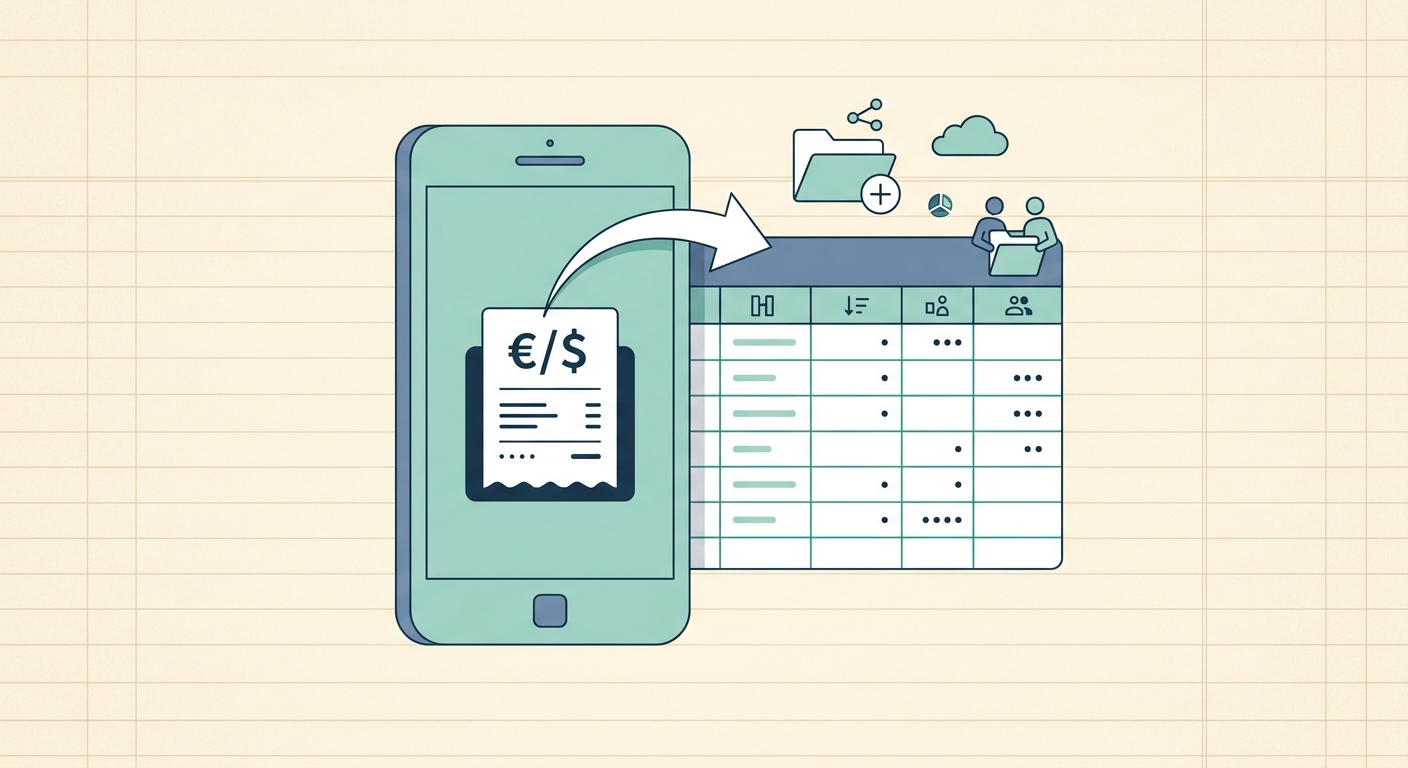
SlipSheet transforms receipt photos and email receipts into structured spreadsheet rows, automating a task that once consumed valuable hours. But its true power for teams and professionals lies in its ability to facilitate seamless shared folder collaboration, allowing you and your team, or your accountant, to contribute to and access a centralized, always-updated record of expenses. Say goodbye to chasing down receipts and hello to a streamlined, collaborative financial workflow.
What is SlipSheet's Shared Folder Collaboration?
SlipSheet's shared folder collaboration feature is an innovative solution designed to simplify the collective management of expenses. At its core, it enables multiple users to contribute receipts to a single, designated cloud storage folder, which SlipSheet then automatically monitors, processes, and converts into organized spreadsheet data. Imagine having a digital inbox where everyone can drop their receipts, and those receipts instantly appear as categorized entries in a shared spreadsheet, ready for review.
This feature goes far beyond merely sharing files. Unlike simply emailing scanned receipts or sharing a static spreadsheet, SlipSheet provides a dynamic, real-time system. When a receipt, whether a photo taken on your phone or a PDF from an email, is added to the shared cloud folder, SlipSheet's intelligent engine extracts key information, such as vendor, date, amount, and currency. This data is then automatically populated into a linked Google Sheet, Excel spreadsheet, or other supported format. This means that everyone involved, from the team member submitting the receipt to the accountant reviewing the books, is always working with the most current and accurate financial data.
The benefits are immediate: reduced manual effort, minimized errors, and enhanced transparency across your financial operations. Shared folder collaboration with SlipSheet ensures that your entire team is aligned, and your financial records are always up-to-date and accessible.
Step-by-Step Guide to Using Shared Folder Collaboration
Getting started with shared folder collaboration in SlipSheet is straightforward. Follow these steps to set up your collaborative expense management system:
-
Set Up Your SlipSheet Account and Connect Cloud Storage: First, ensure you have a SlipSheet account. Connect your preferred cloud storage service, such as Google Drive, Dropbox, or OneDrive. This will be the central hub for your shared receipt folder.
-
Create or Link a Dedicated Receipt Folder: Within your connected cloud storage, create a new folder specifically for receipts, or designate an existing one. This will be the folder you share with your collaborators. For example, you might name it 'Project X Receipts' or 'Q3 Business Expenses'.
-
Link the Folder to SlipSheet: Inside your SlipSheet dashboard, link this specific cloud folder to a new or existing spreadsheet. SlipSheet will then monitor this folder for any new receipt files.
-
Initiate Sharing with Collaborators: Use your cloud storage provider's native sharing features to invite your team members, accountant, or anyone else who needs to contribute receipts. Grant them 'editor' or 'contributor' access to this specific folder. They do not need a SlipSheet account to simply drop files into the shared folder, but they will need one if they wish to view the SlipSheet dashboard or linked spreadsheet directly.
-
Educate Your Team: Clearly communicate to your collaborators that all receipts, whether photos or digital files, should be dropped directly into this shared cloud folder. SlipSheet will handle the rest, automatically processing each receipt and updating your linked spreadsheet.
-
Monitor and Manage: Regularly check your SlipSheet dashboard and the linked spreadsheet to monitor incoming expenses. You can review, categorize, and export your data as needed, maintaining full control over your financial records.
Technical Notes for Seamless Shared Folder Collaboration
Understanding the technical underpinnings of SlipSheet's shared folder collaboration can help you optimize its use and ensure data security and integrity.
-
Security Protocols: SlipSheet prioritizes the security of your financial data. All data transfers between your cloud storage, SlipSheet, and your linked spreadsheet are encrypted using industry-standard protocols. Access permissions are managed at the cloud storage level, meaning you retain full control over who has access to the raw receipt files.
-
Supported Cloud Services: SlipSheet seamlessly integrates with major cloud storage platforms, including Google Drive, Dropbox, and Microsoft OneDrive. This flexibility allows you to choose the service that best fits your existing workflow and team preferences.
-
File Compatibility: SlipSheet is designed to process a wide array of receipt formats. This includes common image files like JPG, PNG, and HEIC (from smartphone photos), as well as PDF documents. Simply drop these files into your shared folder, and SlipSheet will extract the necessary data.
-
Synchronization Frequency: SlipSheet continuously monitors your linked shared folders. New receipts are typically detected and processed within minutes, ensuring that your spreadsheet is updated in near real-time. This rapid synchronization is key to maintaining up-to-date financial records.
-
Permissions Management: While SlipSheet processes the data, actual file access permissions are handled by your cloud storage provider. This allows for granular control; you can grant read-only access to some users, editing access to others, or simply allow them to upload files without direct access to the generated spreadsheet, depending on your needs for shared folder collaboration.
Common Use Cases for Shared Folder Collaboration
The versatility of SlipSheet's shared folder collaboration makes it an invaluable tool for various scenarios:
-
Small Businesses and Startups: Owners can share a folder with their bookkeeper or accountant, ensuring all business expenses are captured and categorized promptly. Team members can submit their travel or project-related expenses directly, streamlining reimbursement processes.
-
Project-Based Teams: For projects with dedicated budgets, a shared folder allows all team members to contribute receipts for materials, travel, or services, providing a clear, real-time overview of project expenditures.
-
Freelancers and Contractors: When working with multiple clients, a freelancer can set up separate shared folders for each client's project expenses, offering complete transparency and simplifying invoicing.
-
Non-Profit Organizations: Managing expenses for events, fundraising, or operational costs can be complex. Shared folders enable volunteers and staff to easily submit receipts, ensuring compliance and accurate financial reporting.
-
Household Budgeting: Even for personal finance, shared folder collaboration can be beneficial for couples or families managing shared expenses, making it easy for everyone to contribute their grocery, utility, or entertainment receipts to a central budget.
When to Upgrade or Adjust Your Shared Folder Settings
As your business or team grows, your expense management needs may evolve. Knowing when to upgrade your SlipSheet plan or adjust your shared folder collaboration settings is key to maintaining efficiency.
-
Increased Receipt Volume: If your team is submitting a significantly higher number of receipts, you might find that your current plan's processing limits are being approached. Upgrading ensures uninterrupted, rapid processing of all your incoming expenses.
-
Expanding Team Size: As more individuals join your team and need to contribute to shared expense folders, you may require additional features, such as more linked folders or advanced user management capabilities, which are available in higher-tier SlipSheet plans.
-
Advanced Categorization or Reporting: If your financial analysis needs become more sophisticated, requiring custom fields, more detailed categorization, or advanced reporting features, consider exploring SlipSheet's premium options that offer greater flexibility and integration possibilities.
-
Integration with Other Software: For businesses that rely on specific accounting software or ERP systems, an upgrade might unlock deeper integrations with SlipSheet, creating a fully automated financial ecosystem.
-
Regular Security Audits: It is always good practice to periodically review your shared folder permissions within your cloud storage. Ensure that only authorized individuals have access and that their permission levels are appropriate for their role in your shared folder collaboration workflow.
SlipSheet is designed to scale with your needs, offering flexible plans that accommodate everything from individual users to large enterprises. Regularly assessing your usage and requirements will help you make the most of its powerful features.
SlipSheet's shared folder collaboration feature transforms the often-cumbersome task of expense management into a streamlined, efficient, and collaborative process. By automating data entry and centralizing receipt collection, it frees up valuable time for you and your team, allowing you to focus on what truly matters: growing your business. Ready to transform your expense management? Visit slipsheet.app today and experience the power of effortless shared folder collaboration.
FAQ
What cloud storage services does SlipSheet support for shared folders?
SlipSheet integrates with popular cloud storage services like Google Drive, Dropbox, and OneDrive, allowing you to easily link your shared folders for receipt processing.
Can I control who has access to my shared receipt folders?
Yes, access control for the shared folder is managed through your cloud storage provider's native sharing settings, giving you full control over collaborator permissions.
How quickly does SlipSheet process receipts added to a shared folder?
SlipSheet processes new receipts in your shared folder very quickly, extracting data and updating your linked spreadsheet in near real-time, often within minutes.
Is shared folder collaboration suitable for large teams or just small businesses?
Shared folder collaboration with SlipSheet is scalable and beneficial for teams of all sizes, from individual freelancers and small businesses to larger departments managing complex projects.
What types of receipts can be processed through shared folders?
SlipSheet can process various receipt formats, including photos of paper receipts (JPG, PNG, HEIC) and digital email receipts (PDFs), converting them into structured spreadsheet data.