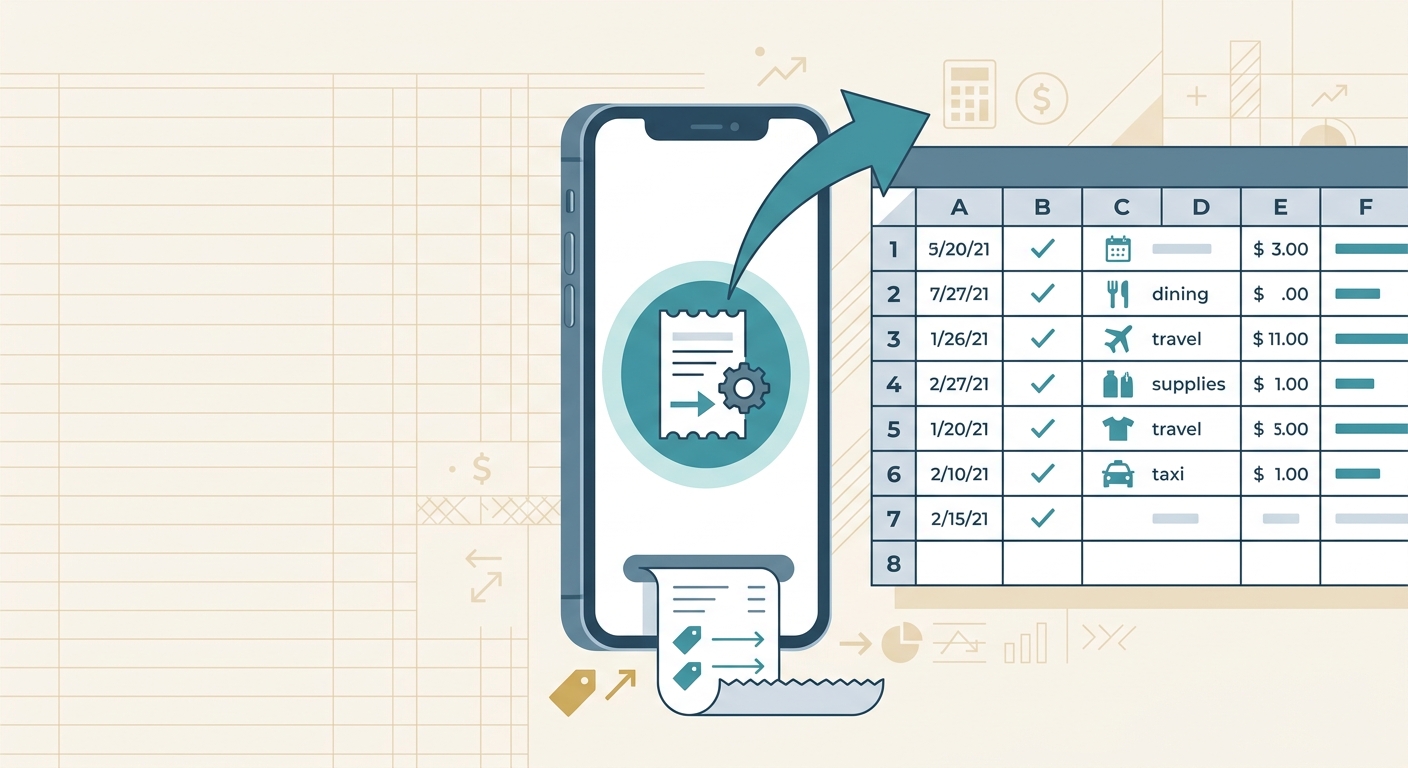
A good spreadsheet can turn a messy pile of receipts into a clean expense record. The hard part is not usually the math. It is setting up the right columns, keeping categories consistent, and making sure the file is useful when tax time, invoicing, reimbursement, or monthly review comes around. That is where a spreadsheet template library helps.
SlipSheet's spreadsheet template library is built for small business owners, freelancers, and bookkeepers who want practical expense tracking without rebuilding the same workbook every month. Instead of starting from a blank sheet, you can use a pre-built structure that matches the way you already work: capture receipts, extract the important details, review the rows, then export or share the spreadsheet.
What the feature is
The spreadsheet template library is a set of ready-to-use spreadsheet formats for common receipt and expense workflows. Each template gives you a sensible starting point, with columns for the details most teams need to track: vendor, date, total, tax, payment method, category, notes, and receipt reference.
The goal is not to force every business into one rigid format. It is to remove the repetitive setup work so you can spend your time reviewing expenses instead of naming columns. A consultant may need client and project fields. A retail shop may care more about supplier, location, and inventory category. A nonprofit may need grant or program codes. A template library makes those variations easier to manage.
For spreadsheet-first teams, this is especially useful. Many accounting apps are powerful, but they can feel heavy when all you need is a clean CSV or spreadsheet that can be checked, filtered, and imported later. SlipSheet keeps the workflow simple: turn receipts into structured rows, then use a template that makes the data useful.
How to use it step by step
- Choose the template that matches the job. Start with the workflow you are trying to support. Monthly bookkeeping, contractor expenses, mileage-adjacent reimbursements, client billable costs, and tax prep all need slightly different layouts.
- Capture or upload receipts. Add the receipts you need to process. These might be phone photos, email attachments, scanned PDFs, or files saved from supplier portals.
- Let SlipSheet extract the receipt data. SlipSheet reads the important fields and converts them into spreadsheet-ready rows. You still stay in control, but you do not have to type every vendor name, total, and date by hand.
- Review the extracted rows. Check totals, categories, tax fields, and any unusual receipts. This is where the template earns its keep, because consistent columns make errors easier to spot.
- Export the finished spreadsheet. Download the file and use it in your bookkeeping system, share it with a client, attach it to a reimbursement request, or save it with your monthly records.
A simple rule of thumb: pick the template based on the decision you need to make later. If you need to bill clients, include client and project columns. If you need clean tax support, prioritize category, tax, payment method, and receipt link fields. If you are handing work to a bookkeeper, use the format they can review quickly.
Technical notes
Spreadsheet templates work best when the column names stay stable. If you change columns every month, your filters, formulas, pivots, and imports become harder to trust. A library gives you repeatable layouts so each export is easier to compare with the last one.
It also helps to separate raw receipt data from reviewed bookkeeping data. Raw fields might include the vendor name as printed on the receipt, the detected total, and the receipt date. Reviewed fields might include the expense category, client, project, tax treatment, or reimbursement status. Keeping both types of information visible makes the spreadsheet more useful during review.
If you plan to import data into accounting software, check the required column names and formats before finalizing your template. Dates, currency formatting, category names, and tax columns can all affect whether an import works cleanly. For teams that use Google Sheets, Excel, or CSV exports, a consistent template also makes it easier to build lightweight reporting on top of the data.
For shared workflows, add a notes column and a status column. Notes help explain odd receipts, split expenses, refunds, or missing details. Status values such as needs review, approved, reimbursed, and exported make it clear what still needs attention.
Common use cases
- Monthly expense tracking: Keep all receipts for the month in one spreadsheet, grouped by category and payment method.
- Tax preparation: Build a cleaner record for deductible expenses, with receipt references attached to each row.
- Client reimbursement: Track expenses by client, project, and approval status so reimbursable costs do not get lost.
- Bookkeeper handoff: Send a structured file that is easier to review than a folder full of receipt images.
- Team card spend: Compare employee purchases, vendor patterns, and missing receipt issues across a simple spreadsheet.
The biggest benefit is consistency. When every receipt lands in the same structure, it becomes much easier to filter by vendor, spot duplicate charges, review spending by category, and answer basic questions without digging through inboxes or camera rolls.
Getting the most from the library
Start with one template and use it for a full month before customizing heavily. Most teams discover what they really need only after reviewing a real batch of receipts. You may find that one extra column solves a recurring problem, or that a column you expected to need never gets used.
Keep categories practical. A category list with 80 options looks precise, but it slows down review and creates inconsistency. A shorter list that matches your accounting setup is usually better. If you need more detail, use tags or notes rather than creating too many near-duplicate categories.
Finally, make the template part of a repeatable routine. Pick a weekly or monthly review time, process receipts in batches, and export the spreadsheet once it has been checked. The library is most valuable when it supports a habit, not when it becomes another file people forget to open.
If you want faster receipt processing while keeping the flexibility of spreadsheets, try SlipSheet at slipsheet.app. It helps you turn receipts into clean spreadsheet data, then use templates that make the results easier to review, share, and reuse.
FAQ
What is a spreadsheet template library?
It is a collection of pre-built spreadsheet layouts for common expense tracking workflows. The templates give you consistent columns so receipt data is easier to review, filter, and export.
Can I customize the templates?
Yes. Start with a standard template, then adjust columns for clients, projects, tax categories, reimbursement status, or any other fields your workflow needs.
Who should use expense spreadsheet templates?
They are useful for freelancers, small business owners, bookkeepers, and teams that want clean receipt records without managing a complex accounting system for every small task.
Do templates replace accounting software?
No. Templates help organize receipt and expense data before review, sharing, or import. Many teams use them alongside accounting software.
How does SlipSheet help with templates?
SlipSheet extracts receipt details into spreadsheet-ready rows, which makes it faster to fill a consistent template and prepare clean files for bookkeeping or reimbursement.