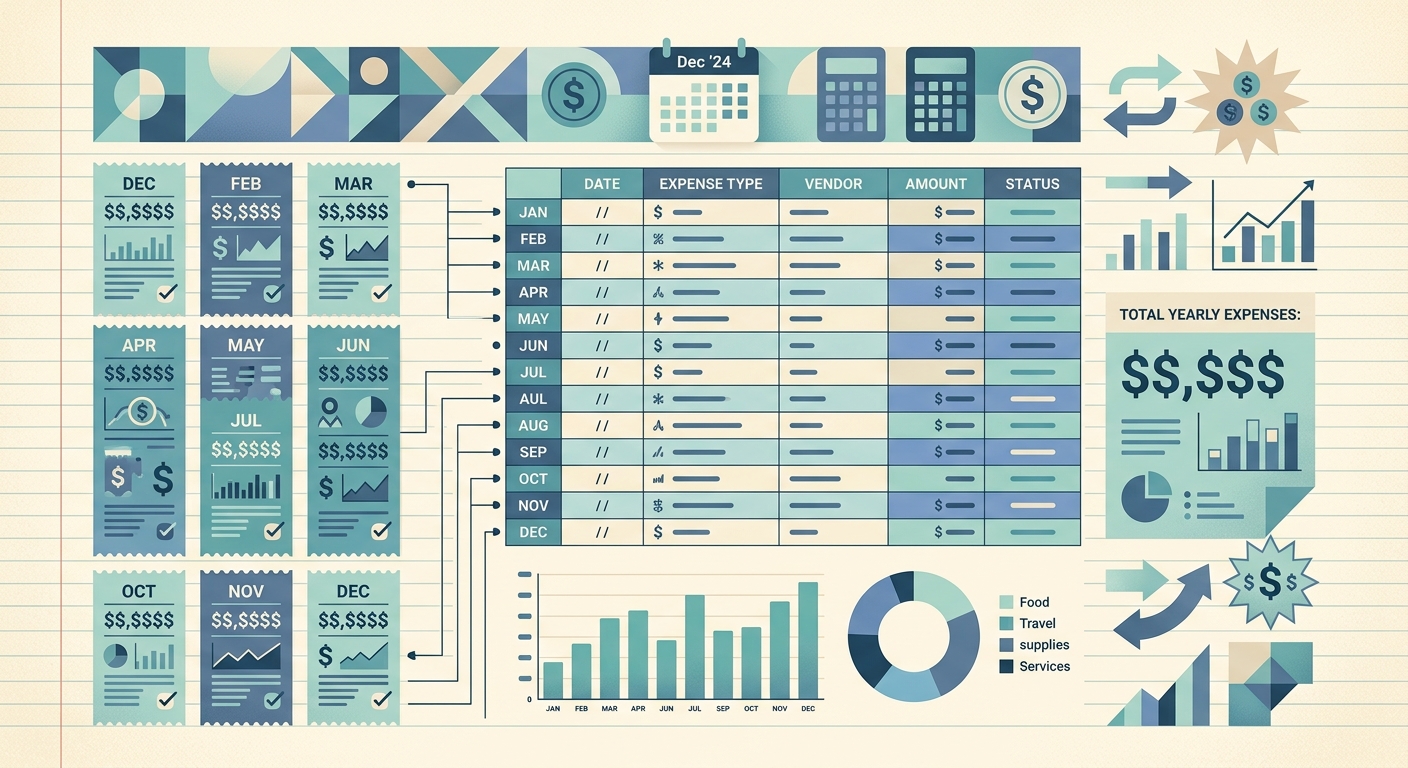
If you run a small business, freelance on the side, or handle books for clients, the last week of December has a familiar rhythm: you need a clean total of what you spent across every category for the year. A solid year-end expense summary template turns that scramble into a 30-minute task instead of a three-day one. This guide shows you exactly what the template does, what columns it needs, how to use it, and how to bend it for your own business.
What the year-end expense summary template is
A year-end expense summary template is a single spreadsheet, usually Google Sheets or Excel, that rolls twelve months of spending into one view by category. Instead of hunting through monthly ledgers when your accountant asks "what did you spend on software in 2026?", you open one sheet and read the answer off the Total column.
The template is built around three ideas: every expense gets a category, every category tracks monthly totals, and every monthly total rolls into an annual grand total. Once those three rules are in place, the template doubles as your tax prep worksheet, your Schedule C backup, and your client-billing summary if you pass expenses through to customers.
Fields and columns
The minimum set of columns is fifteen. Anything less and you will find yourself adding columns back in March when quarterly estimates come due:
- Category: a short label like "Software", "Travel", "Office Supplies", "Meals (50%)", "Contractors". Keep these consistent month to month; renaming a category mid-year breaks your totals.
- Jan through Dec: twelve columns, one per month, holding dollar amounts for that category in that month.
- Total: a formula column that sums the twelve monthly cells for that row.
- Notes: a free-text column for things like "Q1 included a one-time annual subscription" or "client reimbursed in February".
If you want a more useful template, add three more columns: Tax-Deductible? (Y/N), 1099 Reportable? (Y/N for contractor payments), and Receipts on File? (Y/N or a count). The Y/N columns make filtering at tax time trivial; the receipts column is your audit-trail safeguard. If you are running SlipSheet, those three flags are already tracked per receipt, so you can populate the template by export rather than retyping.
How to use the template
Open the sheet on January 1 and start filling. The fastest workflow is to enter one row per category per month, not one row per receipt. Each monthly cell is the sum of every receipt in that category for that month, which means you need a quick way to group receipts by month and category before you start typing.
The practical approach:
- Export your year's receipts as a single CSV or Google Sheet, grouped by month. SlipSheet does this in one click: pick a date range, group by month and category, export to Sheets.
- Open the template and list your categories down the left column. Match them to the export so totals line up.
- Fill Jan through Dec for each category. If your export already has monthly subtotals, paste them in directly; do not retype.
- Verify the Total column. The grand total should match the sum of every receipt you exported. If it does not, a category is missing from your list or duplicated.
- Tag the rows for tax deductibility, 1099 reporting, and receipts on file. This is what makes the template useful for your accountant, not just for you.
The first year takes a couple of hours because you will be reconciling categories and finding receipts you forgot to log. Year two, with the same template and the same categories, takes about 30 minutes.
Customization options
The base template covers most small businesses, but a few common adjustments make it sharper:
- Add a "Quarter" subtotal row beneath the Total column if you file quarterly estimates. Q1, Q2, Q3, Q4 each pull from the three relevant monthly columns.
- Add a "Client" column if you bill expenses through to customers. Each row becomes a category-and-client combination, and the Total doubles as your billable amount.
- Add a "Vehicle Miles" column if you track mileage alongside receipts. IRS standard mileage rate for 2026 is 70 cents per business mile; including it lets you reconcile the mileage log against actual fuel and maintenance receipts.
- Split "Meals" into "Meals (50%)" and "Meals (100%)" if you have client entertainment that is fully deductible (rare) versus the standard 50%-deductible business meals.
- Add a separate sheet for asset purchases. Anything over your capitalization threshold (often $2,500) belongs on a depreciation schedule, not the operating expense summary. Link the two with a single cell showing total capitalized purchases.
Whatever you customize, keep the column structure stable year over year. The real value of a template compounds: by year three, you can compare 2024 to 2025 to 2026 in the same view and spot trends your accountant will ask about before she asks.
SlipSheet exports directly into this layout, with category, monthly subtotals, and tax flags pre-filled. Start with a clean December close in SlipSheet, drop the export into a copy of this template, and your year-end summary is done before the eggnog goes cold.
FAQ
What categories should I use in a year-end expense summary template?
Keep categories consistent across all twelve months; common ones for small businesses and freelancers include Software, Travel, Office Supplies, Meals (50%), Contractors, Marketing, and Utilities. Renaming a category mid-year breaks your totals.
How long does it take to fill out a year-end expense summary?
Year one takes two to three hours because you will reconcile categories and find missing receipts. Year two, with the same template and category list, takes about 30 minutes.
Do I need to track tax-deductible expenses separately?
Yes. Add a Tax-Deductible? Y/N column to your template so you can filter at tax time and answer your accountant's questions without re-reading every receipt. Schedule C, home office, and vehicle deductions are the usual flags.
Should receipts and mileage go in the same template?
Yes, but as separate columns on each row. The IRS standard mileage rate for 2026 is 70 cents per business mile, so adding a Vehicle Miles column lets you reconcile your mileage log against actual fuel and maintenance receipts in one view.
What is the difference between a year-end expense summary and a depreciation schedule?
The expense summary covers operating costs that get deducted in the year they are paid. A depreciation schedule covers asset purchases over your capitalization threshold (often $2,500) and spreads the deduction over several years. Keep them on separate sheets and link them with a single total.