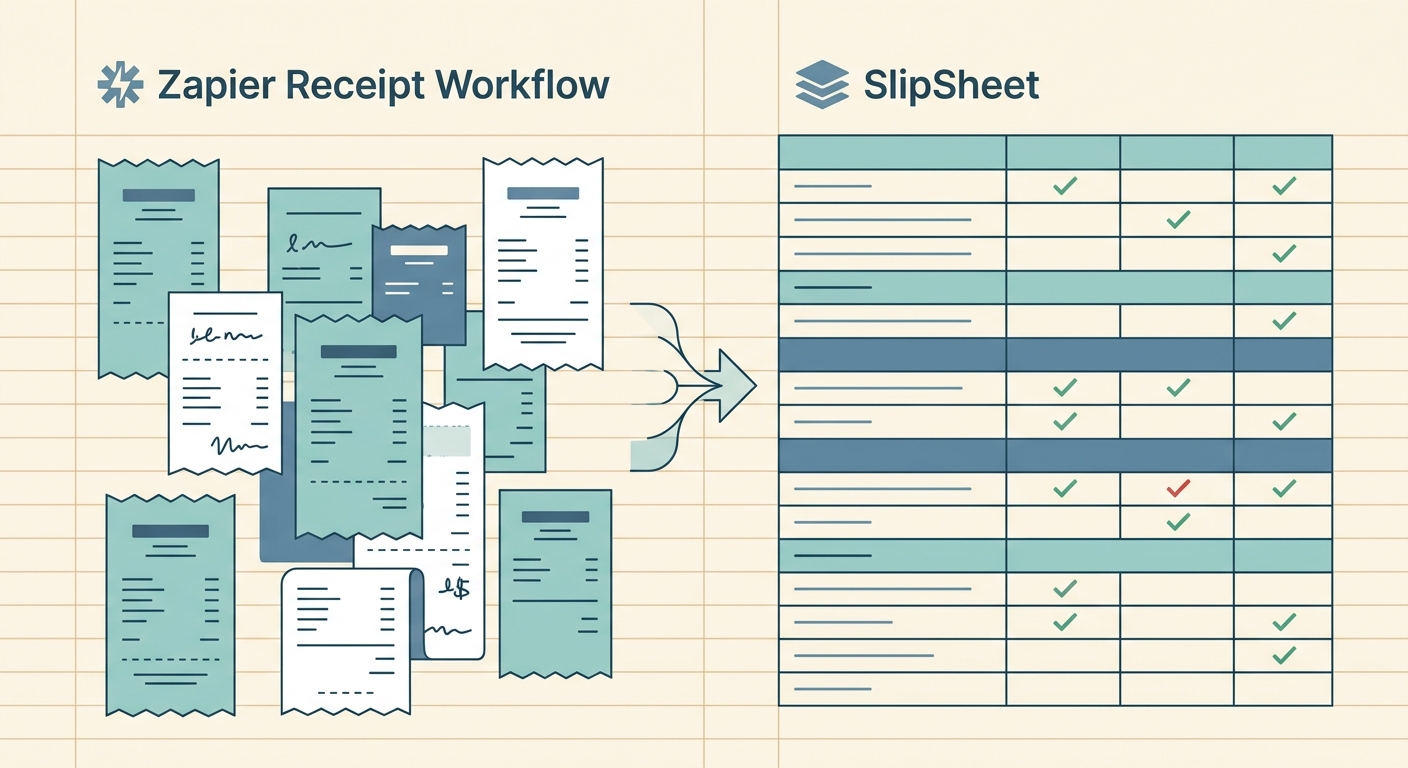
Building a receipt workflow in Zapier sounds appealing on paper: connect Gmail or Dropbox to a parser, push the results into a Google Sheet, then trigger a follow-up zap that posts to Slack or QuickBooks. It is flexible, and for someone comfortable wiring up multi-step automations, it works. For a freelancer or bookkeeper who just wants the merchant, date, total, and tax on every receipt in a clean spreadsheet by Friday, the same setup often turns into a weekend project. This guide compares a typical Zapier receipt workflow to SlipSheet across capture, data extraction, export, and maintenance, so you can pick the right tool for your situation.
Receipt capture
A Zapier receipt workflow usually starts with a trigger app: a Gmail label for forwarded receipts, a Dropbox folder watched by Zapier, or a Google Form where you upload photos. Each trigger has tradeoffs. Gmail forwarding is fast but quietly breaks when receipts land in Promotions or when the sender is not whitelisted. Dropbox works well for power users, less well for a non-technical team member who has to install the desktop client. Google Forms requires opening the form every time, which kills any habit you are trying to build.
SlipSheet focuses on the actual moment of capture. You snap a photo with the phone camera, forward an email receipt, or drop a PDF into a watched folder. The capture step is one action, not a chain of trigger apps, and it does not depend on labels, folders, or third-party storage accounts being configured correctly. For a solo operator or a small team, removing the moving parts at the capture step usually removes 80% of the workflow failures.
Data extraction
Here is where the comparison gets interesting. A Zapier receipt workflow does not extract anything on its own; you still need a parser. Most people plug in Veryfi, Mindee, Taggun, or a GPT-4 prompt to read the receipt image. Each parser adds cost (per-receipt fees range from $0.05 to $0.40 depending on volume), each returns slightly different field names, and each has its own failure mode. Mindee is cheap but its merchant field sometimes returns the store address instead of the name. GPT-4 prompts are flexible but hallucinate totals on faded thermal receipts. You then spend an afternoon mapping every parser field to your spreadsheet column.
SlipSheet bundles capture, OCR, and field normalization into one product. Merchant, date, total, tax, payment method, and category come back in the same shape every time, because there is one parser and one schema, not three. If a receipt is unreadable, the row is flagged with a clear "needs review" status instead of silently writing a wrong number. For teams that do not want to maintain a parser pipeline, the all-in-one model is materially simpler.
Export and where the data lives
A Zapier workflow terminates in whatever app you point it at: Google Sheets, Airtable, Notion, Excel Online, QuickBooks Online, Xero. That flexibility is the main reason people pick Zapier in the first place. The catch is that you have already invested in choosing the destination, mapping the schema, and writing the zap. Switching destinations later means rebuilding every step. Receipt photos usually live in Dropbox or Google Drive alongside the parser output, which means the "source of truth" for an audit is split across three or four services.
SlipSheet writes directly to Google Sheets and Excel. Each receipt becomes one row with a link back to the original image, so the audit trail lives in the same place as the data. If you want to move the rows into QuickBooks or another accounting tool, you do that once at month-end with a built-in export, not on every receipt. For spreadsheet-first operators, keeping the source of truth in the spreadsheet itself is a feature, not a limitation.
Pricing and predictability
Zapier pricing is task-based: a multi-step zap that fires on every receipt can burn through 500 tasks in a busy month, which puts you in the $49 to $99 per month tier. Add a parser at $0.10 to $0.30 per receipt, and a freelancer processing 100 receipts per month is paying $15 to $40 just for the parser on top of Zapier. There is also an indirect cost: every time Zapier or the parser changes their API or pricing, you are the one maintaining the integration.
SlipSheet charges a flat monthly rate with no per-receipt fees. You know the bill before you snap the photo, which matters for bookkeepers billing clients on a fixed fee and for freelancers watching every subscription. The 14-day free trial lets you run a real month's worth of receipts through before committing, which is hard to do with a multi-step Zapier zap because the parser fees start immediately.
Maintenance and reliability
A Zapier receipt workflow has more failure surfaces than people realize. Zapier itself can throttle zaps on free and low-tier plans. Gmail can re-categorize receipts into Promotions and silently stop the trigger. The parser can change its field names after an update and break the mapping. Dropbox tokens expire. Each of these is a small thing; together they explain why most "set it and forget it" Zapier receipt workflows get touched every few weeks.
SlipSheet has fewer moving parts because capture, OCR, and export are owned by the same team. When something does change, you see one changelog instead of three. For non-technical operators, this difference compounds over a year: less time debugging means more time doing the actual work the receipts represent.
Who should pick which
Pick a Zapier receipt workflow if you already have a Zapier-heavy stack, your accountant wants data pushed directly into QuickBooks Online on every receipt, and you have someone on the team who enjoys maintaining automations. The flexibility is real and worth the upkeep cost in that case.
Pick SlipSheet if you want the receipt data in a Google Sheet or Excel file you control, you do not want to debug three different services when something breaks, and you would rather pay one flat fee than track per-task and per-receipt charges. SlipSheet is also the easier choice for bookkeepers who manage receipts for several clients and want one workflow that works the same for all of them.
Both tools solve the same underlying problem: getting receipt data out of photos and into a structured place. The difference is whether you want to build and maintain that pipeline yourself (Zapier) or use one that is already built and focused (SlipSheet). If you want to try the focused path, start a SlipSheet free trial and run a real week's worth of receipts through it before deciding.
FAQ
Can Zapier actually read receipt data without a third-party parser?
No. Zapier moves data between apps but does not perform OCR or extract merchant, total, or tax fields on its own. You still need to connect a parser like Veryfi, Mindee, Taggun, or a GPT-4 prompt and map its fields to your destination sheet.
Which is cheaper for processing around 100 receipts per month?
SlipSheet is usually cheaper because pricing is a flat monthly rate with no per-receipt fees. A Zapier stack at 100 receipts per month typically costs $49+ for Zapier plus $10-$30 for the parser, before any time spent maintaining the workflow.
Can SlipSheet push receipt data into QuickBooks Online automatically?
SlipSheet exports to Google Sheets and Excel directly, and supports a one-click export to QuickBooks and similar tools at month-end. It does not post a new row to QuickBooks on every receipt the way a dedicated Zapier zap can.
How long does it take to set up a Zapier receipt workflow from scratch?
For someone who already uses Zapier, a working single-zap setup with a parser and Google Sheet takes a few hours, plus more time to handle error paths and edge cases like faded receipts or unknown merchants. SlipSheet is ready to capture receipts in minutes.
What happens when a receipt is unreadable in each tool?
In Zapier workflows the zap usually fails silently or writes a partial row, depending on how you configured the parser step. SlipSheet flags unreadable receipts with a clear 'needs review' status so nothing is silently miscategorized.