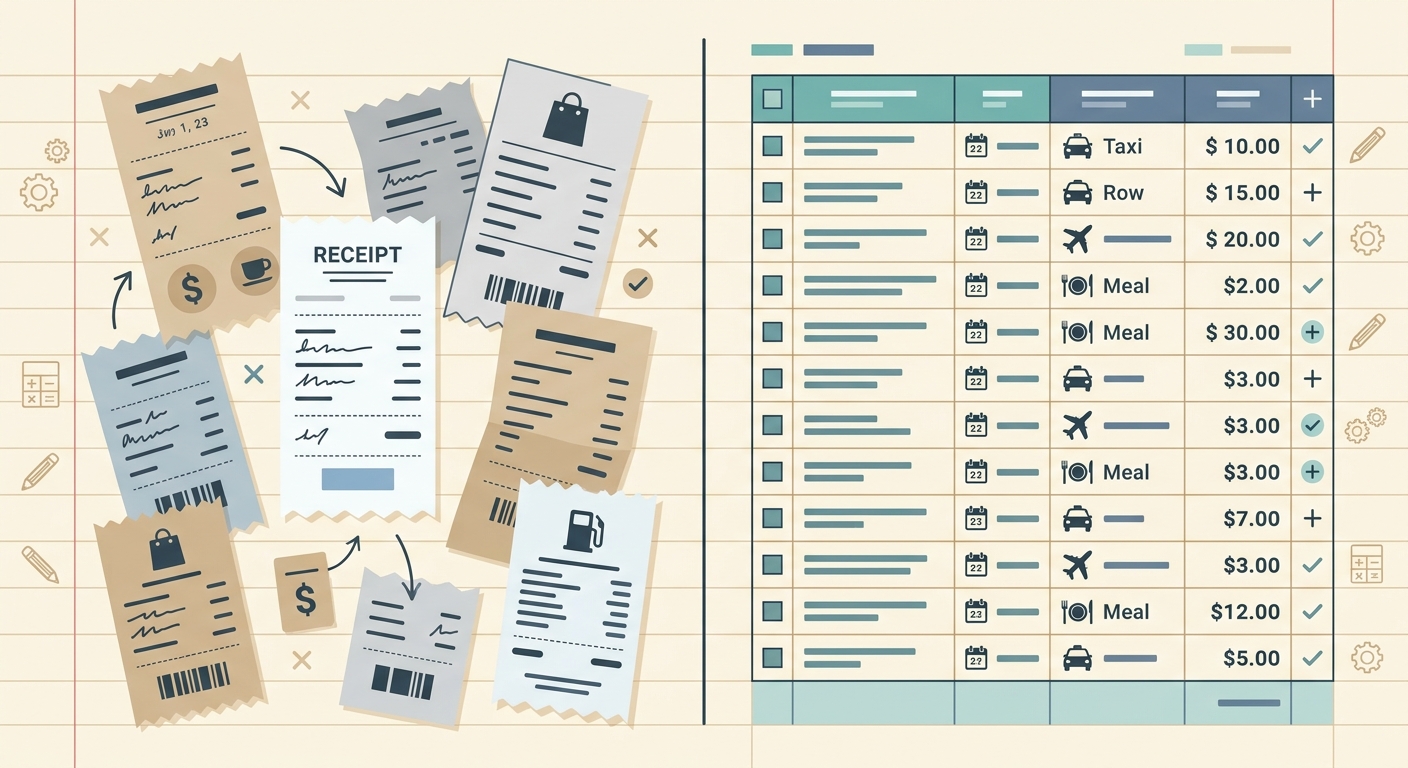
Managing expenses can be a significant drain on time and resources for businesses of all sizes. From capturing every receipt to accurately logging data, the process often feels cumbersome. When looking for solutions, two names might emerge: Zoho Expense, a comprehensive expense management platform, and SlipSheet, a specialized tool designed to transform receipt photos and email receipts directly into spreadsheet rows. This article provides a detailed comparison, exploring Zoho Expense vs SlipSheet, to help you determine which tool best fits your specific needs, especially if you are a spreadsheet-first user.
Zoho Expense offers a broad suite of features for end-to-end expense management, catering to businesses that require robust policy enforcement, approval workflows, and deep accounting integrations. SlipSheet, on the other hand, carves out a niche for those who primarily need an efficient way to get accurate receipt data into a spreadsheet for their own custom tracking, budgeting, or simple reporting. Understanding their core differences will illuminate which solution provides the most value for your unique approach to expense tracking.
Receipt Capture and Submission
The first step in any expense management process is capturing the receipt. Both Zoho Expense and SlipSheet offer convenient methods, but their approaches reflect their broader philosophies.
- Zoho Expense: This platform provides multiple avenues for receipt submission, ensuring flexibility for various user preferences. Users can capture receipts using the dedicated Zoho Expense mobile app, which allows for quick photo uploads. Email forwarding is another popular method, where users can simply send their digital receipts to a designated email address. Additionally, manual uploads from a desktop, integration with corporate cards, and even fetching e-receipts directly from vendors are available. Zoho Expense aims for a comprehensive capture strategy to ensure no expense goes unrecorded, fitting seamlessly into a larger organizational workflow.
- SlipSheet: Designed for simplicity and directness, SlipSheet focuses on streamlining the capture of receipt photos and email receipts. Its progressive web app (PWA) allows users to snap a picture of a physical receipt directly from their phone, which is then sent for processing. For digital receipts, users can forward them to a unique SlipSheet email address. The emphasis here is on a quick, frictionless process to get the essential data from a receipt into a format ready for a spreadsheet. SlipSheet excels for users who prioritize speed and minimal steps for data entry, bypassing the complexities of a full expense report system.
Data Extraction and Organization
Once a receipt is captured, the next crucial step is extracting relevant data and organizing it. This is where the differing philosophies of Zoho Expense and SlipSheet become particularly apparent.
- Zoho Expense: Leveraging advanced AI and optical character recognition (OCR), Zoho Expense automatically extracts key details such as vendor name, date, amount, and currency from receipts. Beyond basic extraction, it offers intelligent categorization based on predefined rules or user history, ensuring expenses are grouped correctly for reporting and accounting. The platform supports multi-currency transactions and allows for the application of expense policies, flagging out-of-policy spending. This robust organization facilitates comprehensive expense reports and simplifies reconciliation, making it ideal for businesses with complex accounting needs and compliance requirements.
- SlipSheet: SlipSheet also employs powerful AI and OCR technology to accurately extract crucial data points from your receipt photos and email receipts. Its primary focus is on getting the core financial information into a structured, spreadsheet-ready format: vendor, date, total amount, currency, tax amount, and often line-item details. Unlike Zoho Expense, SlipSheet does not aim to provide in-app categorization, policy enforcement, or approval workflows. Instead, it acts as a highly efficient data bridge, delivering clean, precise data that users can then categorize and manage within their preferred spreadsheet environment. This approach offers unparalleled flexibility for users who prefer to maintain control over their data organization in a familiar spreadsheet interface.
Export and Reporting Capabilities
The ultimate goal of expense tracking is to gain insights and facilitate financial reconciliation. The export and reporting features highlight the divergent use cases for Zoho Expense and SlipSheet.
- Zoho Expense: As a full-fledged expense management solution, Zoho Expense offers extensive reporting capabilities. Users can generate detailed expense reports, project-based reports, budget vs. actual reports, and more. These reports can be customized, exported in various formats (PDF, CSV, XLS), and directly integrated with accounting software like Zoho Books, QuickBooks, or Xero. The platform is designed to handle complex approval flows, reimbursement processes, and provides a comprehensive audit trail, making it suitable for businesses that need to manage, approve, and reimburse employee expenses systematically.
- SlipSheet: SlipSheet's core strength lies in its direct export functionality to spreadsheets. After processing your receipt photos and email receipts, SlipSheet provides a clean, organized data set that can be easily downloaded as a CSV or Excel file. There are no built-in reporting dashboards or complex approval workflows within SlipSheet itself. Its value proposition is simple: take your unstructured receipt data and transform it into structured rows in a spreadsheet. This makes SlipSheet an invaluable tool for individuals, freelancers, or small businesses who use spreadsheets as their primary accounting or budgeting tool and need a fast, accurate way to populate them with receipt data, without the overhead of a full expense management system.
Pricing and Value Proposition
Understanding the cost and the value each tool delivers is crucial for making an informed decision about Zoho Expense vs SlipSheet.
- Zoho Expense: Zoho Expense typically offers tiered pricing plans, often including a free tier for very basic usage, and scaling up based on the number of users and advanced features required. Its value proposition is centered around providing a comprehensive, all-in-one solution for expense management, often as part of the broader Zoho One suite. Businesses needing robust features like corporate card reconciliation, advanced policy enforcement, multi-currency support, and deep accounting integrations will find the investment worthwhile. The cost reflects its ability to streamline the entire expense lifecycle, from submission to reimbursement and accounting.
- SlipSheet: SlipSheet's pricing model is designed to be accessible and transparent, focusing on the core service of converting receipts to spreadsheet data. It offers a specialized, high-value service at a potentially lower entry point for its specific use case. The value of SlipSheet lies in its efficiency and precision in data extraction, saving users significant manual data entry time. For individuals, small teams, or businesses who primarily rely on spreadsheets for financial tracking, SlipSheet represents a cost-effective alternative to a full expense management system, providing exactly what they need without unnecessary features or complexity. It's a tool that pays for itself by eliminating tedious manual data entry and reducing errors.
Integrations and Ecosystem
The ability of an expense tool to integrate with other financial systems can significantly impact overall efficiency.
- Zoho Expense: Zoho Expense shines in its integration capabilities, particularly within the extensive Zoho ecosystem. It integrates seamlessly with other Zoho applications like Zoho Books (accounting), Zoho CRM, and Zoho Projects, creating a unified business management platform. Beyond Zoho, it offers robust integrations with popular third-party accounting software such as QuickBooks, Xero, and Sage, ensuring that expense data flows smoothly into your general ledger. This deep integration makes Zoho Expense a powerful choice for businesses already embedded in the Zoho ecosystem or those requiring tight coupling with their existing accounting solutions.
- SlipSheet: SlipSheet's integration philosophy is simpler and more direct. While it doesn't offer the same direct, deep integrations with accounting software as Zoho Expense, its core "integration" is with your spreadsheet software of choice. By consistently providing clean, structured data in CSV or Excel formats, SlipSheet ensures universal compatibility. This means the data can be easily imported into virtually any spreadsheet program, accounting software that supports CSV imports, or even custom databases. For users who prioritize having their data in a highly flexible, universally compatible spreadsheet format for custom analysis or manual import into other systems, SlipSheet offers a powerful, albeit different, form of integration. It empowers users to build their own integrations by providing the foundational data.
In conclusion, the choice between Zoho Expense and SlipSheet ultimately depends on your specific needs and workflow. If you require a comprehensive, all-in-one expense management system with robust policy enforcement, approval workflows, and deep accounting integrations, Zoho Expense is an excellent, feature-rich choice. However, if your primary goal is to quickly and accurately convert receipt photos and email receipts into structured spreadsheet rows, empowering your existing spreadsheet-based financial tracking, then SlipSheet is the clear winner. It offers a focused, efficient, and cost-effective solution for spreadsheet-first users who value precision and simplicity over an expansive feature set. Make the smart choice for your expense data management.
Ready to streamline your receipt-to-spreadsheet workflow? Discover how SlipSheet can transform your expense tracking. Visit slipsheet.app today.
FAQ
What is the main difference between Zoho Expense and SlipSheet?
Zoho Expense is a comprehensive expense management system with full reporting, approval workflows, and accounting integrations. SlipSheet is a specialized tool focused on accurately converting receipt photos and email receipts directly into spreadsheet-ready data, ideal for users who manage expenses primarily in spreadsheets.
Is SlipSheet suitable for large businesses?
SlipSheet is best suited for individuals, freelancers, and small to medium-sized businesses or teams who need a simple, efficient way to get accurate receipt data into spreadsheets. Large businesses requiring complex policy enforcement and multi-departmental workflows might find a full system like Zoho Expense more appropriate.
Can SlipSheet categorize expenses like Zoho Expense?
No, SlipSheet focuses solely on data extraction and export to a spreadsheet. It does not offer in-app categorization or policy enforcement; users perform these functions within their chosen spreadsheet software after data export.
What file formats can SlipSheet export to?
SlipSheet exports your extracted receipt data into universally compatible formats, primarily CSV and Excel files, which can then be easily imported into most spreadsheet programs or accounting software.
Does SlipSheet integrate with accounting software?
SlipSheet's primary 'integration' is with your spreadsheet software, providing clean, structured data that can be manually or semi-automatically imported into virtually any accounting system that supports CSV or Excel imports. It does not offer direct, real-time integrations in the same way as Zoho Expense.