Searching for an Everlance Alternative? Discover SlipSheet for Simplified Receipt Management
For many freelancers, small business owners, and individuals, managing expenses is a critical but often tedious task. Tools like Everlance have emerged to simplify this, offering a suite of features designed to track mileage, categorize expenses, and prepare for tax season. However, what if your primary need is a straightforward, efficient way to convert receipt photos and email receipts directly into spreadsheet rows, without the added complexity or cost of a comprehensive expense management system? If you're looking for an Everlance alternative that focuses purely on this essential function, SlipSheet might be the perfect fit for your workflow.
This article explores why some users seek an alternative to Everlance and introduces SlipSheet as a focused solution for those who prioritize seamless receipt-to-spreadsheet conversion for simple export needs. We'll delve into Everlance's strengths, identify scenarios where it might be overkill, and highlight how SlipSheet offers a distinct, streamlined approach.
What Everlance Does Well
Everlance has built a strong reputation as a comprehensive tool for expense and mileage tracking, particularly popular among gig economy workers, consultants, and small business owners. Its robust feature set addresses several key areas:
- Automated Mileage Tracking: A standout feature, Everlance automatically tracks your drives, categorizes them as business or personal, and calculates deductible mileage, which is invaluable for tax purposes.
- Comprehensive Expense Management: Beyond mileage, Everlance allows users to link bank accounts and credit cards, import transactions, and categorize expenses manually or automatically. It helps in keeping a detailed record of all financial outlays.
- Tax Preparation Features: The platform offers reports tailored for tax filing, summarizing deductions and income, making it easier to prepare Schedule C or other necessary tax forms.
- User-Friendly Interface: Generally, users find Everlance's mobile app and web interface intuitive, making it relatively easy to navigate and manage expenses on the go.
- Variety of Integrations: Everlance often integrates with other financial tools and accounting software, providing a more connected experience for businesses.
For those who require an all-in-one solution for both mileage and expense tracking with integrated tax reporting, Everlance is undoubtedly a powerful contender.
Where Everlance Falls Short for Certain Users
While Everlance excels in its comprehensive offerings, its very breadth can be a drawback for users with more specific or simpler needs. If your primary goal is to simply get receipt data into a spreadsheet efficiently, you might find Everlance to be more than you require. Here are some scenarios where it might fall short as an ideal solution:
- Overkill for Simple Receipt-to-Spreadsheet Needs: If your main task is converting physical or email receipts into structured data for a spreadsheet, Everlance's extensive features, such as automated mileage tracking or bank integrations, may be unnecessary. You might be paying for features you don't use.
- Cost-Benefit for Focused Tasks: For users who only need a reliable receipt data extraction tool, the subscription cost of a full-suite expense manager like Everlance might not align with the value derived from their specific use case.
- Export Granularity: While Everlance offers export options, users focused solely on receipt data might desire more direct, customizable spreadsheet exports that precisely match their analytical needs without extra overhead.
- Learning Curve for Unused Features: Navigating a comprehensive platform can introduce a learning curve, even if you only intend to use a fraction of its capabilities. This can be a barrier for those seeking a quick, no-fuss solution.
For individuals or small businesses who have existing mileage tracking methods, or whose accounting is handled elsewhere, the search for an Everlance alternative often points towards a more specialized tool.
What SlipSheet Does Differently: A Focused Everlance Alternative
This is precisely where SlipSheet carves out its niche as a compelling Everlance alternative. SlipSheet is purpose-built for one core function, doing it exceptionally well: transforming your receipt photos and email receipts into organized, exportable spreadsheet rows. It's designed for simplicity, speed, and accuracy, without the additional features that might complicate a user's primary objective.
Here's how SlipSheet stands apart:
- Dedicated Receipt Data Extraction: SlipSheet focuses exclusively on processing receipts. You simply upload a photo of a physical receipt or forward an email receipt, and SlipSheet intelligently extracts key information such as vendor, date, total amount, and line items.
- Direct Spreadsheet Export: The extracted data is immediately available for export into a clean, structured CSV or Excel file. This direct approach eliminates unnecessary steps, making it ideal for users who rely on spreadsheets for their financial record-keeping or for importing into other systems.
- Simplicity and Ease of Use: With SlipSheet, there's no complex setup, no bank linking, and no mileage tracking. The interface is intuitive, allowing you to quickly process receipts and get the data you need.
- Cost-Effective for Specific Needs: By focusing on a singular, powerful function, SlipSheet offers a highly cost-effective solution for individuals and businesses whose main requirement is efficient receipt data entry into spreadsheets. You pay for what you truly need.
- Privacy-Focused: Without linking to bank accounts or tracking location, SlipSheet maintains a narrower data footprint, appealing to users concerned about privacy and data security.
SlipSheet isn't trying to be an all-in-one expense manager; it's designed to be the best tool for turning receipts into actionable spreadsheet data.
Who Should Consider a Switch to SlipSheet as an Everlance Alternative?
If you've been using Everlance but find yourself primarily using it for receipt scanning and data export, or if you're exploring expense management solutions and realize your core need is streamlined receipt processing, SlipSheet is an alternative worth considering. Here are profiles of users who would benefit most:
- Freelancers and Contractors: Those who need to meticulously track expenses for tax deductions but prefer managing their finances in spreadsheets or have separate mileage tracking methods.
- Small Business Owners: Businesses that manage their accounting in Excel or Google Sheets and require a fast, accurate way to input receipt data without manual transcription.
- Individuals with Simple Expense Tracking: Anyone who needs to keep track of personal or household expenses for budgeting or tax purposes, without the overhead of a full financial management suite.
- Users Seeking Cost Efficiency: If the comprehensive features of Everlance are beyond your current requirements, SlipSheet offers a more budget-friendly approach to receipt data management.
- Existing Spreadsheet Users: For those who are already comfortable and proficient with spreadsheets for financial analysis, SlipSheet acts as a powerful data entry assistant.
Choosing SlipSheet means opting for a specialized tool that excels at its core function, providing precision and efficiency for your receipt-to-spreadsheet workflow.
Common Migration Questions When Switching to SlipSheet
Considering an Everlance alternative like SlipSheet often brings up questions about the transition process and how it handles your data. Here are some common inquiries:
- How easy is it to switch from Everlance to SlipSheet? Switching to SlipSheet is straightforward because it focuses on a specific task. You don't need to migrate complex financial histories; you simply start uploading your receipts to SlipSheet for processing and export.
- Does SlipSheet store my historical Everlance data? No, SlipSheet does not integrate with Everlance and does not store your historical Everlance data. It's a fresh start for your receipt data entry, allowing you to process new receipts as they come in.
- What happens to my existing receipts in Everlance? Your existing receipts and data within Everlance will remain there. If you need historical data in a spreadsheet format, you would typically export it directly from Everlance before discontinuing its use.
- Can I use SlipSheet alongside other financial tools? Absolutely. SlipSheet is designed to be a complementary tool. Its primary output is a clean spreadsheet, which can then be imported into virtually any accounting software, budgeting tool, or personal spreadsheet system you already use.
- Is SlipSheet suitable for tax purposes? Yes, the organized data exported from SlipSheet, which includes essential details like vendor, date, and amount, is perfectly suitable for tax preparation. You can provide these spreadsheets directly to your accountant or use them to fill out tax forms.
SlipSheet provides a clear path for users who need a dedicated, efficient receipt-to-spreadsheet solution without the complexities of an all-encompassing expense management system.
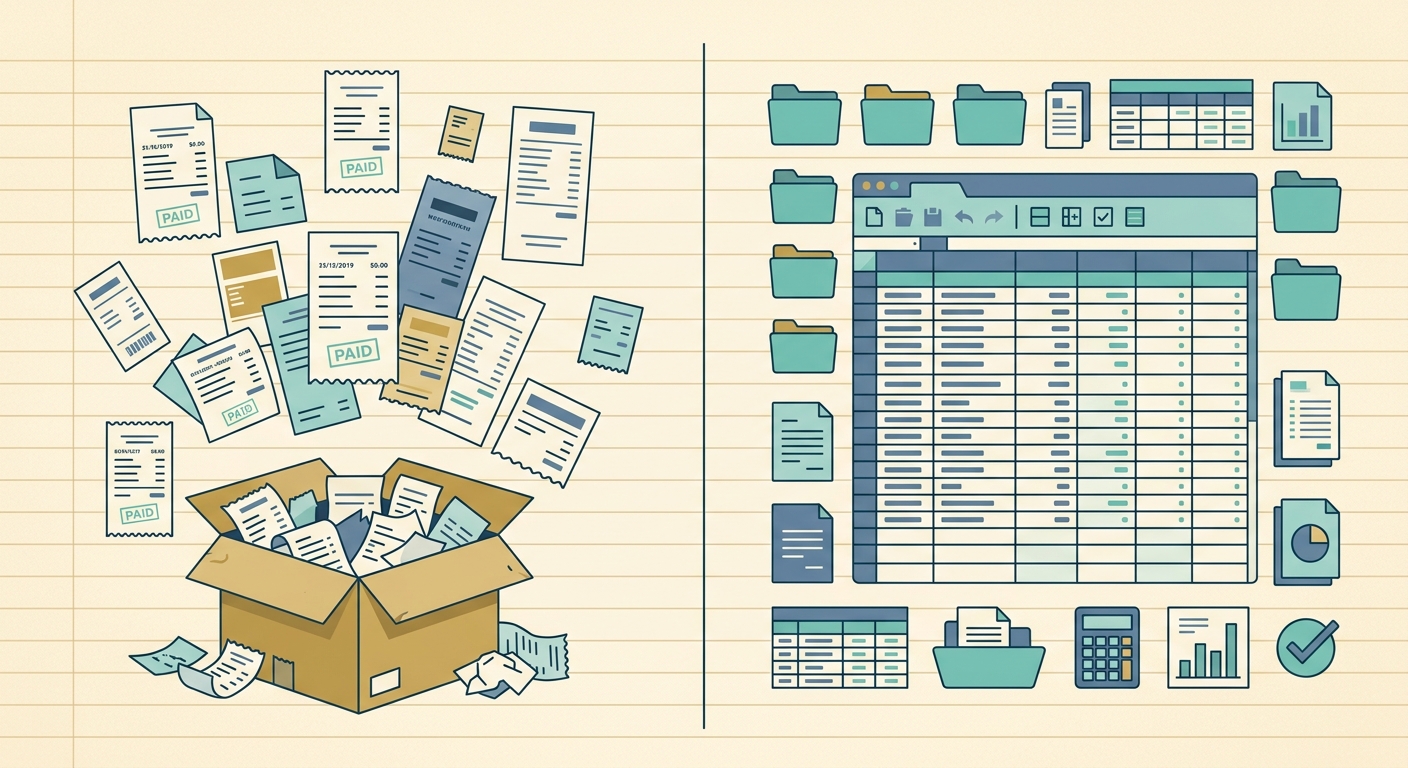
If your goal is to transform messy stacks of receipts and overflowing email inboxes into clean, actionable spreadsheet rows, an Everlance alternative like SlipSheet offers a refreshingly focused approach. It streamlines the data entry process, saving you time and ensuring accuracy for your financial records. Discover how simple receipt management can be and take control of your expense data today.
Visit slipsheet.app to learn more and start converting your receipts into organized spreadsheet data with ease.
FAQ
What is SlipSheet?
SlipSheet is a specialized tool that converts receipt photos and email receipts into structured spreadsheet rows. It extracts key data points like vendor, date, and total amount, making your expense tracking simple and efficient.
How does SlipSheet differ from Everlance?
SlipSheet focuses solely on turning receipts into spreadsheet data, offering a streamlined solution without mileage tracking, bank integrations, or broader expense management features. Everlance provides a more comprehensive suite including automated mileage and full expense categorization.
What kind of receipts can SlipSheet process?
SlipSheet can process both physical receipts, which you can photograph and upload, and digital receipts received via email, which you can forward directly to the platform.
Is SlipSheet suitable for tax preparation?
Yes, the accurate and organized data exported from SlipSheet in a spreadsheet format is ideal for tax preparation. You can easily provide this data to your accountant or use it for your own tax filing.
Can I integrate SlipSheet with my existing accounting software?
While SlipSheet does not offer direct integrations with accounting software, its primary output is a universally compatible CSV or Excel file. This allows you to easily import your receipt data into most accounting platforms, budgeting tools, or personal spreadsheets.