Seeking a Focused Harvest Expense Receipt Alternative? Meet SlipSheet
Managing business expenses is a critical task for freelancers, small businesses, and growing enterprises alike. Accurate expense tracking ensures proper budgeting, simplifies tax preparation, and provides clear insights into financial health. Harvest has long been a popular choice for time tracking, invoicing, and project management, offering an integrated approach to various business operations. However, when it comes specifically to the granular task of turning individual expense receipts into clean, exportable spreadsheet data, some users might find themselves looking for a more specialized, streamlined solution. This is where a focused Harvest expense receipt alternative like SlipSheet truly shines, providing precision and simplicity for your receipt-to-spreadsheet needs.
What Harvest Does Well for Expense Tracking
Harvest is undoubtedly a powerful tool, excelling in several areas that benefit businesses. Its expense tracking features are part of a broader ecosystem designed for comprehensive project management. Here are some of its strengths:
-
Integrated Workflow: Harvest seamlessly integrates expense tracking with its time tracking and invoicing capabilities. This means you can easily associate expenses with specific projects or clients, streamlining the billing process.
-
Project-Based Expenses: For businesses heavily reliant on project work, Harvest allows for detailed categorization and allocation of expenses to individual projects, providing a clear financial picture for each undertaking.
-
Client Billing: The ability to mark expenses as billable and include them directly in client invoices is a significant advantage, reducing manual data entry and potential errors.
-
Reporting: Harvest offers various reports that can help analyze project profitability and expense distribution, providing valuable insights for business owners and project managers.
For organizations that require a holistic platform encompassing time, projects, and billing alongside expense management, Harvest provides a robust and well-rounded solution.
Where Harvest Might Fall Short for Simple Receipt Management
While Harvest's comprehensive suite is excellent for many, its broad functionality can sometimes be overkill for users whose primary need is simply to convert a pile of physical or digital receipts into structured spreadsheet data. If your workflow involves capturing numerous receipts and exporting them for external accounting software, or if you prefer managing your finances primarily through spreadsheets, Harvest's approach to expense tracking might present a few challenges:
-
Overemphasis on Broader Features: For users solely focused on receipt data entry and export, the extensive project management and invoicing features of Harvest might add unnecessary complexity. The learning curve for the full platform can be steep if you only intend to use a fraction of its capabilities.
-
Cost-Effectiveness for Niche Use: If you are already using separate tools for time tracking, invoicing, or project management, or if your business model does not require these advanced features, paying for Harvest's full suite just for its expense receipt capabilities might not be the most cost-effective solution. You could be paying for features you do not use.
-
Specific Export Needs: While Harvest offers export options, they might not always align perfectly with the specific, highly customizable spreadsheet formats some users require for direct import into other systems or for personal record-keeping. Users seeking maximum flexibility in their spreadsheet output might look elsewhere.
-
Focused Simplicity: Some users simply want a tool that does one thing exceptionally well: take a receipt and turn it into a spreadsheet row, without the overhead of project assignments, billable statuses, or client allocations. For these users, a more focused tool is often preferred.
These points highlight why a dedicated Harvest expense receipt alternative could be more suitable for those prioritizing simplicity, direct spreadsheet export, and cost-efficiency for receipt management.
How SlipSheet Offers a Focused Harvest Expense Receipt Alternative
Enter SlipSheet, a powerful and precise tool designed to address the specific need for converting various types of receipts into organized spreadsheet data. SlipSheet positions itself as an ideal Harvest expense receipt alternative for individuals and businesses seeking a streamlined, no-frills approach to receipt management. Here is what makes it stand out:
-
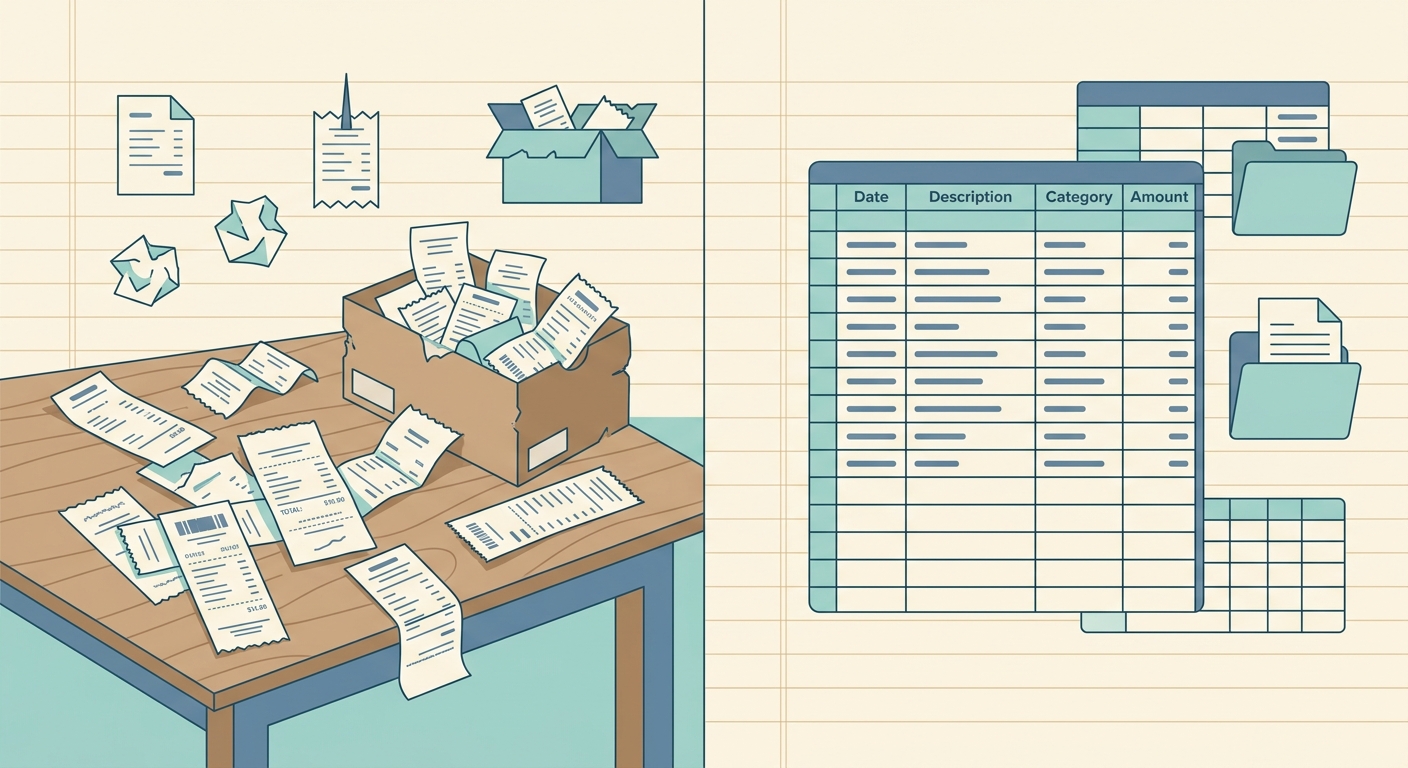
Core Functionality: SlipSheet's primary purpose is singular and effective: it transforms both physical receipt photos and digital email receipts directly into clean, structured spreadsheet rows. This dedicated focus ensures optimal performance for this crucial task.
-
Unmatched Simplicity: The platform is built with ease of use in mind. You simply upload your receipts, and SlipSheet takes care of the complex data extraction. There is no need to navigate extensive project settings or client lists if your goal is purely data capture.
-
High Accuracy with OCR: Leveraging advanced Optical Character Recognition, or OCR, technology, SlipSheet accurately identifies and extracts key information from your receipts, including vendor names, dates, amounts, and currencies. This minimizes manual data entry errors and saves significant time.
-
Flexible Spreadsheet Export: All extracted data is ready for export in a universal CSV format. This means your expense data is instantly compatible with any spreadsheet software, whether you use Microsoft Excel, Google Sheets, LibreOffice Calc, or custom accounting systems that accept CSV imports. You gain complete control over how you organize and utilize your financial data.
-
Cost-Effective Specialization: By focusing on a single, vital function, SlipSheet can offer a highly efficient and potentially more affordable solution compared to comprehensive platforms that include many features you might not require for simple receipt processing.
For those who value directness and efficiency in their receipt management, SlipSheet provides a compelling and highly functional Harvest expense receipt alternative.
Who Should Consider SlipSheet as Their Harvest Expense Receipt Alternative
SlipSheet is designed for a specific user base that prioritizes straightforward, accurate, and flexible receipt-to-spreadsheet conversion. If any of the following describe your situation, SlipSheet could be the perfect Harvest expense receipt alternative for you:
-
Freelancers and Independent Contractors: Individuals who manage their own expenses and need a quick, easy way to prepare data for tax purposes or personal accounting without the complexity of project-based tracking.
-
Small Businesses with Existing Accounting Systems: Companies that already use dedicated accounting software, like QuickBooks or Xero, but need a reliable tool to get receipt data into a clean spreadsheet format before import.
-
Users Overwhelmed by Feature-Rich Tools: If you find full-suite expense management platforms too cumbersome or complicated for your basic receipt processing needs, SlipSheet's minimalist approach will be a welcome change.
-
Anyone Prioritizing Direct Spreadsheet Export: If your ultimate goal is to have your receipt data in a spreadsheet for custom analysis, budgeting, or integration with bespoke tools, SlipSheet's direct CSV export is invaluable.
-
Those Seeking a Cost-Efficient, Dedicated Solution: If you are looking to optimize your spending on software and only need a robust solution for receipt data capture and conversion, SlipSheet offers exceptional value.
By streamlining the process of data extraction from receipts, SlipSheet empowers you to maintain meticulous financial records with minimal effort, freeing up valuable time for other business activities.
Common Questions When Switching to a Receipt-to-Spreadsheet Solution
Transitioning to a new tool, even a specialized one, often brings questions. Here are some common inquiries potential users have when considering a Harvest expense receipt alternative like SlipSheet:
-
How easy is it to get started with SlipSheet? Getting started is incredibly simple. You typically just need to create an account, then you can immediately begin uploading receipt photos or forwarding email receipts. The interface is designed for intuitive use, minimizing any learning curve.
-
What kind of receipts can SlipSheet process? SlipSheet is versatile, handling both photographs of physical paper receipts and digital receipts received via email. This broad compatibility ensures you can capture expenses regardless of their original format.
-
How accurate is the data extraction from receipts? SlipSheet employs advanced OCR technology which is highly accurate in identifying and extracting key data points such as vendor, date, total amount, and currency. While no system is 100% perfect due to receipt quality variations, it significantly reduces manual errors.
-
What are the export options for my expense data? Your processed expense data is available for download in a standard CSV, or Comma Separated Values, format. This universal file type ensures seamless compatibility with almost all spreadsheet software and many accounting platforms, providing maximum flexibility.
-
Can SlipSheet integrate with my existing accounting software? While SlipSheet does not offer direct, real-time integrations with specific accounting software, its CSV export feature serves as an excellent bridge. You can easily export your organized expense data from SlipSheet and then import it into your preferred accounting system, such as QuickBooks, Xero, or others, that support CSV imports.
These answers highlight SlipSheet's commitment to simplicity, accuracy, and broad compatibility, making it an accessible and effective tool for anyone needing a focused receipt management solution.
In conclusion, while Harvest offers a robust all-in-one solution for project management, time tracking, and invoicing, its expense features might be more than what is needed for those primarily seeking efficient, accurate, and flexible receipt-to-spreadsheet conversion. SlipSheet emerges as a powerful and highly focused Harvest expense receipt alternative, specifically designed to simplify the often tedious task of expense data entry. By turning receipt photos and email receipts into organized spreadsheet rows with precision, SlipSheet saves valuable time and reduces manual errors, allowing you to maintain impeccable financial records with ease. If you are looking for a dedicated solution to streamline your expense receipt management and gain complete control over your financial data in a spreadsheet format, it is time to explore SlipSheet. Simplify your expense tracking today.
Visit slipsheet.app to get started and transform your receipt chaos into organized data.
FAQ
What types of receipts can SlipSheet process?
SlipSheet can process both physical receipt photos captured with your device and digital email receipts, efficiently extracting key data from either format.
How accurate is the data extraction with SlipSheet?
SlipSheet utilizes advanced OCR technology to achieve high accuracy in identifying and extracting crucial details like vendor, date, amount, and currency from your receipts.
Can I export my expense data to any spreadsheet program?
Yes, SlipSheet exports data in a universal CSV format, ensuring seamless compatibility with Microsoft Excel, Google Sheets, LibreOffice Calc, and most other spreadsheet software.
Is SlipSheet suitable for businesses of all sizes?
SlipSheet is particularly beneficial for freelancers, independent contractors, and small businesses who require a straightforward, efficient method to convert receipts into structured spreadsheet data.
How does SlipSheet differ from full-suite expense management tools?
SlipSheet focuses exclusively on transforming receipt data into spreadsheet rows, offering a streamlined, cost-effective solution without the extensive project management or accounting features found in broader tools.